5 Best Loom Alternatives for Freelancers in 2026 (Ranked by Use Case)

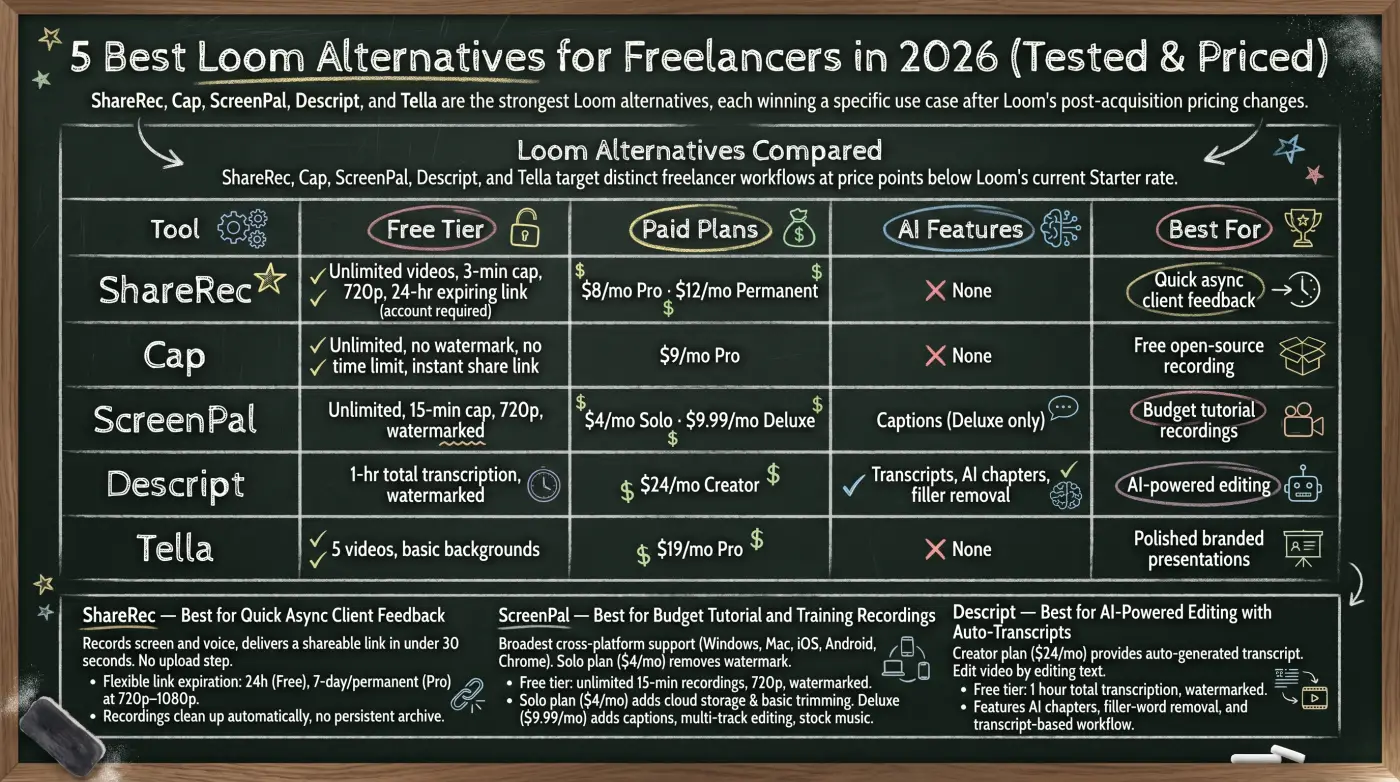
ShareRec, Cap, ScreenPal, Descript, and Tella are the five strongest Loom alternatives for freelancers in 2026 — each wins a specific use case that Loom's post-acquisition pricing no longer justifies.
- ShareRec — Best for quick async client feedback. Instant shareable link with no upload step; keep any video forever in one click, or let it auto-expire in 30 days by default. Free: 5-minute cap per recording, keeps your 25 most recent videos, account required. Pro: $8/mo.
- Cap — Best free open-source option. Unlimited recordings, no watermark, no stated time limit, shareable link ready immediately after recording. Pro: $9/mo.
- ScreenPal — Best for budget tutorial recordings. Free tier: unlimited recordings up to 15 minutes, watermarked. $4/mo Solo removes the watermark.
- Descript — Best for AI-powered editing. Edit video by editing an auto-generated transcript; AI chapters and filler-word removal on the $24/mo Creator plan.
- Tella — Best for polished branded presentations. Custom backgrounds and brand themes, 5-video free tier, $19/mo Pro.
Atlassian acquired Loom in October 2023. The free tier dropped to 25 total videos with a 5-minute-per-video cap; paid plans rose to $15+/mo for the Starter tier. These changes pushed solo freelancers toward purpose-built alternatives that don't carry enterprise overhead.
Loom Alternatives Compared
ShareRec ($8/mo), Cap (free), ScreenPal ($4/mo Solo), Descript ($24/mo Creator), and Tella ($19/mo Pro) each target a distinct freelancer workflow at price points well below Loom's current Starter rate.
| Tool | Free Tier | Paid Plans | AI Features | Best For |
|---|---|---|---|---|
| ShareRec | 5-min cap, 720p, keeps your 25 most recent, 30-day default expiry — keep any forever in one click (account required) | $8/mo Pro · $12/mo Business | None | Quick async client feedback |
| Cap | Unlimited, no watermark, no time limit, instant share link | $9/mo Pro | None | Free open-source recording |
| ScreenPal | Unlimited, 15-min cap, 720p, watermarked | $4/mo Solo · $9.99/mo Deluxe | Captions (Deluxe only) | Budget tutorial recordings |
| Descript | 1-hr total transcription, watermarked | $24/mo Creator | Transcripts, AI chapters, filler removal | AI-powered editing |
| Tella | 5 videos, basic backgrounds | $19/mo Pro | None | Polished branded presentations |
ShareRec — Best for Quick Async Client Feedback
ShareRec records screen and voice and, according to ShareRec, delivers a shareable link in under 30 seconds — no upload step separates stopping the recording from sharing it with a client. Best for: freelancers sending short design reviews, project updates, or approval requests where inbox hygiene matters.
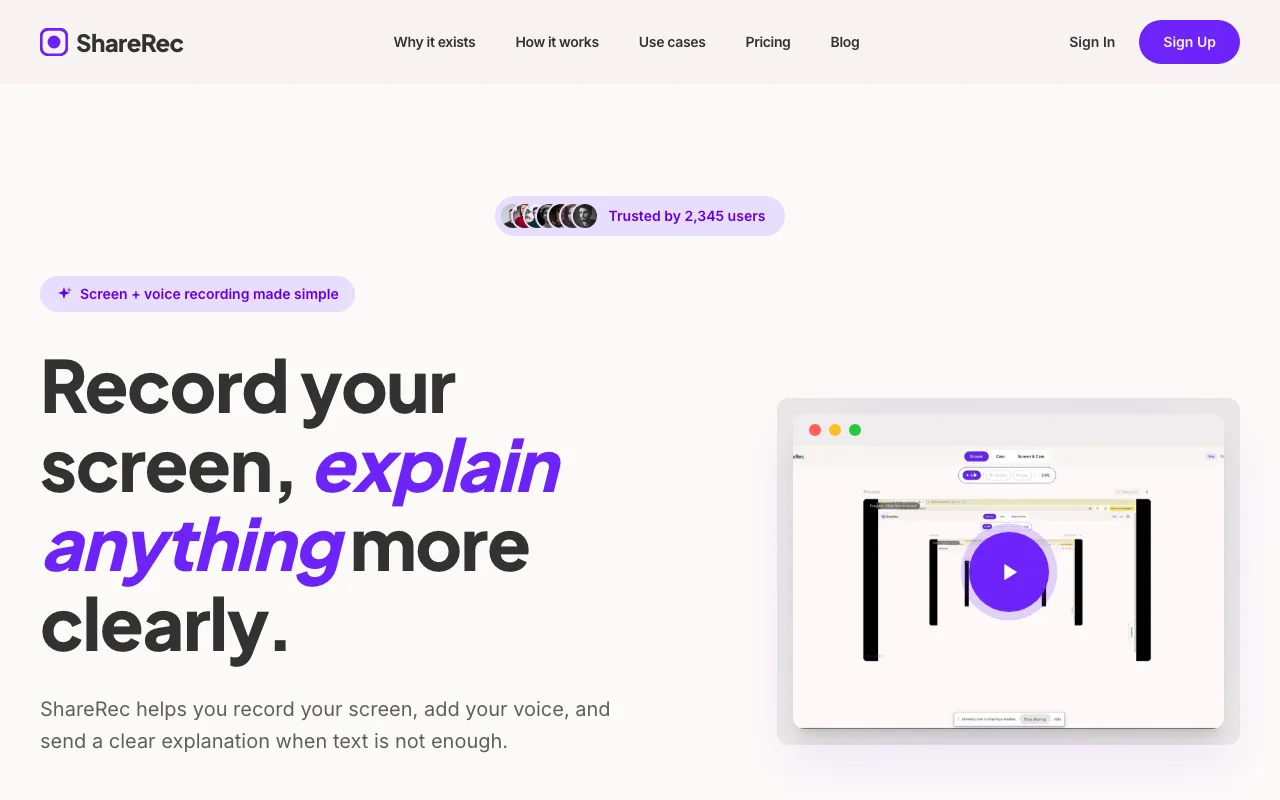
The primary differentiator is speed to a share link. Every tier — Free included — produces a shareable link with no upload step between stopping the recording and sharing it. Videos auto-expire 30 days after recording by default, and you keep any video forever in one click — a 3-day email warning fires before anything is deleted, so nothing important is ever lost. Pro ($8/mo) adds unlimited videos and 720p–1080p resolution; the Business plan ($12/mo) extends recordings to 2 hours at full resolution.
Free tier: 5-minute cap per recording, 720p output, 30-day default expiry (keep any forever in one click), and it keeps your 25 most recent videos (older ones retire as new ones are added). An account is required on all tiers, including free.
The strongest freelancer scenario: record a 2-minute design review, share the link, and keep that video forever in one click — the client can revisit it whenever they need, with no re-recording later, while routine clips you don't need tidy themselves after 30 days.
ShareRec has no AI transcription, no auto-chapters, no webcam bubble overlay, no annotation or drawing tools, and no shared team workspace. Editing is limited to trim and clip only. The 5-minute free-tier cap rules it out for longer tutorial recordings or async strategy sessions.
ScreenPal — Best for Budget Tutorial and Training Recordings
ScreenPal (formerly Screencast-O-Matic, rebranded 2022) offers the broadest cross-platform support in this comparison — Windows, Mac, iOS, Android, and Chrome extension — with a Solo plan at $4/mo that removes the free-tier watermark. Best for: designers and developers recording 10-minute software walkthroughs for client onboarding or online course content.
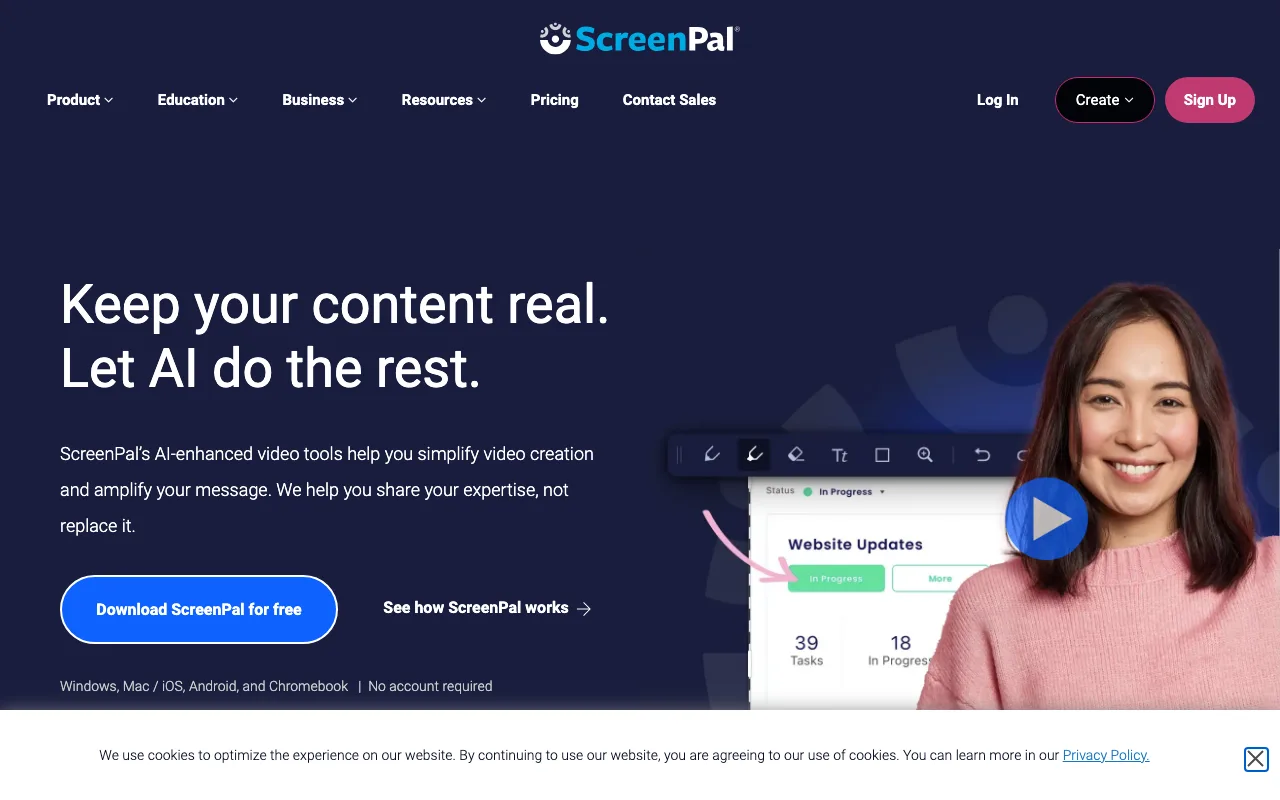
The free tier supports unlimited recordings up to 15 minutes at 720p. Exports carry a visible watermark — a dealbreaker for client-facing deliverables. The Solo plan ($4/mo) removes the watermark and adds cloud storage with basic trimming. The Deluxe plan ($9.99/mo) adds automated captions, multi-track editing, a stock music library, and green screen backgrounds.
Multi-track editing is particularly useful for client onboarding videos: a freelancer can record the screen walkthrough on one track, layer a separate voiceover on a second track, and drop background music from the stock library — licensed, royalty-free tracks — onto a third track, all without leaving ScreenPal. The stock library contains several hundred tracks organized by mood (upbeat, calm, corporate), which removes the licensing risk of sourcing music externally.
The best freelancer scenario: building client onboarding documentation that requires clean exports up to 15 minutes long. At $4/mo, ScreenPal Solo undercuts every other paid plan in this comparison.
ScreenPal has no AI summaries, chapters, or filler-word removal on any plan. The editing suite is less capable than Descript's transcript-based workflow. The most useful features — automated captions and multi-track editing — require the Deluxe tier at $9.99/mo.
Descript — Best for AI-Powered Editing with Auto-Transcripts
Descript's Creator plan ($24/mo) produces an auto-generated transcript for every recording, and editing the transcript edits the video — delete a word in the text and that segment is cut from the video automatically. Best for: consultants and coaches who record long async sessions and need clients to navigate content by chapter.
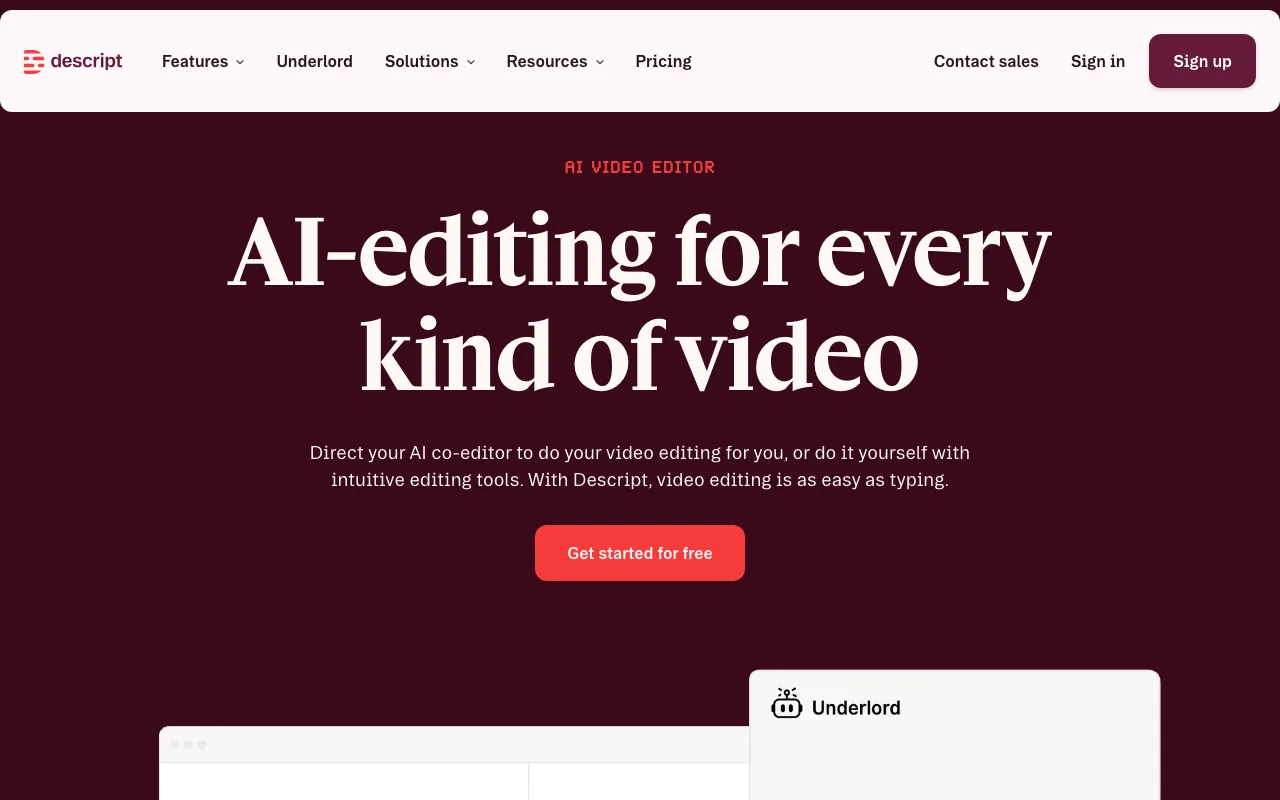
The free tier includes 1 hour of total transcription across all recordings with watermarked exports. The Creator plan ($24/mo) removes the watermark and adds unlimited transcription, AI-generated chapter markers, filler-word removal ("um," "uh"), Studio Sound background-noise reduction, and Overdub — an AI voice clone that patches audio without re-recording.
The best freelancer scenario: a consultant recording a 20-minute strategy session. Descript's AI chapters generate a linked table of contents automatically, letting clients jump directly to any section. Integrations include Slack, Zapier, YouTube, Dropbox, and Google Drive.
The transcript-based editing model has the steepest learning curve of the five tools here — the workflow requires dedicated setup time before it becomes intuitive. At $24/mo, the Creator plan costs 3× ShareRec Pro and approaches Loom Starter pricing. It's overkill for clips under 5 minutes. Overdub voice cloning requires significant training time before results sound natural.
Cap — Best Free Open-Source Screen Recorder with Shareable Links
Cap is fully open-source under an MIT license (CapSoftware/Cap on GitHub) with unlimited free recordings, no watermark, no stated time limit, and a shareable link generated immediately after stopping the recording. Best for: developers doing code walkthroughs or bug-report recordings who want Loom-style instant sharing without a SaaS subscription.
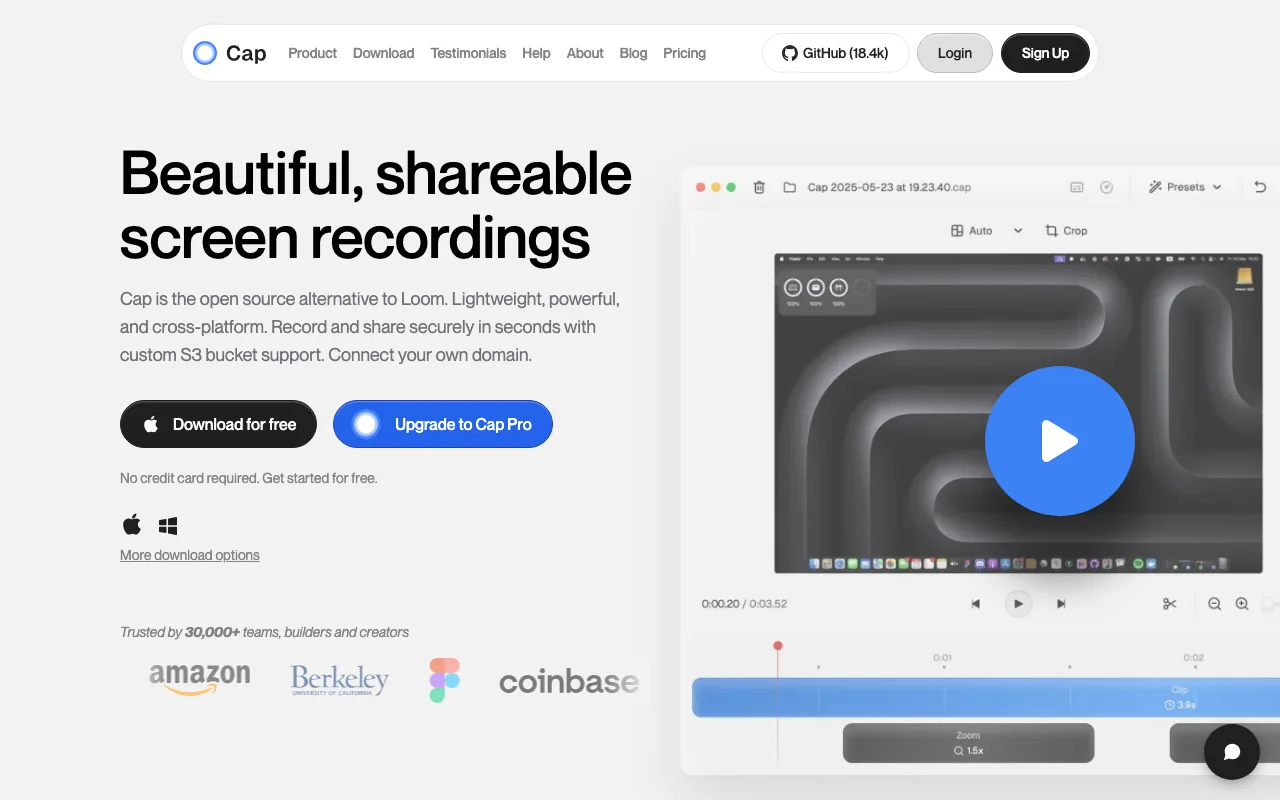
No upload step separates the recording from the link — it's ready when the recording stops. The Pro plan ($9/mo) adds a custom domain for share links, password-protected links, and viewer analytics.
Cap is a Mac-first app built on Electron. Windows support entered public beta in early 2026 — confirm current Windows status at cap.so before recommending it on a Windows setup. A self-hosting option is available for freelancers handling sensitive client data who need recordings stored on their own infrastructure.
The best freelancer scenario: a developer recording a bug walkthrough or architecture explanation who prefers open-source tooling they can inspect and audit, with no time-limit pressure on the free tier.
Cap has no AI features and supports trim-only editing. Windows support is incomplete as of early 2026. There is no mobile capture app.
Tella — Best for Polished Branded Client Presentations
Tella's Pro plan ($19/mo) includes custom backgrounds, brand color themes, and presentation-quality layout controls that make screen recordings look like produced client assets rather than raw screen captures. Best for: creative freelancers sending branded proposals, campaign walkthroughs, or onboarding videos where visual presentation affects client perception.
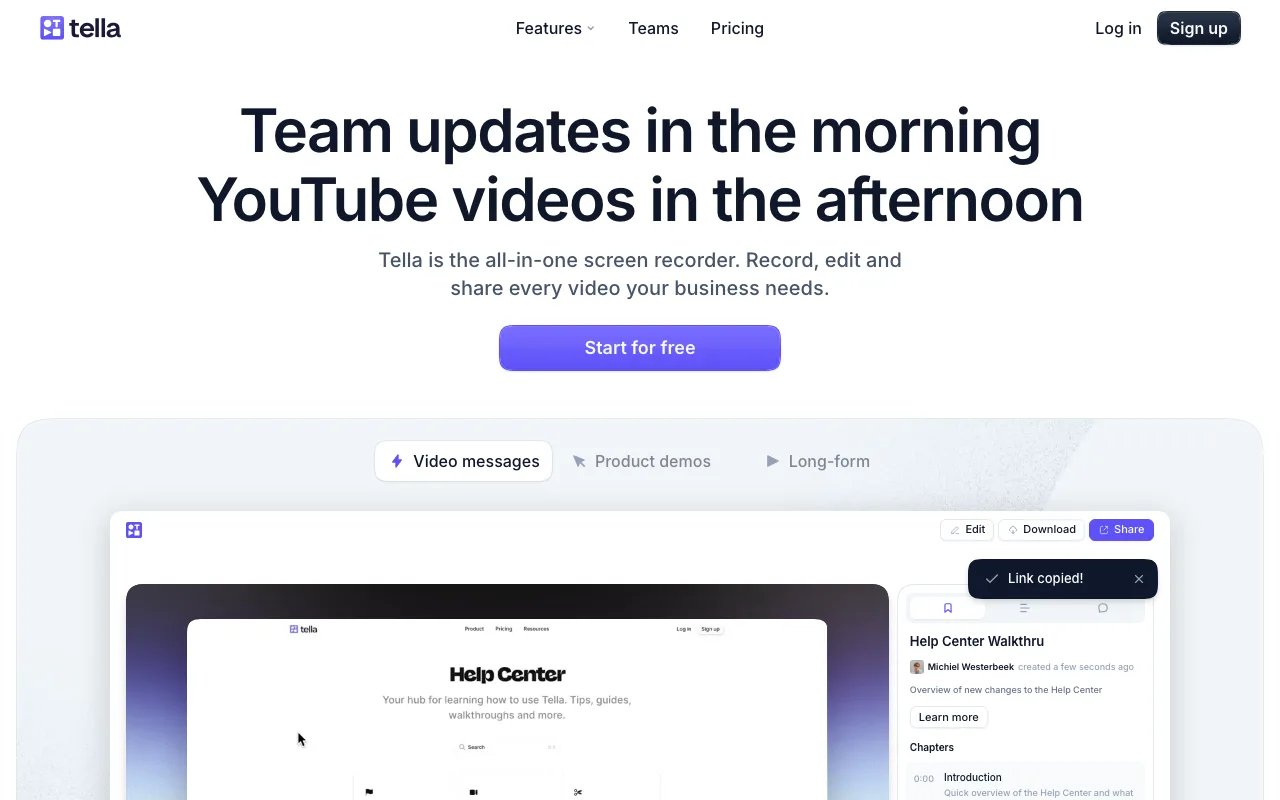
The free tier includes 5 videos with basic background options — enough to evaluate the tool but too limited for consistent client work. The Pro plan ($19/mo) unlocks the full background library, custom brand colors, logo placement, and extended recording length.
Where most screen recorders output raw captures, Tella adds layout controls — split-screen camera/screen compositing with adjustable pip sizes and preset camera positions (corner, side-by-side, or full-bleed overlay), custom backgrounds, and brand-color overlays — configured before recording starts.
The best freelancer scenario: a brand strategist sending a proposal walkthrough as a styled video asset, with custom backgrounds matching the client's colors and logo. A second strong use case is a UX consultant recording an annotated prototype walkthrough — Tella's split-screen layout keeps the consultant's face visible alongside the prototype, making feedback feel more like a live review than a raw screen capture. For visual freelancers comparing options, Tella's branded-background approach differs from ScreenPal Deluxe's green screen: Tella uses pre-designed digital environments rather than chroma-key compositing, which requires no physical setup.
Tella has no AI features. The 5-video free-tier cap is the most restrictive of the five tools here. At $19/mo, it is the second most expensive option after Descript.
Key Takeaways
- ShareRec — Best for async client feedback: 5-min free cap, keeps your 25 most recent videos with a 30-day default expiry (keep any forever in one click), $8/mo Pro.
- ScreenPal — Best for budget tutorials: $4/mo Solo removes the watermark on unlimited 15-minute free recordings.
- Descript — Best for AI-powered editing: transcript-based cuts, AI chapters, filler removal, $24/mo Creator plan.
- Cap — Best free open-source option: no watermark, no time limit, instant link, MIT-licensed on GitHub.
- Tella — Best for branded presentations: custom backgrounds, brand themes, 5-video free tier, $19/mo Pro.
- Atlassian acquired Loom in October 2023; free tier dropped to 25 videos (5-min cap), paid plans rose to $15+/mo.
- Cap and ShareRec both generate a shareable link immediately after recording — no upload step required.
For a broader comparison across more workflows, see our 2026 roundup of the best Loom alternatives or our head-to-head Loom vs ShareRec breakdown.
Frequently Asked Questions
What is the best free Loom alternative for freelancers?
Cap (open-source, no watermark, no stated time limit, instant shareable link) and ShareRec's free tier (5-minute cap per recording, keeps your 25 most recent videos with a 30-day default expiry — keep any forever in one click, account required) are the strongest free options. ScreenPal's free exports carry a visible watermark. Descript's free tier caps total transcription at 1 hour across all recordings.
What specifically changed with Loom after the Atlassian acquisition?
Atlassian acquired Loom in October 2023. The free tier dropped from unlimited videos to 25 videos with a 5-minute-per-video cap. Paid plans rose to $15+/mo for the Starter tier. Enterprise integrations with Jira and Confluence were added — useful for teams, less relevant for solo freelancers.
Which Loom alternative is best for recording client feedback videos?
ShareRec for clips under 5 minutes — instant shareable link, keep any video forever in one click (30-day default expiry otherwise), $8/mo Pro. Tella suits longer branded walkthroughs where visual polish matters. Descript at $24/mo adds navigable transcripts and AI-generated chapters directly alongside the video.
Is there an open-source Loom alternative?
Cap is the closest open-source alternative — MIT-licensed on GitHub (CapSoftware/Cap), free, no watermark, generates shareable links instantly. OBS Studio is free and fully open-source but does not auto-generate shareable links; recordings must be manually uploaded to a separate hosting service.
Which Loom alternative has the lowest learning curve for non-technical freelancers?
For non-technical freelancers choosing a Loom alternative in 2026, ShareRec and Cap both deliver a shareable link immediately after stopping a recording — no separate upload step. ScreenPal's Chrome extension requires minimal setup. Descript has the steepest curve — its transcript-based editing model requires dedicated learning time before becoming efficient.
Try it free
Record your first walkthrough free in 30 seconds
No install, no watermark — share a link instantly.
Start Recording Free