


Record your screen, explain anything more clearly.
ShareRec helps you record your screen, add your voice, and send a clear explanation when text is not enough.
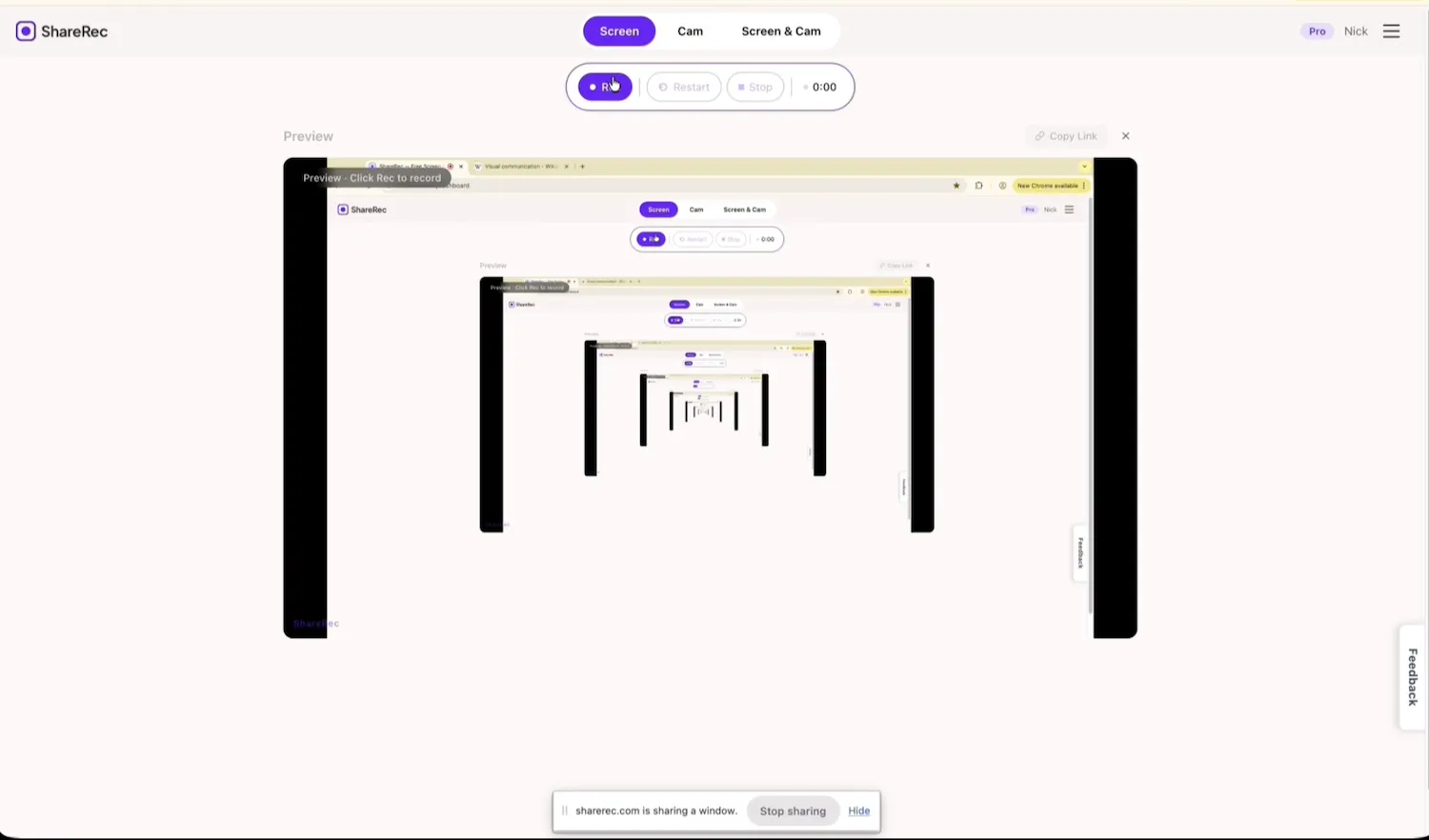
Open ShareRec
Record screen + voice
Get a link instantly
Share it anywhere
Why ShareRec
Some things are just easier to explain on screen.
When text gets confusing, screenshots are messy, or you want to avoid another call, ShareRec gives you a simple way to show what you mean with screen and voice.
“Use it to show the screen, explain the point, and send one clear recording instead of turning every explanation into a long message or live meeting.”
Updates
Send progress, changes, and next steps more clearly than a long message.
Feedback
Talk through comments, changes, and revisions while showing exactly what you mean.
Walkthroughs
Show how something works instead of writing a long explanation or sending screenshots.
Fixes
Explain a problem, show the fix, and make the next step obvious.
Use cases
Made for the moments when you need to show, not tell.
ShareRec works best when you need to explain something clearly and quickly without relying only on text.
How it works
Record it. Explain it. Send it.
The workflow is simple on purpose. Record your screen, talk through the point, and share one clear recording.
Record
Capture your screen and voice together so the explanation is clear from the start.
Share
Send the recording instead of typing everything out or setting up a call.
Keep what matters
Use temporary videos for quick recordings and keep permanent ones for the videos that matter more.
Pricing
Start free. Upgrade when you need more.
Choose the plan that fits how often you record and how long your recordings run.
Free
Best for trying ShareRec and sending quick recordings.
- Keep your 25 latest videos
- 5-minute recordings
- 720p resolution
- Auto-expiry (default 30 days · keep forever anytime)
- Trim & clip
Pro
Save $24/yr with annual
For more regular use when you want better value without paying for a fully premium setup.
- Unlimited videos
- 30-minute recordings
- 1080p resolution
- Auto-expiry (default 30 days · keep forever anytime)
- Trim & clip
Business
Save $24/yr with annual
For long-form recording — full meetings, webinars, and deep-dive walkthroughs.
- Unlimited videos
- 2-hour recordings
- 1080p resolution
- Auto-expiry (default 30 days · keep forever anytime)
- Trim & clip
Use ShareRec when showing the screen is the clearest way to explain.
Start free, send your first recording, and upgrade only if you need more usage or permanent storage.