Loom vs ShareRec vs Alternatives: Which Screen Recorder Fits Your Workflow? (2026)
Loom, ShareRec, Tella, Screencastify, and Screen Studio each win a different workflow — Loom leads for async team communication with AI transcripts, comment threads, and Slack/Notion/Jira integrations; free tier caps at 25 videos and 5 minutes each, paid plans from $15/month. ShareRec is the fastest zero-friction option — an instant shareable link with no upload step (under 30 seconds); videos auto-expire in 30 days by default on every tier, but you keep any video forever in one click (with a 3-day warning email before anything is deleted); 5-minute recordings free (account required), no watermark; Pro starts at $8/month. Tella suits polished, branded client-facing video with scene-based recording and custom brand kits from $19/month. Screencastify is built for educators — Chrome extension, Google Classroom integration, FERPA-compliant, from $14/year. Screen Studio produces cinematic Mac recordings with auto-zoom and cursor effects for a one-time $89 fee.
ShareRec (sharerec.com) is a standalone async screen recorder — it is not ScreenRec (screenrec.com) or Shar.ec. Searches for "loom vs screenrec" often land on this comparison by mistake; this article covers ShareRec specifically. These are three distinct products.
Quick Answer: Which Tool Should You Use?
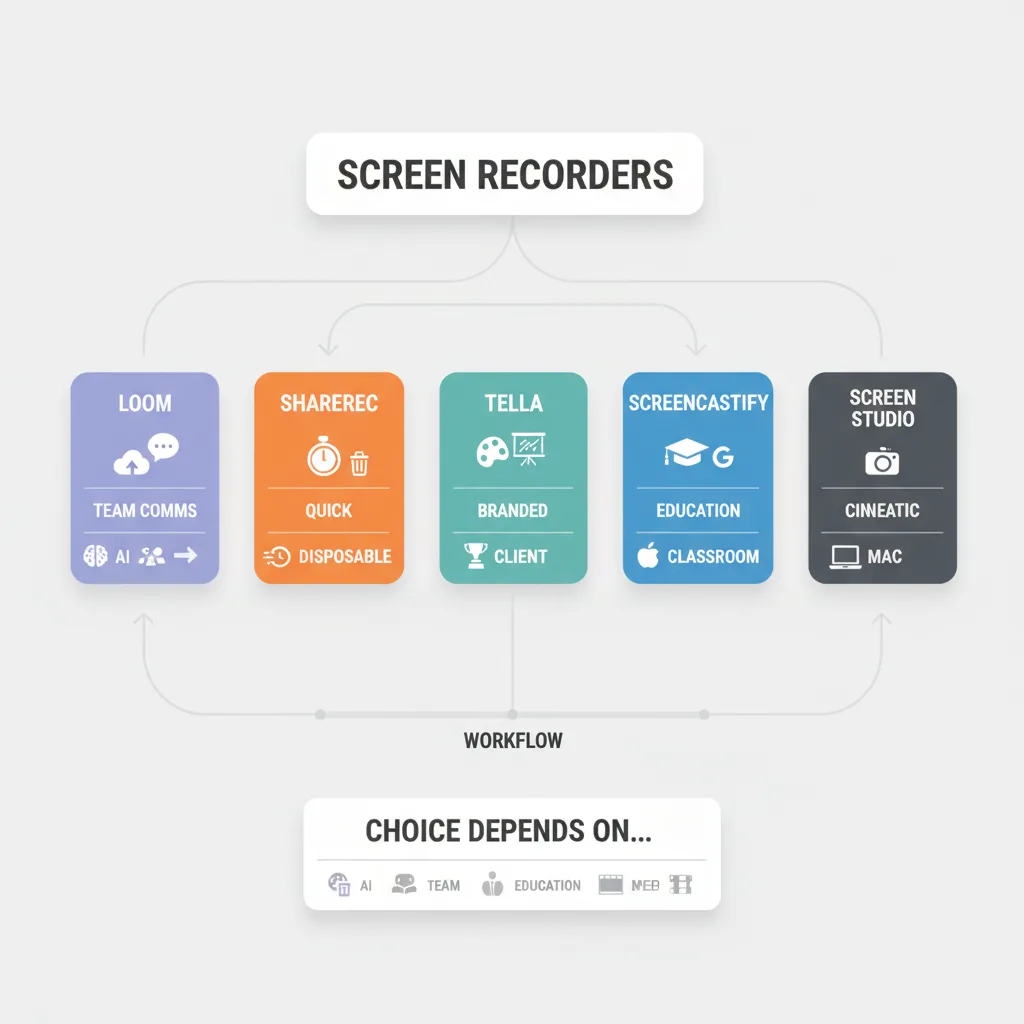
Loom, ShareRec, Tella, Screencastify, and Screen Studio each win a different workflow — the right choice depends on whether you need AI features, team collaboration, brand polish, classroom integration, or a zero-friction instant shareable link.
- Loom — Best for async team communication. AI transcripts, searchable video library, timestamp comment threads, Slack/Notion/Jira integrations. Free tier: 25 videos, 5-minute cap. From $15/user/month.
- ShareRec — Best for the fastest instant shareable link. 5-minute videos at 720p on Free — no upload step, link ready in under 30 seconds. Videos auto-expire in 30 days by default on every tier, but you keep any video forever in one click (with a 3-day warning before deletion). No AI features or team workspace. Free (account required) or $8/month Pro.
- Tella — Best for polished branded video. Scene-based recording, custom backgrounds, brand kit support. Limited free exports. From $19/month.
- Screencastify — Best for educators. Chrome extension, Google Classroom integration, COPPA/FERPA-compliant. Free tier: 5-minute cap with watermark. From $14/year.
- Screen Studio — Best for cinematic dev/design recordings. Auto-zoom on clicks, smooth cursor tracking, Mac-only. Watermarked trial. One-time $89 purchase.
If you need a loom self-hosted alternative or open-source option, none of these five tools offer self-hosting — that use case points toward OpenReplay or Plausible-adjacent tooling outside this comparison's scope.
Feature Comparison at a Glance
The six dimensions that matter most for purchase decisions — pricing, free tier limits, AI features, link expiration, and target use case — are summarized below.
| Tool | Free Tier | Starting Price | AI Features | Video Expiration | Best For |
|---|---|---|---|---|---|
| Loom | 25 videos, 5-min cap | $15/month | Transcripts, summaries, chapters | Permanent | Async team communication |
| ShareRec | Keeps your 25 most recent videos, 5-min cap | $8/month (Pro) | None | 30-day default (keep forever, 1 click) | Fastest instant shareable link |
| Tella | Limited exports | $19/month | Transcripts | Permanent | Branded video content |
| Screencastify | 5-min cap, watermark | $14/year | None | Permanent | Education / Google Classroom |
| Screen Studio | Watermarked exports | $89 one-time | None | Permanent | Cinematic dev/design recordings |
Loom: Best for Async Team Communication with AI
Loom is the strongest async screen recorder for teams who need AI transcription, searchable video libraries, and deep integration with Slack, Notion, Jira, HubSpot, and Salesforce — paid plans start at $15/user/month billed annually.
Best for: Teams in Atlassian or Slack ecosystems.
Loom's browser extension or desktop app generates a shareable link immediately after recording — no manual upload. The AI layer adds automatic transcription, summaries, and chapter markers, making recordings searchable across a team's video library. Viewers can leave timestamp-anchored comments and emoji reactions, turning a one-way recording into an async conversation thread.
Loom also provides viewer analytics — creators can see who watched a video, how long each viewer stayed, and where drop-off occurred. For async communication, knowing whether a teammate actually watched a recording before a meeting is practically useful in a way no other tool in this comparison matches.
The free tier supports up to 25 videos with a 5-minute cap. The 5-minute limit is Loom's most common user complaint — enough for quick status updates but too short for longer demos. The Business plan at $15/user/month removes both limits. An Enterprise plan also exists with SSO, advanced admin controls, and custom security configurations; pricing is available on request.
Loom integrates natively with Slack, Notion, Jira, HubSpot, and Salesforce — deeper than any other tool in this comparison and the primary reason teams stay on Loom despite the price. There is no self-hosting option. The video library accumulates without automatic cleanup, meaning storage costs scale with team size as recordings pile up over time. Atlassian's 2023 acquisition has prompted concern among some users about future pricing direction — several long-term users on public forums noted anxiety about Loom following Atlassian's historical pattern of raising prices after acquiring developer tools.
ShareRec: Best for the Fastest Instant Shareable Link
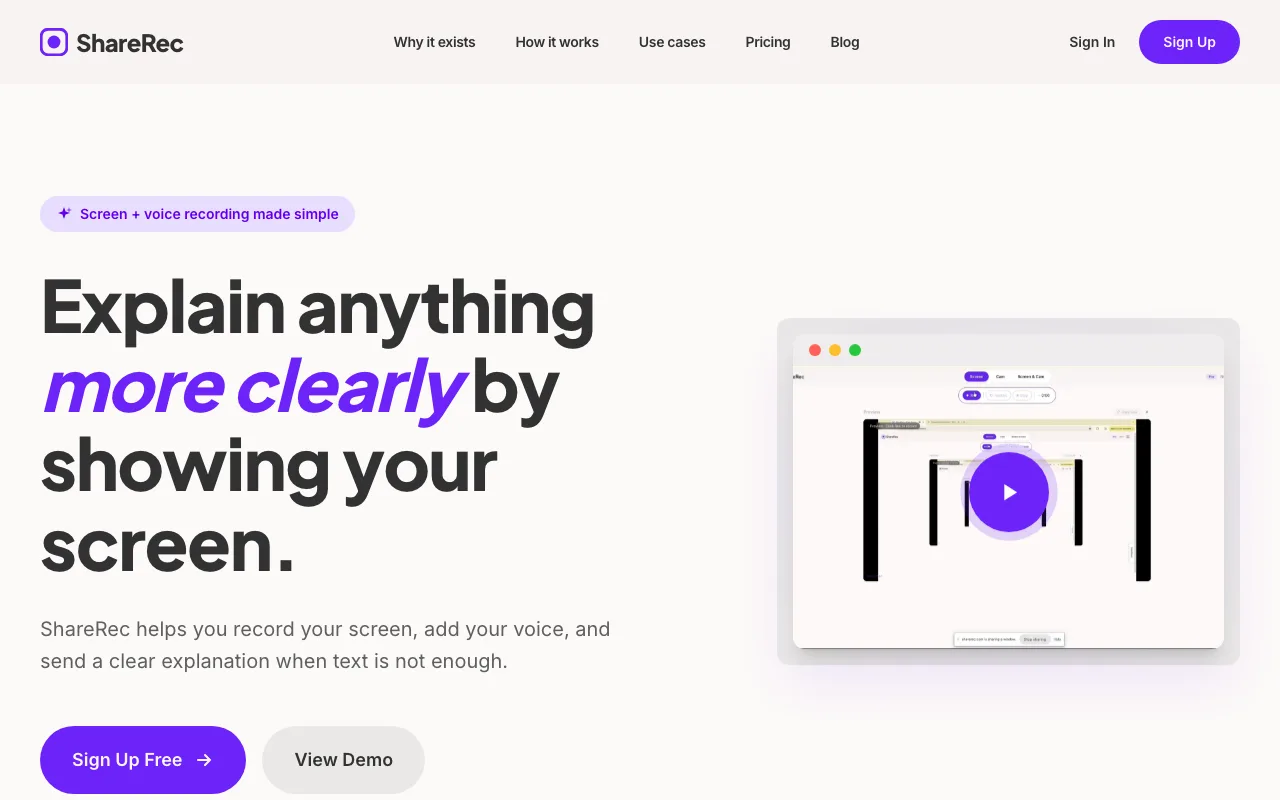
ShareRec is a browser-based screen and voice recorder — 5-minute recordings at 720p on the free tier, with an instant shareable link generated the moment recording stops with no upload step. Videos auto-expire in 30 days by default on every tier, and you keep any video forever in one click. Pro plan is $8/month.
Best for: Individuals and small teams who want an instant shareable link without managing a heavy video library.
ShareRec's instant shareable link with no upload step is its clearest differentiator — the URL is ready in under 30 seconds. Expiry is fully under your control: videos auto-expire 30 days after recording by default on every tier including Free, but you keep any video forever in one click (or set a custom window — Never / 24 hours / 7 days / 30 days), and a countdown plus a 3-day warning email means nothing important ever disappears by surprise. So a demo you send today still works months from now if you keep it, while the recordings you no longer need tidy themselves away. The Free tier keeps your 25 most recent videos (older ones retire as you record new ones), which keeps a lightweight account tidy without a storage-management chore. This suits support tickets, client feedback rounds, or code walkthroughs. Concrete examples where ShareRec fits naturally: a support agent reproducing a bug to send alongside a ticket, a freelancer walking through a round of design feedback for a client, or a developer doing a quick code walkthrough for a pull request reviewer.
The Pro plan ($8/month) removes the 5-minute cap, upgrades resolution to 1080p, and adds unlimited videos — with the same 30-day default expiry and one-click keep-forever. A Business plan ($12/month) raises the cap to 2 hours and keeps unlimited videos — the closest feature match to Loom's standard offering, at $3/month less than Loom's base price.
ShareRec has no AI features, no transcription, no summaries, and no searchable library. Unlike Loom, there is no webcam bubble overlay — users who want face-cam alongside their screen share will need a different tool. There are also no emoji reactions or timestamp comment threads, meaning viewers cannot respond in-video; feedback happens outside the platform entirely. Editing is limited to trim and clip only — no annotations, drawing tools, blur, or zoom. There is no team workspace or shared library; each recording is a standalone link with no native integrations.
Tella: Best for Polished, Branded Video Content
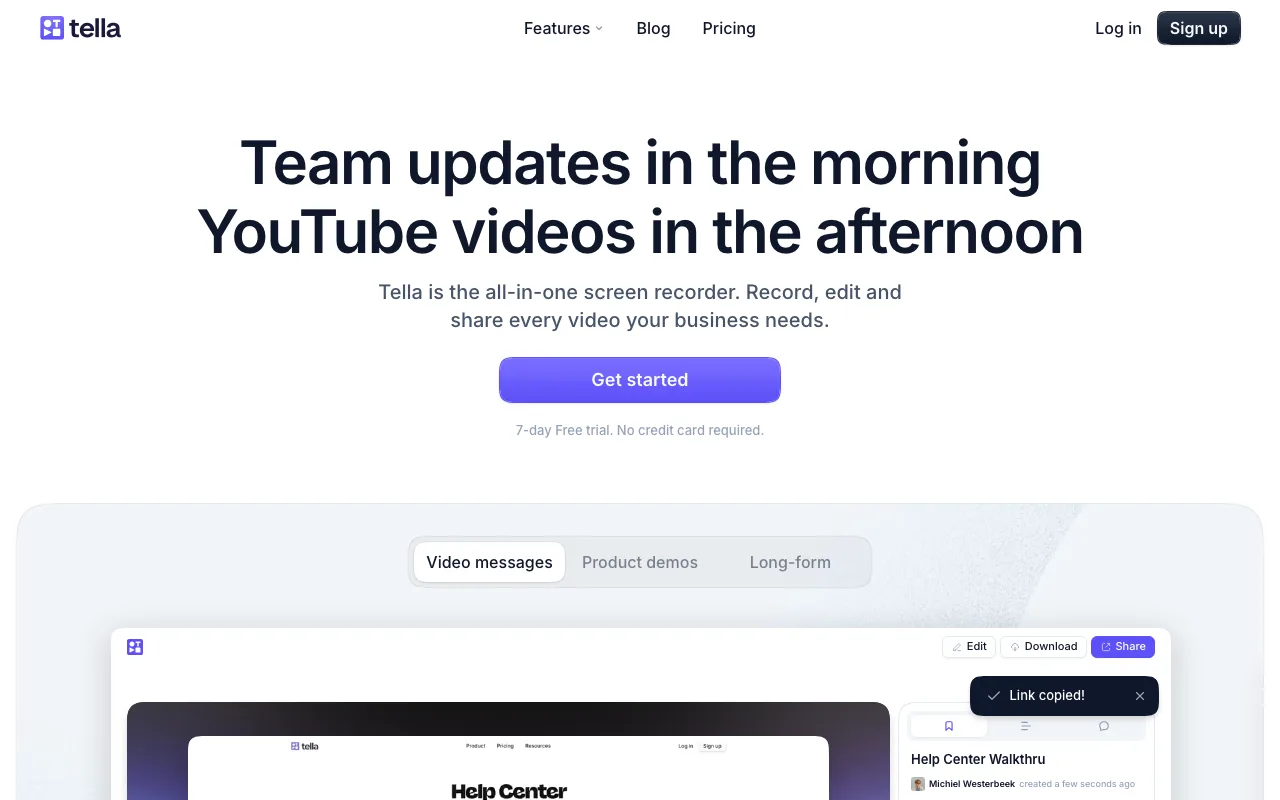
Tella is a scene-based screen recorder with custom backgrounds, brand kit support, and AI transcription on paid plans — starting at $19/month, the highest base price in this comparison.
Best for: Marketers, agencies, and sales teams creating client-facing demos where visual presentation matters.
Tella's scene system allows switching between screen share, webcam, and slide views mid-recording without cuts, making it closer to a lightweight video production tool than a quick recorder. A structured product demo or onboarding walkthrough can be built directly in Tella without post-production editing. The brand kit feature applies custom colors, logos, and fonts to the video player — relevant for agencies delivering client-facing content or sales teams sending personalized outreach videos.
The free tier allows limited exports with no brand kit access. Tella is not a one-click tool — configuring scenes and brand assets adds friction that makes it unsuitable for quick internal feedback. Native integrations don't match Loom's Slack/Notion depth. At $19/month, Tella costs more than Loom's entry Business plan and significantly more than ShareRec.
Screencastify: Best for Educators and Google Classroom Users
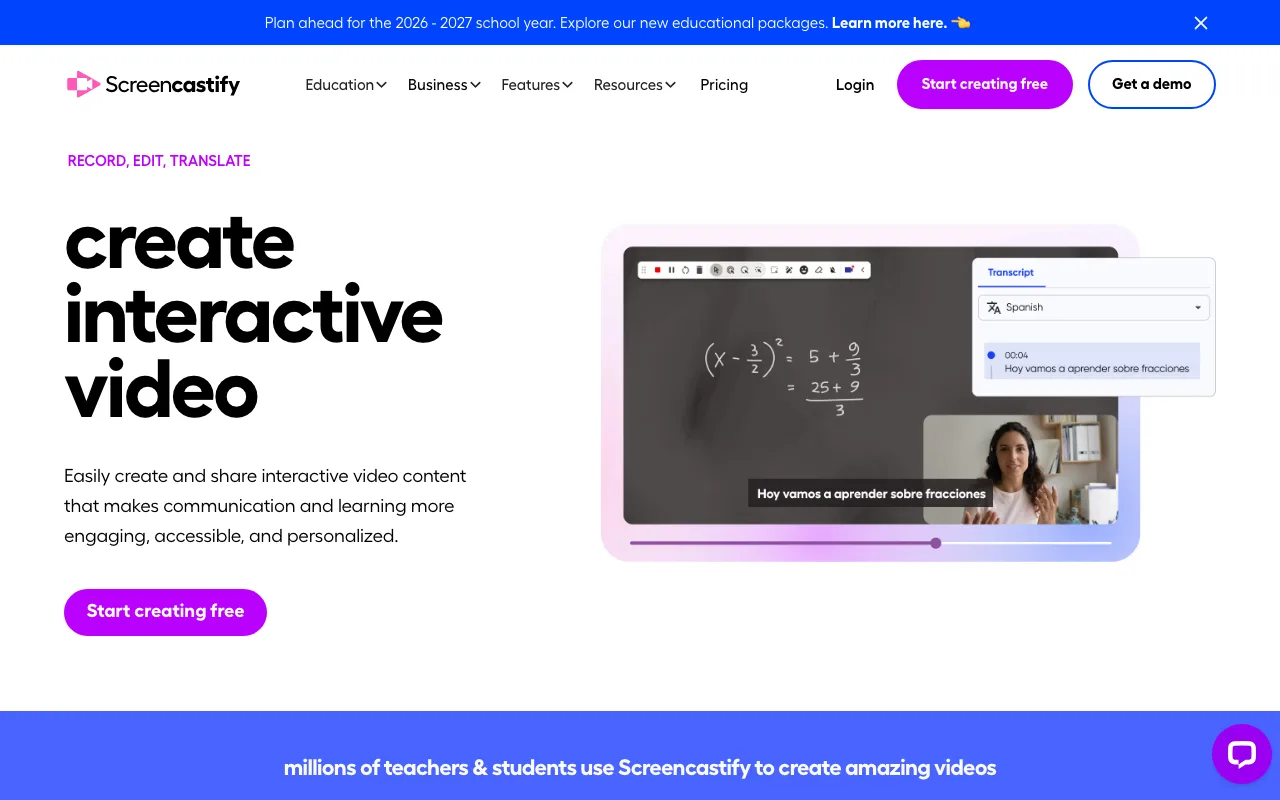
Screencastify is a Chrome extension-based screen recorder with direct Google Drive saving and Google Classroom integration, priced from $14/year — the lowest annual cost in this comparison.
Best for: Teachers, instructional designers, and students in K-12 and higher education.
Screencastify runs entirely as a Chrome extension, lowering the installation barrier in managed school environments where desktop software is restricted. Recordings save directly to Google Drive. The Google Classroom integration goes beyond simple file sharing — teachers can push recordings directly as assignments, and students can submit video responses through the same workflow, keeping everything inside the tools schools already use. The tool is COPPA and FERPA compliant — a hard requirement for K-12 deployments that other tools here don't explicitly address.
Screencastify is available as an individual paid plan at $14/year, with separate school and district licensing available for institutional deployments. The free tier caps recordings at 5 minutes and applies a Screencastify logo watermark to all exports — visible enough to matter for teachers who want professional-looking classroom content. Basic editing tools are available, including trim, crop, and text overlays, but there are no blur tools, zoom effects, or annotation drawing. There are no AI features, comment threads, or team workspace for async workflows outside education.
Screencastify is Chrome-only with no Firefox, Safari, or desktop app support.
Screen Studio: Best for Developers and Designers Who Want Cinematic Recordings
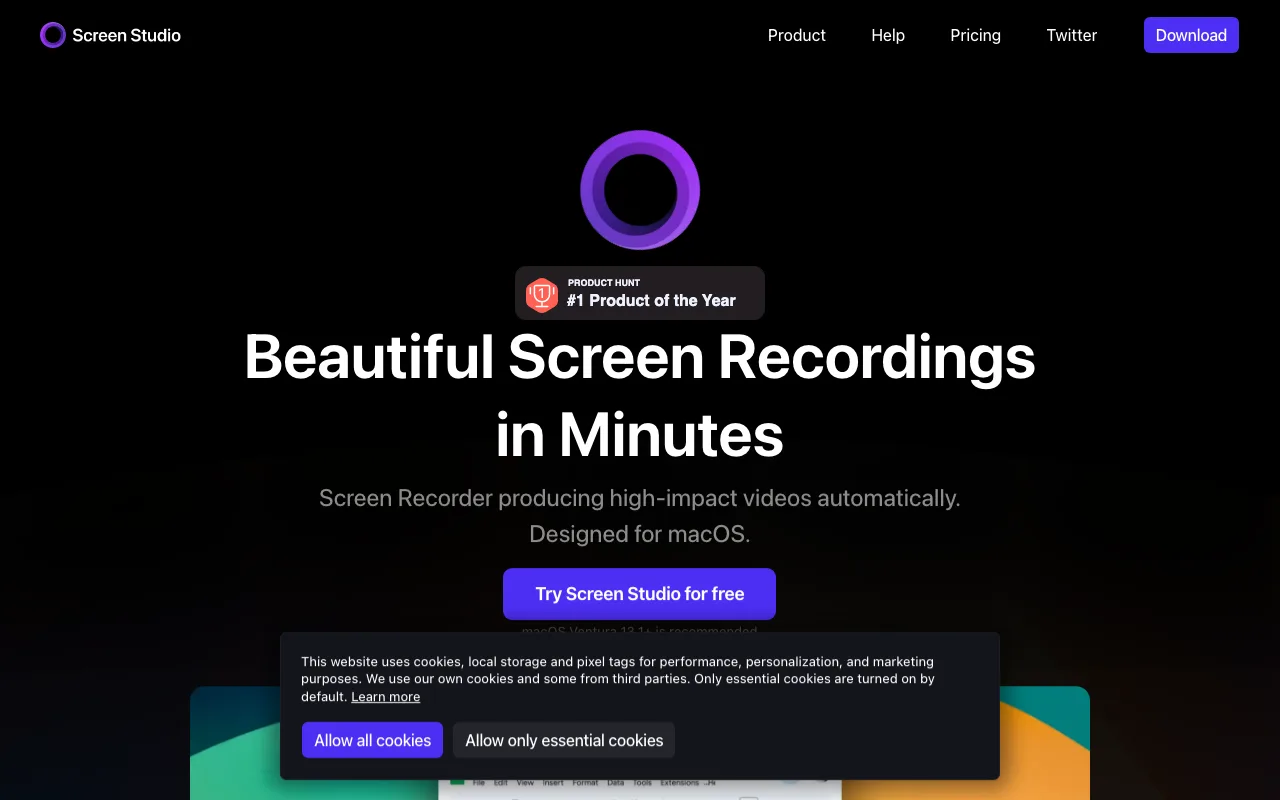
Screen Studio is a Mac-only desktop app that automatically applies cinematic effects — auto-zoom on click points, smooth cursor tracking, animated window framing, background blur — for a one-time $89 purchase with no subscription.
Best for: Developers recording code walkthroughs and designers creating UI demos who want polished output without manual editing.
Screen Studio tracks cursor movements and zooms in at click points without manual keyframing — the recording looks professionally edited by default. Export formats include MP4 and GIF, covering both standard video sharing and lightweight animated previews for documentation or README files. The one-time $89 purchase eliminates recurring subscription costs for individual use; the license covers the current major version, though major version upgrades may require a separate purchase. The watermarked trial has no time limit, allowing extended evaluation before committing to the purchase.
Screen Studio is Mac-only with no Windows or Linux support. There is no built-in sharing infrastructure — the practical workflow is: record, export a file, then upload it to Loom, Google Drive, Notion, or wherever your team accesses shared content. That extra distribution step adds friction that matters for teams expecting a single shareable link immediately after recording. There are no viewer analytics, comment threads, AI features, or transcription. For teams needing async collaboration, Screen Studio is a production tool, not a communication platform.
Which Tool Should You Actually Use? A Use-Case Decision Guide
Match your primary workflow scenario to the tool built for it — the fastest way to decide, without comparing abstract feature lists.
- You need AI transcripts and a searchable team video library → Loom
- You want the fastest instant shareable link with no upload step → ShareRec (free tier)
- You want a quick recording on the free plan you can keep forever in one click → ShareRec (30-day default expiry, keep-forever on every tier)
- You're building polished client-facing demos with your brand → Tella
- You're a teacher using Google Classroom → Screencastify
- You're on Mac and want cinematic recordings without a subscription → Screen Studio ($89 one-time)
- You want the cheapest option with one-click keep-forever control → ShareRec Business plan at $12/month vs Loom at $15/month
- You're on the Microsoft 365 stack (Teams, SharePoint) → Microsoft Stream (screen recording, automatic transcription, and enterprise-grade Teams and SharePoint integration) or Clipchamp (lightweight recorder built into Windows 11, no transcription, suited for quick edits without a subscription)
- You need to record and share on Windows without a subscription → Clipchamp (free, built into Windows 11) or OBS Studio (free, open-source, no built-in sharing infrastructure — export and distribute files yourself)
Key Takeaways
Each tool wins a specific workflow — here are the sharpest trade-offs across pricing, free tier structure, and core limitations.
- Loom costs $15/month and adds AI transcripts, comment threads, and Slack/Notion/Jira integrations — no self-hosting.
- ShareRec free tier requires an account — 5-minute recordings at 720p, keeping your 25 most recent videos; videos auto-expire in 30 days by default but you keep any one forever in one click (with a 3-day warning). No AI, no team workspace.
- Tella starts at $19/month — the highest price here — for scene-based recording and custom brand kits. Not a one-click tool.
- Screencastify is COPPA/FERPA-compliant at $14/year — Chrome-only, no AI features, no async collaboration outside education.
- Screen Studio is a one-time $89 Mac purchase — auto-zoom and cursor effects, no built-in link sharing or team features.
- Free tier structures differ by constraint type — Loom caps by video count (25 videos), ShareRec keeps your 25 most recent videos and caps recording length at 5 minutes (30-day default expiry with one-click keep-forever, no watermark), Screencastify caps by duration (5 min) with watermark, Tella caps by export count, Screen Studio watermarks all trial exports.
- ShareRec's $12/month Business plan undercuts Loom's $15/month entry plan for users who want unlimited videos — with one-click keep-forever control — without AI features.
Frequently Asked Questions
Is there something better than Loom?
Loom remains strongest for AI features and team workspaces. For the fastest instant shareable link with no upload step, ShareRec is simpler and cheaper — free tier, with a 30-day default expiry you control (keep any video forever in one click, on every plan). For polished branded video, Tella offers more production control at $19/month. "Better" is use-case specific: Screencastify beats Loom in every K-12 context, and Screen Studio beats it for cinematic Mac recordings.
What is so special about Loom?
Loom's main differentiators are AI transcription, searchable video libraries, and timestamp-based comment threads — features that make screen recordings searchable and collaborative. The Slack, Notion, and Jira integrations embed Loom directly into existing team workflows. Instant link sharing was Loom's original innovation; most competitors now match it, but the AI layer and integration depth remain unique at the $15/month price point.
What is the Microsoft alternative to Loom?
Microsoft Stream is the closest equivalent — screen recording, automatic transcription, and native integration with Teams and SharePoint. Clipchamp, built into Windows 11, handles basic screen recording and light editing at no extra cost. Both are included in Microsoft 365 subscriptions, making them worth evaluating before paying for a third-party tool.
Does ShareRec have a free tier like Loom?
Yes, but the two free tiers work differently. ShareRec's free tier (account required) keeps your 25 most recent videos, caps each video at 5 minutes, and has no watermark; videos auto-expire 30 days after recording by default, but you keep any one forever in one click and get a 3-day warning email before anything is deleted. Loom's free tier caps at 25 total videos with a 5-minute per-video limit and keeps links permanently. ShareRec's free tier suits fast, no-upload sharing with expiry you fully control; Loom's adds AI transcripts and a searchable library.
Why does Loom have a 5-minute limit on the free plan?
Loom's free tier limits recordings to 5 minutes per video and 25 total videos to push users toward paid plans. The 5-minute cap covers most quick status updates but falls short for longer demos or tutorials. The Business plan at $15/user/month removes both the time cap and the video count limit.
Related: Considering more options beyond Loom and ShareRec? See our full Loom alternatives comparison covering Vidyard, Tella, Descript, and Camtasia — each matched to a specific workflow.
Try it free
Record your first walkthrough free in 30 seconds
No install, no watermark — share a link instantly.
Start Recording Free