5 Best Loom Alternatives for Mac in 2026
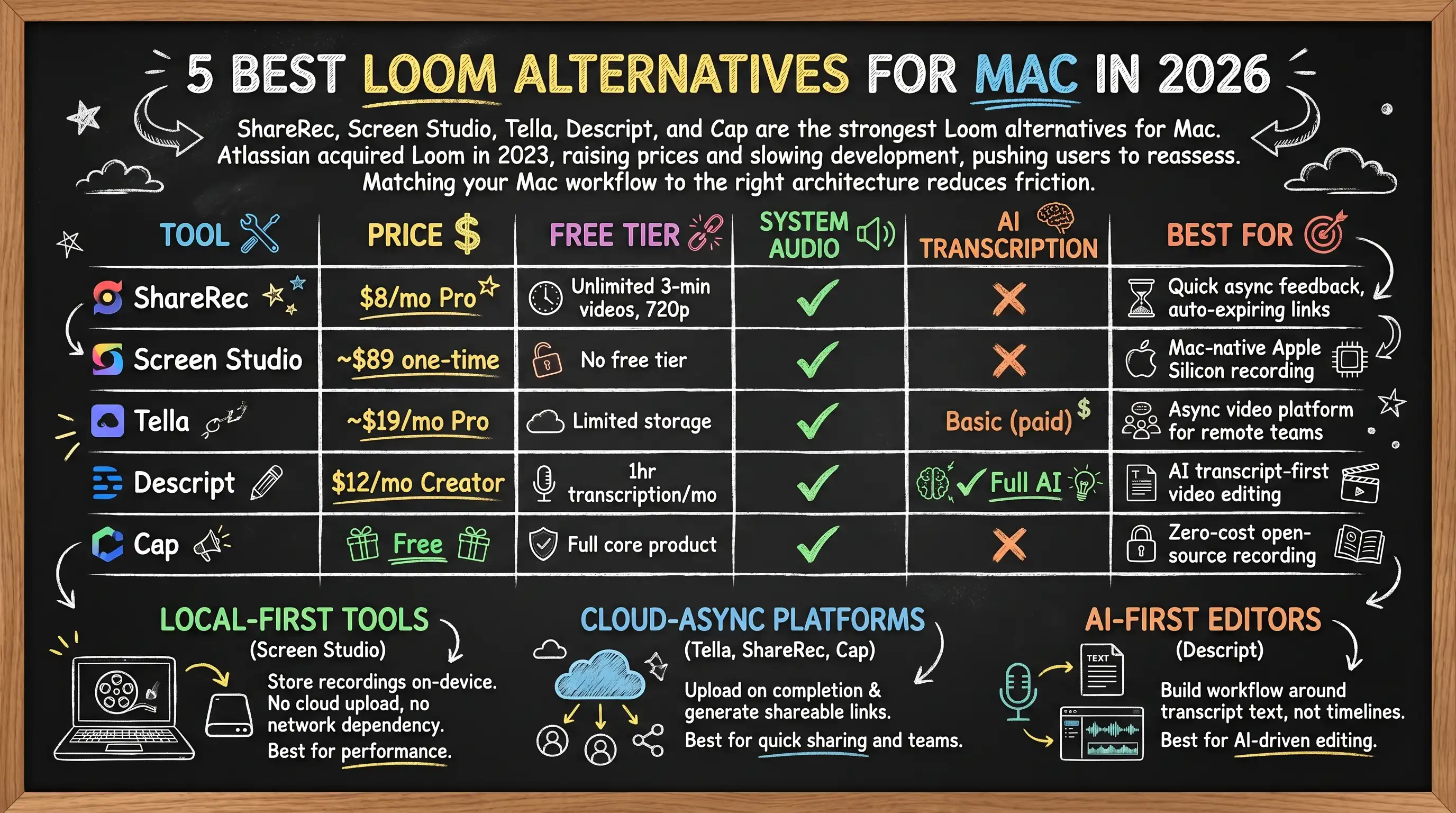
ShareRec, Screen Studio, Tella, Descript, and Cap are the five strongest Loom alternatives for Mac in 2026. Atlassian acquired Loom in 2023 and has since raised prices and slowed feature development, pushing Mac users to reassess their screen recording setup. ShareRec ($8/mo Pro) wins for instant async recordings with a 30-day default expiry and one-click keep-forever on every tier. Screen Studio (~$89 one-time) is the only Mac-native Apple Silicon-optimized option in this group. Tella is the closest structural replacement for Loom's async video platform and team workspace. Descript (~$12/mo) leads on AI transcription with a transcript-first editing workflow. Cap is the only fully free, open-source option with no watermarks and no subscription.
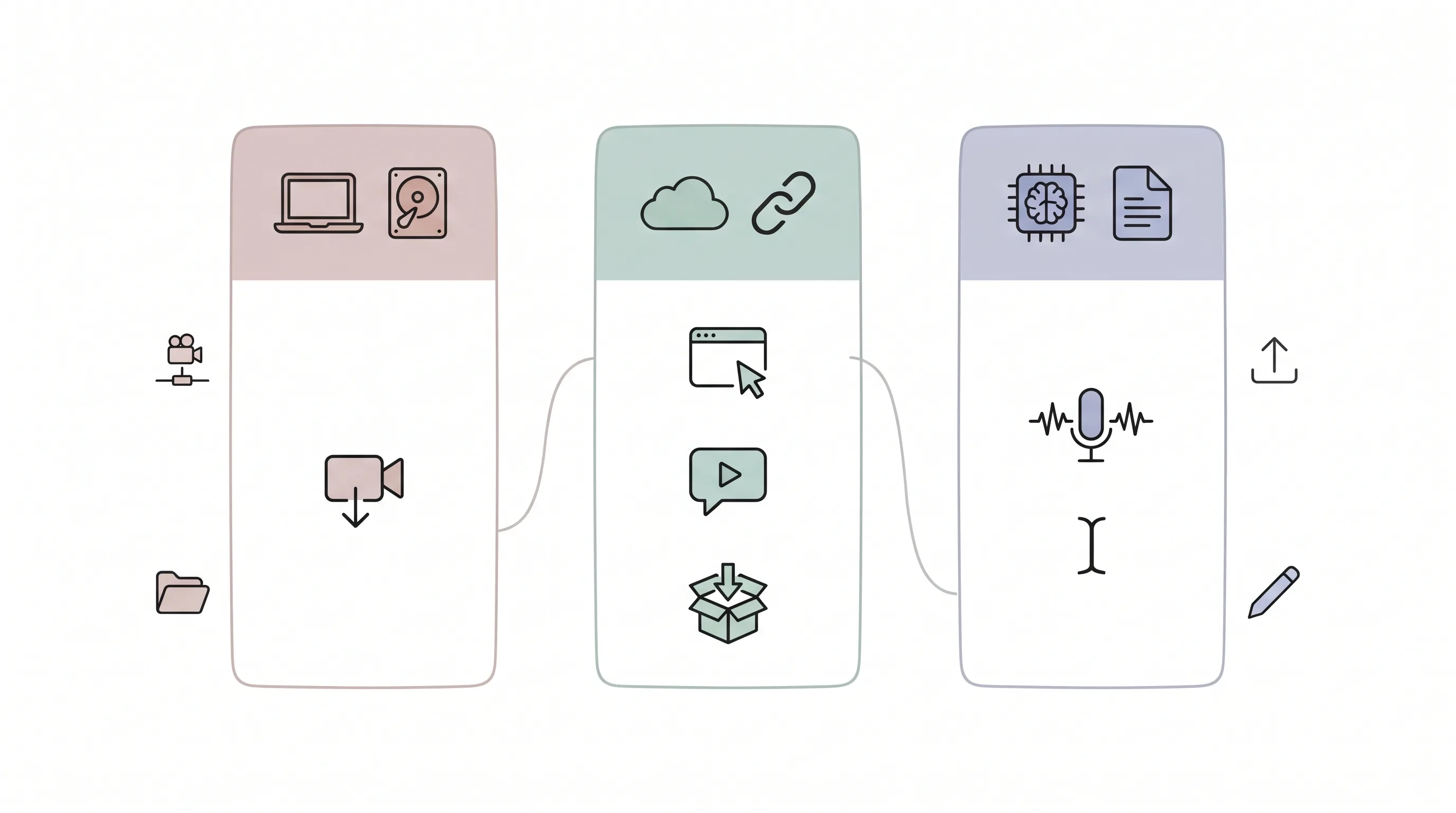
These tools split across three recording architectures. Local-first tools (Screen Studio) store recordings on-device — no cloud upload, no network dependency during capture. Cloud-async platforms (Tella, ShareRec, Cap) upload on completion and generate shareable links in seconds. AI-first editors (Descript) build the workflow around transcript text rather than video timelines. Matching your Mac workflow to the right architecture reduces more friction than any feature checklist.
Loom Alternatives for Mac: Quick Comparison
| Tool | Price | Free Tier | System Audio | AI Transcription | Best For |
|---|---|---|---|---|---|
| ShareRec | $8/mo Pro | 25 most recent 5-min videos, 720p | ✓ | ✗ | Quick async feedback, flexible expiry |
| Screen Studio | ~$89 one-time | No free tier | ✓ | ✗ | Mac-native Apple Silicon recording |
| Tella | ~$19/mo Pro | Limited storage | ✓ | Basic (paid) | Async video platform for remote teams |
| Descript | $12/mo Creator | 1hr transcription/mo | ✓ | ✓ Full AI | AI transcript-first video editing |
| Cap | Free | Full core product | ✓ | ✗ | Zero-cost open-source recording |
ShareRec: Best for Quick Async Feedback With Flexible Expiry
ShareRec charges $8/mo for Pro and gives every recording an instant shareable link on every tier, including free — with a 30-day default expiry and one-click keep-forever, so a walkthrough you keep today still opens weeks later, with no upload step and a library that tidies itself after 30 days. Best for: quick async recordings you can send in seconds — not teams needing AI transcription or a shared team library.
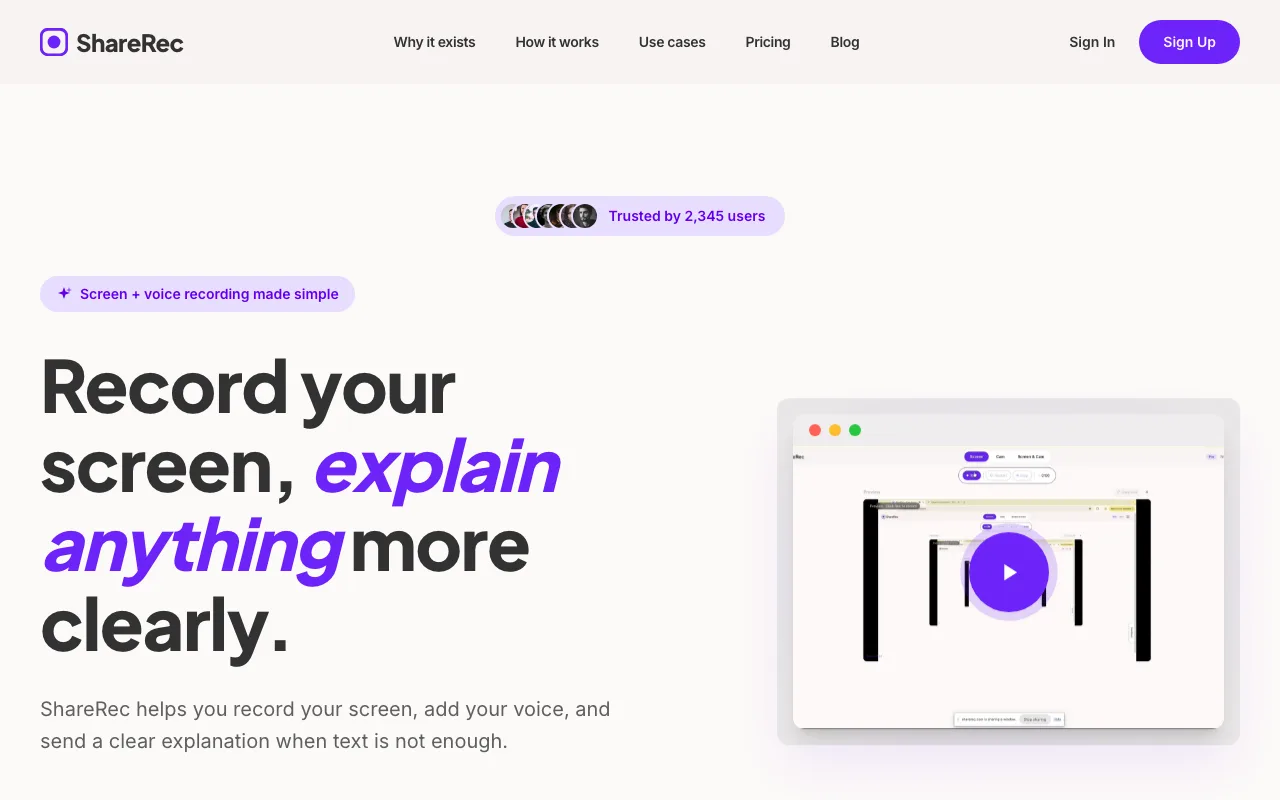
The record-to-link workflow completes typically under 30 seconds — no manual upload, no processing wait. Videos carry a 30-day default expiry on every tier, and you keep any one forever in one click — so the recordings that matter stay accessible for as long as you want, while the rest tidy themselves away, with a 3-day email warning before anything is deleted.
Free tier: 720p recordings with a 5-minute cap per video, 30-day default expiry (keep any video forever in one click), keeping your 25 most recent videos. An account is required on all tiers, including free. The $8/mo Pro plan raises the cap to 30 minutes, increases resolution to 1080p, and unlocks unlimited videos. The $12/mo Business plan adds a 2-hour cap and unlimited videos, also at 1080p.
Loom's starter plan begins at $15/mo — ShareRec Pro saves $7/mo (roughly half the price) for teams that don't need AI transcription or editing tools.
Target users: Remote teams doing async code reviews, customer support agents recording bug walkthroughs, developers sharing quick feature demos, and sales reps delivering personalized video feedback to clients.
Limitations: No AI features, annotations, drawing tools, webcam bubble, reaction overlays, or team workspace; free tier caps recordings at 5 minutes and keeps only your 25 most recent videos (Pro and Business unlock unlimited).
Screen Studio: Best Mac-Native Recording on Apple Silicon
Screen Studio costs approximately $89 as a one-time Mac license and is built as a native macOS app optimized for M1, M2, and M3 processors — delivering reduced CPU overhead and consistently smooth frame rates compared to browser-based or Electron alternatives. Best for: Mac users on Apple Silicon who want local recording with no recurring subscription.
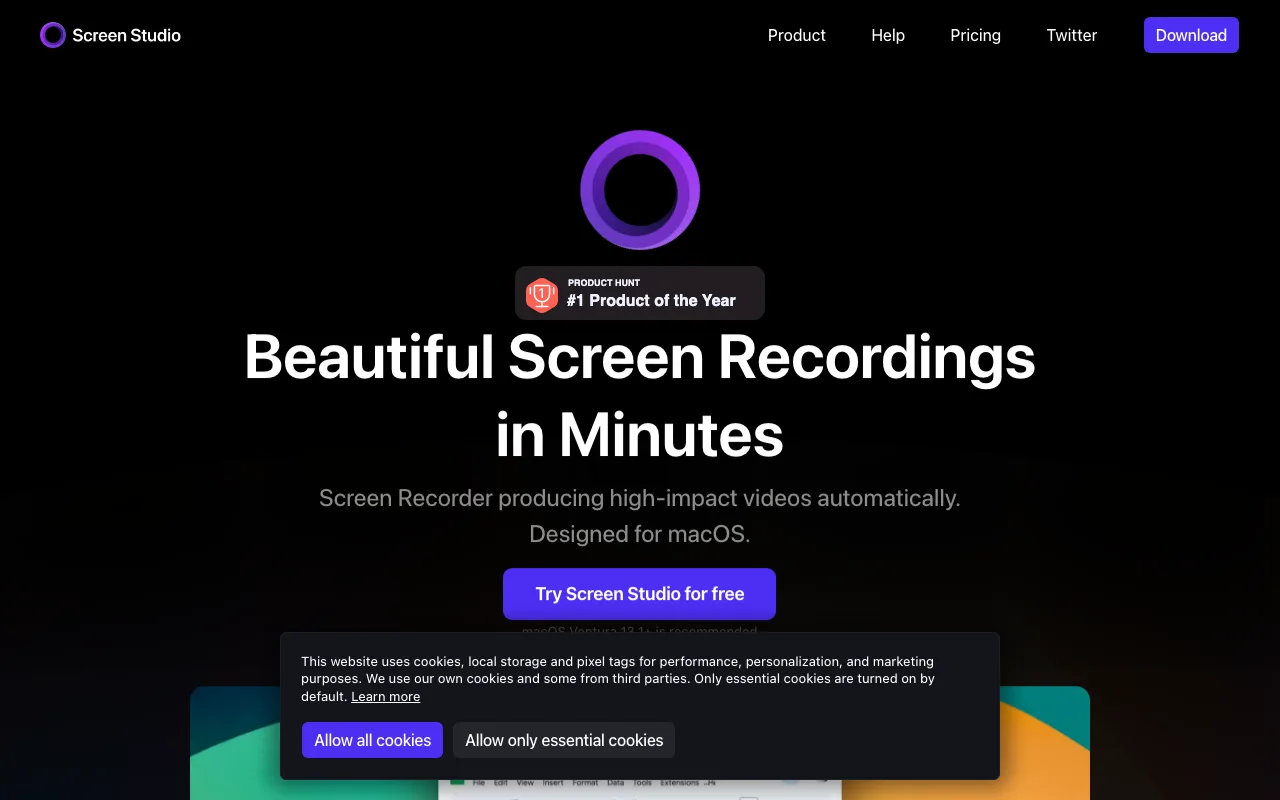
Screen Studio uses Apple's native media pipeline, which helps reduce thermal throttling on MacBook Pro and MacBook Air during extended recording sessions relative to non-native alternatives.
Recordings stay on-device by default — no cloud upload, which benefits legal, healthcare, and finance teams with data residency requirements.
Editing features: Zoom-to-cursor animations and automatic mouse-click highlights apply during post-processing without manual keyframing — the app analyzes cursor movement after the recording ends and applies these effects automatically, eliminating the need to set keyframes on a timeline. Background blur and multi-window capture are also included. Output exports as MP4 or GIF from within the Mac app.
Pricing: The one-time $89 license covers a single Mac. Additional seats require separate per-machine purchases.
Limitations: No shareable links — recordings export as files for manual sharing. No team workspace or analytics. Mac-exclusive; no Windows or browser version.
Target users: Legal, healthcare, and finance teams with data residency requirements; Mac power users on Apple Silicon who prioritize performance over cloud convenience; developers recording extended tutorial sessions on MacBook Pro or MacBook Air.
Tella: Best Async Video Platform for Remote Teams Replacing Loom
Tella is a cloud-based async video platform with a built-in browser editor, team workspace, viewer analytics, and cross-platform Mac and browser support — making it the closest structural replacement for Loom in 2026. Best for: remote teams that need async video sharing with built-in editing tools and shared video libraries.
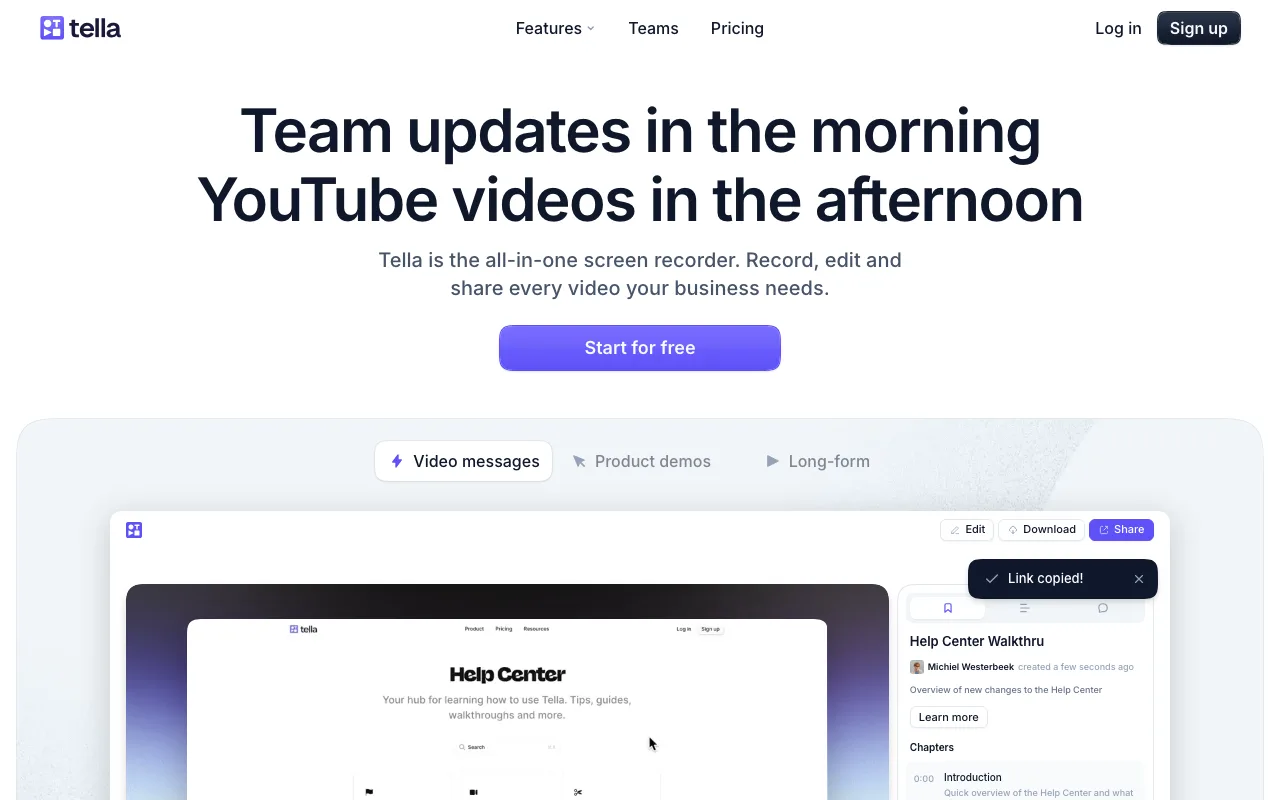
The built-in editor supports clip trimming, background customization, layout adjustments, and multi-camera scene switching. Team workspaces let multiple members share and organize videos in a shared library.
The Mac app records screen, webcam, or both simultaneously with full system audio support and multi-camera switching; the browser recorder supports screen and webcam recording but does not capture system audio in all configurations, making the Mac app the stronger choice for recordings that require audio from other applications. Shareable links are generated immediately on recording completion. Viewer analytics — showing who watched, how much, and where they dropped off — are available on paid plans.
Pricing: Free tier available with limited video storage. Pro plan is approximately $19/mo and removes limits on recording length and team members.
Limitations: Cloud-dependent with no offline option; Pro at ~$19/mo costs more than ShareRec's $8/mo for link-only sharing. No Apple Silicon-native performance; viewer analytics require a paid plan.
Target users: Product teams doing async standups, remote-first companies replacing synchronous meetings with recorded updates, and marketing teams producing polished stakeholder video updates.
Descript: Best for AI Transcript-First Video Editing on Mac
Descript's transcript-first editing model — delete words from the auto-generated transcript to remove the corresponding video segments — makes it the strongest AI transcription tool among Loom alternatives for Mac in 2026. Best for: content creators who want to edit video by editing a text transcript.
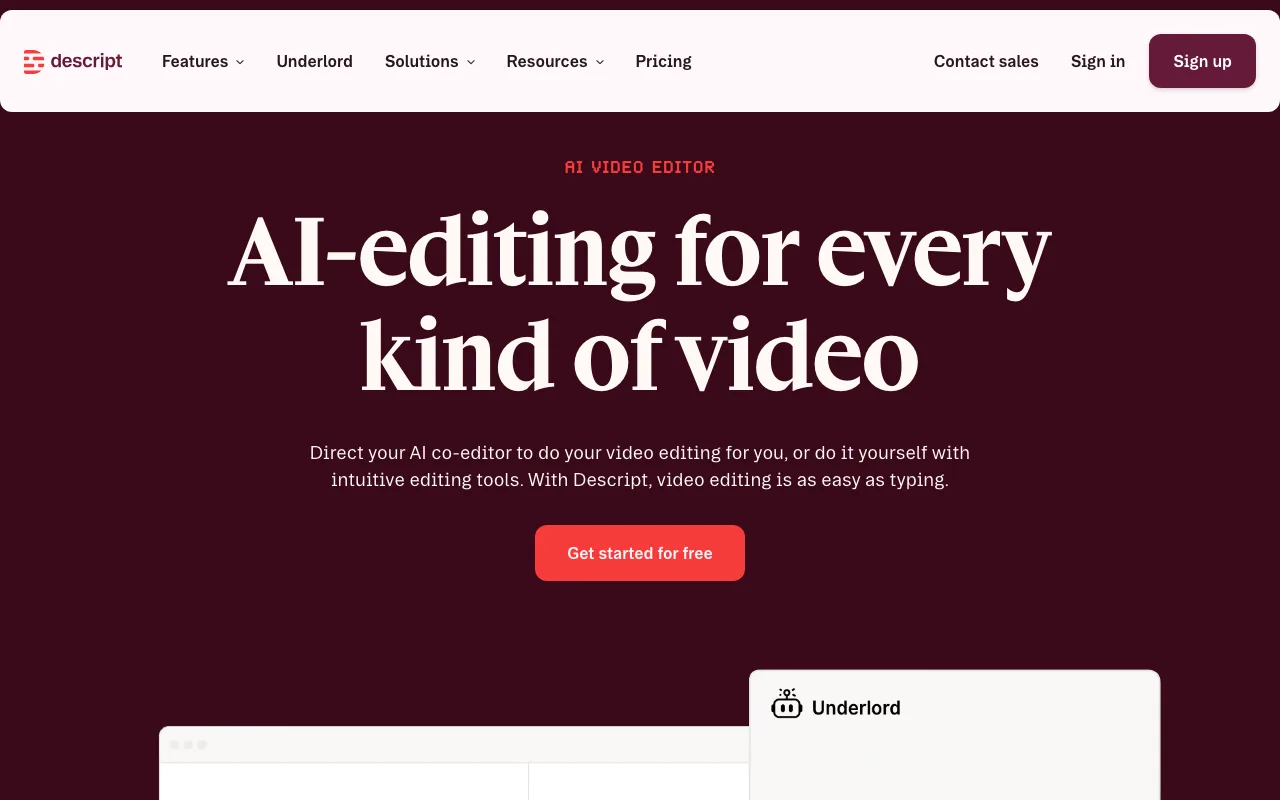
Instead of scrubbing a video timeline, you edit a text document — deleting a sentence removes the matching video segment. Auto-generated chapters, speaker labels, and filler-word removal apply automatically after transcription.
Overdub lets you type new dialogue and regenerate audio in your own voice. A practical corrective use case: type a corrected sentence to fix a mispronounced product name or outdated pricing figure, and Descript regenerates only that segment in your voice — no re-recording the full clip, no re-editing surrounding cuts.
Unlike record-and-share tools where the link is the endpoint, Descript treats the transcript as the primary editing surface, adding 5–10 minutes of setup per recording as audio is transcribed and the editing interface loads.
Pricing: Free tier includes 1 hour of transcription per month. Creator plan is approximately $12/mo. Pro plan is approximately $24/mo and adds unlimited transcription hours and full-accuracy Overdub.
Limitations: Steeper learning curve than record-and-share tools; resource-intensive on older Intel Macs, where transcription and timeline rendering are noticeably slower than on Apple Silicon machines; not designed for quick link sharing.
Target users: Content creators, podcast editors, and product marketing teams producing polished async video documentation.
Cap: Best Free Open-Source Loom Alternative for Mac
Cap is a fully free, open-source screen recorder that generates shareable links on recording completion with no subscription cost, no watermarks, and no vendor lock-in. Best for: budget-conscious users and developers who want Loom-style instant link sharing at zero cost.
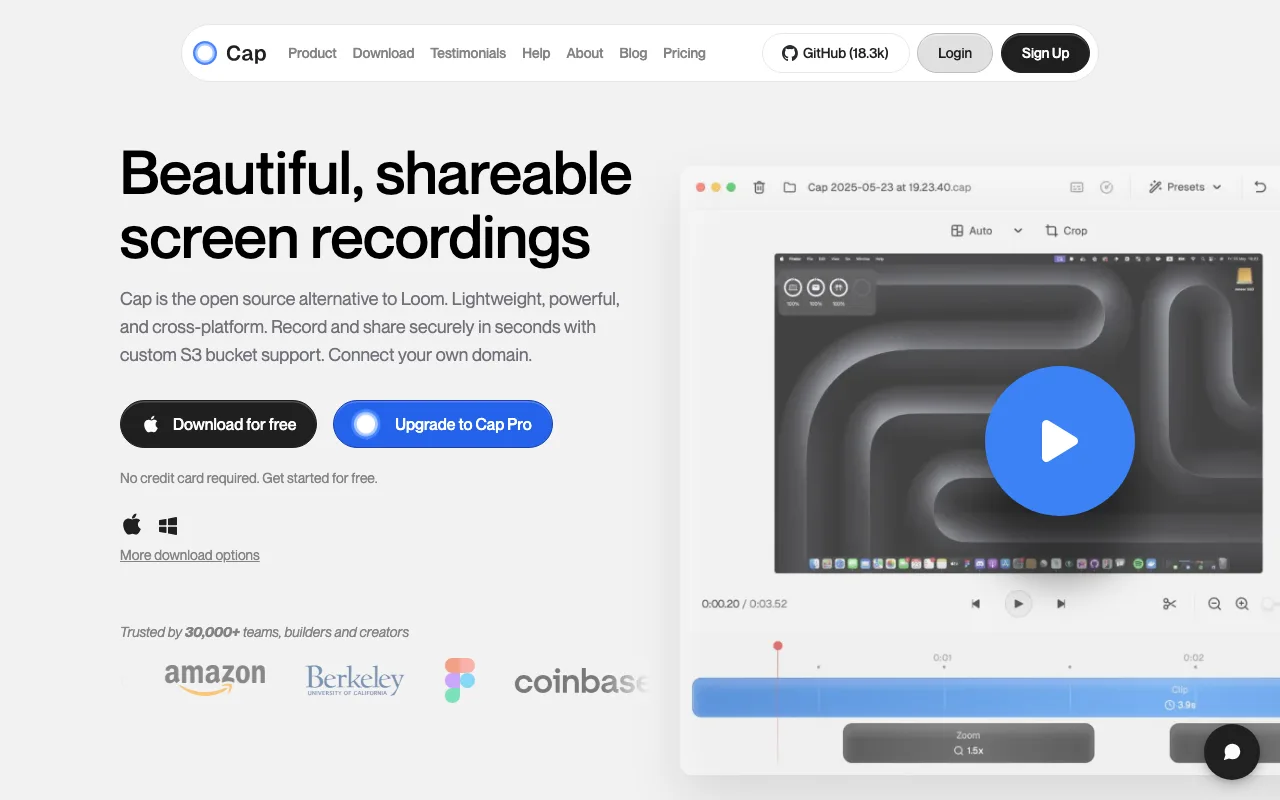
Cap's core workflow mirrors Loom's: record screen and webcam simultaneously, receive a shareable link on completion, with no watermarks on any recording. The community-maintained GitHub repository means no single vendor controls pricing or feature availability.
The core product requires no account signup for basic recording and link sharing — a meaningful contrast to ShareRec and most tools in this group, which require an account on all tiers including free.
Optional self-hosting gives healthcare, legal, and government teams full control over recording storage, requiring Docker deployment and basic DevOps capability.
Pricing: Core product is fully free with no recording limits on the cloud-hosted version. An optional cloud storage plan is available for larger teams that prefer managed hosting over self-hosting.
Limitations: Less polished UI with rougher onboarding; editing is basic trim only, with no annotations, AI features, webcam bubble, or reaction overlays. Self-hosting requires technical configuration; no team workspace or viewer analytics in the free tier.
Target users: Developers, privacy-conscious individuals, early-stage startups, and budget-constrained freelancers who need shareable recordings without a monthly subscription.
Key Takeaways
- ShareRec ($8/mo Pro) — Best for quick async recordings with instant shareable links and a 30-day default expiry (keep any forever in one click) on every tier; free tier keeps your 25 most recent 5-minute videos with account required.
- Screen Studio (~$89 one-time) — Best Mac-native option for Apple Silicon; stores recordings locally with no subscription and no cloud dependency.
- Tella (~$19/mo Pro) — Best async video platform replacing Loom for remote teams; includes a built-in editor, team workspace, and viewer analytics on paid plans.
- Descript (~$12/mo Creator) — Best for AI transcript editing; edit video by deleting words from a transcript, with auto-chapters and Overdub voice synthesis included.
- Cap (free, open-source) — Best zero-cost option; no watermarks, instant shareable links, optional self-hosting for data-sensitive teams.
For more in-depth comparisons, see our Loom alternatives 2026 roundup and the Loom vs ShareRec head-to-head.
Frequently Asked Questions
What is the best completely free Loom alternative for Mac?
Cap (open-source, no account required, no watermarks, instant shareable links) and ShareRec's free tier (5-minute cap per video, 30-day default expiry with keep-forever in one click, keeps your 25 most recent videos, account required) are both zero-cost entry points. Cap suits users who want no account and self-hosting; ShareRec's free tier suits instant async feedback without a paid plan.
Does Loom run natively on M1 and M2 Macs after the Atlassian acquisition?
Loom operates as a browser extension and Electron app — functional on Apple Silicon but not optimized for it. Screen Studio is built as a native Mac app targeting M1, M2, and M3 processors, delivering lower CPU usage and higher frame rates on Apple Silicon than Loom's Electron-based architecture.
Can I record system audio alongside screen video on a Mac?
Screen Studio, ShareRec, Tella, Descript, and Cap all support system audio capture on Mac. macOS does not expose system audio natively — most tools install a virtual audio driver such as BlackHole automatically during setup. QuickTime Player requires a separate third-party audio driver to capture system audio alongside screen recordings.
What is the difference between local recording and cloud-based screen recording?
Local tools like Screen Studio store recordings on your Mac — no upload latency, no cloud dependency, no external server access to your content. Cloud tools including Tella, ShareRec, and Cap upload on completion and generate shareable links immediately. Local tools keep data on-device; cloud tools exchange storage control for instant sharing.
Which Loom alternative has the best AI transcription on Mac?
Descript provides the strongest AI transcription — word-level accuracy, auto-generated chapters, speaker labels, and filler-word removal on its Creator plan (~$12/mo). Tella includes basic transcription on paid plans. ShareRec, Screen Studio, and Cap do not offer AI transcription features at any pricing tier.
Try it free
Record your first walkthrough free in 30 seconds
No install, no watermark — share a link instantly.
Start Recording Free