5 Cheaper & Free Loom Alternatives in 2026 — Compared
Five free Loom video recorder alternatives exist in 2026: Cap (open-source, self-hosted), Tella (polished editing), OBS Studio (unlimited local recording), Vmaker (Loom-like workflow), and ShareRec (instant shareable link, 30-day default expiry with one-click keep-forever on every tier). Loom's own free tier limits users to 25 videos at 5 minutes each — a ceiling many users hit before they've paid for anything.
The five tools fall into three categories:
- No account required: OBS Studio (unlimited local recording, no built-in sharing)
- Free with account: ShareRec (5-min cap, 30-day default expiry with one-click keep-forever, keeps your 25 most recent videos), Cap, Tella, and Vmaker (free tiers with recording or storage caps)
- Paid tiers from $8–$19/mo that remove free-tier restrictions
Is There a Free Equivalent to Loom? (Quick Answer)
Yes — five free Loom video recorder alternatives exist in 2026, each covering a different use case. Loom's own free tier limits users to 25 videos at 5 minutes each — a ceiling many users hit before they've paid for anything.
No single tool replicates Loom's exact combination of webcam bubble, AI transcription, team workspace, and instant shareable link on a free plan. The comparison table below shows exact free-tier limits for each.
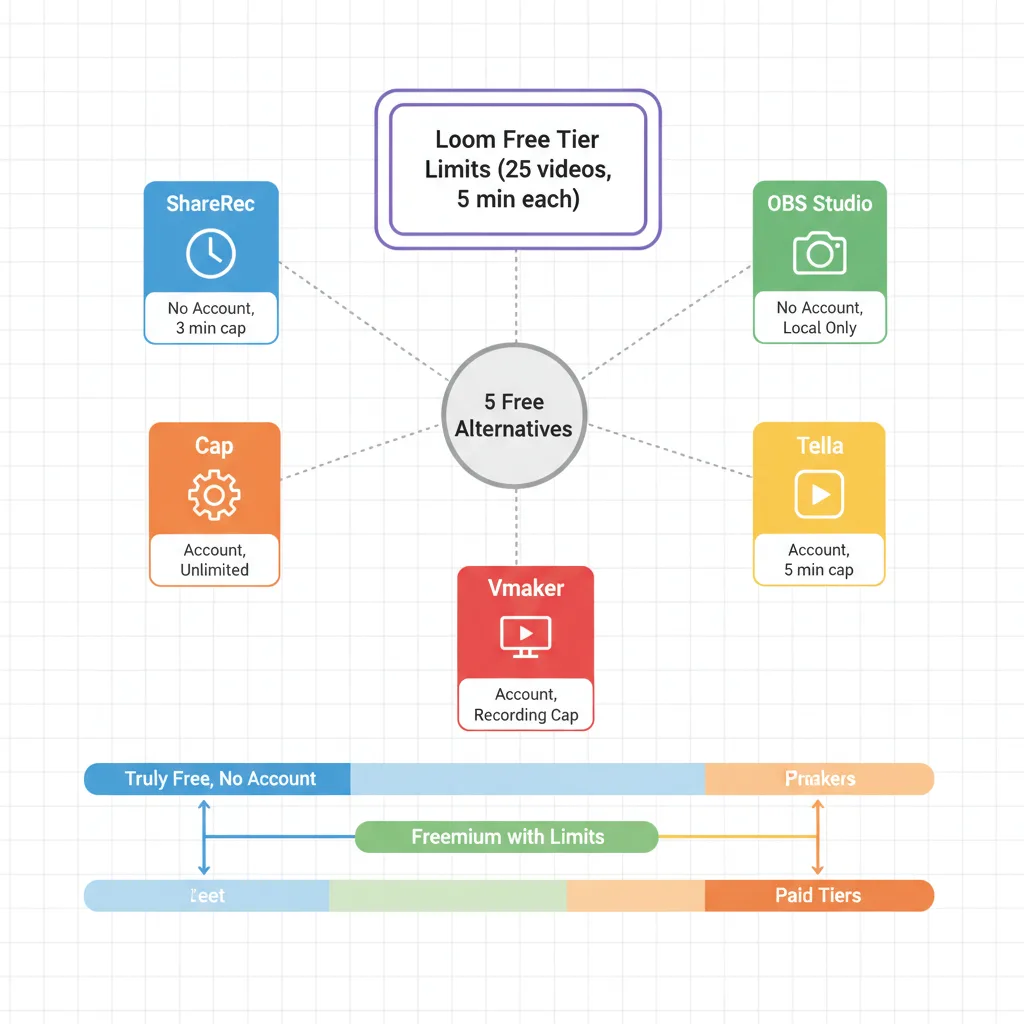
Free-Tier Comparison Table
The table below shows exact free-tier limits for all five tools — the data most relevant to anyone switching from Loom's 25-video, 5-minute cap.
| Tool | Free Recording Limit | Watermark on Free Tier? | Shareable Link | Account Required? | Paid Plan Starts At |
|---|---|---|---|---|---|
| Cap | Unlimited videos, no stated length cap | No | Yes (permanent) | Yes | $9/mo |
| Tella | Limited videos, 5-min cap per video | Yes (on exports) | Yes | Yes | $19/mo |
| OBS Studio | Unlimited, no restrictions | No | No (local only) | No | Free forever |
| Vmaker | Unlimited videos, recording cap applies | No | Yes | Yes (Google/email) | $15/mo |
| ShareRec | Keeps your 25 most recent videos, 5-min cap per video | No | Yes — instant (30-day default, keep forever 1 click) | Yes | $8/mo |
All free tiers verified as of April 2026 — check each tool's pricing page for current limits.
Cap — Best for Open-Source and Self-Hosted Recording
Cap is a free, open-source screen recorder for Mac and Windows that generates permanent shareable links instantly — with a self-hosting option that keeps recordings off third-party servers entirely.
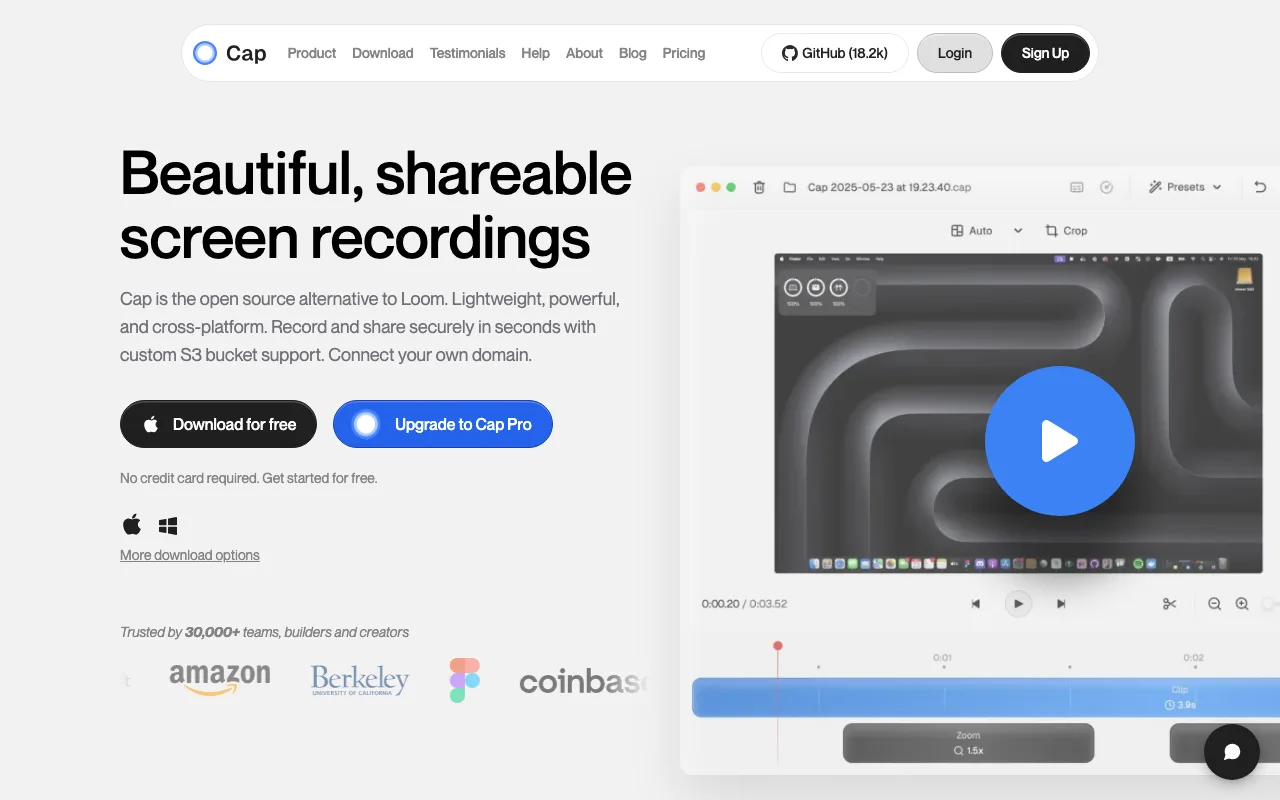
Best for: Developers, privacy-focused teams, and anyone who wants to own their recording infrastructure.
Cap installs as a lightweight desktop app and records screen, webcam, and audio simultaneously. The open-source codebase means any team with a developer can audit, fork, or modify it to fit internal requirements. The self-hosted version allows teams with a developer to deploy Cap on their own server — recordings are stored entirely within internal infrastructure and never pass through Cap's cloud. For non-developers, this means your IT or engineering team handles the setup once, and everyone else uses Cap normally without any change to their day-to-day workflow.
On the free cloud-hosted tier, Cap generates a permanent shareable link immediately after recording ends — no manual upload step required. The free tier does not publicly list a recording length cap, but verify current limits on Cap's pricing page before building a workflow around long recordings.
Cap's editing tools are intentionally minimal. There is no background replacement, no scene switching between different layouts, and no multi-clip timeline editing. Users who need those capabilities should look at Tella instead. There is also no AI transcription, no viewer analytics dashboard, and no native integrations with tools like Slack or Notion. Documentation and community support are thinner than established SaaS alternatives.
Cap does not currently offer a verified Loom video import feature — confirm directly on Cap's site before treating migration of an existing Loom library as a supported workflow.
Cap's free tier carries no watermark, which makes it one of the few tools on this list where the free output is indistinguishable from paid output in terms of branding.
Tella — Best for Polished Async Video With Editing Tools
Tella is a browser-based screen recorder with multi-scene recording, custom backgrounds, and layout controls — the strongest editing toolkit of any tool on this list, with a paid plan starting at $19/month.
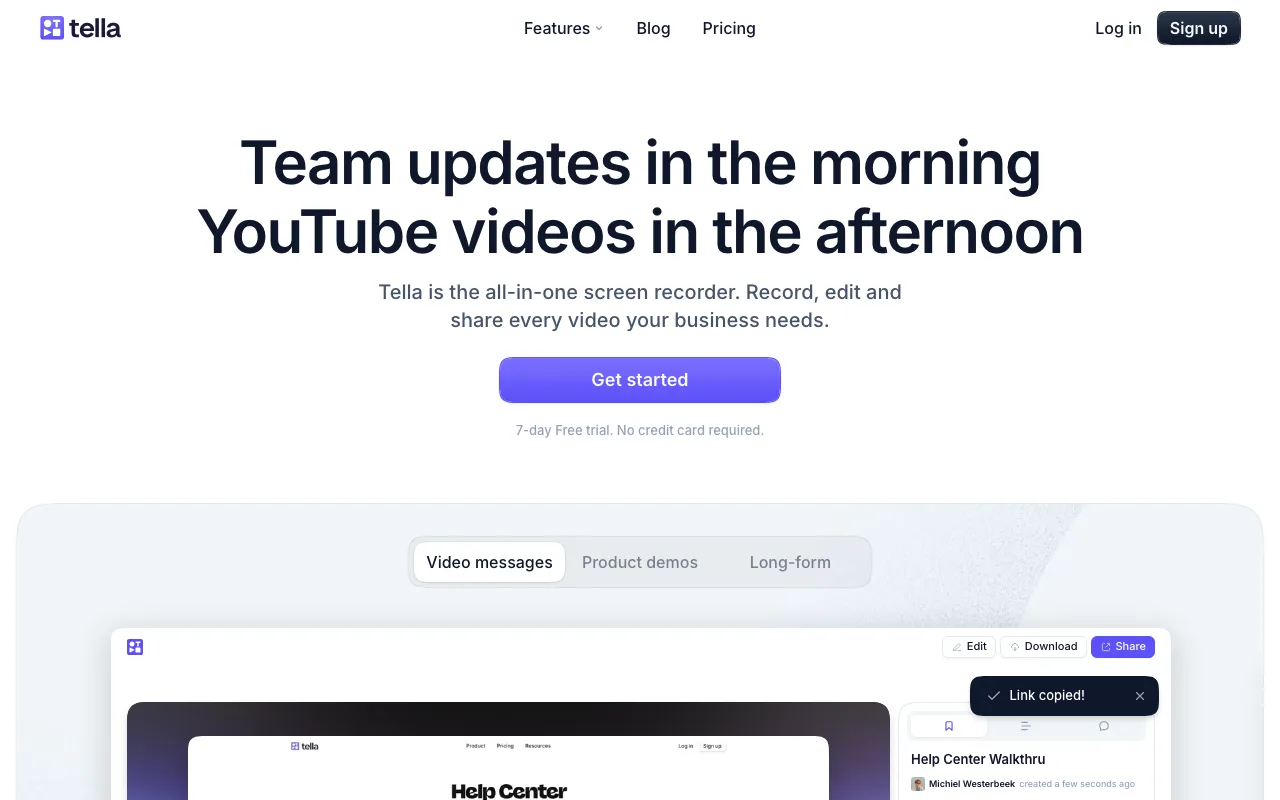
Best for: Content creators, educators, and anyone who needs async videos to look professionally produced.
Tella's core differentiator is post-recording polish. Users can switch between scenes mid-recording, add branded backgrounds, and control layout in ways Loom doesn't support. A course creator recording a 10-lesson series, for example, can set a consistent branded background across every video, switch between a full-screen slide view and a talking-head layout within a single recording, and export a finished product that looks intentionally designed rather than hastily captured. That level of visual consistency is difficult to achieve with any other tool on this list.
Tella published a comprehensive Loom alternatives list in January 2026 — a signal that the company is actively positioning itself in the competitive async video space and investing in content that targets users evaluating Loom replacements.
The free tier is the most restricted on this list. Watermarks appear on all exported videos, recording length is capped at 5 minutes per video, and the number of videos is limited. The editing features that define Tella's value proposition — custom backgrounds, scene switching, and advanced layout controls — are locked behind the $19/month paid plan. On the free tier, users get basic recording and trimming only. The watermark alone makes free-tier output unsuitable for client-facing or public content, which means Tella's free plan functions more as an extended trial than a genuinely usable free product. Budget for the paid plan if Tella's editing capabilities are the reason you're choosing it.
OBS Studio — Best for Unlimited Free Recording With No Restrictions
OBS Studio is completely free, open-source, and imposes no recording length limits, no watermarks, and no account requirement — the most unrestricted free option on this list, with high-quality output suitable for 1080p and higher resolutions depending on hardware configuration.
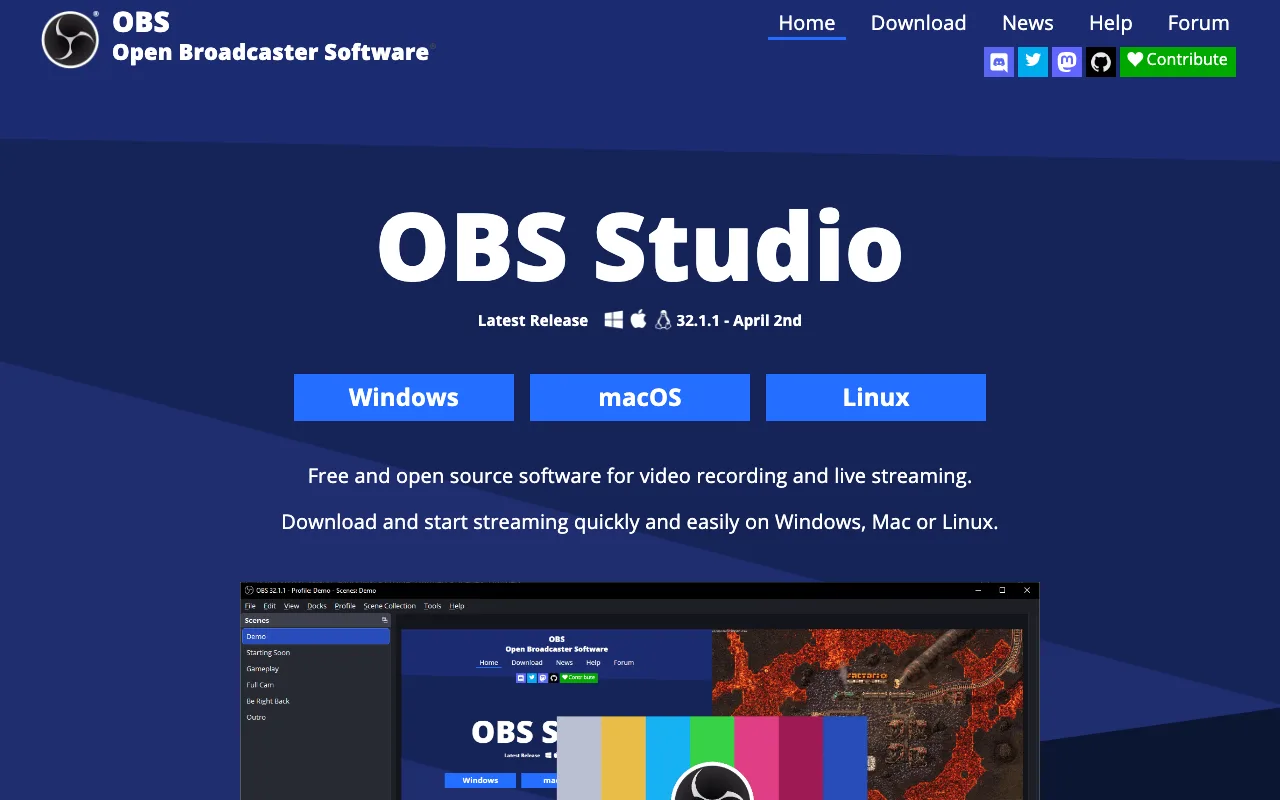
Best for: Power users, streamers, and anyone who needs unlimited local recording without a subscription.
OBS captures screen, webcam, microphone, and system audio simultaneously, with multi-source scene switching and high-quality output. The software supports output up to 4K on capable hardware, though actual output quality depends on your system configuration — verify your hardware can support 4K encoding before relying on it for a production workflow.
OBS has an active plugin ecosystem that meaningfully extends its capabilities. Plugins add features like virtual camera output, advanced audio filters, replay buffering, and stream deck integration — making OBS a genuinely powerful platform for users willing to invest setup time.
The gap versus Loom is most visible in the sharing workflow. After recording in OBS, the process to share a video looks like this: the recording saves as a local file, you open Google Drive or Dropbox, you upload the file manually (which can take several minutes for longer recordings), you wait for the upload to complete, you copy the share link, and then you paste that link wherever you need it. That entire sequence takes 5–15 minutes depending on file size and upload speed — compared to under 60 seconds with Loom or Vmaker. There is no viewer analytics, no notification when someone watches, and no async commenting.
Setup also takes 15–30 minutes for a first-time user versus under a minute for Loom-style tools. OBS is a free equivalent to Loom's recording capability — not its sharing workflow.
Vmaker — Best for a Free Loom-Like Experience With No Credit Card
Vmaker offers free screen recordings with webcam bubble support, shareable links, and viewer analytics — no credit card required at sign-up, with paid plans starting at $15/month.
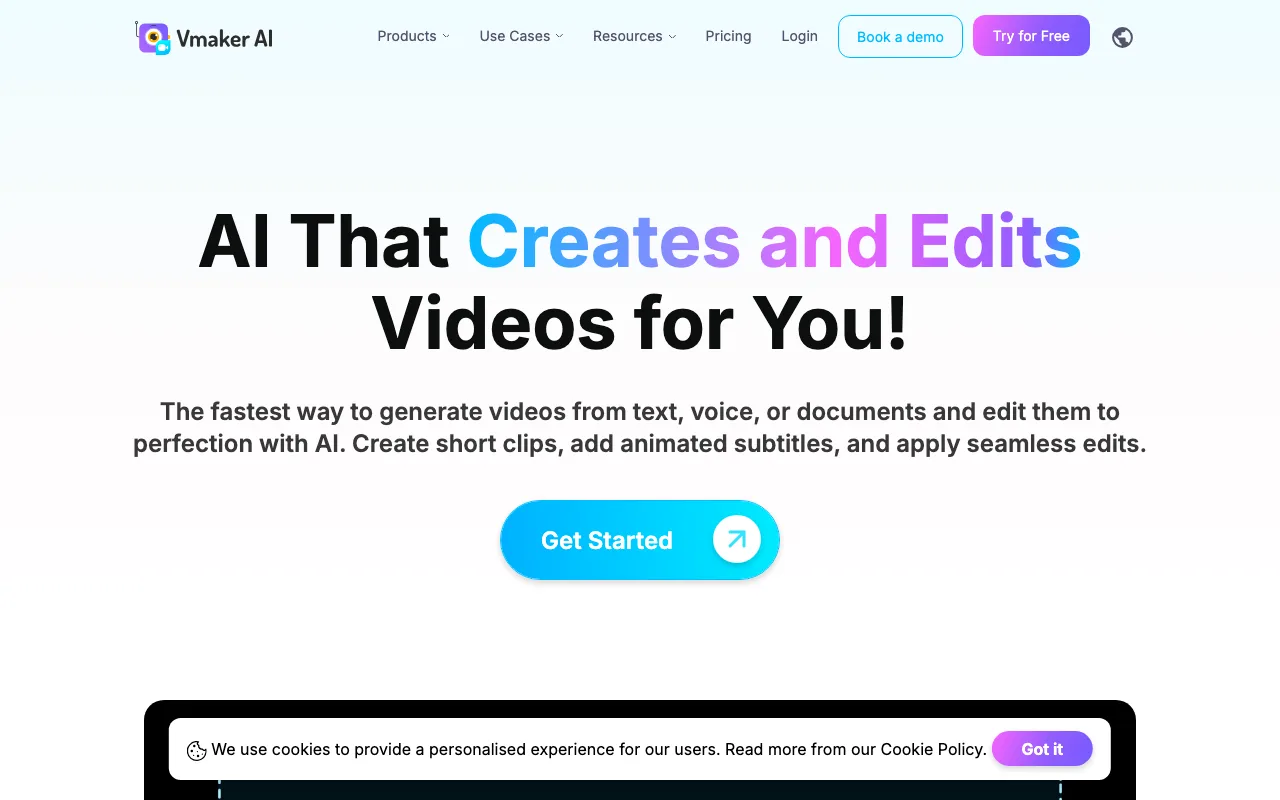
Best for: Individuals and small teams who want the closest free equivalent to Loom's end-to-end sharing workflow.
Vmaker's free tier includes the webcam bubble overlay that Loom popularized, shareable links generated immediately after recording, and basic viewer analytics showing when someone watched. Importantly, the free tier does not add a watermark to recordings — the output is clean and suitable for sharing without visual branding from Vmaker. This is one of Vmaker's meaningful advantages over Tella's free tier.
Vmaker markets itself as the "#1 Loom Alternative" — worth noting that this is the company's own marketing claim, not an independent ranking. Whether it earns that label depends on your specific use case, but the positioning reflects how directly Vmaker targets users evaluating Loom replacements.
Vmaker is delivered primarily as a Chrome extension, which has practical implications. The extension model means recording is tied to the Chrome browser — users on Firefox, Safari, or Edge cannot use Vmaker without switching browsers. Offline recording is not supported; the extension requires an active browser session and internet connection to function. For users who need a standalone desktop app that works independently of a browser, Vmaker is not the right fit.
Free-tier recording caps and storage limits apply. Vmaker has adjusted these limits over time, so verify current specifics on Vmaker's pricing page rather than relying on any third-party source. Sign-up requires a Google account or email address — no credit card is needed to access the free tier.
ShareRec — Best for the Fastest Instant Shareable Link
ShareRec generates a shareable link the moment recording stops — the fastest path from recording to sharing of any tool on this list, with a free tier at 720p, no watermark, and one-click keep-forever control on every tier.
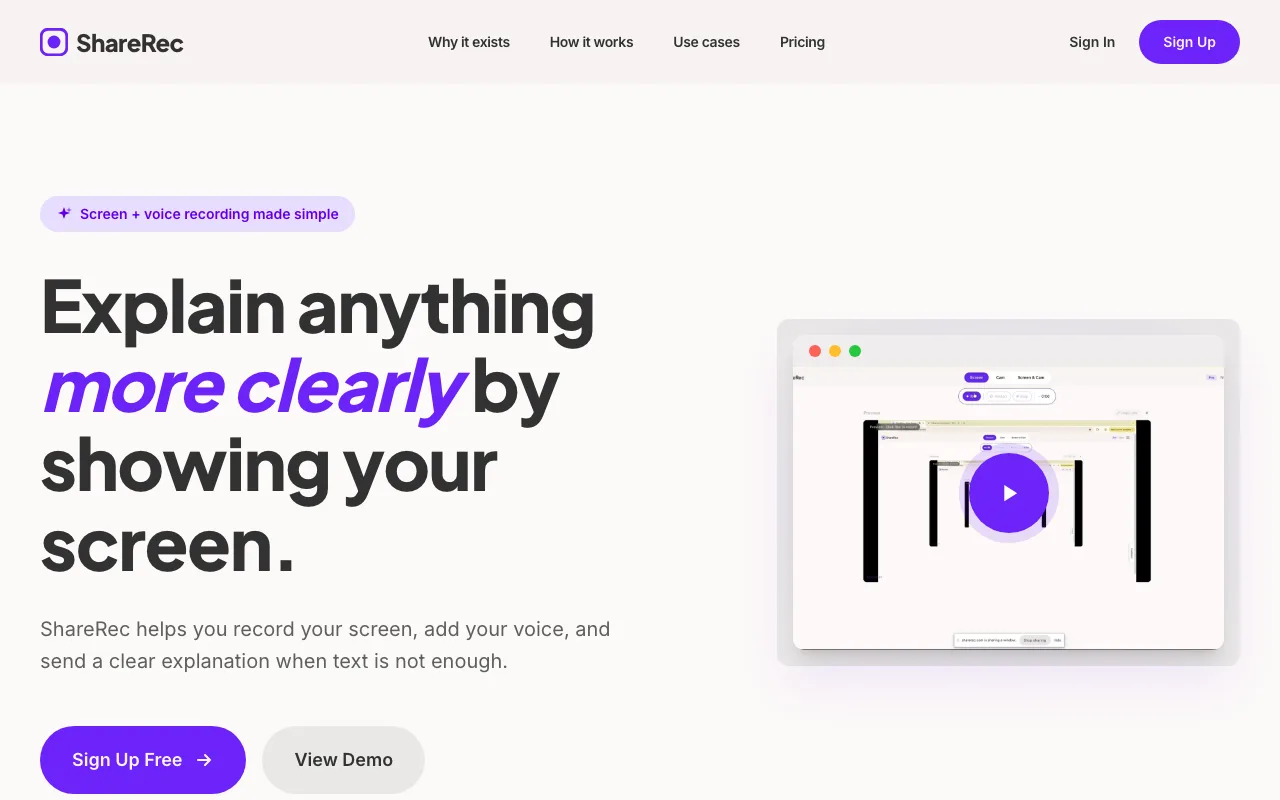
Best for: Remote teams, developers doing quick code walkthroughs, support agents, and freelancers who need to share a fast recording without managing a heavy video library.
The free tier records at 720p with no watermark and a 5-minute cap per recording. Expiry is under your control on every tier including Free: videos auto-expire 30 days after recording by default, but you keep any one forever in one click (or set a custom window — Never / 24 hours / 7 days / 30 days), with a countdown and a 3-day warning email before deletion. The Free plan keeps your 25 most recent videos as you record new ones. Paid plans start at $8/month (Pro) and $12/month (Business), both cheaper than Loom's $15+/month starting price.
The instant shareable link with no upload step is the draw: in async standups, code reviews, and support ticket walkthroughs, you press Stop and the link is on your clipboard in under 30 seconds. Keep any walkthrough forever in one click and it still works months later — while the ones you no longer need tidy themselves away after 30 days, and a 3-day warning means nothing important disappears by surprise.
A concrete example of the target workflow: a support agent records a 2-minute screen walkthrough demonstrating a fix, pastes the ShareRec link directly into the support ticket, keeps it forever in one click, and the recipient can open it whenever they get to it — the link stays live. On the Free plan, older recordings retire once you pass 25, keeping the account tidy without manual cleanup.
ShareRec has no AI transcription, no auto-summaries, no AI-generated chapters, no annotations or drawing tools, no webcam bubble, no team workspace, and no listed third-party integrations. Editing is trim and clip only. It is a purpose-built tool for fast, no-upload sharing, not a Loom feature replacement.
What About Google and Microsoft Alternatives to Loom?
Neither Google nor Microsoft offers a direct Loom equivalent, but both ecosystems include tools that cover basic screen recording needs without a third-party subscription.
For Google users: Google Meet can record meetings, but recording requires a paid Google Workspace plan (Business Standard or above). Google Slides has a presentation recording mode for narrated slideshows. Meet recordings save to Google Drive and require a manual share step; Slides recording is limited to slide-only content with no screen capture.
For Microsoft users: Microsoft Stream (included in Microsoft 365) stores and shares recorded Teams meetings, but is enterprise-focused and not designed for quick one-off recordings. Clipchamp, built into Windows 11, handles basic screen and webcam recording with local export but has no instant shareable link. Teams meeting recordings route through Stream automatically, which works for documented meetings but not ad-hoc async messages.
Native tools cover basic recording needs in either ecosystem — none replicate Loom's instant shareable link workflow out of the box.
How to Choose the Right Free Loom Alternative
The right free Loom alternative depends on four variables: whether you need an account, how long your recordings are, whether the link must be permanent, and how much editing polish the output requires.
- Need unlimited recording with zero cost and no account: OBS Studio for local recording; Cap if you also need a permanent shareable link.
- Need polished video with branded backgrounds and scene switching: Tella — budget for the $19/month paid plan to remove the watermark and access full editing.
- Want the closest free experience to Loom's webcam-bubble-plus-shareable-link workflow: Vmaker — free tier includes webcam overlay and viewer analytics, no credit card required.
- Need the fastest instant shareable link with no upload step: ShareRec — 30-day default expiry with one-click keep-forever on every tier, best for quick feedback where 5-minute recordings are sufficient.
- Already in Google Workspace or Microsoft 365: Native tools (Meet, Stream, Clipchamp) cover documented meetings — none replicate Loom's instant async link for ad-hoc messages.
Key Takeaways
- Cap is best for privacy-focused teams — open-source, self-hostable, no watermark on the free tier, with minimal editing tools and no verified Loom import.
- Tella is best for polished async video — free tier adds a watermark and limits editing; full features start at $19/month.
- OBS Studio is best for unlimited free recording — high-quality output, no length limits, no account, but no built-in shareable link and a manual upload workflow.
- Vmaker is best for a free Loom-like workflow — webcam bubble and viewer analytics on the free tier, no watermark, no credit card required, Chrome extension only.
- ShareRec is best for the fastest instant shareable link — 30-day default expiry with one-click keep-forever on every tier, no watermark, $8/mo Pro plan, 5-minute free cap, keeps your 25 most recent videos.
- Loom's own free tier allows 25 videos at 5 minutes each — worth checking before switching.
Frequently Asked Questions
Is there a free equivalent to Loom?
Yes. Cap, Vmaker, and ShareRec all offer free tiers with shareable links and no credit card required. OBS Studio is completely free with no recording limits but requires manual uploading — there's no built-in share link. Loom's own free tier allows 25 videos at 5 minutes each.
Can I record a Loom video for free?
Yes — Loom's free tier allows up to 25 videos at 5 minutes each with shareable links. Once you hit 25 videos, you'll need to delete old recordings or upgrade to a paid plan starting at $15/month.
Does Google have a Loom alternative?
Not a direct equivalent. Google Meet can record meetings on paid Workspace plans (Business Standard and above), and Google Slides supports narrated presentation recording. Neither generates an instant async shareable link — Meet recordings save to Google Drive and require a manual share step.
Is there a Microsoft equivalent to Loom?
Microsoft Stream (part of Microsoft 365) and Clipchamp (built into Windows 11) are the closest options. Stream stores Teams meeting recordings for enterprise teams; Clipchamp handles basic screen recording with local export. Neither replicates Loom's instant shareable link for ad-hoc async messages.
What's the best free Loom alternative for quick feedback?
ShareRec and Vmaker both generate shareable links instantly on free tiers with no credit card required. ShareRec requires an account, caps recordings at 5 minutes, and lets you control expiry on every tier — videos auto-expire in 30 days by default, or keep any forever in one click (with a 3-day warning email). Vmaker requires a Google or email sign-up and includes a webcam bubble overlay.
What's the difference between free and paid Loom alternatives?
Free tiers typically restrict recording length (around 5 minutes), add watermarks, or limit storage. Paid plans remove those limits and add features like AI transcription, team workspaces, and unlimited video counts. OBS Studio is the exception — fully free with no restrictions, but no built-in sharing workflow.
Related: Looking at paid options too? See our full Loom alternatives comparison covering Vidyard, Tella, Descript, and Camtasia — each matched to a specific use case.
Try it free
Record your first walkthrough free in 30 seconds
No install, no watermark — share a link instantly.
Start Recording Free