4 Cheap Loom Alternative Screen Recorders (Free & Paid, Tested 2026)
Loom's free tier caps recordings at 5 minutes and 25 videos total — paid plans start at $15/month. For individuals and small teams who need more, four cheap Loom alternative screen recorders cover the full range from completely free to affordable paid. See the full breakdown in the Quick Answer section below.
Quick Answer: Which Cheap Loom Alternative Should You Use?
- OBS Studio — Best for power users and developers who need unlimited free recording with no watermarks | Free forever
- ShareRec — Best for instant async feedback with instant shareable links on every tier (30-day default expiry, keep any forever in one click) | Free tier available; Pro $8/mo
- Tella — Best for polished video presentations and storytelling for marketers and creators | Free tier (watermarked); Pro $19/mo
- Screencastify — Best for educators and Chrome-based workflows with the cheapest paid upgrade path | Free tier available; $3/mo paid
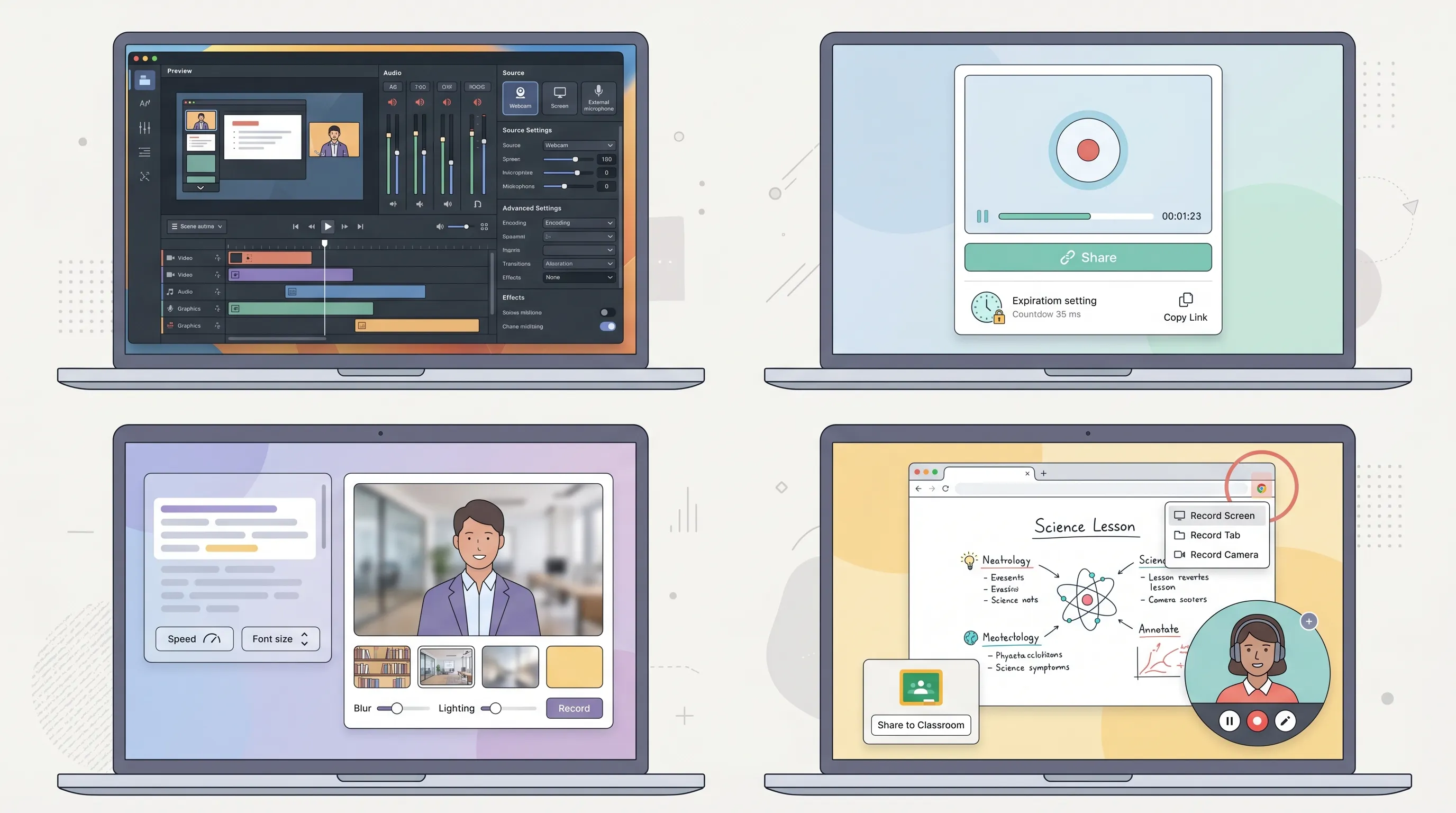
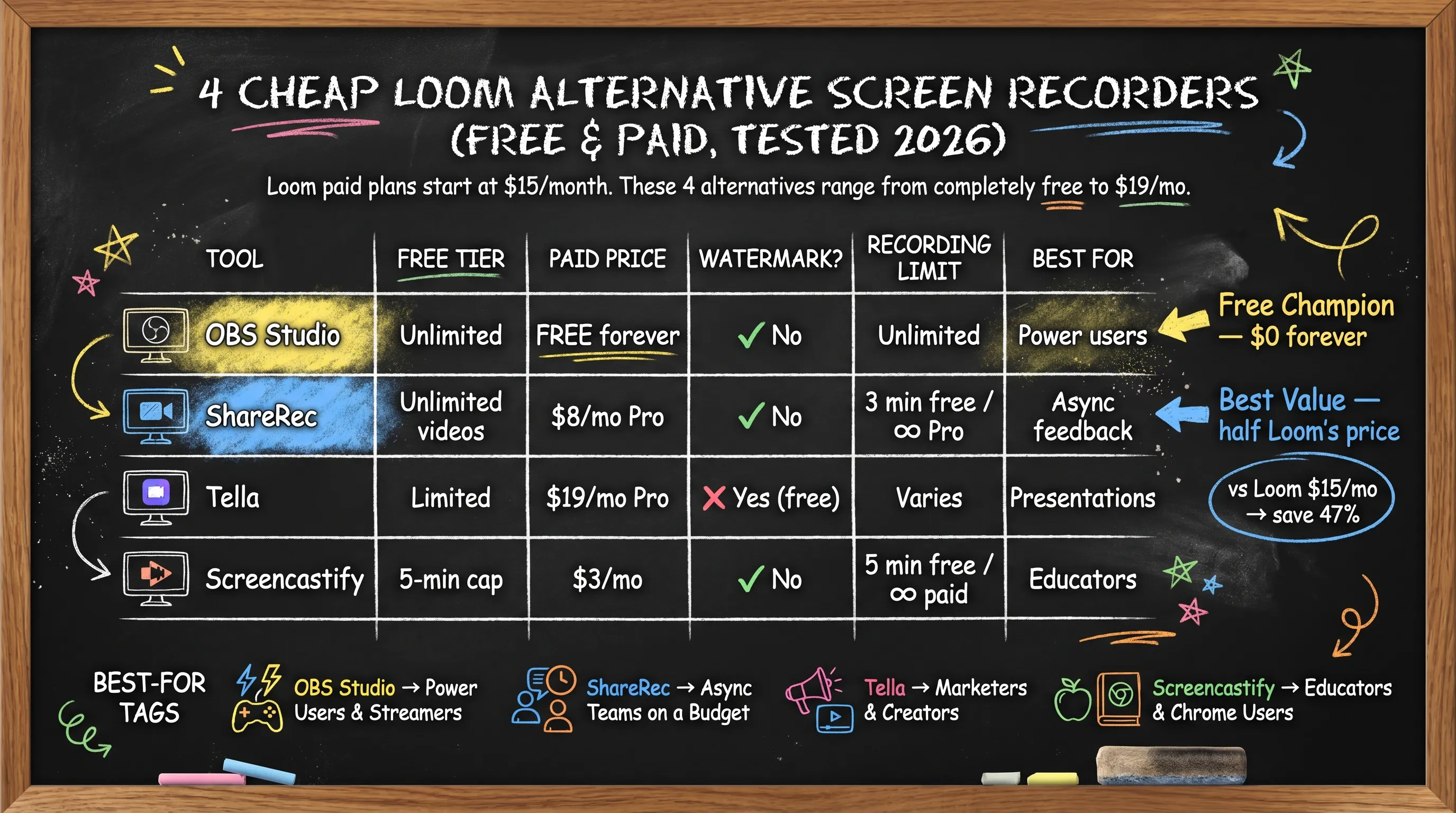
Cheap Loom Alternative Screen Recorders: Free vs. Paid Comparison
| Tool | Free Tier | Paid Price | Watermark on Free | Recording Limit | Best For |
|---|---|---|---|---|---|
| OBS Studio | Yes — unlimited | Free forever | No | None | Power users, streamers |
| ShareRec | Yes — keeps 25 most recent videos; 5-min cap per video; 30-day default expiry (keep any forever in 1 click) | $8/mo Pro | No | 5 min (free) / 30 min (Pro) | Instant async feedback |
| Tella | Yes — limited | $19/mo Pro | Yes (free tier) | Varies by plan | Polished video presentations |
| Screencastify | Yes — 5-min cap | $3/mo | No | 5 min (free) / unlimited (paid) | Educators, Chrome users |
Prices verified as of publication — check each tool's pricing page for current rates.
OBS Studio — Best Free Screen Recorder for Power Users
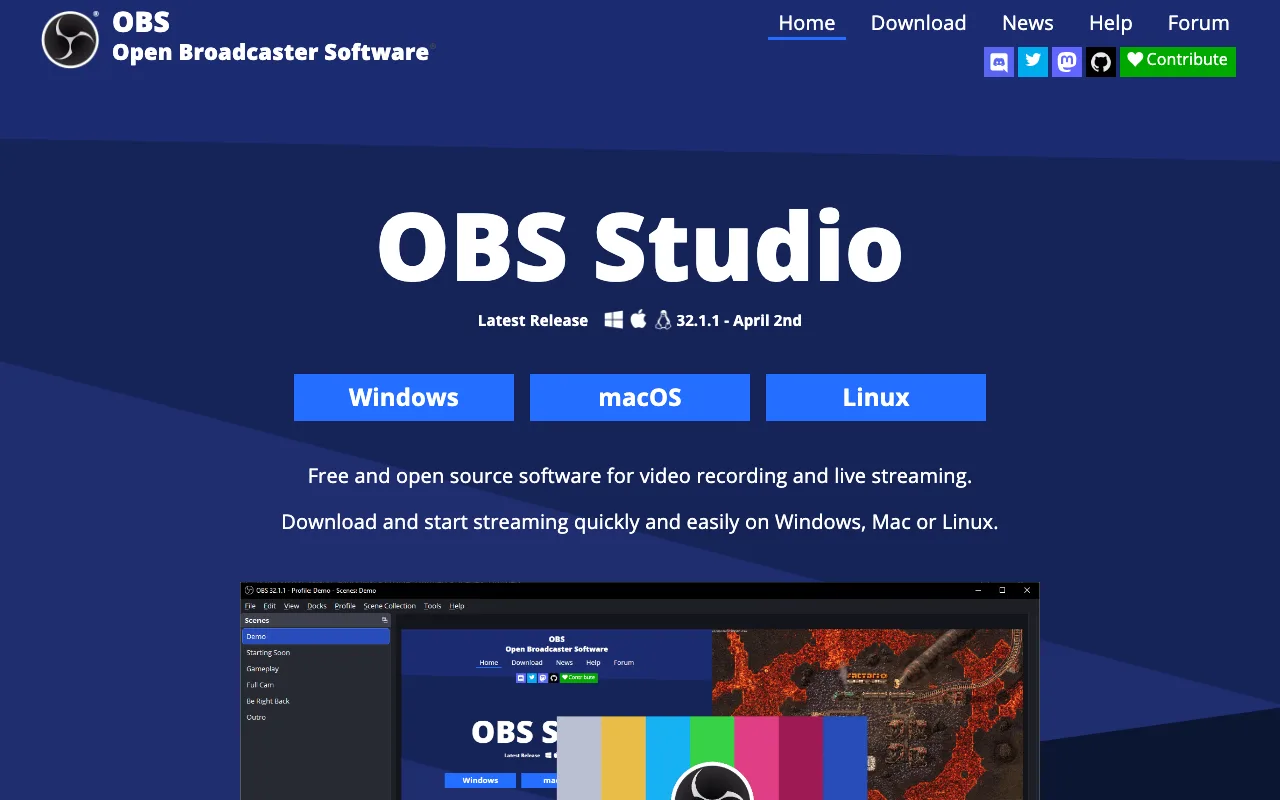
OBS Studio is completely free, open-source, and imposes no recording time limits or watermarks — making it the strongest truly-free Loom alternative for users who need full control. Used by millions of streamers and developers worldwide, OBS is the de facto standard for free screen recording across Windows, Mac, and Linux.
Core strengths include unlimited recording length, multi-scene switching, audio mixing with per-source volume control, and support for multiple simultaneous capture sources (screen, webcam, microphone). Every feature is available at no cost, forever. OBS outputs recordings in multiple formats including MP4, MKV, and FLV, giving you flexibility depending on where you plan to host or share the file.
The trade-off is complexity. OBS has no one-click record-and-share workflow: setup requires configuring scenes, sources, and output settings before your first recording. Expect 30–60 minutes of initial configuration. There is no built-in shareable link, no cloud hosting, and no viewer analytics — you record locally and distribute the file yourself.
A typical workflow looks like this: configure your scene once, record your walkthrough, locate the output file in your designated folder, upload it to Google Drive or Dropbox, and share the resulting link manually. It adds steps compared to Loom, but costs nothing.
OBS also has an active plugin ecosystem — extensions are available for adding virtual cameras, browser source overlays, advanced audio filters, and automated scene switching — making it extensible well beyond its default feature set for users who want more.
Best for: Developers, streamers, and power users who record frequently, need unlimited length, and are comfortable with a 30–60 minute initial setup. Not suitable for anyone who needs a shareable link in under a minute.
ShareRec — Best for Instant Recordings and Async Feedback
ShareRec generates an instant shareable link in under 30 seconds — with no upload step — and its Pro plan runs $8/month, roughly half the cost of Loom's $15+/month starting price. The free tier includes basic trim and clip editing and no watermark, with an instant shareable link on every recording. Videos auto-expire 30 days after recording by default — keep any one forever in one click. The free tier keeps your 25 most recent videos and caps each individual recording at 5 minutes.
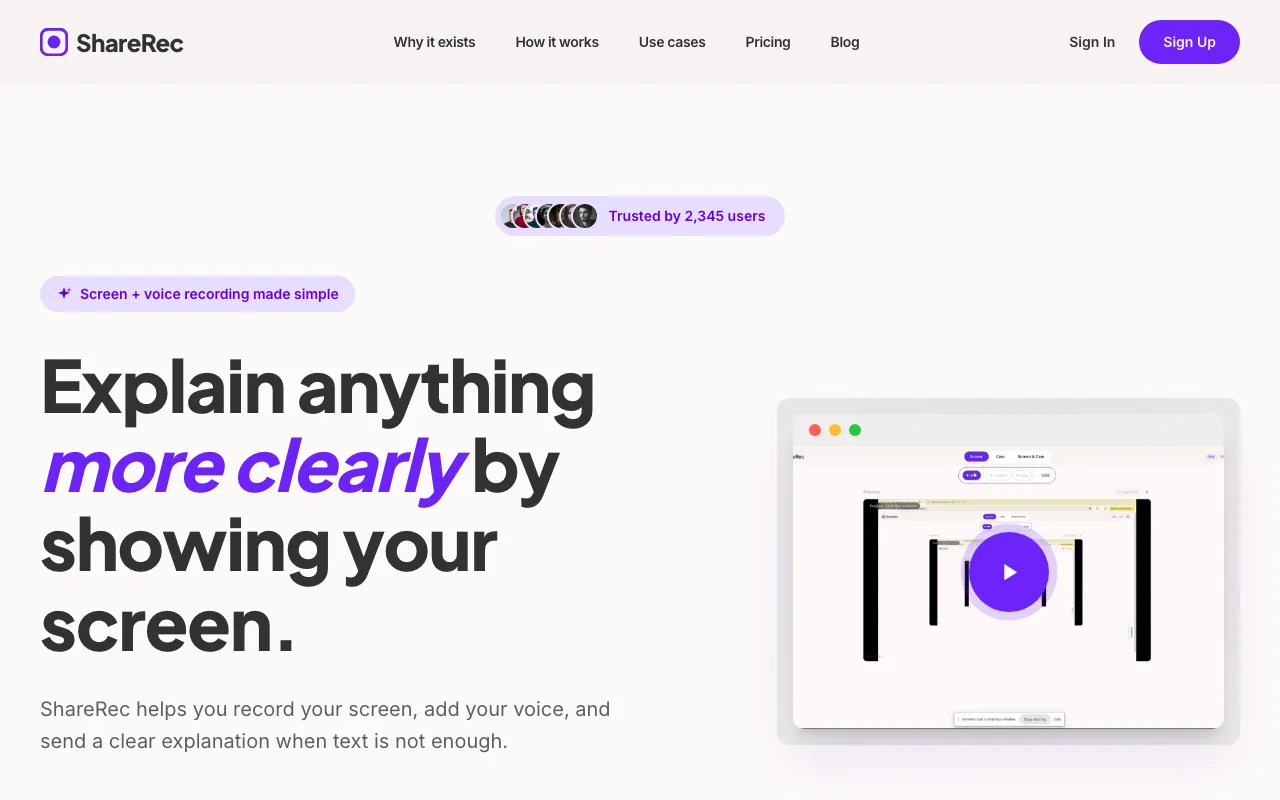
After recording, ShareRec automatically generates a shareable link without requiring any manual upload step — record, stop, send in under 30 seconds. Videos auto-expire in 30 days by default on every tier including Free, and you keep any video forever in one click — so a walkthrough you share today still opens weeks later, while clips you no longer need tidy themselves. A countdown shows on each video and you're emailed 3 days before anything is deleted. The link is ready to paste into Slack, email, or a project management tool within seconds of stopping the recording.
A practical example: a developer recording a 2-minute bug reproduction walkthrough for a colleague can record, stop, and paste the link directly into a GitHub issue — no file management, no cloud storage setup, no account required from the recipient.
The instant record-to-link workflow is a genuine differentiator: there's no processing queue and no manual upload, and one-click keep-forever means the link never silently disappears on the recipient while everything else tidies itself after 30 days.
Free tier recordings are capped at 5 minutes per video, and the free tier retains your 25 most recent videos — older links retire as you record new ones, while Pro and Business unlock unlimited videos. There are no AI features — no transcripts, no summaries, no chapter markers. Editing is limited to trim and clip only; no annotations, drawing tools, callouts, or effects. No webcam bubble overlay, reactions, team workspace, shared library, or third-party integrations.
Best for: Remote teams, customer support agents, developers doing code walkthroughs, and freelancers giving client feedback who want instant recordings without a manual upload step. Not suitable for teams who need AI transcription or advanced editing.
Tella — Best for Polished Video Presentations and Storytelling
Tella is a scene-based screen recorder designed for polished video output, with a Pro plan at $19/month and a significant update released in January 2026 — verify current feature availability on Tella's site before purchase. It targets creators, marketers, and sales teams who want recordings that look professionally produced rather than raw screen captures.
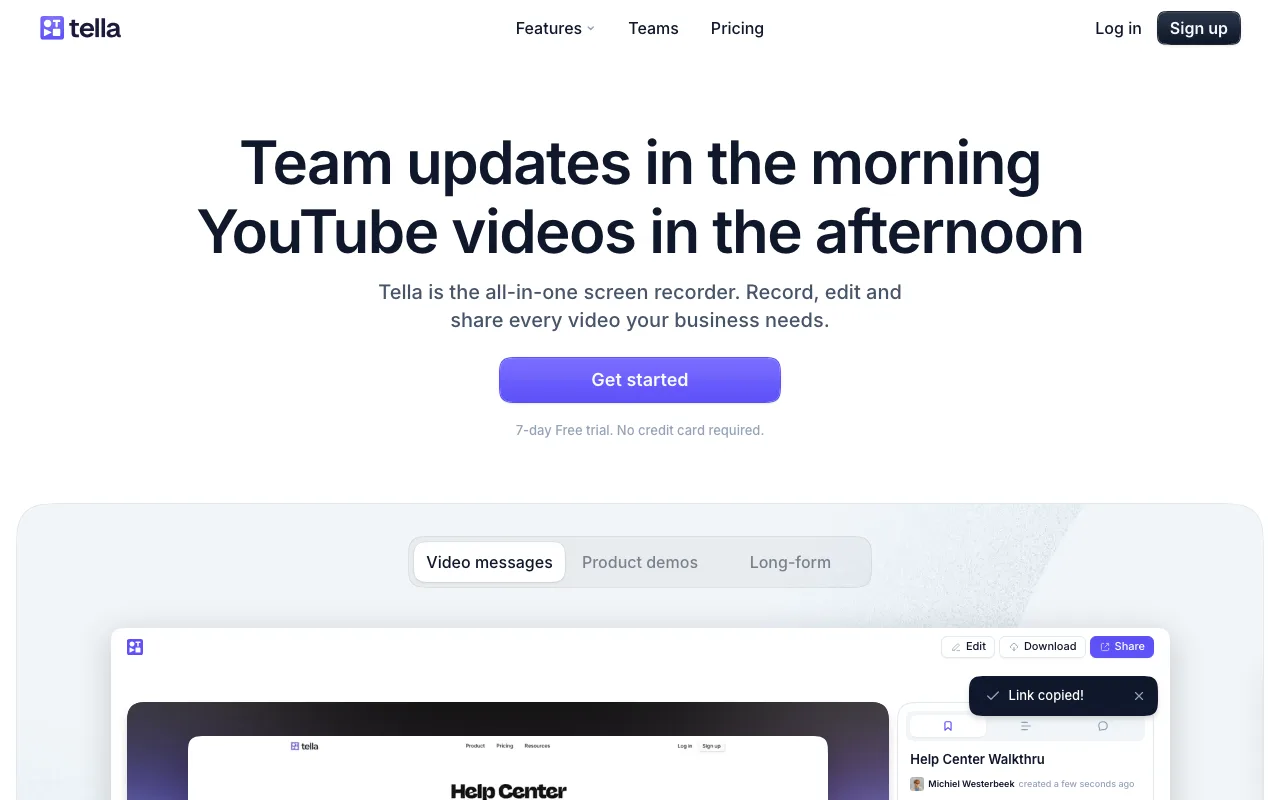
Tella's core differentiator is its layout system. Mid-recording, you can switch between scenes — for example, moving from a full-screen browser demo to a picture-in-picture layout where your webcam is prominent and the screen content is reduced, then back to full-screen for a detailed walkthrough. This scene-switching happens without stopping and restarting the recording, which is what separates Tella from simpler tools in this list.
You can also set custom backgrounds, apply branded colors, and control webcam placement relative to screen content throughout the recording. A product marketer recording a software demo, for instance, could open with a branded title scene, switch to a full-screen product walkthrough, and close with a webcam-forward call-to-action — all in a single take.
The free tier recording limit should be confirmed directly on Tella's pricing page before relying on it, as the limit has varied by plan configuration and the January 2026 update may have changed it. The free tier does include a Tella watermark, limiting usefulness for professional external sharing without upgrading.
At $19/month, Pro is the most expensive option here — more than double ShareRec and more than six times Screencastify. Tella also publishes its own Loom comparison content, so factor in that self-promotional context when reading their marketing.
Best for: Product marketers, course creators, and sales teams who need recordings polished enough to share externally without additional editing. Not cost-effective for users who only need basic async walkthroughs.
Screencastify — Best for Educators and Chrome-Based Workflows
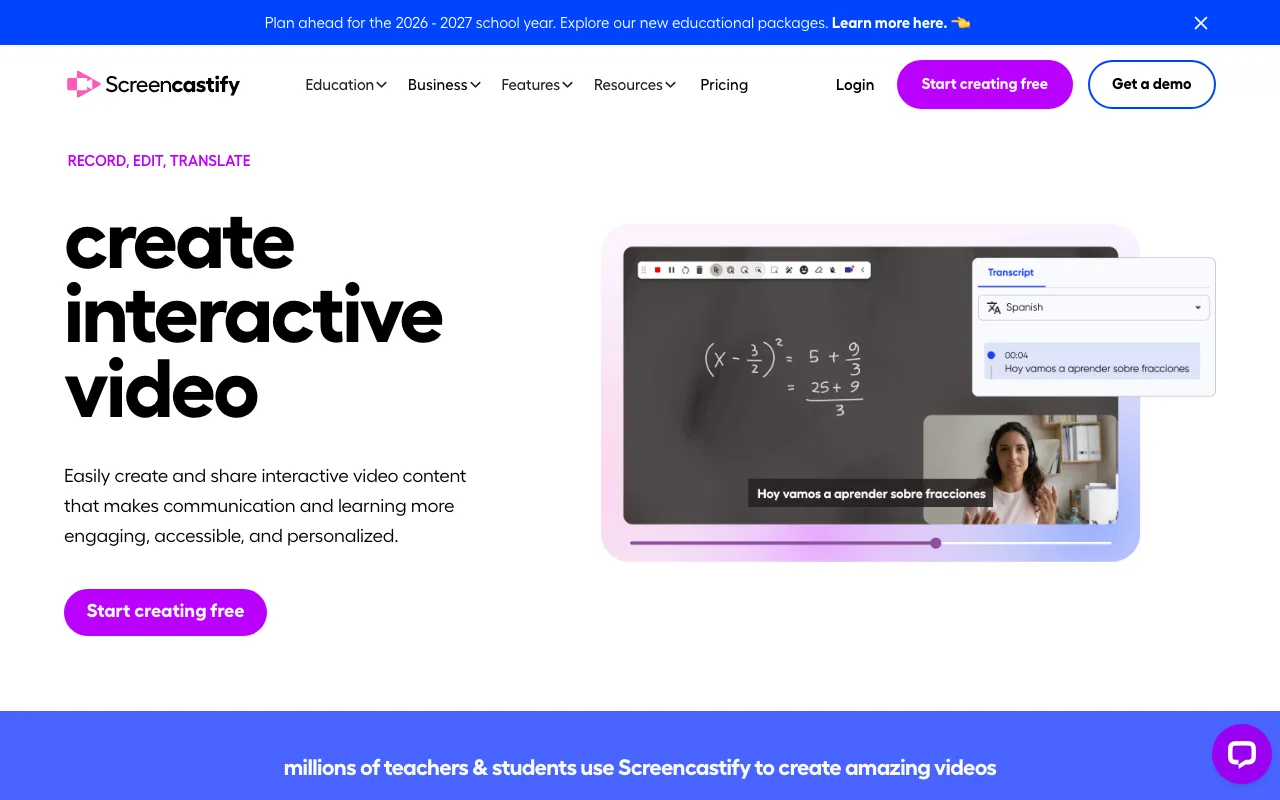
Screencastify is a Chrome extension with a $3/month paid plan — the cheapest paid option in this comparison — and no watermark on its free tier, making it the default choice for educators already using Google Classroom. It requires no desktop installation; the extension handles recording directly inside Chrome.
Note: The $3/month price point should be verified on Screencastify's pricing page before purchase, as extension-based tools in the education market adjust pricing periodically.
The free tier caps recordings at 5 minutes. The paid plan at $3/month removes the time cap and adds unlimited recording length. For educators, the Google Classroom integration is the standout feature: recordings can be submitted directly to Classroom assignments or shared with students without leaving the Google ecosystem. Teachers can record a lesson walkthrough, push it to a Classroom assignment, and have students access it within minutes — no file downloads, no external links to manage.
Recordings are stored in Google Drive by default, meaning educators already using Google Workspace have no additional storage to manage. The paid plan also adds access to Screencastify's editing tools beyond basic trimming, though the depth of editing features should be confirmed on their current feature page. An established education community and curriculum-specific resources make onboarding straightforward for teachers new to screen recording.
Chrome-only is the hard constraint — no desktop app, no Firefox or Safari support, no recording outside a browser window. Not suitable for Windows or Mac users who primarily work outside Chrome or need multi-scene switching and video effects.
Best for: Teachers, students, and anyone whose entire workflow lives inside Chrome. The $3/month paid plan is the most affordable upgrade path in this comparison. Not suitable for non-Chrome users or anyone who needs desktop-level recording control.
How to Choose the Right Cheap Loom Alternative
The fastest way to choose: answer two questions — do you need a shareable link immediately, and do you need recordings longer than 5 minutes?
If you need unlimited length and full audio/video control at no cost, OBS Studio is the answer — budget 30–60 minutes for setup.
If you're willing to pay, the decision splits by use case. Screencastify at $3/month is right if your workflow lives inside Chrome and you're in education. ShareRec at $8/month fits teams generating frequent short recordings who want instant shareable links with no upload step (30-day default expiry, keep any forever in one click). Tella at $19/month is justified only if video presentation quality is a core requirement — product demos, sales outreach, or course content where raw captures look unprofessional.
None of these tools replace Loom's full feature set. Loom's free tier (25 videos, 5-minute cap) remains reasonable for occasional use. The alternatives above win on price, limits, or both — but each makes trade-offs that Loom doesn't.
Is There a Microsoft Equivalent to Loom?
Microsoft offers three tools that partially cover Loom's use case — Clipchamp, Teams recording, and Microsoft Stream — but none replicate Loom's one-click async sharing workflow.
Clipchamp is built into Windows 11, free, and supports basic screen recording and editing, but generates no shareable link — you export a file. Microsoft Teams records meetings automatically with storage in SharePoint or OneDrive, but requires an active Teams subscription and is meeting-centric rather than async-first. Microsoft Stream handles enterprise video hosting and integrates with Teams and SharePoint for organized video libraries.
All three suit organizations already running Microsoft 365 better than individuals or small teams seeking a lightweight Loom replacement. For Microsoft 365 users who need async video without a new subscription, Clipchamp plus OneDrive sharing is the closest equivalent — but adds manual steps that Loom and its alternatives eliminate.
Key Takeaways
- OBS Studio is free forever with no watermarks, no limits, and no paid tier — but has no built-in shareable link.
- ShareRec Pro costs $8/mo vs. Loom's $15+/mo — free tier caps recordings at 5 minutes per video, keeps your 25 most recent videos, and gives instant shareable links with a 30-day default expiry (keep any video forever in one click) on every tier.
- Tella Pro costs $19/mo — the most expensive option here; free tier adds a watermark.
- Screencastify costs $3/mo paid — the cheapest paid option; Chrome-only with a 5-minute free tier cap.
Frequently Asked Questions
Is there anything like Loom but free?
Yes — OBS Studio is completely free with no watermarks and no recording time limits. OBS requires initial setup and produces local files with no built-in sharing link. Screencastify's free tier is also watermark-free but caps recordings at 5 minutes. ShareRec offers a free tier with instant shareable links and no watermark, capped at 5 minutes per video and keeping your 25 most recent recordings — videos auto-expire after 30 days by default, and you keep any one forever in one click.
Can I record a Loom for free?
Yes, Loom has a free tier, but it limits you to 25 videos total and 5 minutes per recording. Once you hit either limit, a paid plan starting at $15/month is required. The alternatives in this article offer more generous free tiers — OBS has no caps at all, and ShareRec gives instant shareable links with no watermark and a 5-minute cap, with a 30-day default expiry you can override by keeping any video forever in one click.
Which screen recorder is totally free?
OBS Studio is completely free with no paid tier, no watermarks, and no recording time limits. It is open-source and highly customizable, and free indefinitely — not a free trial or freemium plan with hidden limits.
What's the cheapest paid Loom alternative?
Screencastify's paid plan starts at $3/month — the lowest paid price in this comparison. ShareRec Pro is $8/month. Tella Pro is $19/month. All three are cheaper than Loom's $15+/month starting price. Screencastify is Chrome-only; ShareRec and Tella work as standalone apps.
Related: Need a broader comparison beyond price? See our full Loom alternatives guide covering Vidyard, Descript, Camtasia, and more — matched by use case.
Try it free
Record your first walkthrough free in 30 seconds
No install, no watermark — share a link instantly.
Start Recording Free