Web Video Recorder: 5 Best Browser Recorders (2026)

ShareRec is the best web video recorder for sending a recording as a link: it records your screen, webcam, or both in a desktop browser and gives you a shareable link with no upload step. Loom is best for async team communication, with a searchable workspace library, free transcripts on every plan, and paid seats from $18/user/month on its Business plan. webcamera.io is best for quick, zero-setup personal clips: a free, browser-based webcam recorder you can use without signing in. ScreenPal's free online recorder (screen-recorder.com) is best for watermark-free screen-plus-webcam files you save locally. Canva is best for design-integrated recording, dropping a camera or camera-and-screen recording straight into a Canva design.
ShareRec, ScreenPal and Canva all capture screen and webcam together, while Loom adds a searchable team library and Canva adds a design canvas around the clip. ShareRec's Free plan covers 5-minute, 720p recordings with no watermark; Pro starts at $8/month for unlimited 1080p videos.
ShareRec: Best for Recording and Sending a Link in One Step
ShareRec turns a browser recording into a shareable link with no upload step, and every video expires on its own after 30 days unless you choose to keep it. That makes it a fast way to send a walkthrough, a demo, or a support answer to a client, teammate, or customer.
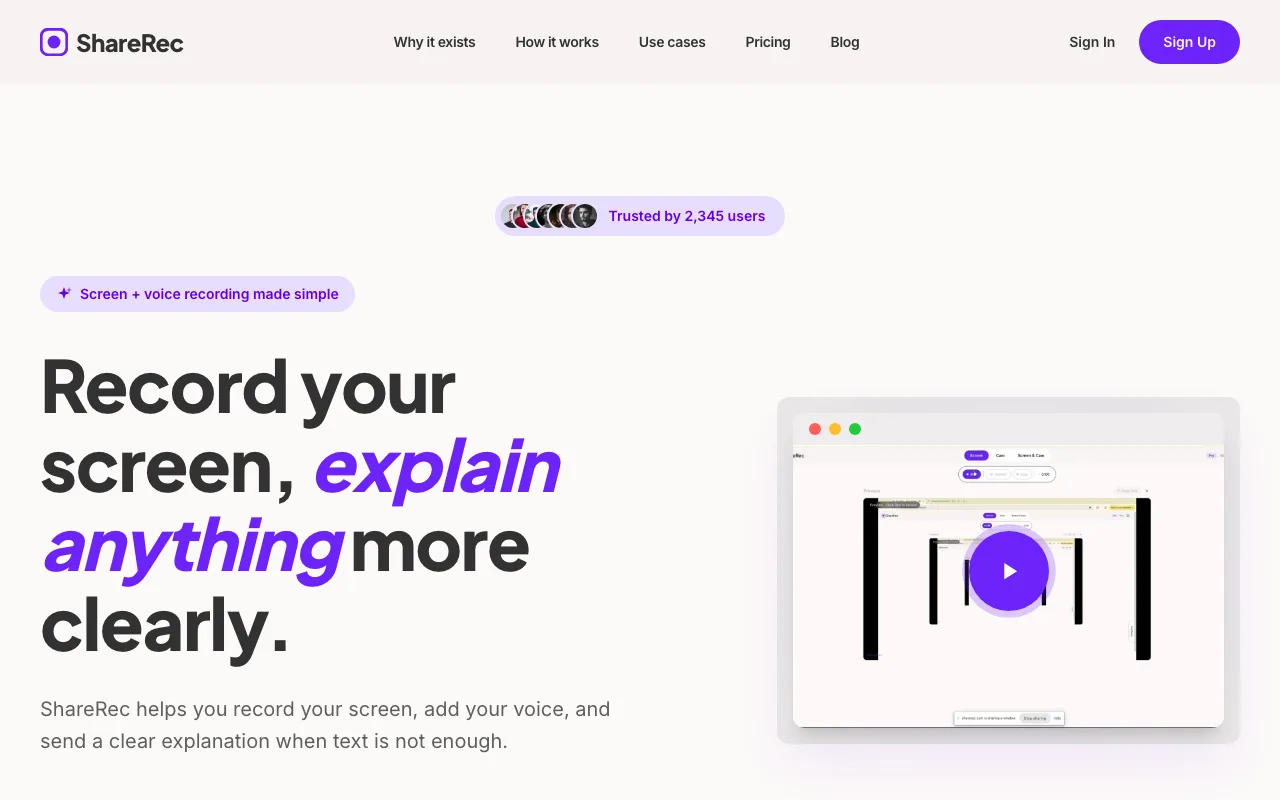
Best for: Anyone who records something in order to send it — sales, support, and client work — and wants the link ready as soon as recording stops.
The workflow is three steps — record, explain, send — and the link is ready moments after you stop recording. Every tier includes all three recording modes (screen, webcam, and screen+webcam with a webcam bubble overlay) plus trim-and-clip editing. None of those are gated to a paid plan; the one paid-only feature is MP4 download.
Free costs $0/month. It requires an account and caps recordings at 5 minutes and 720p, keeping your 25 most recent videos with no watermark and no MP4 download. Pro runs $8/month ($6/month annual) for unlimited videos, a 30-minute cap, 1080p, and MP4 download. Business runs $12/month ($10/month annual) for unlimited videos and a 2-hour cap, still at 1080p.
Every video auto-expires 30 days after recording by default, with a dashboard countdown and a warning email 3 days beforehand. The owner can change this to Never, 24 hours, 7 days, or 30 days per video, so keeping a video forever is one click.
Share links are unlisted URLs: anyone who has the link can watch, and there is no password, SSO, or viewer permission control. Treat ShareRec as fast, tidy sharing rather than access-controlled distribution for confidential material.
ShareRec is browser-based and records on desktop only (recipients can watch the link on any phone); it has no transcripts or annotation tool, and can't import slides or existing video files — it records live only.
Loom: Best for Async Team Communication and Sharing
Loom leads async team video communication with a searchable workspace library, transcripts on every plan, and deep integrations that turn one-off clips into a shared knowledge base.
Best for: Teams that need a searchable, async video library instead of one-off recordings.
Its free Starter plan allows up to 25 videos per person with a 5-minute recording cap, and it supports as many as 50 workspace members, making it usable for small teams before any purchase. Transcriptions in 50+ languages are included on the free plan.
Paid access starts at the Business tier: $18/user/month billed monthly, with up to 17% off for annual billing. There's no separate "Loom Pro" tier. Business + AI costs $24/user/month and adds AI summaries and chapters (auto titles are already free on every plan).
Loom records through its desktop app for Mac and Windows or its Chrome extension, with mobile apps for iOS and Android — so unlike the other four tools here, recording on a computer means installing something first. Its integration ecosystem — Slack, Teams, Jira, and others — is mature enough that many teams standardize on it for sales demos, async standups, and internal knowledge libraries.
The tradeoff is per-seat cost. Once a team scales past the free tier, Loom runs meaningfully more expensive per user than lightweight, single-purpose recording tools.
webcamera.io: Best for Quick, Zero-Setup Personal Recording
webcamera.io is a free, browser-based webcam recorder that needs no software download and no sign-in to start recording.
Best for: Quick personal clips from a browser-based webcam recorder, with nothing to install.
There's no team workspace and no design layer. Open the page, grant camera access, and record.
The tool keeps the interface focused on capture: you can pick your camera and microphone and choose a quality setting (Auto, 1080p, 720p, or 480p) before hitting record. Recordings save to your computer, Google Drive, or Dropbox; an account is optional and only needed for cloud storage. That narrow focus suits a quick personal clip or a test recording.
webcamera.io records the webcam only — screen recording is a separate tool on the same site — and it has no hosted share link or team features. It's built for the recording itself, not what happens after.
ScreenPal (screen-recorder.com): Best for Watermark-Free Screen + Webcam Files
ScreenPal's free online screen recorder at screen-recorder.com captures a browser tab, a window, or your full screen together with your webcam and audio, with no watermark on the output.
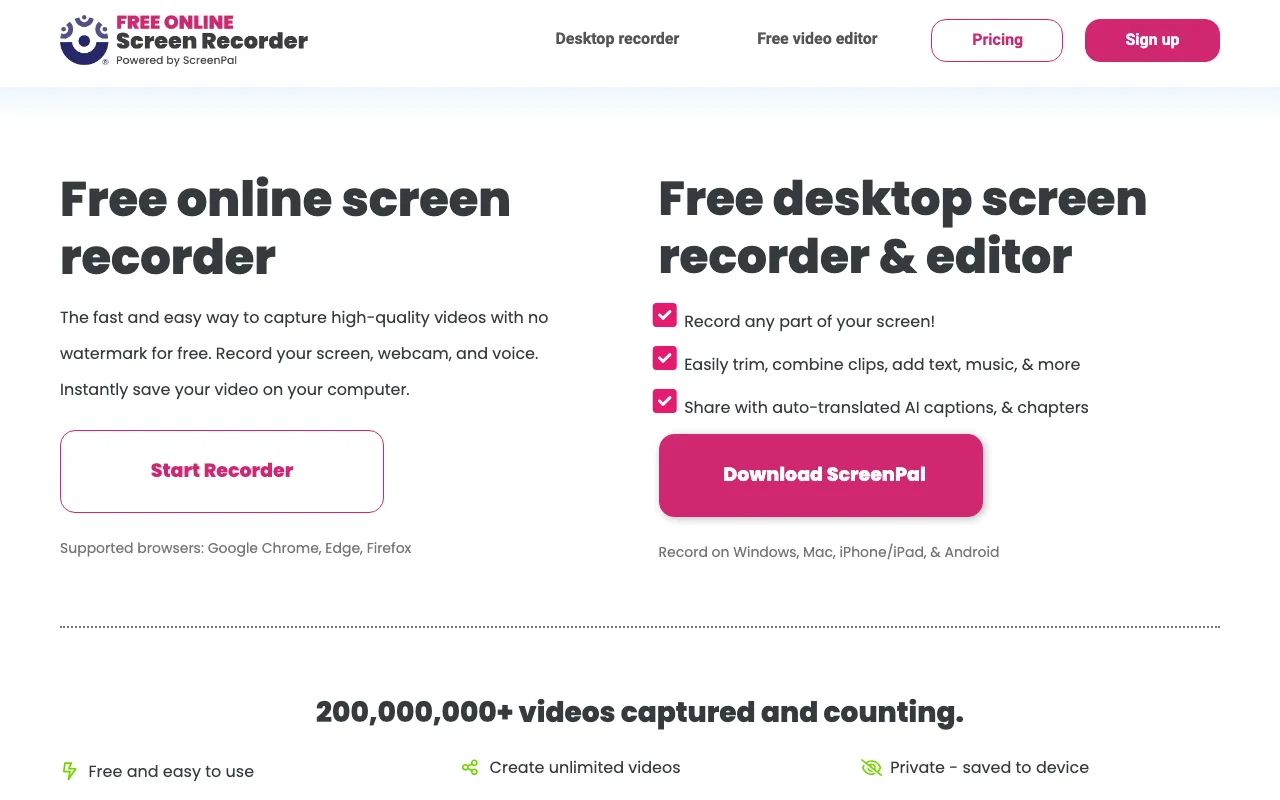
Best for: Tutorial and walkthrough creators who want a watermark-free screen-plus-webcam file.
You can position your camera anywhere over the screen and toggle it on or off while recording. No signup is needed to record, and there is no strict time limit — length depends on your device's memory.
Recordings stay in the browser until you save them as an MP4 file (WEBM on Firefox). Sharing through a ScreenPal.com link is also possible, but it requires a free ScreenPal account. It runs in Chrome, Edge, Firefox, and Safari.
The tradeoff is that the online recorder is the entry point to ScreenPal's paid desktop apps, which hold features like system audio capture and virtual backgrounds.
Canva: Best for Design-Integrated Recording
Canva's recorder drops a camera or camera-and-screen recording directly into a Canva design, skipping the export-and-reimport step.
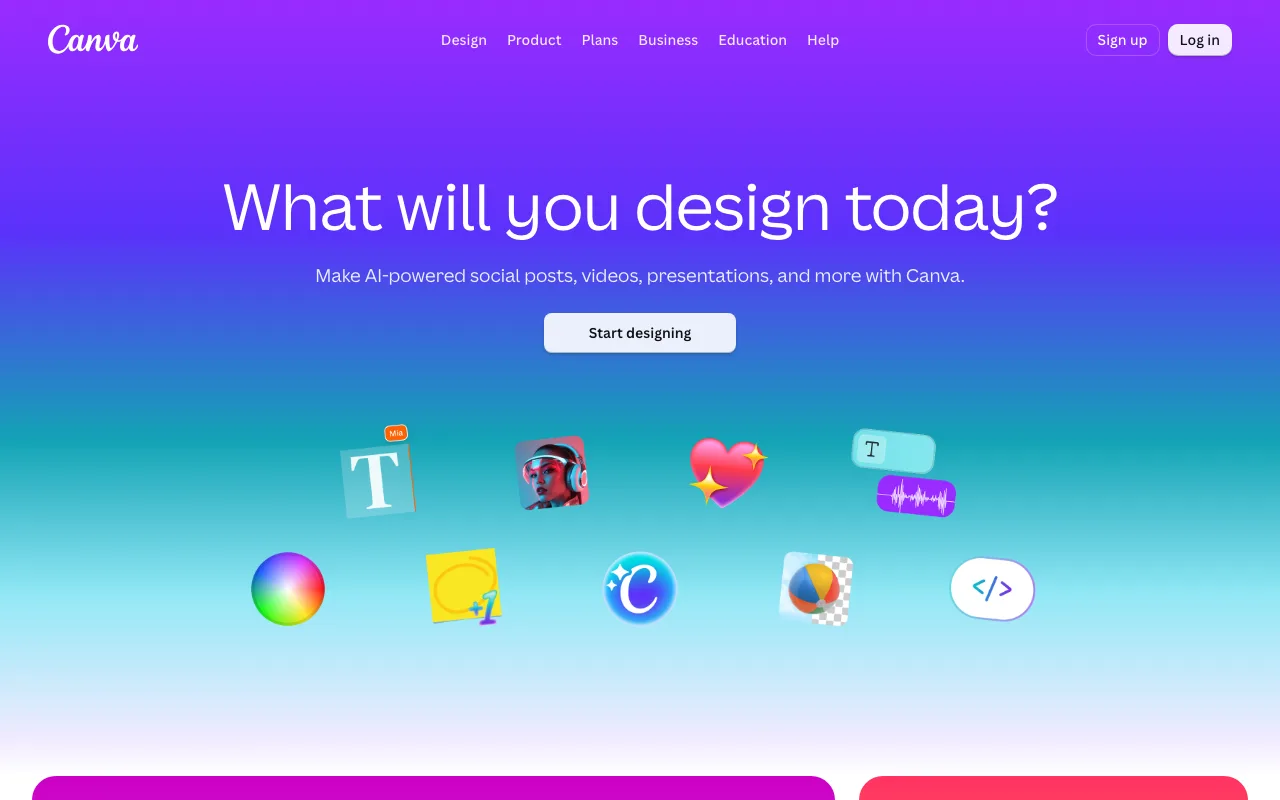
Best for: Creators who want a recorded clip to drop straight into a presentation or social post template.
Inside the editor, "Record yourself" lets you record just your camera or your camera plus your screen, and talking presentations record you alongside your slides. The recording becomes an element you can place, resize, trim, and combine with text, graphics, and animation in the same canvas before exporting.
That integration is the entire appeal. Canva's recorder isn't trying to be a standalone tool — it's a shortcut inside a design and template ecosystem creators already use.
The tradeoff is that recording requires a Canva account and happens inside the Canva editor. It's a feature of a design product, not a dedicated recording-and-sharing tool.
Comparison Table: Web Video Recorders by Use Case
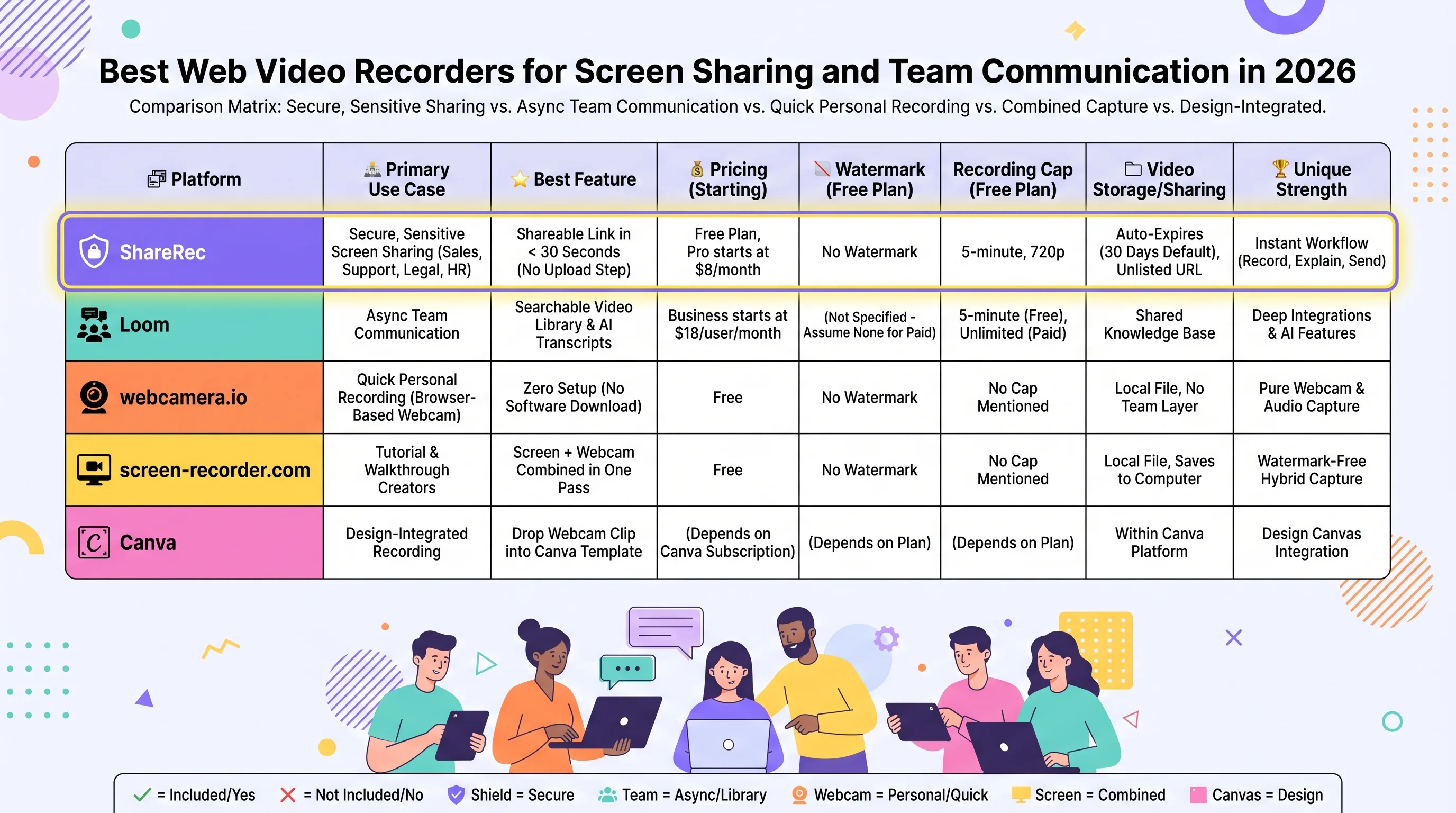
ShareRec and Loom are the two tools built around a hosted share link, while webcamera.io and ScreenPal's online recorder are free and Canva is a design tool with recording built in. Use the table to match your workflow to the right tool before reading further.
| Tool | Best For | Free Plan | Starting Paid Price | Recording Modes | Sharing Method | Account Required |
|---|---|---|---|---|---|---|
| ShareRec | Recording and sending a link | 5-min cap, 720p, 25 most recent videos, no watermark | $8/mo (Pro, $6/mo annual) | Screen, webcam, screen+webcam | Instant unlisted link, no upload step | Yes, all tiers |
| Loom | Async team communication | 25 videos, 5-min cap, transcripts | $18/user/mo (Business) | Screen + camera (app or extension) | Cloud link, workspace library | Yes |
| webcamera.io | Quick personal recording | Free, browser-based | N/A (free tool) | Webcam only | Local save, Google Drive, Dropbox | No (optional) |
| ScreenPal (screen-recorder.com) | Screen + webcam files | Free, no watermark | Paid ScreenPal desktop plans | Screen + webcam + audio | Local MP4, or ScreenPal link with free account | No to record; yes to share a link |
| Canva | Design-integrated recording | Free within Canva | Paid Canva plans | Camera, or camera + screen | Embeds into Canva designs | Yes (Canva account) |
How to Choose the Right Web Video Recorder: Decision Framework
ShareRec fits a recording you want to send as a link right away; Loom's $18/user/month workspace fits ongoing team libraries — match the tool to the job below. If you're sending a walkthrough, demo, or support answer, ShareRec gives you an instant unlisted link with no upload step. If your team needs a searchable async video library, Loom is built for that workspace layer.
If you're recording one quick personal clip, webcamera.io gets you there with zero setup. If you need screen and webcam captured together as a watermark-free file, ScreenPal's online recorder handles that. If the recording is headed straight into a design or presentation, Canva embeds it into your template directly.
Key Takeaways
- ShareRec turns a browser recording into a shareable link with no upload step — free with an account, $8/month for Pro.
- Loom offers a searchable async video library with free transcripts and integrations; paid seats start at $18/user/month.
- webcamera.io is a free, browser-based webcam recorder with nothing to install and no sign-in needed.
- ScreenPal's screen-recorder.com captures screen, webcam, and audio for free with no watermark.
- Canva drops a camera or camera-and-screen recording directly into its design templates — Canva account required.
Frequently Asked Questions About Web Video Recorders
What is the best free web video recorder in 2026?
ShareRec, webcamera.io, and ScreenPal's screen-recorder.com all have useful free options. ShareRec's Free plan caps recordings at 5 minutes and 720p with no watermark, keeps your 25 most recent videos, and gives you a share link. webcamera.io is a free webcam recorder, and ScreenPal's online recorder is a free screen-plus-webcam recorder with no watermark and no strict time limit.
What is the difference between Loom and other web video recorders?
Loom adds a searchable async video library and team workspace on top of recording, priced per seat from $18/user/month. Transcripts and auto titles are free on every Loom plan; AI summaries and chapters need Business + AI at $24/user/month. ShareRec gives each owner a personal video library but no shared team workspace, and webcamera.io has no library at all.
Can I record my webcam and screen at the same time in a browser?
Yes — ShareRec, ScreenPal's screen-recorder.com, and Canva all record screen and webcam together in the browser, and ShareRec and ScreenPal let you position a webcam overlay on the screen. Loom also records screen plus camera, through its desktop app or Chrome extension. webcamera.io records the webcam only.
Do I need to download software to record a web video?
Not for most of these. ShareRec, webcamera.io, and ScreenPal's screen-recorder.com record directly in a desktop browser, and Canva's in-editor recorder works in Chrome or Safari. Loom is the exception: recording on a computer uses its desktop app or Chrome extension. ShareRec needs no install or admin rights, only an account.
Which web video recorder is best for sending a video as a link?
ShareRec, because the link is ready moments after you stop recording, with no upload step, and each video auto-expires after 30 days by default unless you choose to keep it. The link is unlisted rather than password-protected or SSO-gated, so anyone with the link can watch it.
Which web video recorder is best for team communication?
Loom, thanks to its async workspace library, transcripts, and integrations with tools like Slack and Teams. It costs meaningfully more per seat than lighter recording tools like ShareRec once a team scales past the free plan.
Try it free
Record your first walkthrough free — no install needed
No install, no watermark — share a link instantly.
Start Recording Free