5 Best Vidyard Alternatives in 2026 (By Use Case & Budget)
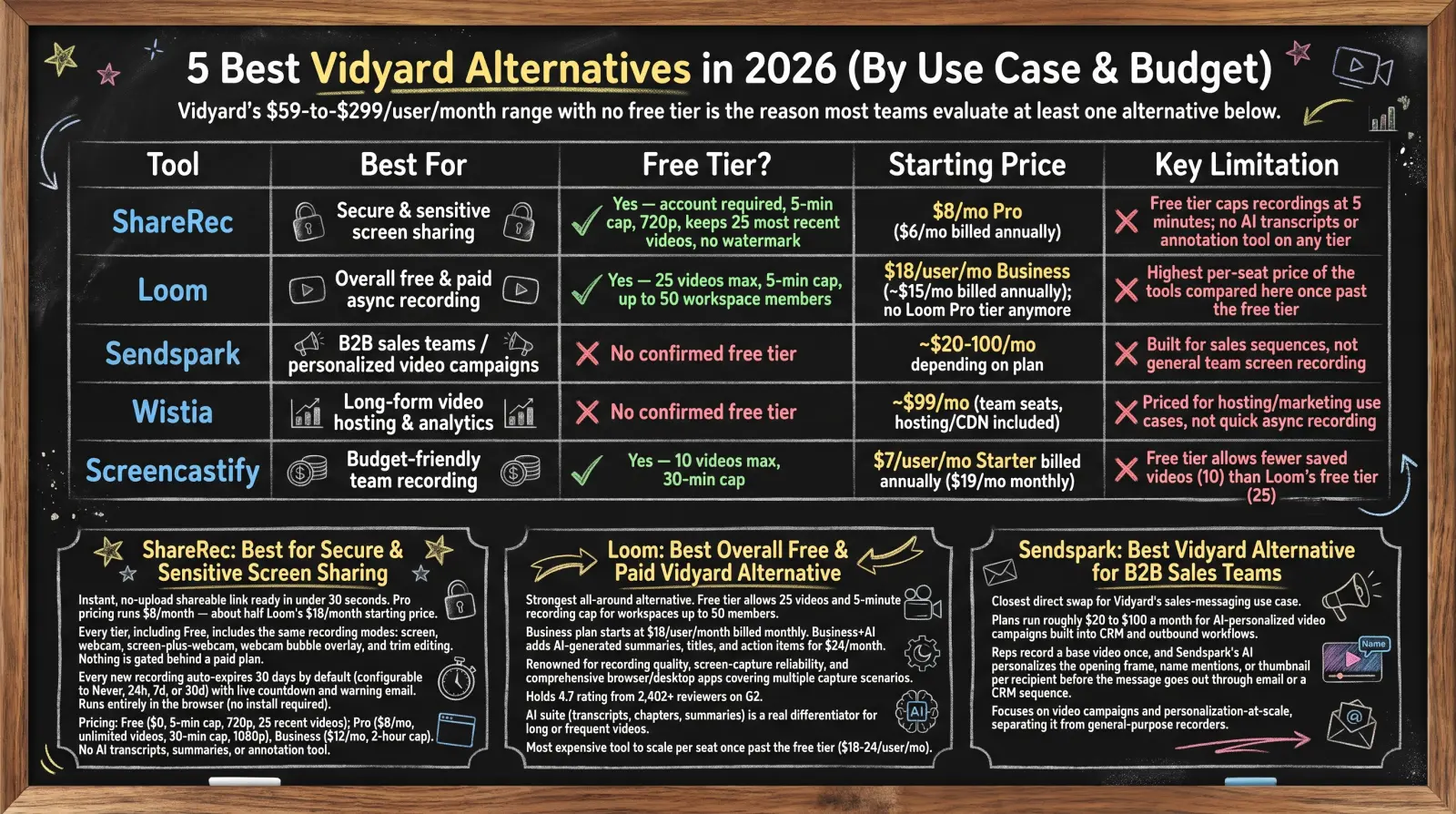
ShareRec is the best Vidyard alternative when you just need to record your screen and send a link that doesn't stay online forever — sales walkthroughs, support answers, and internal updates. There's no upload step: the link is ready as soon as you stop recording, every video auto-expires after 30 days by default (or you can keep it forever in one click), and Pro costs $8/month — less than half of Loom's $18/month Business plan. Vidyard itself is a video messaging platform built around sales teams: it offers a limited free plan (its own pages disagree on the exact monthly cap), Starter is published at $89/seat/month ($59/seat/month billed annually) and adds basic analytics, and CRM integrations sit on the custom-priced Teams plan. Loom is the strongest all-round async recorder. Sendspark fits sales teams that want AI-personalized video, from $49/month. Wistia handles video hosting and analytics, with a free plan and Business at $79/month. Screencastify is a low-cost Chrome and Edge extension with a 10-video free plan. Each tool solves a different job — match the one below to your actual use case.
Quick Comparison: Vidyard Alternatives 2026
Vidyard's free plan is capped at a limited number of videos a month (its own pages disagree on the exact figure), and its Starter plan is published at $89/seat/month ($59/seat/month billed annually); Teams and Enterprise remain custom-priced — reasons teams compare the alternatives below.
| Tool | Best For | Free Plan? | Starting Price | Key Limitation |
|---|---|---|---|---|
| ShareRec | Quick record-and-send with expiring links | Yes — account required, 5-min cap, 720p, keeps 25 most recent videos, no watermark | $8/mo Pro ($6/mo billed annually) | No transcripts, engagement analytics, or CRM integrations; MP4 download starts on Pro |
| Loom | Overall async recording | Yes — 25 videos, 5-min cap | $18/user/mo Business; Business + AI $24/user/mo | Titles free on every plan; AI summaries and chapters require Business + AI |
| Sendspark | Sales teams sending AI-personalized video | No free plan — 7-day free trial | $49/mo Solo ($468/year) | Built for outbound sales, not general team recording |
| Wistia | Video hosting & analytics | Yes — 25 GB storage, 1 user, basic analytics | $79/mo Business | Priced for marketing video hosting, not quick async recording |
| Screencastify | Budget browser-extension recording | Yes — 10 videos, 30-min cap | $7/user/mo Starter billed annually ($19/mo monthly) | Free plan keeps only 10 videos |
ShareRec: Best for Quick Record-and-Send With Expiring Links
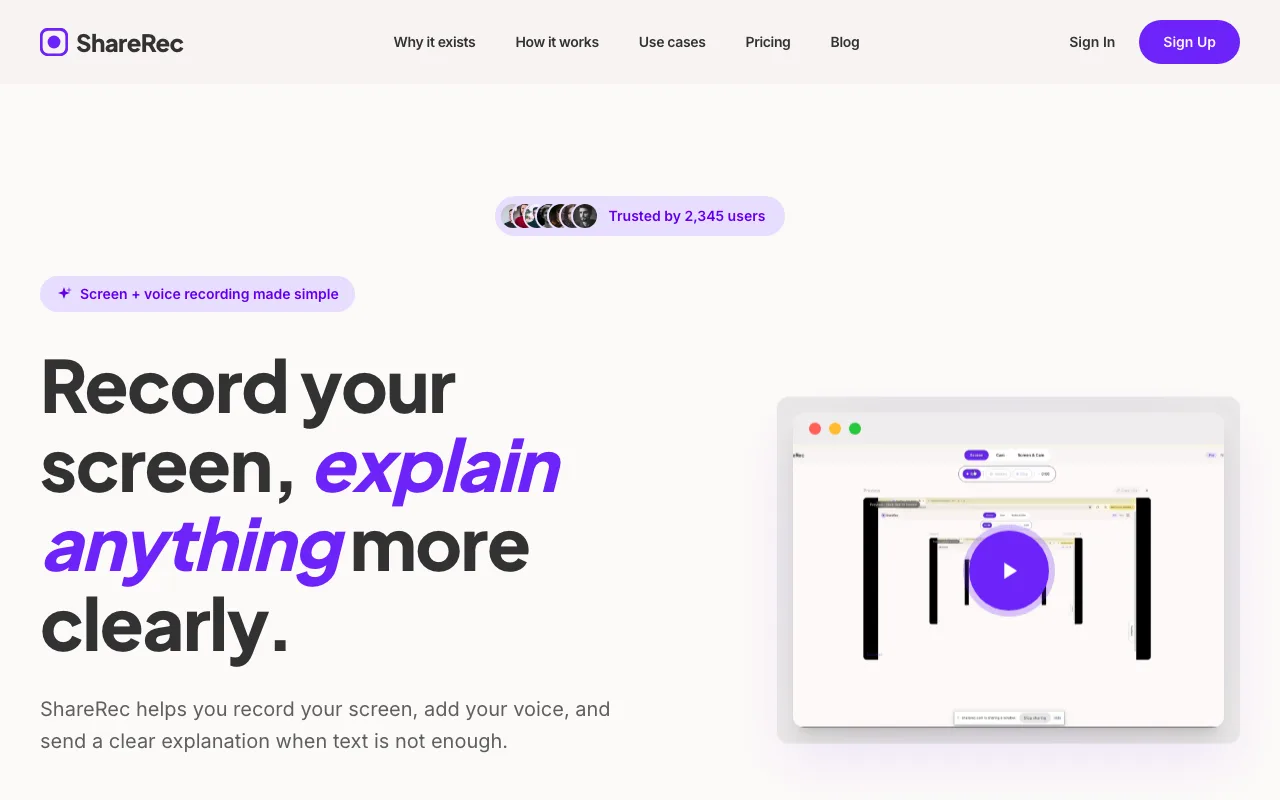
ShareRec gives you a shareable link the moment you stop recording, with no separate upload step. Pro costs $8/month — less than half of Loom's $18/month Business plan. Every tier, including Free, includes the same recording modes — screen, webcam, and screen-plus-webcam with a webcam bubble overlay — plus trim editing. Paid plans add longer recordings, 1080p, unlimited videos, and MP4 download.
Every new recording auto-expires 30 days after it's made by default. The owner can change that to Never, 24 hours, 7 days, or 30 days with one click, and the dashboard shows a live countdown plus a warning email three days before a video disappears. For recordings you'd rather not leave online indefinitely — a client walkthrough, a candid internal update, a one-off support answer — that per-video expiry control matters more than editing features.
ShareRec runs entirely in the browser, so it works on locked-down work laptops where installing desktop software isn't an option. It records on desktop browsers only — recording isn't available on phones. An account is required on every tier, including Free.
Pricing: Free is $0 with a 5-minute cap, 720p resolution, storage for the 25 most recent videos, and no watermark. Pro is $8/month ($6/month billed annually) with unlimited videos, a 30-minute cap, 1080p, and MP4 download. Business is $12/month ($10/month billed annually) with a 2-hour cap.
ShareRec doesn't include transcripts, AI summaries, an annotation tool, engagement analytics, or CRM integrations on any tier. Teams that need sales-style engagement tracking should look at Vidyard itself or Sendspark, and teams that want AI summaries should weigh Loom.
Loom: Best Overall Free & Paid Vidyard Alternative
Loom remains the strongest all-around Vidyard alternative, with a free Starter plan that allows 25 videos per person and a 5-minute recording cap. That's enough for occasional use, though regular recorders reach the 25-video limit quickly.
Loom no longer sells a standalone "Pro" tier. The cheapest paid plan is Business, at $18/user/month. Business + AI, at $24/user/month, adds auto summaries, auto chapters, and other AI workflows (auto titles are already free on every plan).
Loom records from a desktop app or its Chrome extension, and its viewer comments and reactions make it well suited to team feedback loops.
Transcripts and auto titles are included free, in 50+ languages. The deeper AI layer on top — summaries and chapters — is a real differentiator for teams recording long or frequent videos, but it requires Business + AI.
The tradeoff shows up in cost per seat: once a team outgrows the 25-video free plan, Loom is the most expensive recorder in this comparison to scale across a full team, at $18–24 per user per month versus $8–12 per month for ShareRec.
Sendspark: Best Vidyard Alternative for B2B Sales Teams
Sendspark is the closest direct swap for Vidyard's sales-messaging use case: plans start at $49/month (Solo), with a 7-day free trial and no free plan. Where Vidyard centers on video messaging for sales reps, Sendspark leans into AI personalization for outbound campaigns.
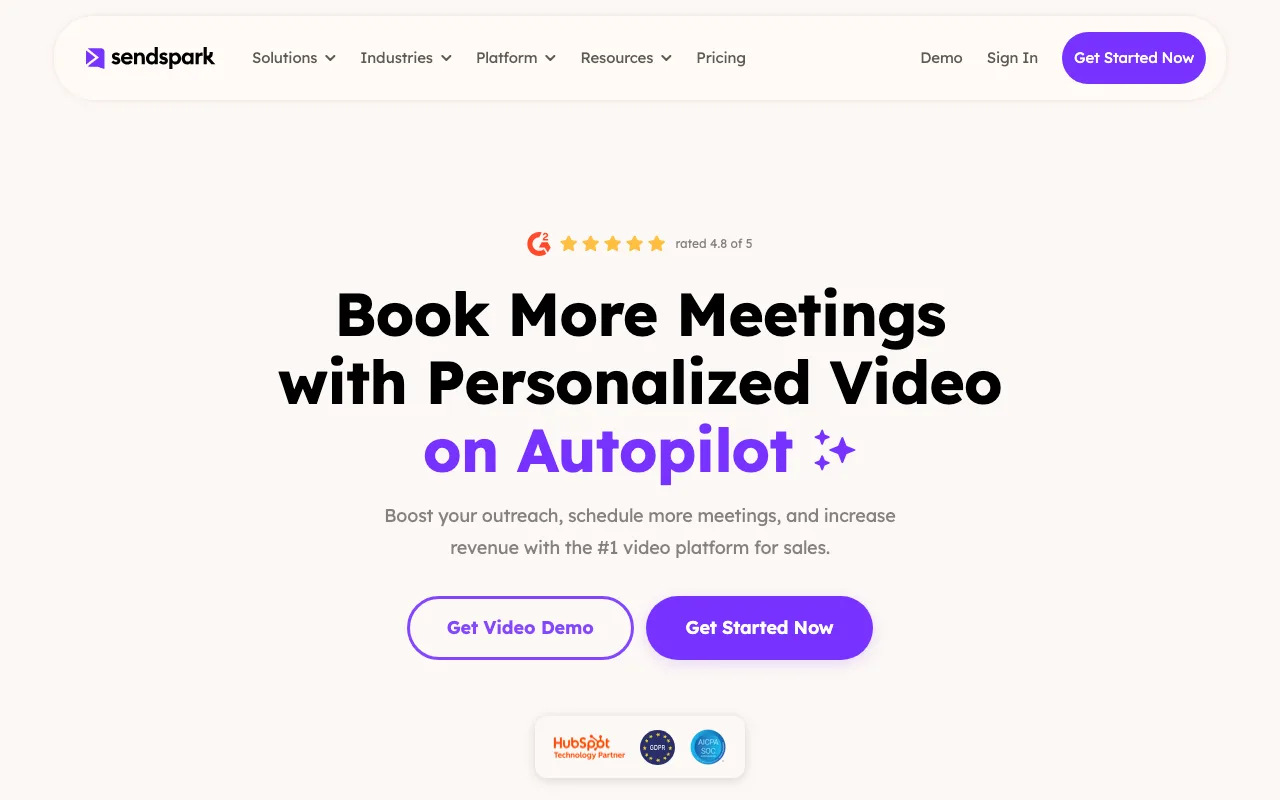
The platform centers on personalized video at scale: reps record once, and Sendspark tailors each copy with AI voice cloning, name personalization, and dynamic video backgrounds — features included from the Solo plan up. That personalization-at-scale focus separates it from general-purpose recorders like Loom or ShareRec.
Solo includes basic integrations such as HubSpot, Gmail, Outlook, and LinkedIn; Salesforce and API/webhook access start on Growth, at $99/month ($828/year).
Sendspark is built specifically for outbound sales, not general team screen recording or internal how-to videos — teams needing those should look at ShareRec, Loom, or Screencastify instead.
Wistia: Best for Video Hosting & Analytics
Wistia is built for hosting and analyzing video, with a free plan (25 GB of storage, one user, basic analytics) and a Business plan at $79/month for 3+ users and 250 GB+ of storage — a different job than quick async screen recording. Product demos, webinars, and marketing libraries are its core use cases.
Viewer analytics are the platform's core strength: basic analytics on the free plan, with advanced video analytics, CTAs and forms, and Wistia branding removal on Business. That analytics depth isn't something Loom, ShareRec, or Screencastify are built to match.
Wistia positions closer to a marketing infrastructure purchase than a per-seat recording tool, which makes it heavier than most teams need if the goal is simply recording and sharing a quick screen capture.
Screencastify: Best Budget-Friendly Team Recording Alternative
Screencastify's Starter plan costs $7/user/month billed annually ($19/month monthly), with unlimited videos and a 60-minute recording cap. Its free version allows 10 saved videos with a 30-minute recording cap — a longer per-video limit than Loom's or ShareRec's free plans.
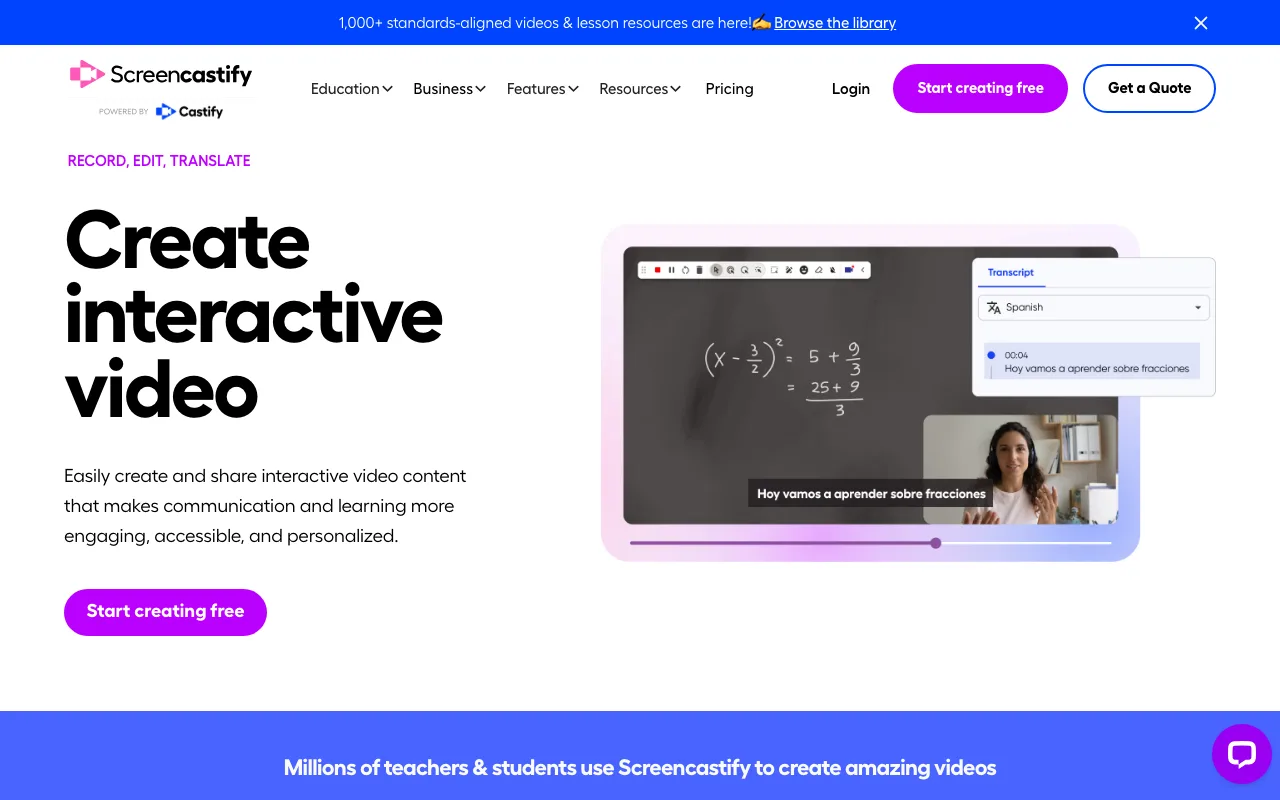
Screencastify built its base in education, and it runs as a Chrome or Edge extension with no desktop app, so recording starts from the browser toolbar. Pro, the next tier up, costs $10/user/month billed annually ($25/month monthly), raises the cap to 180 minutes, and adds AI features, 4K recording, and captions and transcripts.
For teams standardized on Google Workspace or Chromebooks, that extension-based setup fits naturally into the browser they already use.
The free plan's video cap is the main constraint: it keeps only 10 videos versus Loom's 25, so active teams will outgrow it faster and need to move to Starter sooner.
Key Takeaways
- ShareRec gives you a link as soon as you stop recording, and videos auto-expire after 30 days by default, adjustable in one click.
- Loom's free Starter plan includes 25 videos and a 5-minute cap; AI features need Business + AI at $24/user/month.
- Sendspark starts at $49/month for AI-personalized sales video, with a 7-day free trial.
- Wistia has a free plan with 25 GB of storage; Business is $79/month.
- Screencastify's Starter plan is $7/user/month billed annually, with a 10-video free plan.
- Vidyard has a limited free plan (its own pages disagree on the exact cap); Starter is published at $89/seat/month ($59/seat/month annual), with Teams and Enterprise custom-priced.
- Match the job to the tool: sales (Sendspark), hosting (Wistia), general recording (Loom or Screencastify), quick record-and-send with expiring links (ShareRec).
Frequently Asked Questions
Does Vidyard have a free version?
Yes. Vidyard offers a limited free plan (its own pages disagree on the exact monthly cap), up to 30 minutes each, while CRM integrations start on the custom-priced Teams plan. Loom's free Starter plan allows 25 videos with a 5-minute cap, and ShareRec's free plan keeps your 25 most recent videos with a 5-minute cap.
How much does Vidyard cost per month?
Vidyard's Starter plan is published at $89/month ($59/month billed annually); Teams and Enterprise are custom-priced. By comparison, ShareRec Pro is $8/month, Loom Business is $18/user/month, and Screencastify Starter is $7/user/month billed annually.
What is Vidyard.com used for?
Vidyard is built for video messaging, especially for sales teams — reps record and send personalized videos to prospects, with CRM integrations on its Teams plan. That's why the alternatives on this list split by use case rather than serving as one direct swap.
Is Loom a good Vidyard alternative for sales teams?
Loom handles quick async recordings well, but it isn't built around outbound sales sequences. Sendspark is the closer fit for sales teams, with AI personalization and integrations such as HubSpot starting at $49/month.
Which Vidyard alternative is best for videos you don't want online forever?
ShareRec. Each video gets its own expiry control — 30 days by default, adjustable to Never, 24 hours, or 7 days in one click — with a warning email three days before deletion. It runs in the browser with no install, which helps on locked-down work laptops, and an account is required on every plan.
What's the best free Vidyard alternative for teams?
Loom's free Starter plan allows 25 videos with a 5-minute cap. ShareRec's free plan caps recordings at 5 minutes, keeps your 25 most recent videos, and adds no watermark. Wistia's free plan suits hosting rather than recording, and Screencastify's free plan keeps 10 videos with a 30-minute cap.
Try it free
Record your first walkthrough free — no install needed
No install, no watermark — share a link instantly.
Start Recording Free