Video Walkthrough Guide 2026: Definition, Types & Best Tools Compared
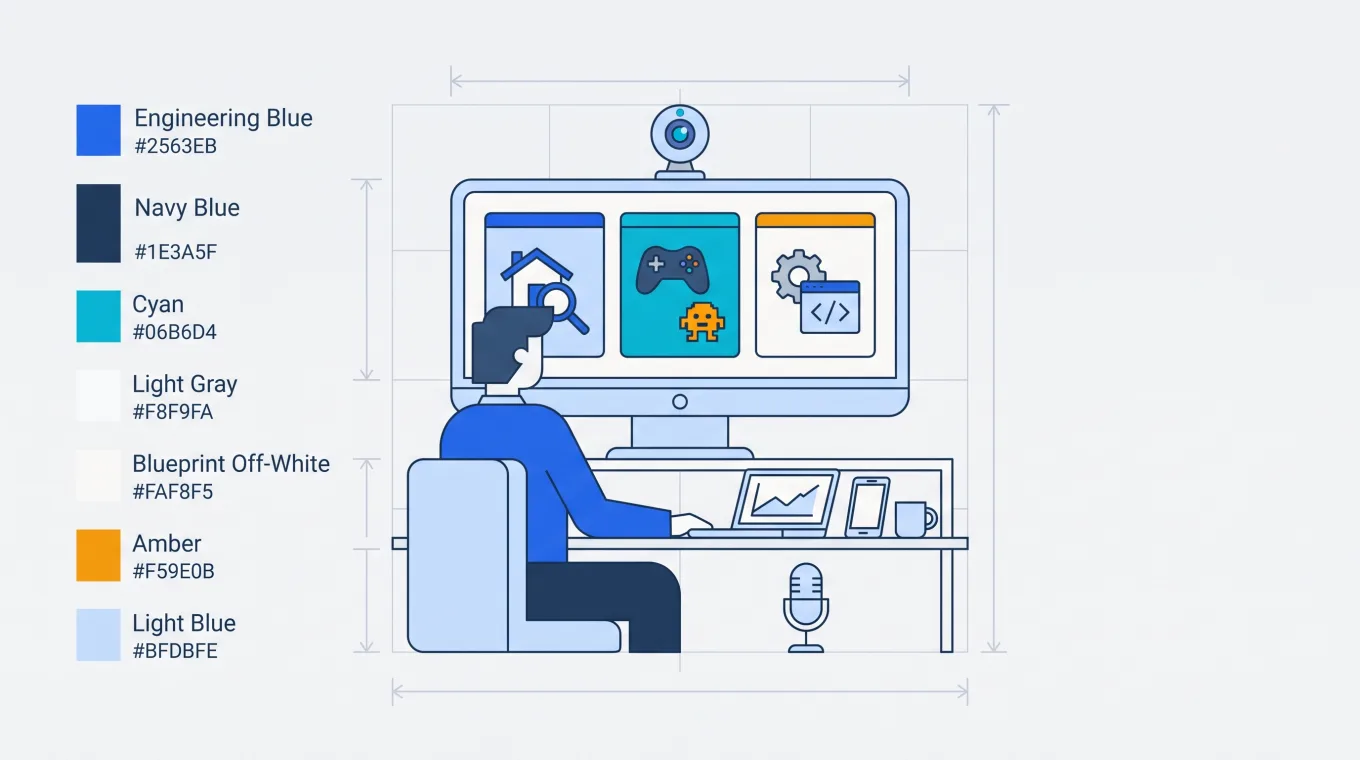
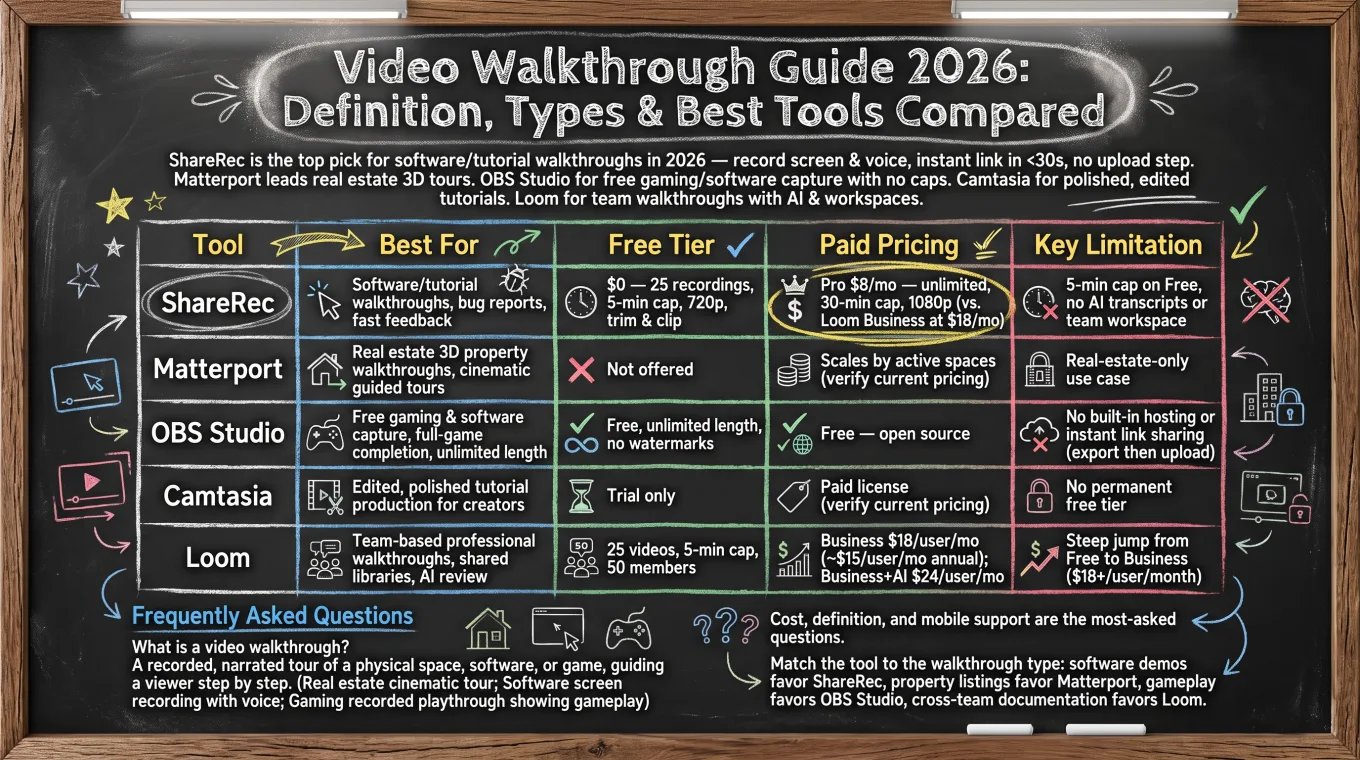
ShareRec is the top pick for software and tutorial video walkthroughs in 2026 — record your screen and voice, then share an instant link as soon as you stop recording, with no upload step. Matterport leads real estate video walkthroughs with cinematic, guided 3D property tours. OBS Studio is the free, open-source choice for gaming and software walkthrough capture, with no length or resolution caps. Camtasia handles edited, polished tutorial production for creators who need heavier post-production. Loom serves team-based professional walkthroughs, with AI transcripts and workspaces for up to 50 members on its free plan.
ShareRec requires a free account and caps Free-tier recordings at 5 minutes and 720p; Pro removes the cap to 30 minutes at 1080p for $8/month. Match the tool to the walkthrough type: software demos and quick feedback favor ShareRec, property listings favor Matterport, gameplay capture favors OBS Studio, and cross-team documentation favors Loom.
ShareRec: Best for Fast, Feedback-Style Software Walkthroughs
ShareRec turns a screen recording into a shareable link as soon as you stop recording, with no upload wait. Best for: software demo walkthroughs, bug reports, and fast feedback loops between teammates.
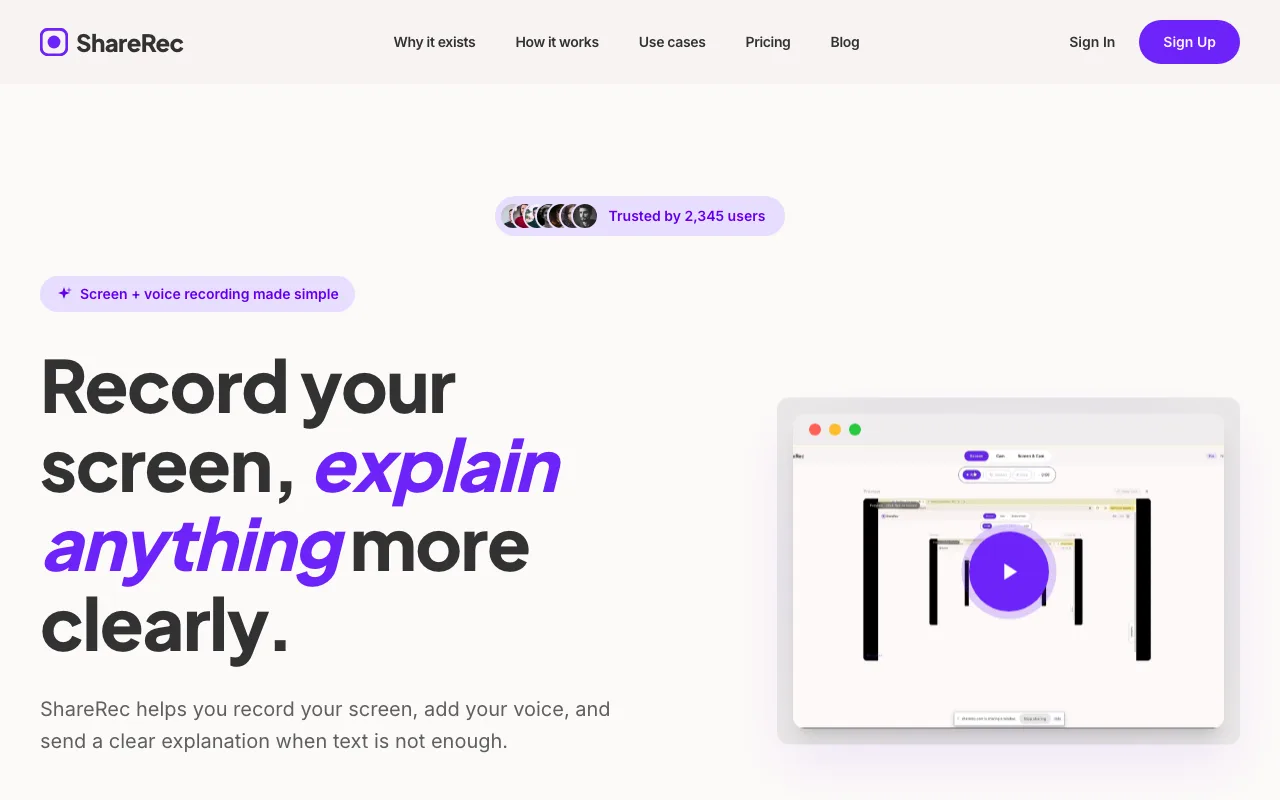
It runs entirely in the browser — no install — so it works on locked-down corporate laptops where IT blocks new software. Record your screen and voice, then send the link to whoever asked for it.
The Free plan costs $0 and caps your 25 most recent recordings at 720p with a 5-minute limit per video, including trimming and clipping. Pro removes the cap to 30 minutes at 1080p for $8/month. Shared links auto-expire after 30 days, with a 3-day warning email, unless marked permanent.
Limitation: Free-tier recordings max out at 5 minutes, with no AI transcript or team workspace feature.
Matterport: Best for Real Estate 3D Property Walkthroughs
Matterport leads real estate video walkthroughs with cinematic, guided 3D property tours that agents embed directly into listings. Best for: brokerages and agents who need a produced video walkthrough plus a walkable 3D tour of the same property.
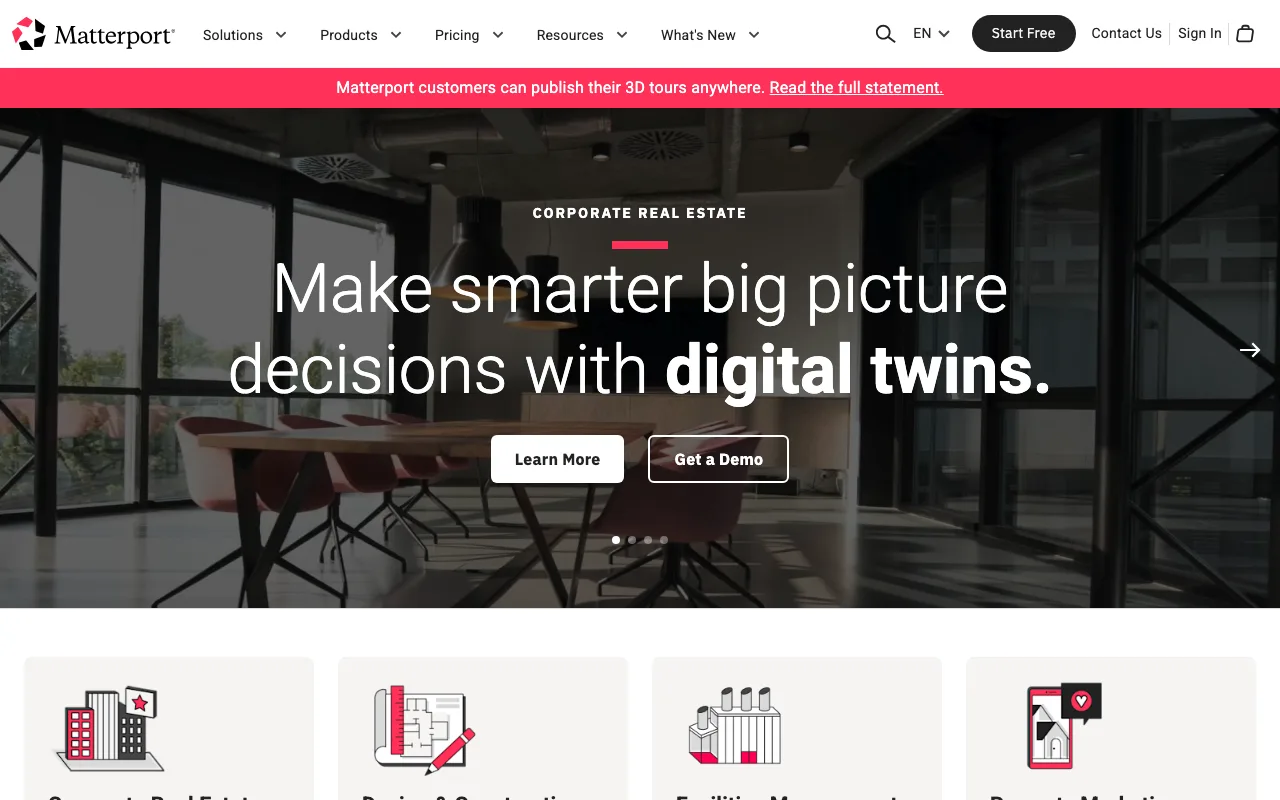
Matterport's distinguishing feature is pairing a traditional video walkthrough with an interactive 3D tour captured from the same shoot — a combination most competitors sell as two separate products. Real estate brands use it specifically for that dual output, not for video alone.
Matterport offers a free plan with a single active space, then paid tiers that scale with the number of active spaces you're hosting. Check Matterport's current plans directly for exact figures, since costs shift with subscription tier and space count.
Limitation: Matterport is built for physical-space tours — real estate, plus construction and facilities — so it has no gaming or software walkthrough use case.
OBS Studio: Best for Free Gaming & Software Walkthrough Recording
OBS Studio is free, open-source software for recording gaming and software walkthroughs with no length or resolution caps. Best for: full-game completion video walkthroughs, gameplay capture, and unlimited-length software tutorial recording.
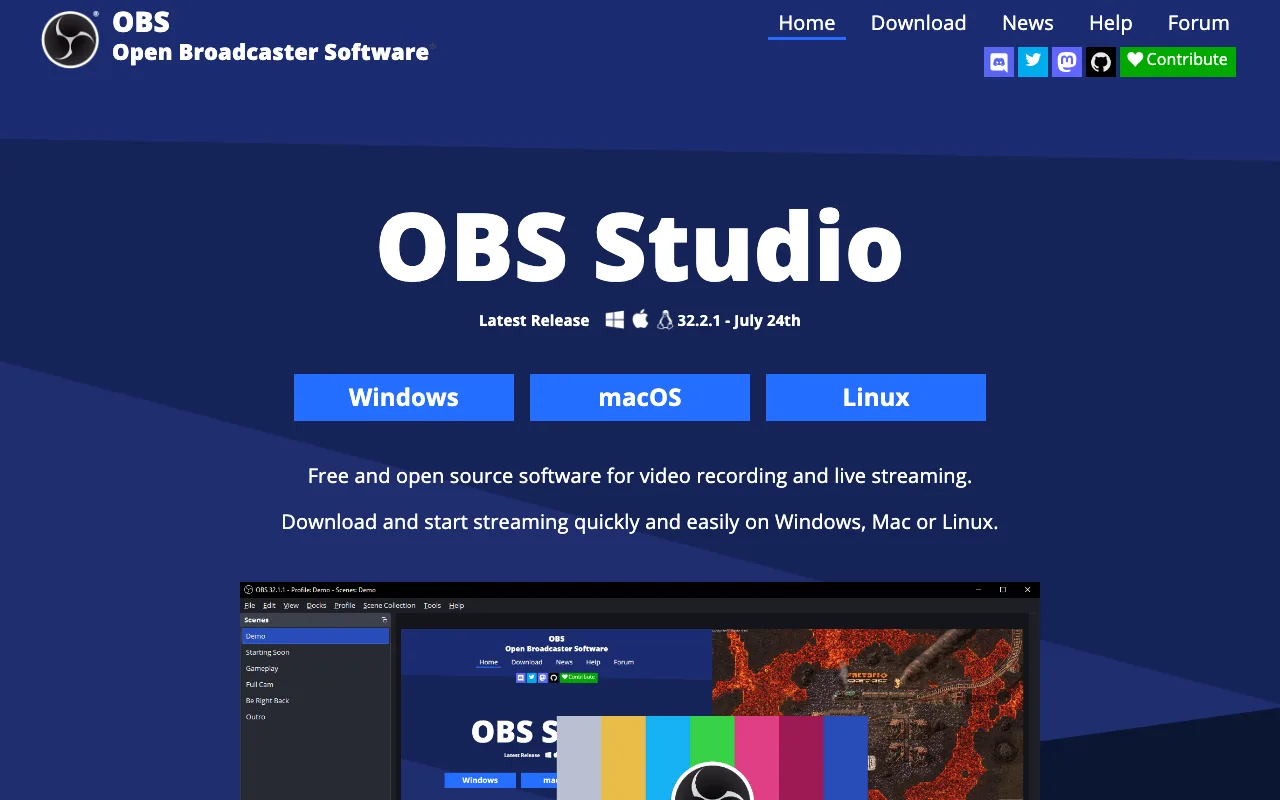
A capture session can run for hours without hitting an upload prompt, trial limit, or watermark — that's the default choice for full-game completion walkthroughs and long-form software tutorial capture. The same capture pipeline handles software tutorials — screen, webcam, and audio sources combine in one scene, then export to a local file.
Limitation: OBS has no built-in hosting or instant link sharing. After recording, you export the file and upload it separately to YouTube, a walkthrough-hosting tool, or wherever it needs to live.
Loom: Best for Team-Based Professional Screen Walkthroughs
Loom's Free plan caps recordings at 25 videos and 5 minutes each, with workspaces for up to 50 members. Best for: teams that need shared video walkthrough libraries and AI-assisted review across departments.
Beyond the free tier, Loom's strengths hold up: recording quality stays consistent at scale, transcripts are free on every plan, and Business+AI's generated summaries cut review time further on shared walkthrough libraries.
Business costs $18/user/month billed monthly, and Business + AI runs $24/user/month and adds AI-generated summaries and chapters on top of the free transcripts. There is no separate "Loom Pro" tier — Free jumps straight to Business.
Limitation: that jump from Free to $18+/user/month Business is a steep step for a solo user or a two-person team.
Video Walkthrough Tool Pricing Compared
Video walkthrough pricing spans $0 (ShareRec, OBS Studio) to $24/user/month (Loom Business + AI); Matterport and Camtasia price per plan.
| Tool | Best For | Free Tier | Paid Pricing | Key Limitation |
|---|---|---|---|---|
| ShareRec | Software/tutorial walkthroughs | $0 — 25 recordings, 5-min cap, 720p | Pro $8/mo — unlimited, 30-min cap, 1080p (vs. Loom Business at $18/mo) | 5-min cap on Free, no AI transcripts |
| Matterport | Real estate 3D walkthroughs | Free — 1 active space | Paid tiers scale by active spaces (verify current pricing) | No gaming/software use case |
| OBS Studio | Free gaming/software capture | Free, unlimited length | Free — open source | No built-in hosting or link sharing |
| Camtasia | Edited tutorial production | Trial only | Paid license (verify current pricing) | No permanent free tier |
| Loom | Team-based professional walkthroughs | 25 videos, 5-min cap, 50 members | Business $18/user/mo; Business+AI $24/user/mo | Steep jump from Free to Business |
Frequently Asked Questions
Cost, definition, and mobile support are the three most-asked video walkthrough questions.
What is a video walkthrough?
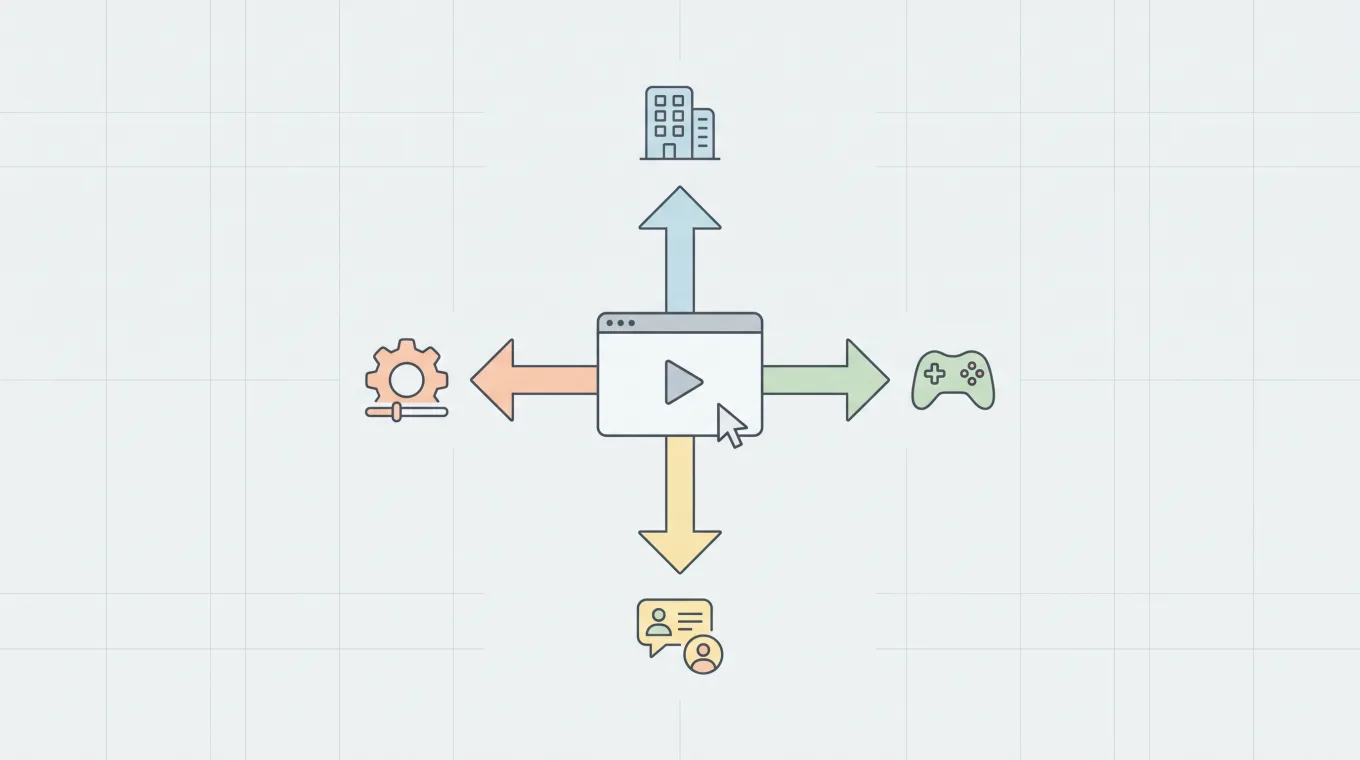
A video walkthrough is a recorded, narrated tour of a physical space, a piece of software, or a game, guiding a viewer through it step by step. In real estate it's a cinematic property tour; in software it's a screen recording with voice explaining a workflow; in gaming it's a recorded playthrough showing how to complete a level.
How much does a walkthrough video cost?
Cost depends on the category. DIY software walkthroughs are free with OBS Studio or ShareRec's Free tier. Edited tutorials need a paid tool like Camtasia, which has no permanent free plan. Team-based walkthroughs run $18+/user/month on Loom Business, and professional real estate walkthroughs price by the number of spaces captured through a Matterport-based service.
Can I create a walkthrough video on my smartphone?
Yes. Software demo walkthroughs can use a phone's built-in screen recorder. Gaming walkthroughs often rely on console mirroring apps, and real estate walkthroughs use dedicated capture apps paired with a 3D platform. ShareRec and Loom both support mobile recording for software video walkthroughs, though desktop capture handles longer sessions better.
Key Takeaways
- ShareRec generates a shareable link as soon as you stop recording, with no upload step, for software walkthroughs.
- Matterport leads real estate video walkthroughs with cinematic, guided 3D property tours.
- OBS Studio captures gaming and software walkthroughs free, with no length or resolution caps.
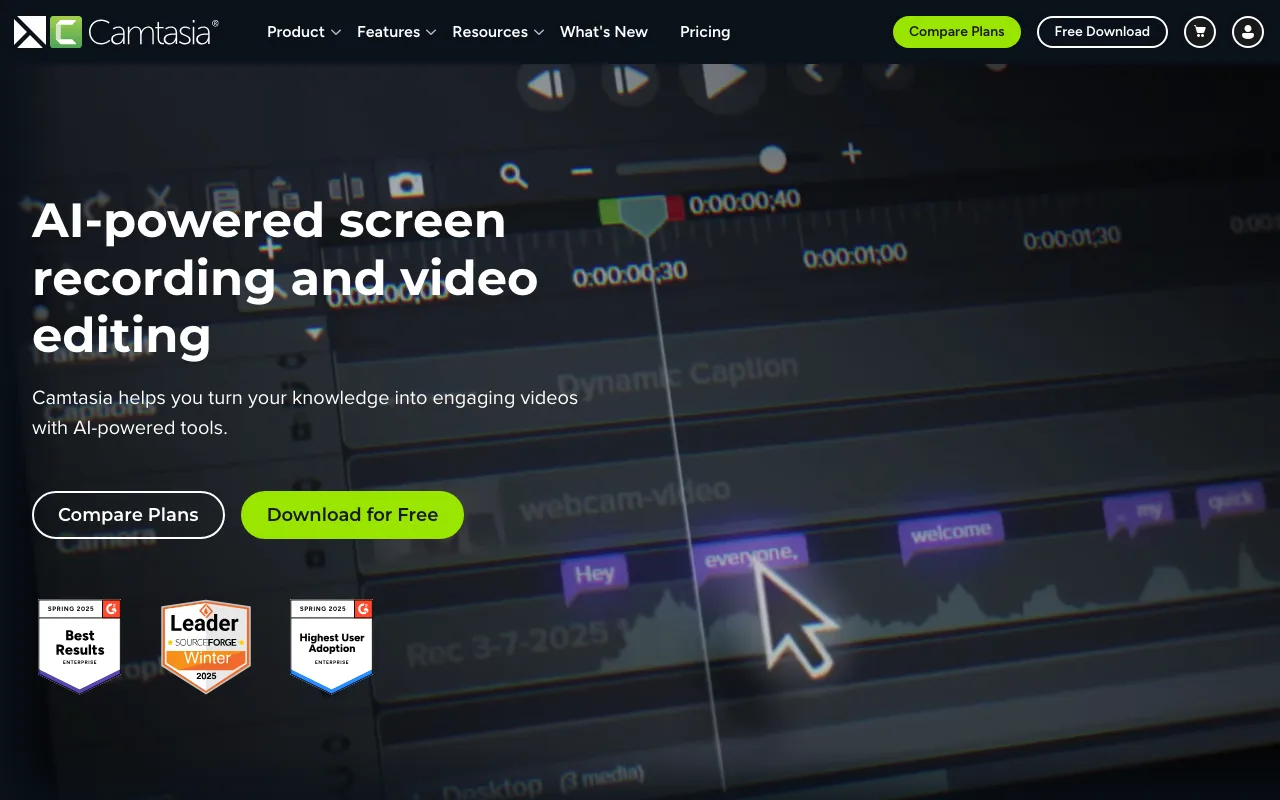
- Camtasia handles edited tutorial production but has no permanent free tier.
- Loom includes free transcripts on every plan plus team workspaces; Business starts at $18/user/month, and no Pro tier exists.
Try it free
Record your first walkthrough free — no install needed
No install, no watermark — share a link instantly.
Start Recording Free