Video Feedback: 5 Best Tools to Give & Send It Fast (2026)

ShareRec sends video feedback in three steps — record your screen, explain what needs to change, and send a link — with the link ready as soon as you stop recording, and no upload wait. "Video feedback" also describes a technical camera-monitor loop effect used in visual art; this guide covers giving feedback on someone's work, not that effect. ShareRec (best for sending video feedback fast), Loom (best for AI-generated transcripts and summaries), BugHerd (best for annotated feedback pinned to webpage or design elements), Screencastify (best for classroom and coaching feedback), and Vidyard (best for sales teams tracking who watched a feedback video) cover the five most common workflows. ShareRec runs entirely in the browser, with no install needed. The right pick depends on the work under review: a webpage (BugHerd), a classroom assignment (Screencastify), or a sales follow-up (Vidyard).
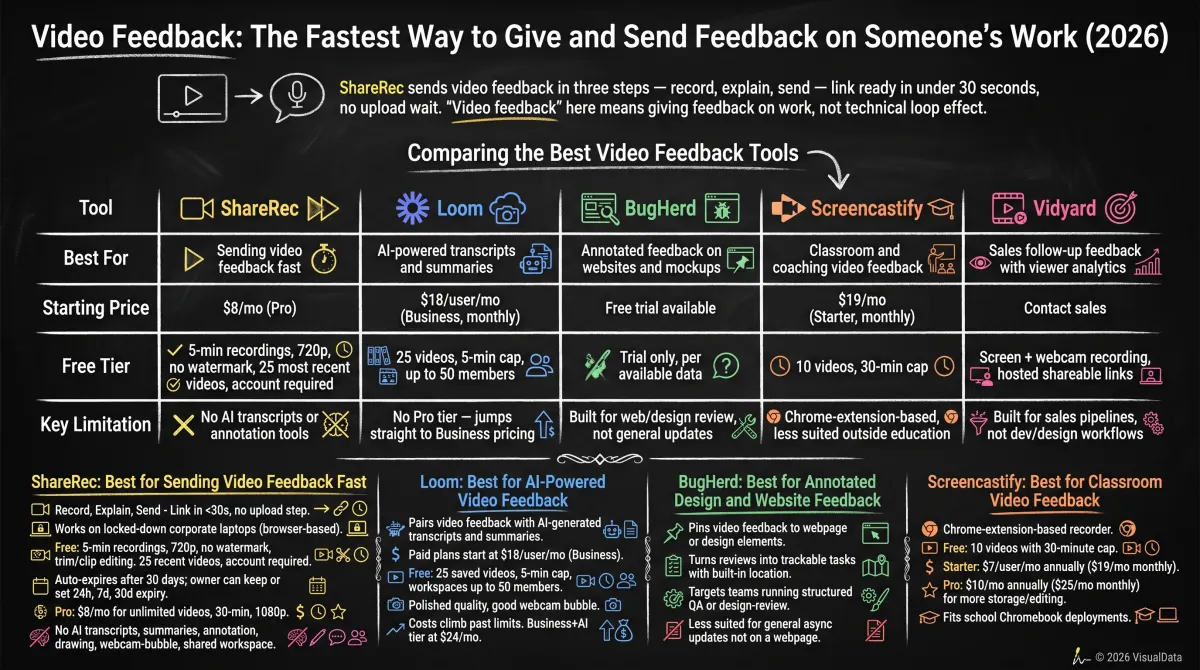
Comparing the Best Video Feedback Tools
ShareRec, Loom, BugHerd, Screencastify, and Vidyard are the five most-used video feedback tools, compared below by starting price and free-tier limits.
| Tool | Best For | Starting Price | Free Tier | Key Limitation |
|---|---|---|---|---|
| ShareRec | Sending video feedback fast | $8/mo (Pro) | 5-min recordings, 720p, no watermark, 25 most recent videos, account required | No AI transcripts or annotation tools |
| Loom | Free transcripts + AI summaries (Business+AI) | $18/user/mo (Business) | 25 videos, 5-min cap, up to 50 members | No Pro tier — jumps straight to Business pricing |
| BugHerd | Annotated feedback on websites and mockups | $50/mo (Standard) | Free trial only — no free plan | Built for web/design review, not general updates |
| Screencastify | Classroom and coaching video feedback | $19/mo (Starter, monthly; $7/user/mo annual) | 10 videos, 30-min cap | Chrome-extension-based, less suited outside education |
| Vidyard | Sales follow-up feedback with viewer analytics | Contact sales | Screen + webcam recording, hosted shareable links | Built for sales pipelines, not dev/design workflows |
ShareRec: Best for Sending Video Feedback Fast
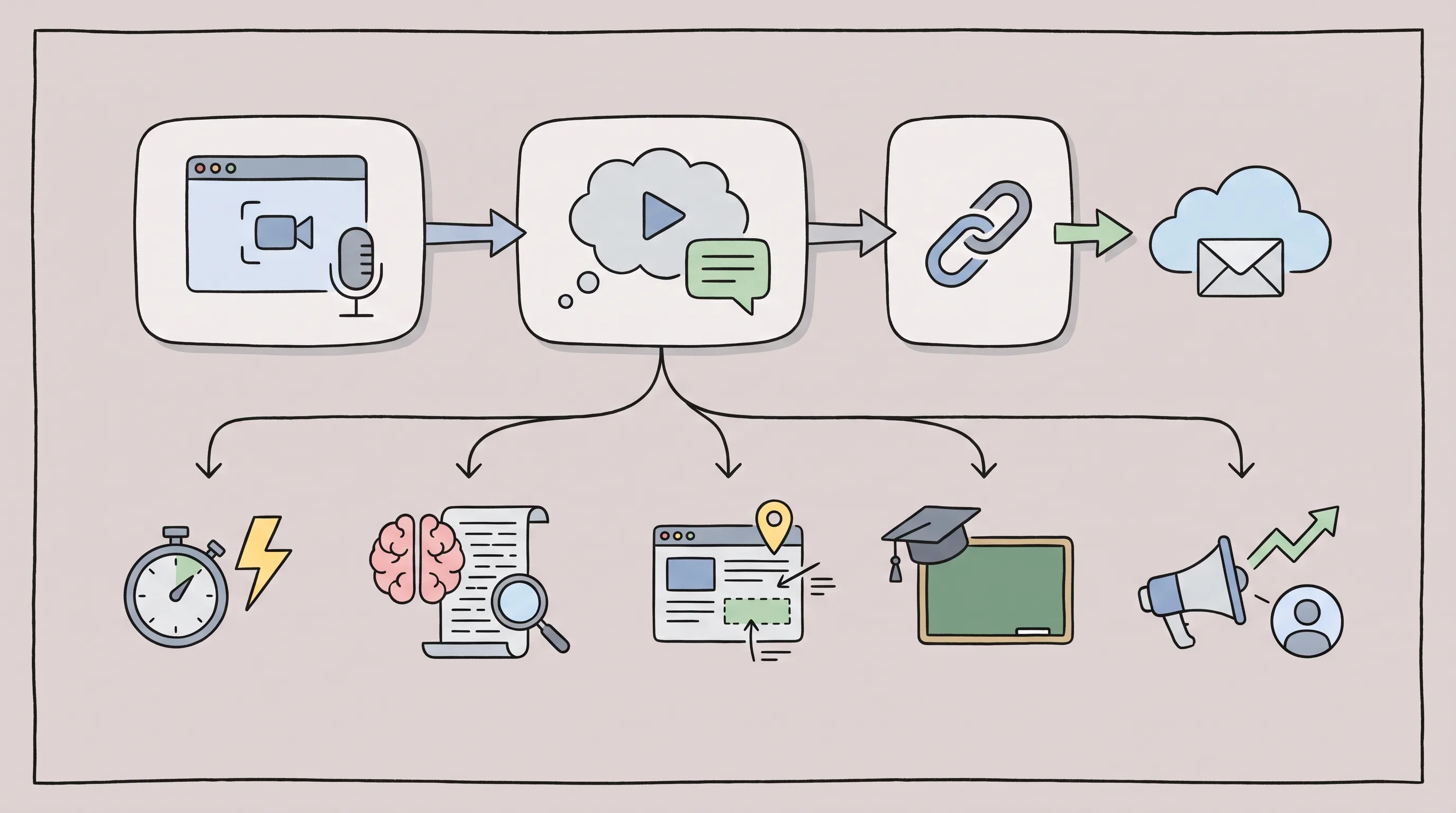
ShareRec sends video feedback in three steps — record, explain, send — with a shareable link ready as soon as you stop recording, and no upload step. Best for: reviewers sending feedback on a colleague's or client's work without installing software or waiting on a render.
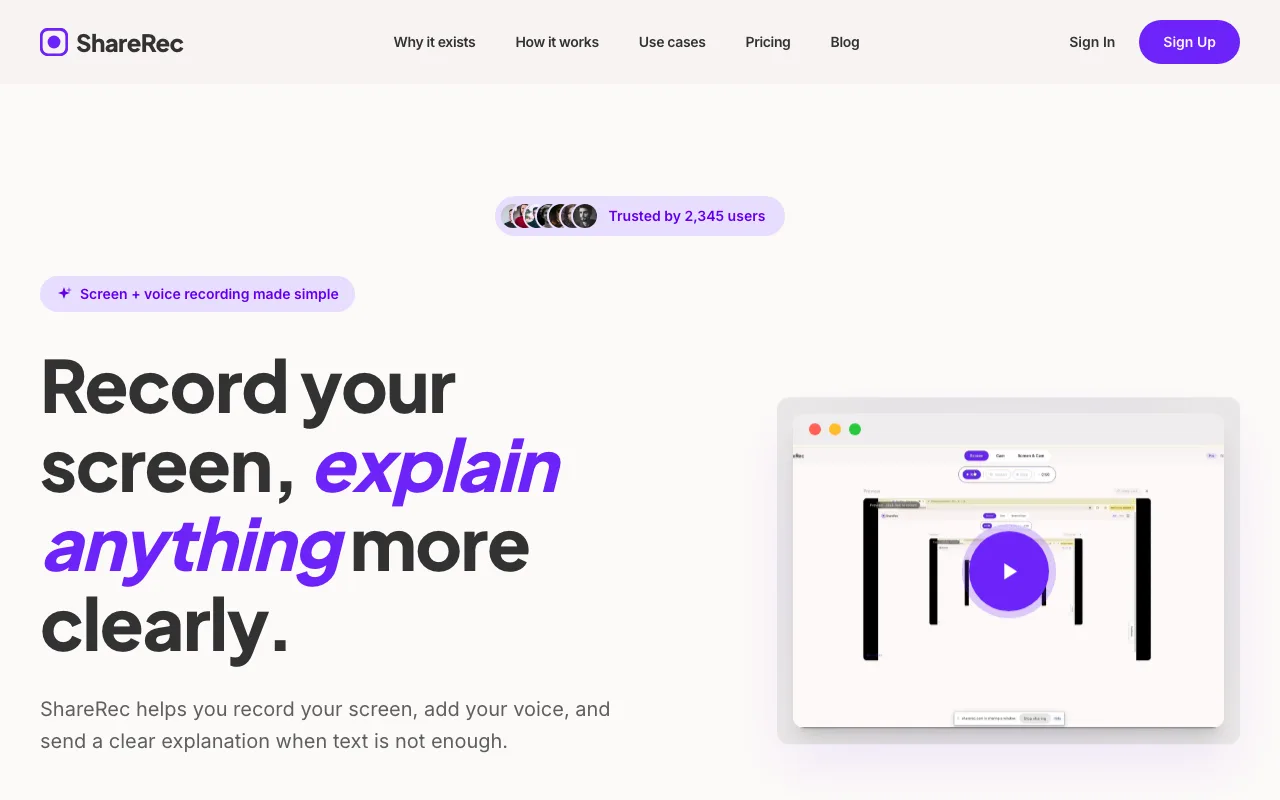
The tool runs entirely in the browser, so it works on locked-down corporate laptops that block installs or require admin rights.
The free plan includes 5-minute recordings at 720p with no watermark, plus trim-and-clip editing. It keeps the 25 most recent videos rather than an unlimited library, and every tier — including Free — requires an account to record.
Every recording auto-expires 30 days after it's made by default. The owner can keep any video forever in one click, or set a 24-hour, 7-day, or 30-day expiry instead. A warning email arrives three days before deletion.
Pro costs $8/month for unlimited videos, 30-minute recordings, and 1080p — less than half the price of Loom's Business plan ($18/user/mo). Business runs $12/month for unlimited 2-hour recordings at 1080p.
ShareRec has no AI transcripts, summaries, or chapters, and no annotation or drawing tools, with no shared team workspace.
Loom: Best for AI-Powered Video Feedback
Loom pairs video feedback with free transcripts on every plan and AI-generated summaries on its Business+AI tier, with paid plans starting at $18/user/month for the Business tier. Best for: teams that want an automatic written record of every feedback video alongside the recording itself.
The free plan caps out at 25 saved videos, a 5-minute recording limit, and workspaces of up to 50 members.
Loom no longer offers a Pro tier — the cheapest paid plan is Business at $18/user/month billed monthly. Transcripts are included free on every plan; a Business+AI tier at $24/month adds AI-generated summaries and chapters on top.
Recording quality is polished, the webcam bubble overlay works well, and most recipients already have the Loom app installed.
Costs climb quickly past 25 saved videos or five-minute recordings. Each added seat carries the per-user Business price.
BugHerd: Best for Annotated Design and Website Feedback
BugHerd pins video feedback directly onto specific webpage or design elements, turning reviews into trackable tasks instead of standalone clips. It offers a free trial rather than a free plan, with paid plans starting at $50/month. Best for: dev, QA, and design teams reviewing a live site or app rather than a document.
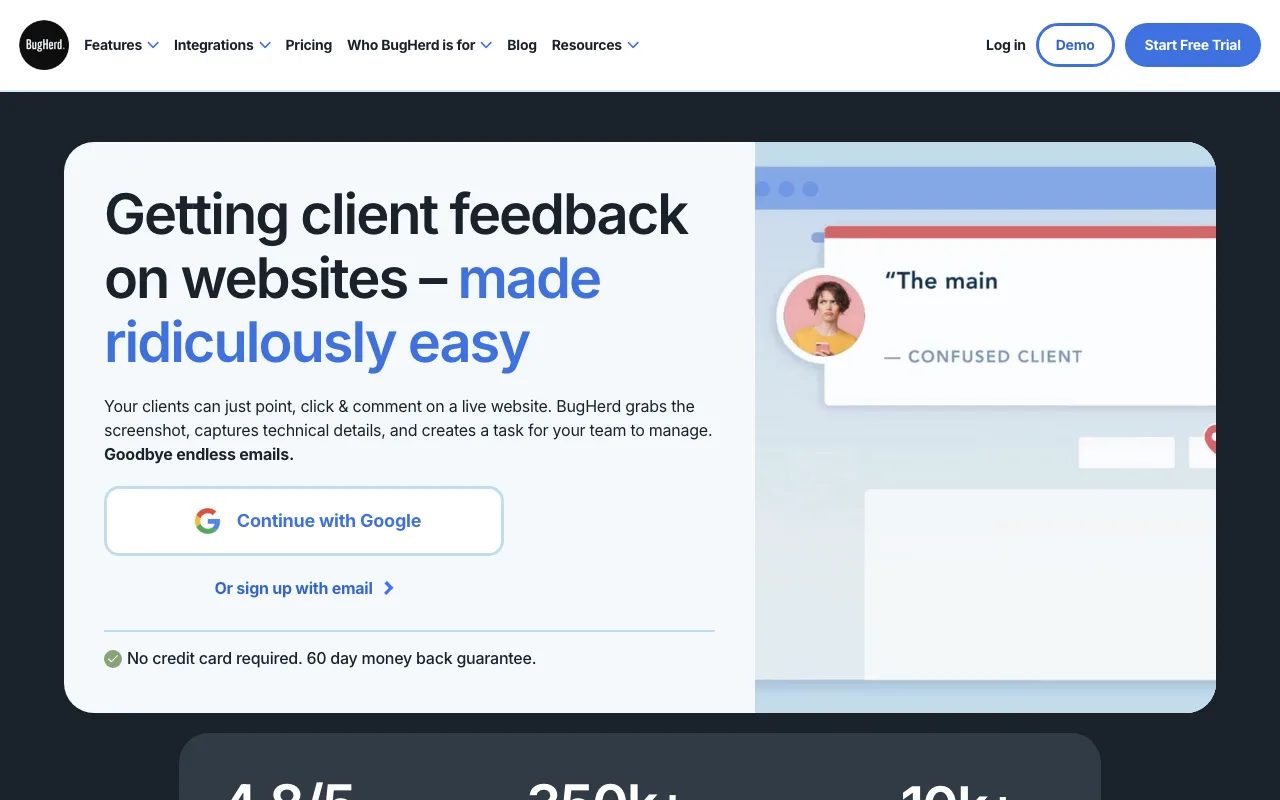
Each comment attaches to the exact button, image, or text block discussed, turning feedback into a trackable task with a built-in location.
The tool targets teams already running structured QA or design-review workflows rather than individuals sending one-off clips.
The web/design focus makes BugHerd less suited to general async updates unrelated to a webpage or app interface. A spreadsheet or strategy doc has nothing for it to pin feedback to.
Screencastify: Best for Classroom Video Feedback
Screencastify is a Chrome-extension-based recorder that starts at $7/user/month billed annually and is built around classroom and coaching video feedback. Best for: teachers and coaches recording a review of a student's or athlete's work for reflection.
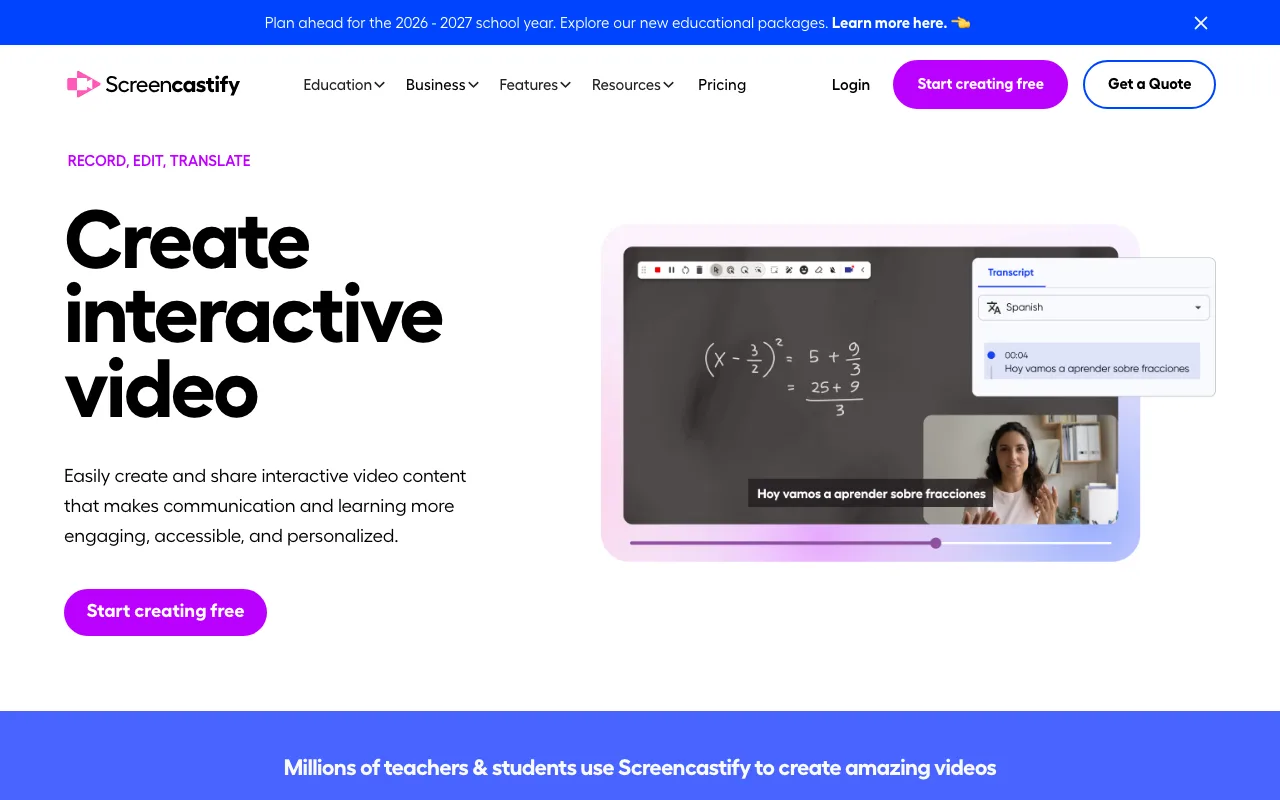
The free plan includes 10 videos with a 30-minute cap, enough for a full lesson review or game-film breakdown.
Paid plans start with Starter at $7/user/month billed annually ($19/month billed monthly). Pro costs $10/month billed annually ($25/month billed monthly) for more storage and editing options.
Running as a Chrome extension fits school Chromebook deployments built around Google Workspace, but suits teams less that need a browser-independent recorder.
Vidyard: Best for Sales Teams Tracking Video Feedback Views
Vidyard tracks exactly who opens a feedback video and how much they watch, with paid tiers priced only through direct sales contact rather than published rates. Best for: account executives and customer success teams tracking engagement on a recorded walkthrough or proposal review.
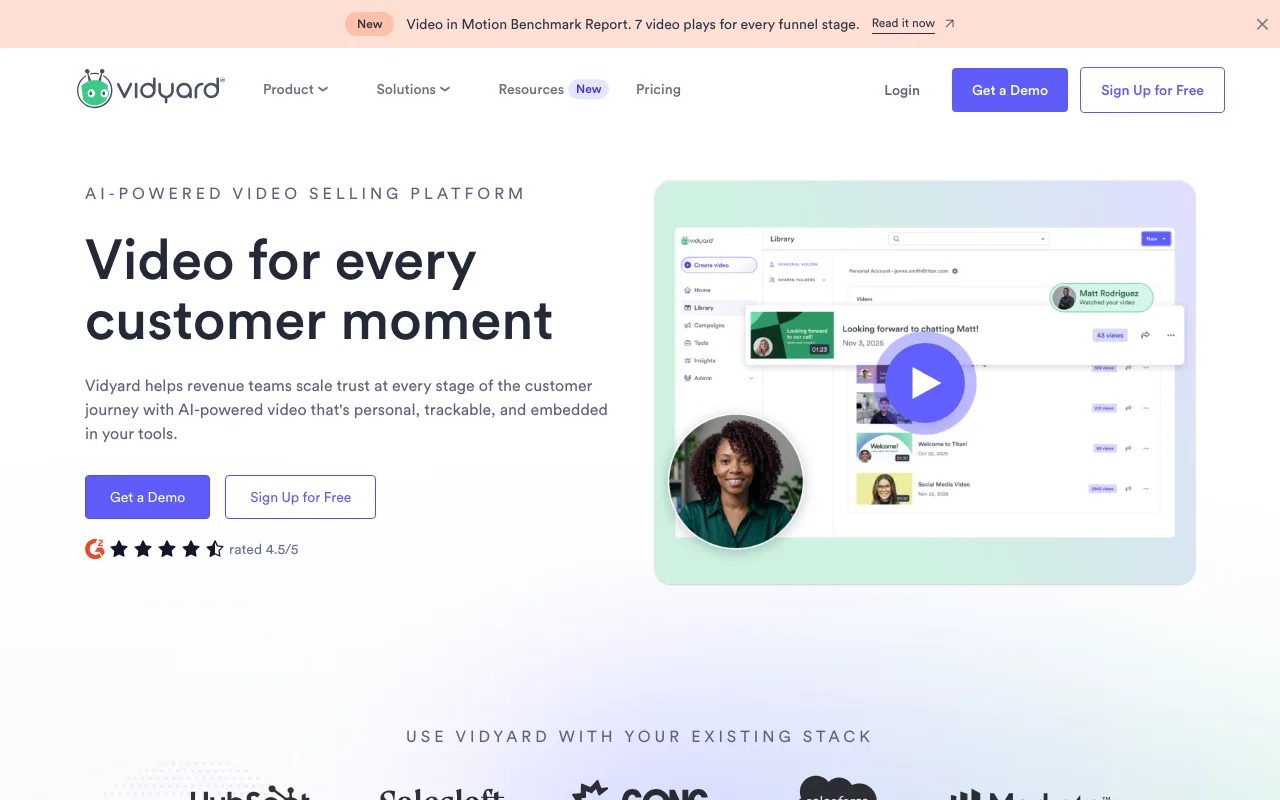
The free plan covers screen-and-webcam recording with hosted, shareable links, with no separate video host required.
Paid tiers add viewer analytics, CRM integrations, and team libraries built for sales pipelines, not dev or design review clips.
Key Takeaways
- ShareRec turns video feedback into a shareable link as soon as you stop recording; account required, 5-min 720p free tier, no watermark.
- Loom includes free transcripts on every plan and adds AI-generated summaries on Business+AI; cheapest paid tier is Business at $18/user/month billed monthly.
- BugHerd pins video feedback directly onto webpage or design elements, turning it into a trackable task.
- Screencastify runs as a Chrome extension built for classroom video feedback, with a 10-video free tier.
- Vidyard offers a free screen-and-webcam plan with viewer analytics for sales follow-up tracking.
- ShareRec's Pro tier at $8/month costs less than half Loom's Business plan ($18/user/mo).
- ShareRec videos auto-expire after 30 days by default, with a one-click keep-forever option.
Frequently Asked Questions
What is video feedback?
"Video feedback" has two meanings. One is a technical camera-monitor loop effect used in visual art. The other is a narrated video critiquing someone's work — a design, document, or webpage — sent as a link. This guide covers the second, recipient-focused meaning.
How do you give feedback on someone's work using video?
Record your screen while talking through the specific parts you want changed, then send an instant link instead of a file attachment. Tools like ShareRec generate a shareable link the moment recording stops, so the recipient can watch in a browser within seconds.
What's the difference between video feedback and video annotation?
Video feedback is a narrated recording — you talk through your reaction while sharing your screen. Video annotation, offered by tools like BugHerd, pins timestamped comments directly onto elements of a webpage or design. It turns feedback into a trackable task rather than a standalone clip.
What is video feedback intervention in education?
Video feedback intervention is when teachers or coaches record themselves reviewing a student's or athlete's work or performance. They then share the recording so the learner can watch, reflect, and improve. Screen-recording tools built for classrooms, like Screencastify, are commonly used for this workflow.
Do you need an account to send or receive video feedback?
It depends on the tool. ShareRec requires an account to record on every tier, including Free, but the person receiving a video feedback link needs no account to watch. Other tools vary — check whether the recipient must sign up before you send one.
Try it free
Record your first walkthrough free — no install needed
No install, no watermark — share a link instantly.
Start Recording Free