5 Simplest Loom Alternatives in 2026 (Ranked by Setup Steps)

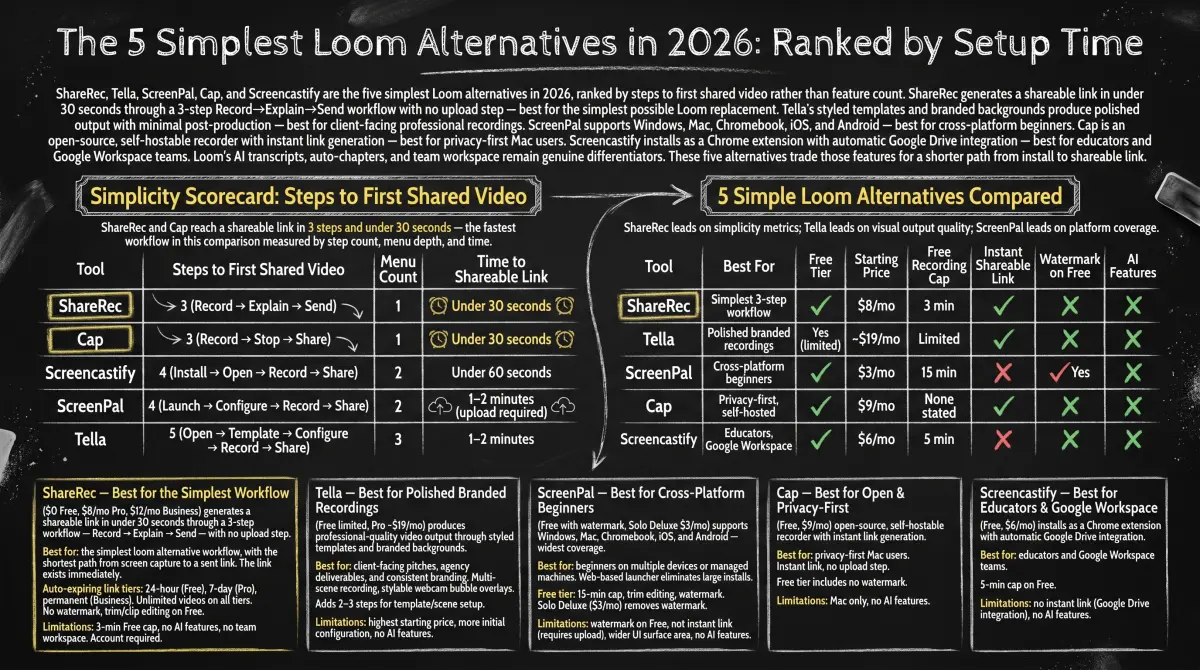
ShareRec, Tella, ScreenPal, Cap, and Screencastify are the five simplest Loom alternatives in 2026, ranked by steps to first shared video rather than feature count. ShareRec generates a shareable link in under 30 seconds through a 3-step Record→Explain→Send workflow with no upload step — best for the simplest possible Loom replacement. Tella's styled templates and branded backgrounds produce polished output with minimal post-production — best for client-facing professional recordings. ScreenPal supports Windows, Mac, Chromebook, iOS, and Android — best for cross-platform beginners. Cap is an open-source, self-hostable recorder with instant link generation — best for privacy-first Mac users. Screencastify installs as a Chrome extension with automatic Google Drive integration — best for educators and Google Workspace teams.
Loom's AI transcripts, auto-chapters, and team workspace remain genuine differentiators. These five alternatives trade those features for a shorter path from install to shareable link.
Simplicity Scorecard: Steps to First Shared Video
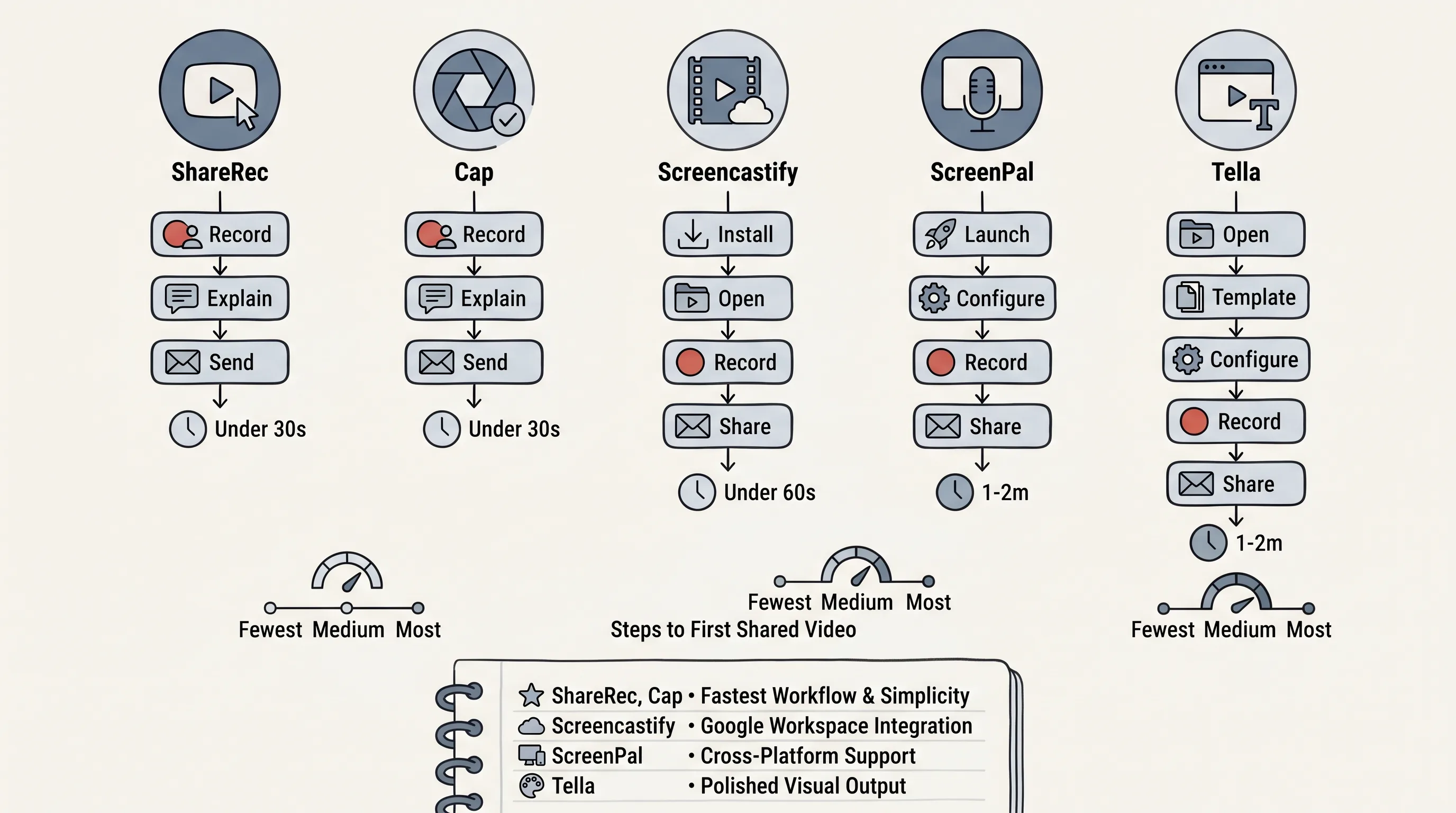
ShareRec and Cap reach a shareable link in 3 steps and under 30 seconds — the fastest workflow in this comparison measured by step count, menu depth, and time.
| Tool | Steps to First Shared Video | Menu Count | Time to Shareable Link |
|---|---|---|---|
| ShareRec | 3 (Record → Explain → Send) | 1 | Under 30 seconds |
| Cap | 3 (Record → Stop → Share) | 1 | Under 30 seconds |
| Screencastify | 4 (Install → Open → Record → Share) | 2 | Under 60 seconds |
| ScreenPal | 4 (Launch → Configure → Record → Share) | 2 | 1–2 minutes (upload required) |
| Tella | 5 (Open → Template → Configure → Record → Share) | 3 | 1–2 minutes |
5 Simple Loom Alternatives Compared
ShareRec leads on simplicity metrics; Tella leads on visual output quality; ScreenPal leads on platform coverage.
| Tool | Best For | Free Tier | Starting Price | Free Recording Cap | Instant Shareable Link | Watermark on Free | AI Features |
|---|---|---|---|---|---|---|---|
| ShareRec | Simplest 3-step workflow | Yes | $8/mo | 5 min | Yes | No | No |
| Tella | Polished branded recordings | Yes (limited) | $13/mo | 2 hours | Yes | No | Free (basic) |
| ScreenPal | Cross-platform beginners | Yes | $4/mo (annual) | 15 min | No | Yes | No |
| Cap | Privacy-first, open-source | Yes | $12/mo ($8/mo annual) | None stated | Yes | No | Pro |
| Screencastify | Educators, Google Workspace | Yes | $7/mo (annual) | 30 min | No | No | No |
ShareRec — Best for the Simplest Workflow
ShareRec ($0 Free, $8/mo Pro, $12/mo Business) generates a shareable link in under 30 seconds through a 3-step workflow — Record → Explain → Send — with no upload step. Best for: the simplest loom alternative workflow, with the shortest path from screen capture to a sent link.
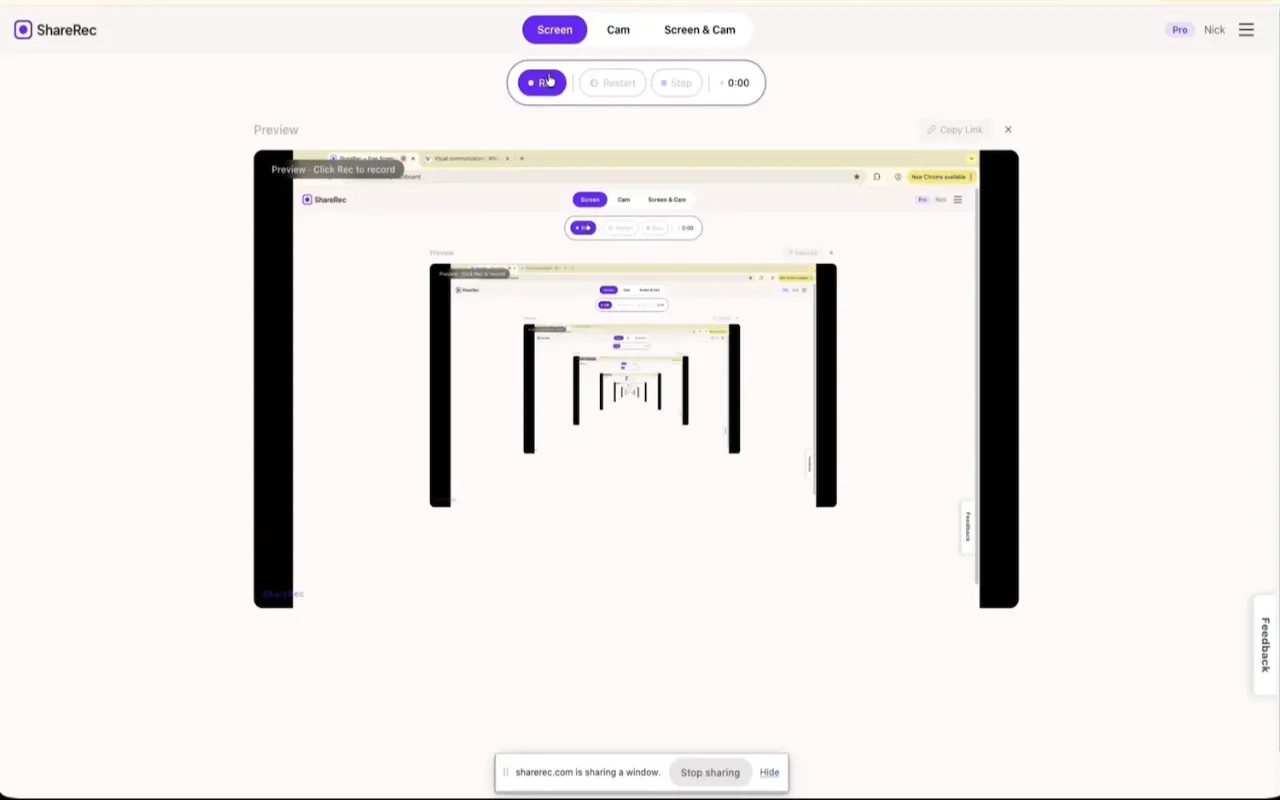
The link exists immediately after recording ends, with no upload step. Flexible expiry on every tier — including Free — is a standout in this category: videos auto-expire in 30 days by default so your library stays tidy, but one click keeps any clip forever, so a demo you send today still works months later — and you're emailed 3 days before anything is deleted. The Free plan keeps your 25 most recent videos as you record new ones, while Pro and Business add unlimited videos. Free tier includes no watermark and trim/clip editing — both uncommon at the free tier.
Pricing: Free (5-min cap, 720p, 30-day default expiry with one-click keep-forever, keeps your 25 most recent videos) / Pro $8/mo (30 min, 1080p, unlimited videos) / Business $12/mo (2 hours, 1080p, unlimited videos). Every tier gives you the same one-click keep-forever control and a 3-day warning before deletion. Pro is roughly half of Loom's $15+/mo starting price.
Limitations: 5-minute Free cap rules out longer demos; no AI transcripts, summaries, auto-chapters, webcam bubble, or team workspace; editing is trim and clip only. Account required on all tiers — no anonymous recording option.
Tella — Best for Polished Branded Recordings
Tella (Free with 2-hour clip cap and 7-day video expiry; Pro $13/mo; Premium $19/mo) produces professional-quality video output through styled templates and branded background themes without requiring post-production editing. Best for: client-facing pitches, agency deliverables, and recordings where consistent visual branding matters more than setup speed.
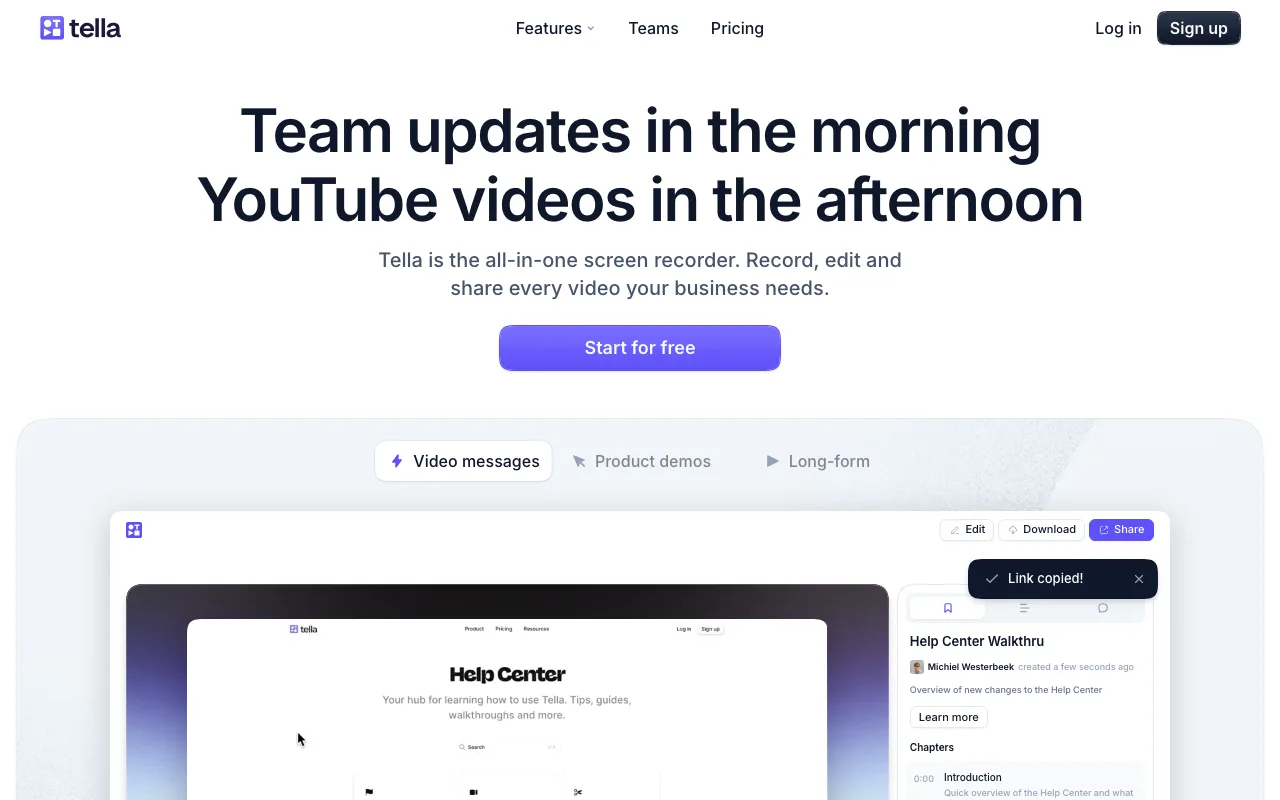
Tella's multi-scene recording support lets presenters switch between layouts mid-recording — a capability not available in ShareRec, Cap, or Screencastify. Webcam bubble overlays can be positioned, resized, and styled independently, adding production value inside the recorder itself.
Choosing a template, selecting a background, and configuring the scene layout adds 2–3 steps compared to ShareRec or Cap. For users who send branded video consistently, that upfront setup produces stronger output per recording.
Free tier includes a 2-hour per-clip cap with 7-day video expiry and basic AI editing. Pro at $13/mo unlocks unlimited videos and 6-hour recording length; Premium at $19/mo removes Tella branding and adds custom domain plus 4K export. Limitations: more initial configuration than 3-step tools; AI features limited to basic editing — no transcripts or summaries.
ScreenPal — Best for Cross-Platform Beginners
ScreenPal (Free with watermark; Solo Deluxe $4/mo billed annually) supports Windows, Mac, Chromebook, iOS, and Android — the widest device coverage of all five tools in this comparison. Best for: beginners who record across multiple devices or need recording on managed machines without a full desktop install.
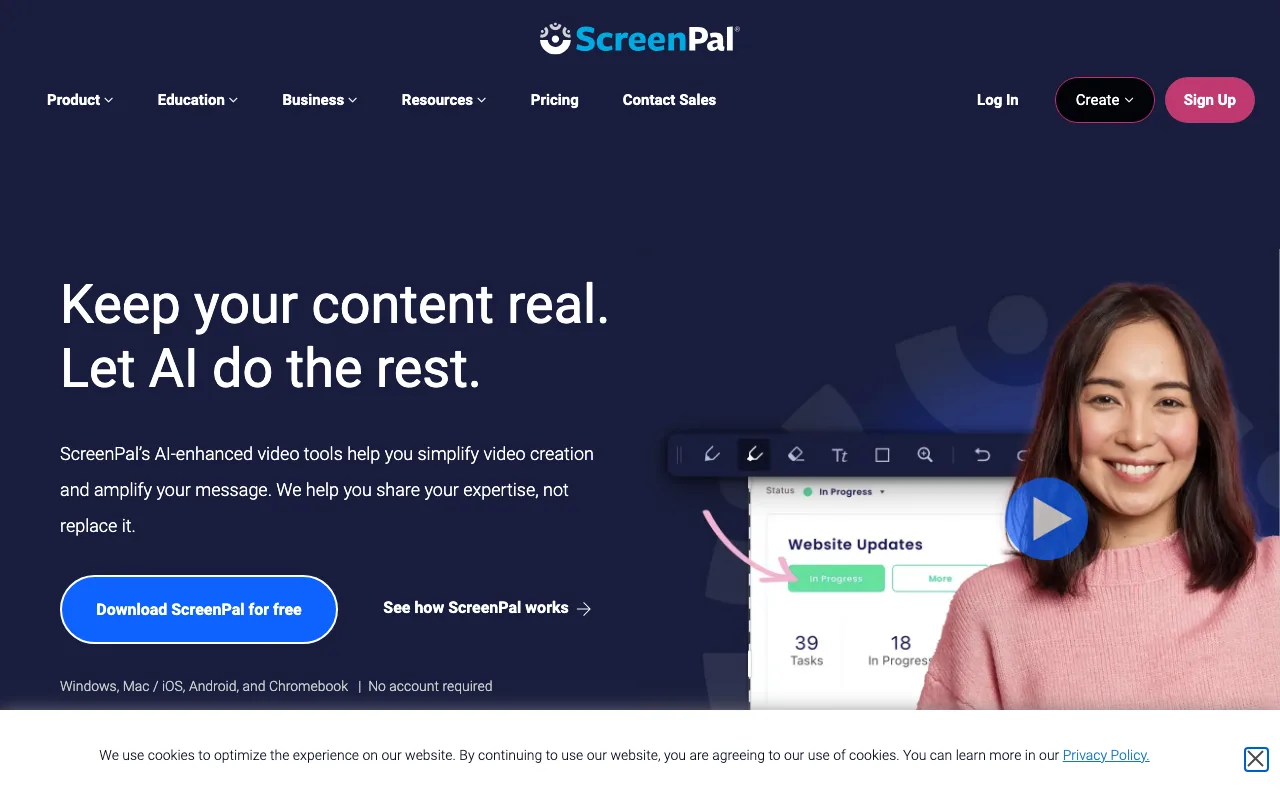
ScreenPal uses a web-based launcher, eliminating the need for a large desktop application download. Users on managed corporate or school machines can record without admin installation rights. The Free tier includes a 15-minute recording cap and basic trim editing.
Solo Deluxe at $4/mo (billed annually) removes the watermark — the lowest paid entry point in this comparison. Sharing requires uploading to ScreenPal's hosting platform before a link is generated, adding 1–2 minutes to the workflow compared to ShareRec's or Cap's instant link.
Limitations: watermark on all Free recordings; sharing link is not instant; wider UI surface area than ShareRec or Cap increases initial decision overhead; no AI features on any tier.
Cap — Best for Open-Source and Privacy-First Users
Cap (Free/open-source; Cap Pro $12/mo monthly or $8.20/mo billed annually) is the only tool in this comparison with an open-source codebase, allowing teams to deploy or self-host for full data ownership. Best for: privacy-conscious developers and technical teams on Mac or Windows who need complete control over where recordings are stored.
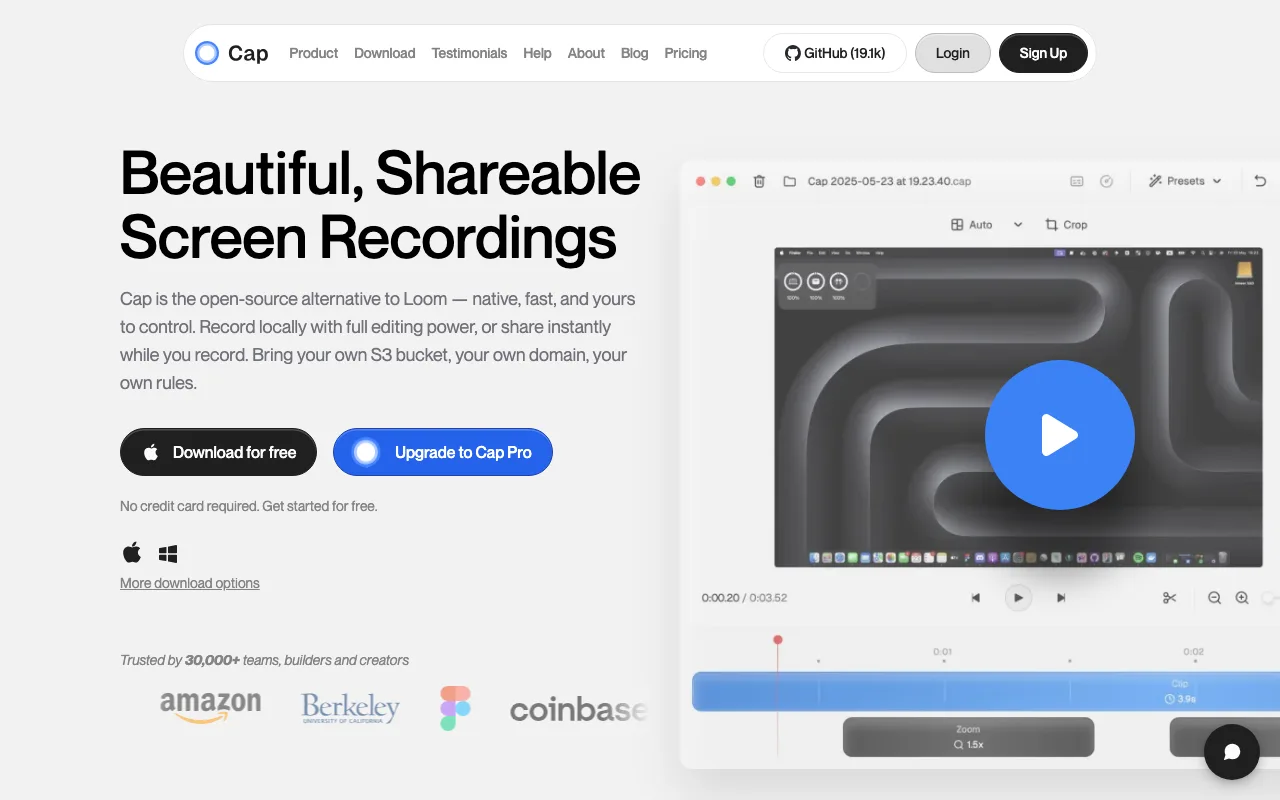
Cap's recording workflow matches ShareRec's in step count — record, stop, instant shareable link — with no upload queue. Cap Pro at $12/mo (or $8.20/mo billed annually) adds cloud hosting, custom domains, team workspaces, and AI-powered titles, transcripts, summaries, and chapters — the only tool besides Loom in this comparison with AI transcripts.
Editing on the Free tier is limited to basic trim. Users who need captions, zoom effects, or drawing tools will find the free editing suite insufficient.
Limitations: native desktop app on Mac and Windows only — no Linux build as of 2026. AI features gated to Cap Pro. Self-hosting requires infrastructure knowledge most non-technical users won't have.
Screencastify — Best for Educators and Google Workspace Users
Screencastify (Free: 30-min cap per video, 10 videos/month; Starter $7/mo billed annually or $19/mo monthly) installs as a Chrome browser extension with no separate desktop app download — setup takes under a minute from the Chrome Web Store. Best for: educators, students, and Google Workspace teams who record primarily from a browser.
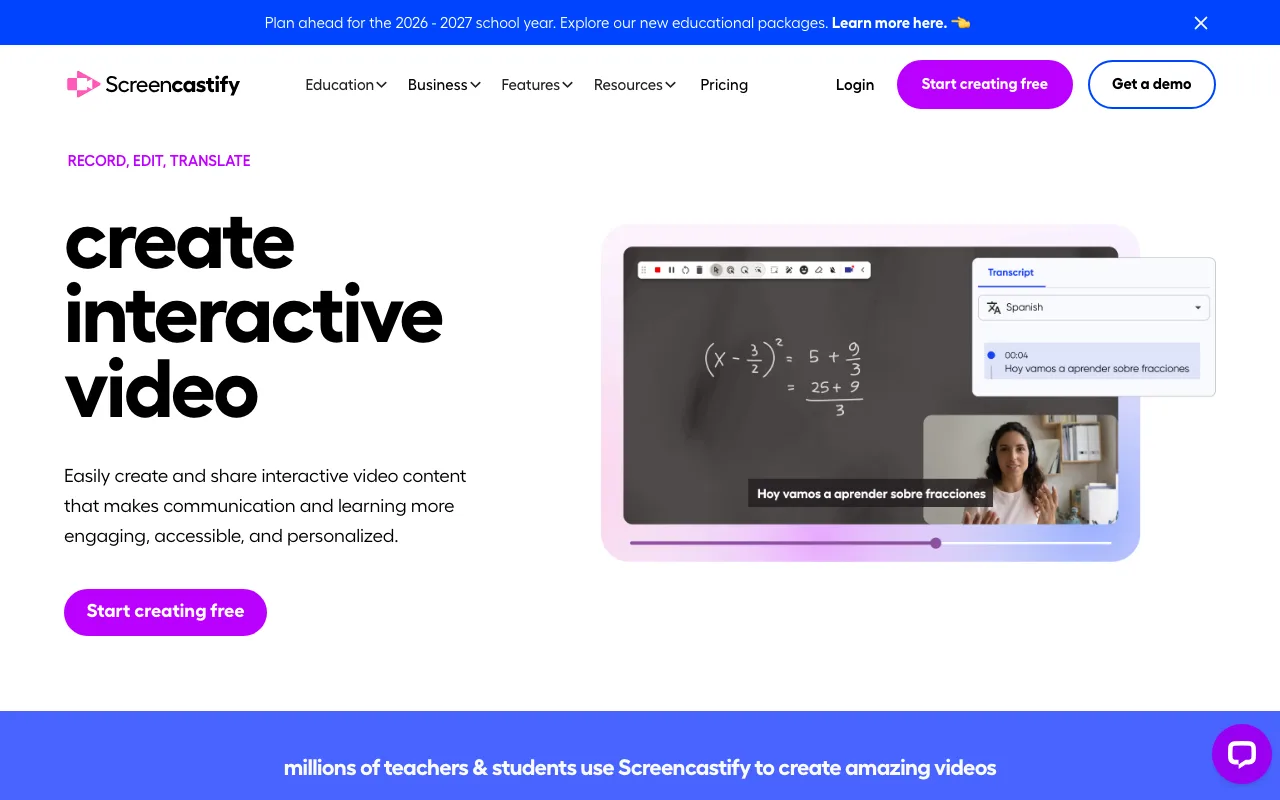
Recordings save automatically to Google Drive on all tiers. Sharing works via standard Google Drive links — recipients in Google ecosystems can access videos without a Screencastify account. In-browser trim editing is available on all tiers.
The Free tier's constraints are specific: a 30-minute per-video cap and a 10-video-per-month limit apply simultaneously. Starter at $7/mo (billed annually) removes both limits and adds watermark removal — competitive with ScreenPal's $4/mo annual entry point.
Limitations: Chrome-only — no standalone Mac or Windows desktop app and no mobile recording. Sharing is Google-ecosystem-dependent, which adds friction for recipients outside Google. No AI features on any tier.
Key Takeaways
- ShareRec: 3-step workflow, instant link, 30-day default expiry on every tier including Free with one-click keep-forever — simplest Loom replacement.
- Tella: branded templates, Pro $13/mo (Premium $19/mo removes branding) — best for client-facing professional recordings.
- ScreenPal: 5-platform coverage, $4/mo annual removes watermark — best for multi-device users.
- Cap: open-source, Mac + Windows native, Pro $12/mo ($8.20/mo annual) — best for privacy-first developers.
- Screencastify: Chrome extension, Google Drive auto-save, Starter $7/mo annual removes 30-min/10-video cap — best for educators.
- All five tools require account sign-up; none offer a no-account recording option.
- Only Cap Pro and Loom include AI transcripts and summaries — the other three are record-and-share only.
Frequently Asked Questions
What is the simplest Loom alternative for beginners?
ShareRec is the simplest Loom alternative by step count: a 3-step Record→Explain→Send workflow generates a shareable link in under 30 seconds with no upload wait. For users already in the Google ecosystem, Screencastify installs as a Chrome extension in under a minute and saves recordings directly to Google Drive.
Can I use a free Loom alternative without creating an account?
No tool in this comparison offers a no-account recording option. ShareRec requires an account on all tiers including Free. Cap requires signup for cloud sharing. ScreenPal and Screencastify both require accounts. Account creation is a one-time step, but none of these tools permit recording without it.
Which Loom alternative has the flattest learning curve?
ShareRec and Cap both follow a 3-step workflow with a single-menu interface and generate an instant shareable link with no editing decisions required. Both score identically on the simplicity scorecard. ShareRec is browser-based on any OS; Cap ships native desktop apps for Mac and Windows.
Do I need video editing skills to use a simple Loom alternative?
No editing skills are required for any tool in this list. ShareRec, Cap, and Screencastify are record-and-share tools. Basic trim editing is available on ShareRec Free and Screencastify with no prior knowledge needed — trimming a clip requires selecting start and end points, nothing more.
What is the Microsoft equivalent of Loom?
Microsoft has no unified Loom equivalent. Microsoft Stream handles organizational video hosting; Clipchamp, built into Windows 11, provides basic screen recording and editing. Neither replicates Loom's record-and-share workflow. For a dedicated screen recorder that generates an instant shareable link, a third-party tool is required regardless of operating system.
Try it free
Record your first walkthrough free in 30 seconds
No install, no watermark — share a link instantly.
Start Recording Free