Best Screen Recorders With Instant Shareable Links 2026

Quick Answer: Best Screen Recorders With Instant Shareable Links (2026)
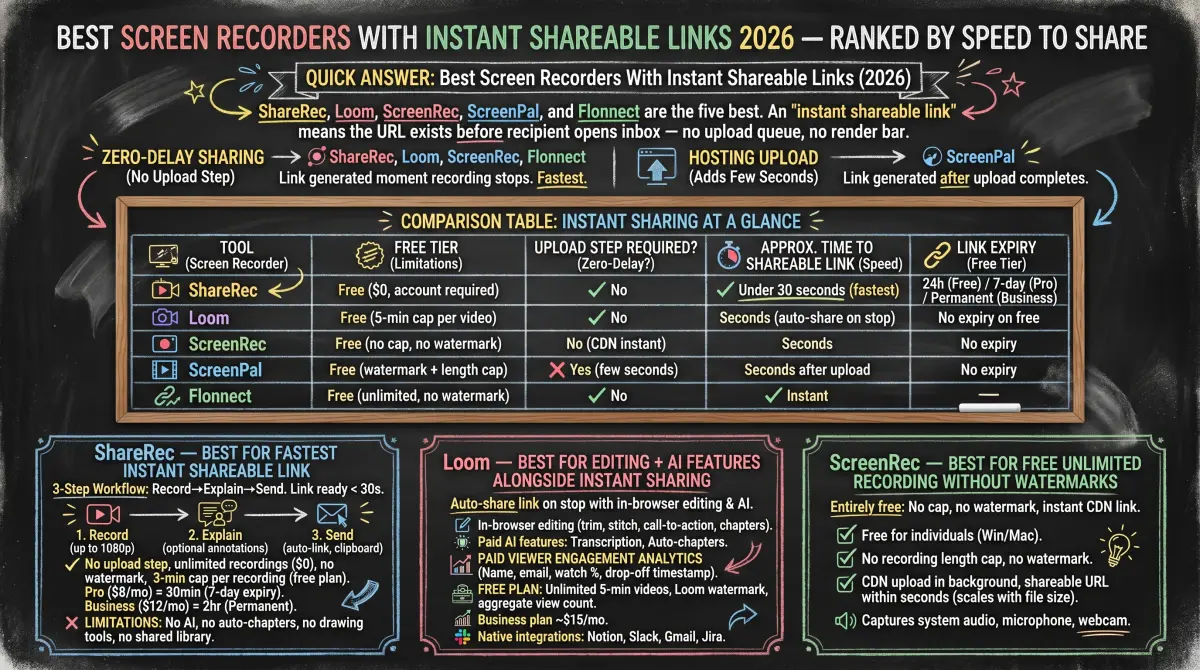
ShareRec (fastest instant link, no upload step), Loom (in-browser editing + AI transcription), ScreenRec (free, no cap, no watermark), ScreenPal (Windows/Mac/iOS/Android multi-platform), and Flonnect (branded links + per-viewer analytics) are the five best screen recorders with instant shareable links in 2026.
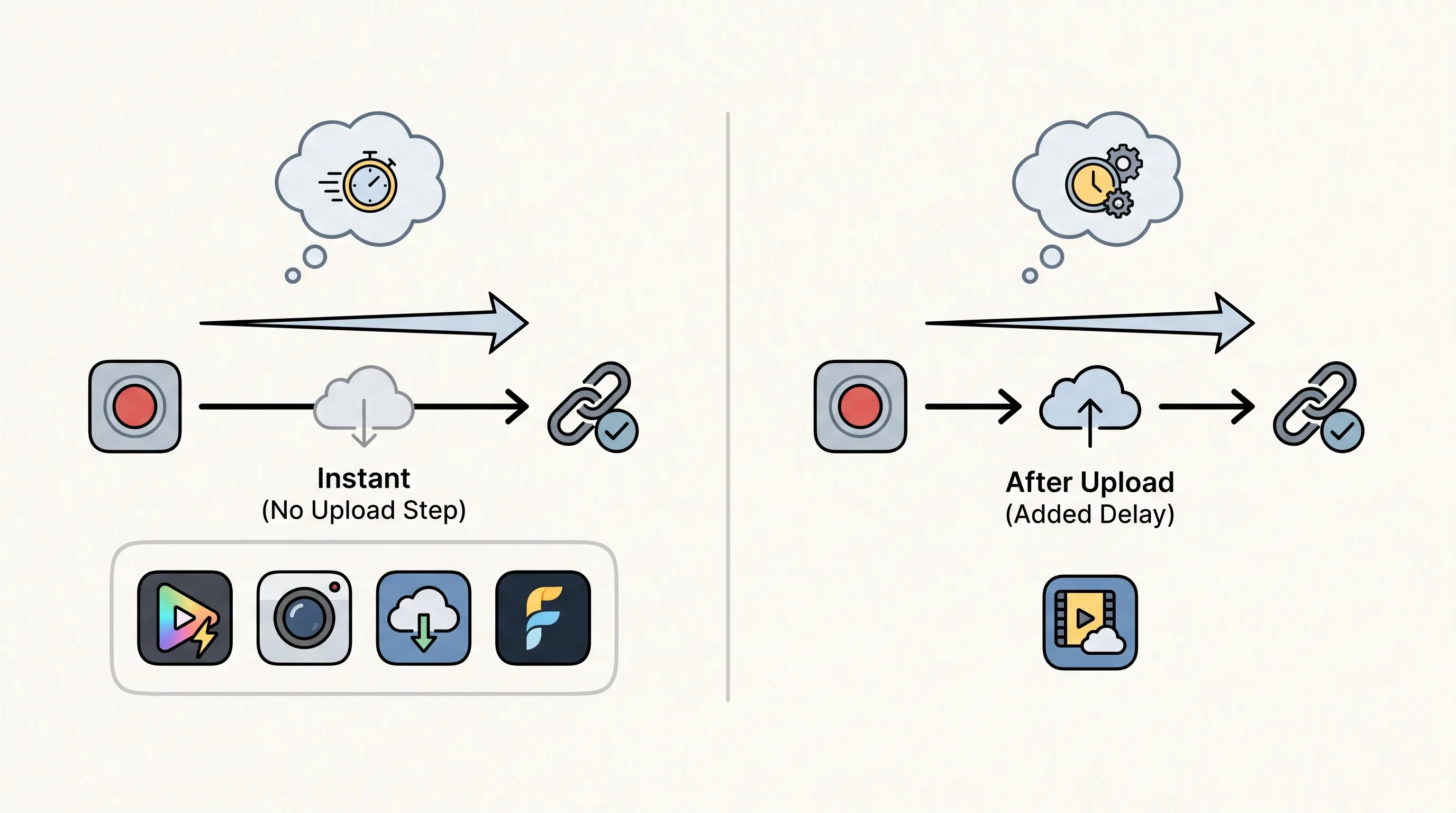
An "instant shareable link" means the URL exists before the recipient opens their inbox — no upload queue, no render progress bar.
Two workflow patterns divide these tools: link generated the moment recording stops with no upload step (ShareRec, Loom, ScreenRec, and Flonnect), and link generated after a hosting upload completes (ScreenPal, which adds a few seconds to the share workflow). If zero-delay sharing is the priority, the first group wins on speed; if cross-platform breadth or branded player pages matter more, ScreenPal and Flonnect fill those roles.
The comparison table below shows upload requirements, time-to-link, free tier limits, and link expiry for all five tools side by side.
Comparison Table: Instant Sharing at a Glance
ShareRec, Loom, ScreenRec, ScreenPal, and Flonnect all produce free-tier shareable links — but differ on upload requirements, recording length caps, and link expiry policies.
| Tool | Free Tier | Upload Step Required? | Approx. Time to Shareable Link | Link Expiry |
|---|---|---|---|---|
| ShareRec | Free ($0, account required) | No | Under 30 seconds | 30-day default (keep forever, 1 click) |
| Loom | Free (5-min cap per video) | No | Seconds (auto-share on stop) | No expiry on free |
| ScreenRec | Free (no cap, no watermark) | No (CDN instant) | Seconds | No expiry |
| ScreenPal | Free (watermark + length cap) | Yes | Seconds after upload | No expiry |
| Flonnect | Free (20 videos lifetime, 1 GB storage) | No | Instant | No expiry noted |
ShareRec — Best for Fastest Instant Shareable Link
ShareRec generates a shareable URL the moment recording stops via its 3-step Record→Explain→Send workflow, letting you record your screen and share the link instantly — no upload step, link ready in under 30 seconds. Best for: the fastest path from recording end to sent link, with one-click keep-forever on every tier at $0, a 30-day default expiry, and no watermark.
Each step serves a distinct function: Record captures screen activity at up to 720p on the free plan or 1080p on Pro and Business tiers; Explain is an optional step to add annotations or spoken narration before the clip is sent; Send generates the shareable link automatically when you press Stop and copies it to your clipboard — no upload queue or confirmation step required.
Sign-up is required on all tiers including Free. The free plan includes 720p quality, trim and clip editing, and no watermark — capped at 5 minutes per individual recording. Videos auto-expire in 30 days by default, but you keep any video forever in one click, and the plan keeps your 25 most recent videos as you record new ones.
Flexible expiry on every tier — including Free — is a standout in this comparison: a clean 30-day default keeps your library tidy, a countdown shows on each video, you're emailed 3 days before deletion, and one click keeps anything forever (or you can set Never / 24 hours / 7 days / 30 days). Pro ($8/month) extends recordings to 30 minutes at 1080p with unlimited videos. Business ($12/month) allows 2-hour recordings with unlimited videos. Every tier gives you the same one-click keep-forever control.
Limitations: the 5-minute free cap per recording rules out longer product walkthroughs or sales calls on the free plan. No AI transcription, auto-chapters, annotations, drawing tools, or visual effects. No webcam bubble overlay, no team workspace, and no shared library across accounts.
Loom — Best for Editing + AI Features Alongside Instant Sharing
Loom generates a shareable link automatically when recording stops and adds in-browser editing, AI transcription, and viewer engagement analytics to the same workflow. Best for: async teams that need video editing and AI features alongside instant shareable links.
In-browser editing includes trim, stitch, call-to-action buttons, external link injection, and chapter markers — all completed before sharing without leaving the browser. Viewer engagement analytics on paid plans identify each viewer by name and email address, report the exact watch percentage per viewer, and show the precise drop-off timestamp where each viewer stopped — a level of detail unavailable in ScreenRec (aggregate view count only) and more granular than Flonnect's per-viewer engagement summary. On the free plan, viewer analytics are limited to total view count with no per-viewer identity or drop-off timestamps.
AI transcription and auto-chapters are paid-only features, converting video content into searchable, navigable text; no AI features are available on the free plan. Loom integrates natively with Notion, Slack, Gmail, and Jira — integrations not matched by the other four tools in this comparison.
The free plan (Starter) allows unlimited videos capped at 5 minutes per recording, with a Loom watermark on free recordings. The Business plan is $18/user/month — more than double ShareRec's Pro tier. AI features, per-viewer engagement analytics, and watermark removal are gated behind paid plans.
ScreenRec — Best for Free Unlimited Recording Without Watermarks
ScreenRec is entirely free — no recording length cap, no watermark — and generates a shareable CDN link within seconds of recording stop. Best for: individuals who need a screen recorder instant link free of watermarks and length restrictions, on Windows, Mac, or Linux.
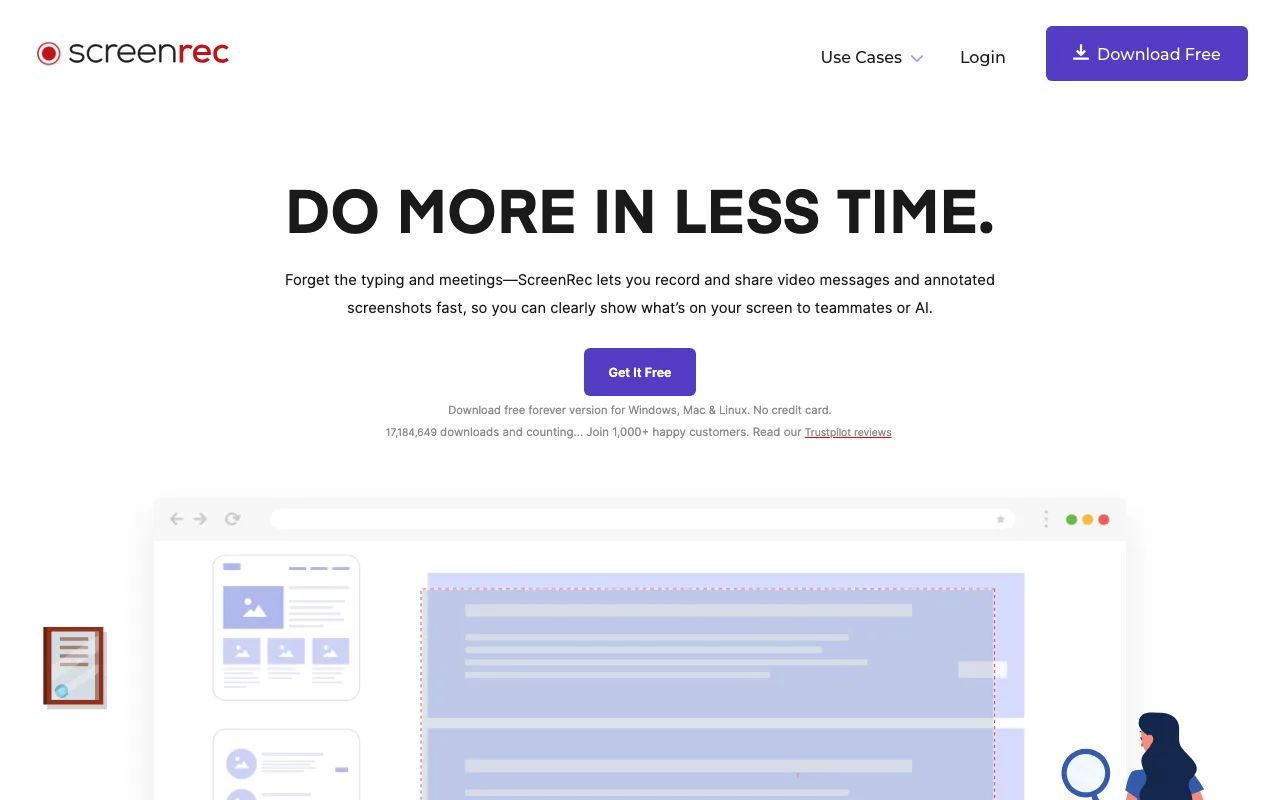
The moment recording stops, ScreenRec begins uploading to its CDN in the background; the shareable URL appears on the dashboard within seconds for short clips. CDN upload time scales directly with file size — a two-minute recording is typically link-ready before you've switched windows, while a recording over 10 minutes takes proportionally longer as the larger file transfers. Expect additional wait time for extended captures even on a fast connection.
ScreenRec captures system audio, microphone, and webcam simultaneously. Desktop apps run on Windows, Mac, and Linux; no mobile recording app is available. The free tier includes 2 GB of cloud storage with unlimited recording length and no watermark; paid Pro ($8.32/month billed annually) expands storage to 50 GB and adds 1080p plus business-use rights, and Premium ($81.66/month billed annually) goes to 200 GB and 4K with 5 user seats.
Editing is limited to basic trim. Viewer analytics show total view count only — no per-viewer identity, no drop-off timestamps, and no watch-percentage data per recipient. This contrasts directly with Flonnect's per-viewer engagement tracking (available on its free tier) and Loom's paid-plan analytics, which include viewer identity and exact drop-off timestamps. Links stay live indefinitely with no built-in expiry or revocation mechanism.
ScreenPal — Best for Multi-Platform Teams (Windows, Mac, iOS, Android)
ScreenPal supports recording and one-click quick share links on Windows, Mac, iOS, and Android from a single account — the broadest platform coverage in this comparison. Best for: teams that record across Windows, Mac, iOS, and Android and need a consistent share link workflow on every device.
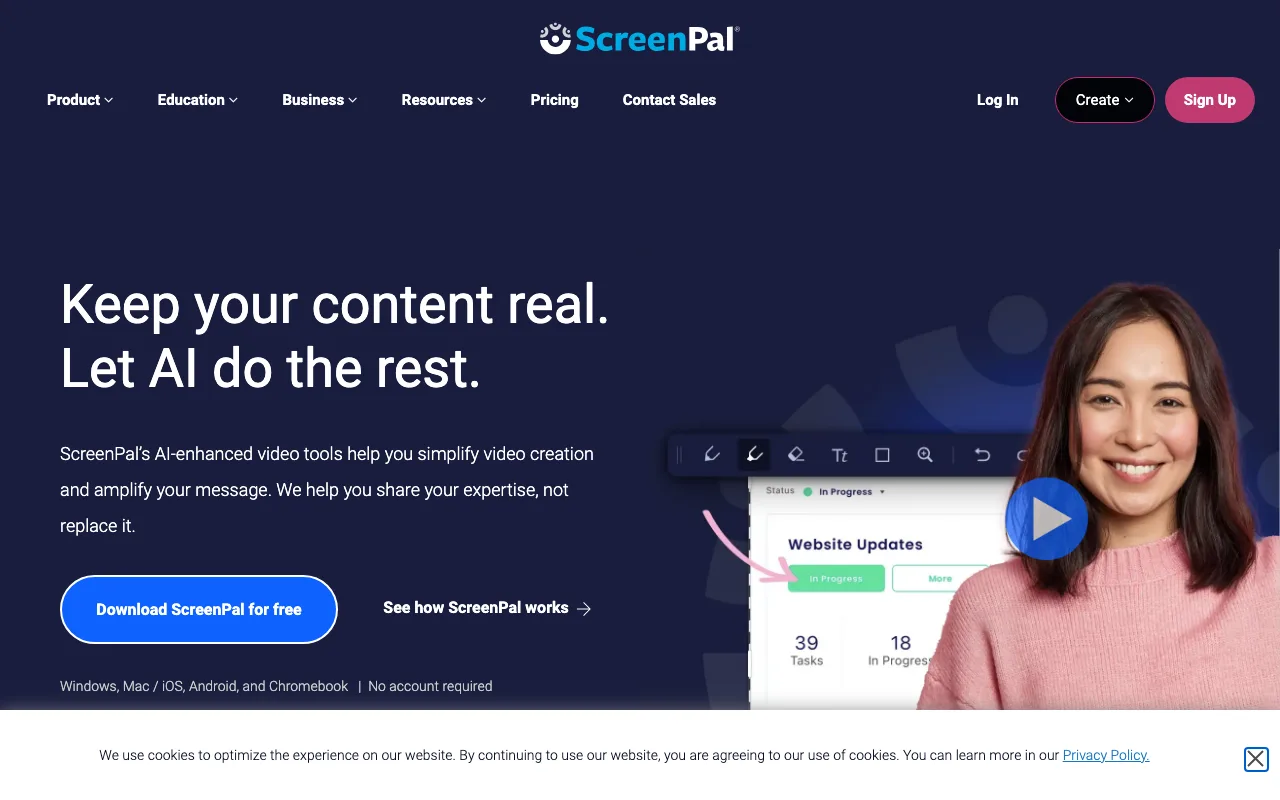
The sharing workflow includes an upload step: record → video uploads to ScreenPal hosting → copy quick share link. This upload adds seconds compared to tools with immediate CDN links but produces a stable hosted URL accessible from any browser.
Additional features include basic editing (trim, crop, annotation), a video hosting dashboard, and Google Classroom integration for education teams. Free tier includes a watermark on recordings and a recording length cap. Paid plans start at approximately $3–4/month for the Solo plan, which removes the watermark and increases the length cap.
Viewer analytics are limited on free and lower paid tiers. The upload-required sharing step distinguishes ScreenPal from all four other tools in this comparison, each of which skips the upload phase entirely.
Flonnect — Best for Branded Shareable Links With View Analytics
Flonnect generates a shareable link immediately after recording stops and overlays custom branding on the video player page, plus per-viewer engagement tracking — built for client-facing recordings. Best for: sales and support teams who need branded share links with per-viewer view analytics in the free-to-share workflow.
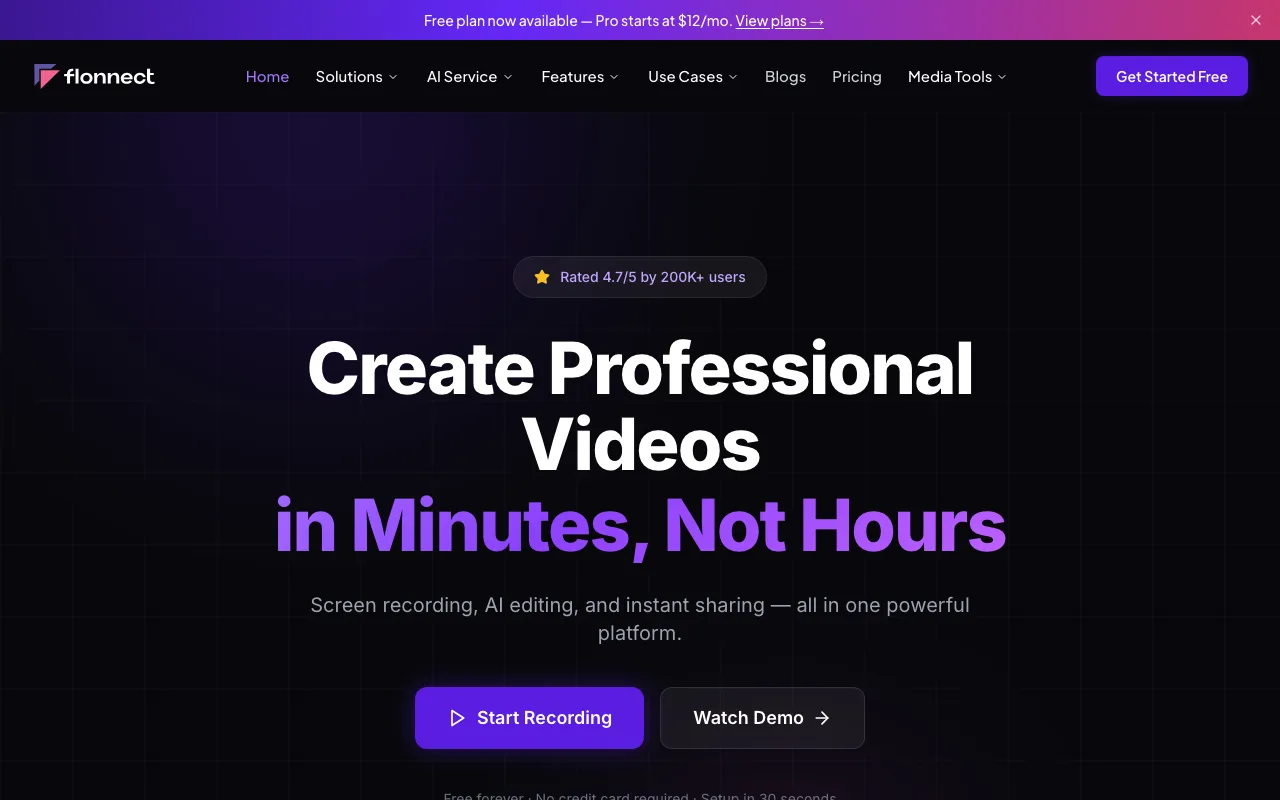
Custom branding on the player page means recipients see the sender's visual identity rather than a generic third-party hosting interface. Per-viewer analytics include engagement metrics and actionable insights per recipient — more granular than ScreenRec's view count.
Flonnect's free tier is lifetime-capped at 20 videos with 1 GB of storage and includes transcription and editing; watermark status on free is not stated on the public plan page. The platform positions itself as an AI Video Generator alongside standard screen recording, with AI credits gated to paid tiers; screen capture, instant link generation, and branded share delivery are included on the free plan within those caps.
Flonnect is a newer platform than Loom and ScreenRec, with a smaller third-party integration catalog. Loom connects natively with Notion, Slack, Gmail, and Jira; Flonnect currently lists fewer integrations. Paid tier pricing is published as Pro $12/month (30 videos/month, 50 AI credits, 10 GB) and Business $20/month (100 videos/month, 100 AI credits, 50 GB) — both more expensive than ShareRec's Pro ($8/month) for users who hit the free lifetime cap.
Key Takeaways
- ShareRec — fastest instant link, no upload step, under 30 seconds; 30-day default expiry on every tier including Free with one-click keep-forever; 5-min free recordings, no watermark; $0–$12/mo; account required on all tiers including Free.
- Loom — instant link + in-browser editing + AI transcription; free Starter capped at 5 min with watermark; Business $18/user/mo.
- ScreenRec — free with unlimited recording length, no watermark, 2 GB storage; Pro $8.32/mo annual adds 50 GB; Windows/Mac/Linux.
- ScreenPal — Windows, Mac, iOS, Android; quick share link with upload step required.
- Flonnect — custom-branded links + per-viewer analytics; free lifetime cap of 20 videos / 1 GB; Pro $12/mo, Business $20/mo.
FAQ: Instant Sharing, Privacy, and Workflow Questions
What is the fastest way to share a screen recording with a client?
ShareRec's Record→Explain→Send workflow produces a shareable link in under 30 seconds with no upload step — the link exists the moment recording stops. Loom and ScreenRec also skip upload queues and generate links within seconds of stopping. ScreenPal requires a hosting upload, adding a few seconds to the share workflow.
Which screen recorders offer no watermark on the free tier?
ShareRec (free tier, account required on all tiers, 30-day default expiry with one-click keep-forever) and ScreenRec (free, unlimited length, no watermark, 2 GB storage) both confirm no watermark on free recordings. Flonnect's public plan page does not state watermark status — verify before assuming. Loom's Starter (free) tier adds a Loom watermark; watermark removal is paid-only. ScreenPal's free tier also adds a watermark on exported recordings.
Can you password-protect a shareable screen recording link?
Loom offers password protection on shared links on paid plans. Flonnect includes link access controls on paid tiers. ShareRec lets you delete a recording at any time to revoke access — and every video auto-expires in 30 days by default unless you keep it forever in one click — rather than password protection. ScreenRec and ScreenPal do not offer password protection on shared links on free tiers.
Is ScreenPal free?
Yes, ScreenPal has a free tier. The free plan includes a recording length cap and adds a watermark to recordings. Sharing requires a hosting upload step on all tiers. Paid plans start at approximately $3–4/month for the Solo plan, which removes the watermark and increases the recording length cap.
What is the difference between recording time and sharing time?
Recording time is the maximum length per recording a plan allows — ShareRec Free caps at 5 minutes, Loom Free at 5 minutes, ScreenRec at no limit. Sharing time is the seconds from pressing Stop to having a live URL. ShareRec, Loom, ScreenRec, and Flonnect minimize sharing time to under 30 seconds regardless of recording length.
Try it free
Record your first walkthrough free in 30 seconds
No install, no watermark — share a link instantly.
Start Recording Free