Best Screen Recorders for Agency Client Handoff (2026)
ShareRec is the best tool for agencies that need a fast, no-install link that expires on its own for client handoff recordings — links are ready as soon as you stop recording and expire automatically after 30 days by default. Zumie is best for agencies that want a one-time $39 Chrome extension and are willing to send an exported file, because it has no cloud hosting and produces no shareable link. Loom is best for larger teams that want AI summaries and a wide integration ecosystem. Screencastify is best for agencies standardized on Chrome or Edge that want recording and light editing in one extension. ScreenPipe is best for dev-heavy agencies that want a continuous local recorder feeding AI-drafted internal notes, not client-facing handoff videos.
A screen recorder for agency client handoff in 2026 needs to cover four recurring deliverables: design mockups with interactive navigation, development progress or feature demos, milestone reviews, and responses to client revision requests. Each recording should focus on a single deliverable so clients can review and act on it without a follow-up call. Which of these five tools fits best depends on which of these workflows an agency runs most often.
What to Record During Client Handoff: Best Practices for Agencies
Agencies get the most reviewable client handoff videos by recording full-screen, adding a webcam, and keeping each video under 5 minutes. These five practices consistently produce recordings clients watch and act on:
- Record full-screen rather than a single app window, so clients see the full context of a change.
- Add a webcam bubble for design feedback and revision responses — a face on screen speeds up trust-building review.
- Prepare talking points before recording instead of narrating live, which cuts rambling and re-takes.
- Keep each recording under 5 minutes and cover exactly one deliverable per video.
- Write clear next steps in the video description or accompanying message, not just in the recording itself.
Screen Recorder Comparison for Agency Client Handoff
ShareRec, Zumie, Loom, Screencastify, and ScreenPipe each win a different handoff scenario — but only ShareRec, Loom, and Screencastify actually host the recording and hand back a link a client can open.
| Tool | Best For | Starting Price | Free Plan | Standout Feature |
|---|---|---|---|---|
| ShareRec | Fast, auto-expiring, no-install handoff links | $8/mo Pro ($6/mo billed annually) | 5-min cap, 720p, 25 most recent videos | Link ready the moment you stop recording, 30-day auto-expiry |
| Zumie | One-time purchase, exported files | $39 one-time | Unlimited recordings, no time limits | Auto-zoom framing; no cloud hosting, so no share link |
| Loom | AI summaries and integrations | $18/user/mo Business | 5-min cap, 25 videos, 50 members | Transcripts free on every tier; AI summaries on Business+AI ($24/mo) |
| Screencastify | Chrome or Edge recording and editing | $7/user/mo Starter, billed annually | 30-min cap, 10 videos | Editing built into the browser extension |
| ScreenPipe | Continuous local capture for AI notes | Not listed on its site | Free download (Mac/Windows/Linux) | Turns captured activity into summaries and SOPs |
ShareRec: Auto-Expiring, No-Install Client Handoff Links
ShareRec turns a screen recording into a shareable client handoff link as soon as you stop recording, with no upload wait and no software to install. Best for: agencies sending time-sensitive revision responses that need a link ready immediately, on any laptop.
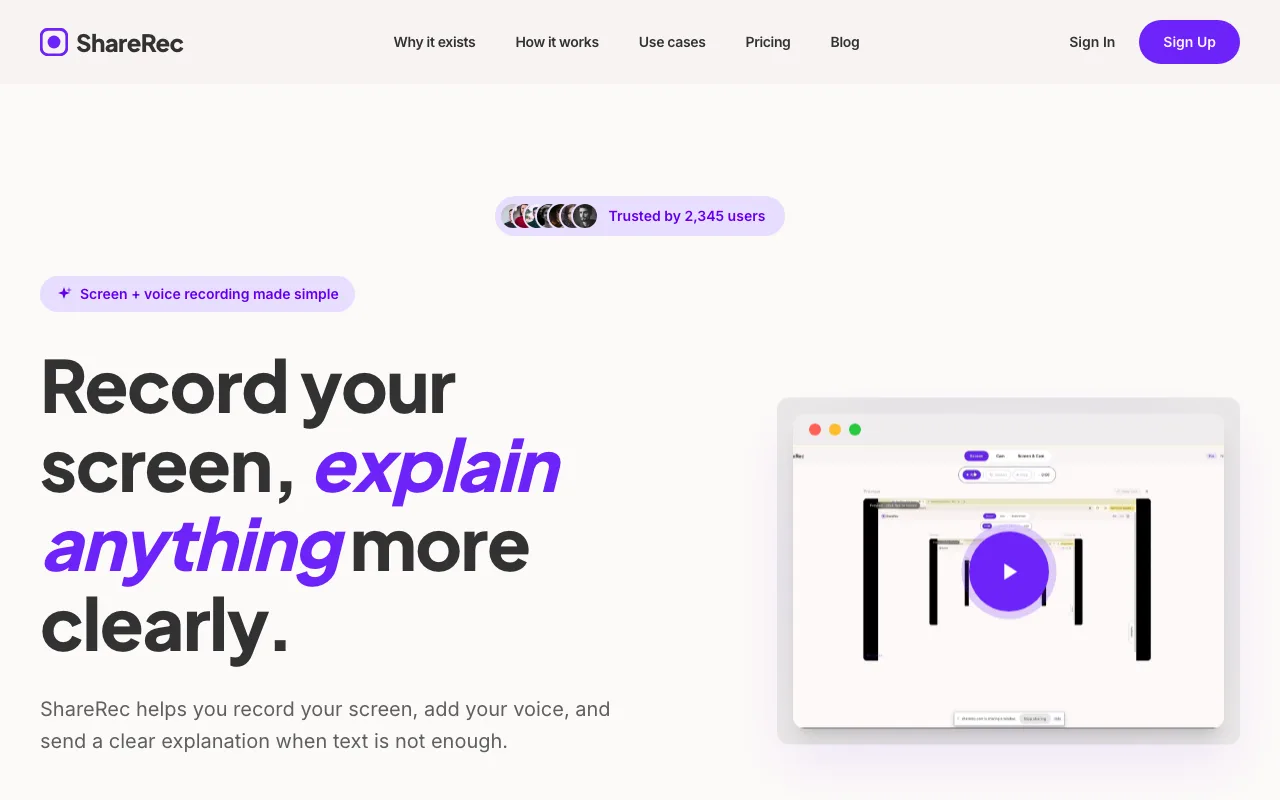
The Record → Explain → Send workflow captures screen and voice in one click. Screen, webcam, and screen+webcam modes are all available, along with the webcam bubble and trim editing. Every tier gets the same recording features, including Free — ShareRec doesn't gate them behind price.
It runs entirely in the browser, so it works on locked-down client or agency laptops where installing desktop software isn't an option. Free costs $0/mo (account required): 5-minute cap, 720p resolution, the 25 most recent videos kept, no watermark, trim & clip included. Pro is $8/mo ($6/mo billed annually): unlimited videos, 30-minute cap, 1080p — less than half of Loom's Business plan ($18/user/mo). Business is $12/mo ($10/mo billed annually): unlimited videos, 2-hour cap, 1080p.
Every video auto-expires 30 days after recording by default. The owner can set any video to Never, 24h, 7d, or 30d in one click — with a dashboard countdown and a warning email 3 days before deletion.
ShareRec has no AI transcripts, summaries, or chapters on any tier, and no annotation or drawing tool — trim & clip only. There's no team workspace or shared library, and an account is required on every tier, including Free.
Zumie: One-Time Purchase, Exported Files Instead of Links
Zumie is a $39 one-time Chrome extension that records and exports video files locally — it runs with no cloud servers, so there is no hosted link to send a client. Best for: agencies that want to avoid a recurring subscription line item and are content to attach or upload the exported file themselves.
Its auto-zoom feature keeps recordings looking professional without manual editing, framing cursor activity and clicks automatically as the recording plays back — useful for agencies that don't have time to edit every handoff clip before sending it. A $39 flat fee also means the cost doesn't change as an agency adds freelancers or contractors to a project, unlike per-seat tools where each new reviewer adds to the monthly bill. There is a free plan with unlimited recordings and no time limits; the $39 one-time upgrade unlocks auto-zoom, HD exports, and click highlights.
The structural caveat for handoff work is delivery. Zumie's own FAQ states that it runs entirely in the browser with no cloud servers and no per-user infrastructure, and recordings come out as local video files or GIFs. That keeps costs flat and data local, but it puts the handoff step back on the agency: emailing the file, dropping it in a shared drive, or uploading it somewhere the client can actually watch it.
Zumie also ships standalone utilities — a screenshot beautifier, a video-to-GIF converter, a video compressor, and an image compressor — useful for shrinking a file before emailing it or turning a short clip into a GIF for a Slack update. There's no published data on team plans, collaboration features, or storage limits beyond the core extension, so agencies planning to add reviewers or centralize recordings in a shared library should confirm these details directly with Zumie before standardizing on it.
Loom: Full-Featured Video Messaging with AI
Loom's Free plan allows up to 25 videos with a 5-minute recording cap and supports up to 50 workspace members. Best for: larger teams that want AI-assisted review and a mature integration ecosystem.
Business costs $18/user/mo monthly, with up to 17% off for annual billing. Business+AI adds AI-generated summaries and chapters on top of the Business plan for $24/user/mo (titles are already free on every plan) — transcripts themselves are free on every tier, including the free Starter plan, in 50+ languages. There is no "Loom Pro" tier anymore — Business is the entry-level paid plan, so agencies comparing Loom against flat-fee tools should budget from the $18/user/mo starting point, not a lower legacy tier.
Loom's genuine strengths are mature recording quality, a large integration ecosystem, and free transcripts in 50+ languages that speed up review — a reviewer can scan a transcript instead of watching a full recording to catch the relevant point. Viewer insights are included on the free Starter plan, while the deeper engagement insights start on Business at $18/user/mo. The 50-member free workspace cap also means larger agencies can onboard an entire account team before anyone needs a paid seat.
Its per-seat pricing means costs rise directly with agency headcount, unlike flat or one-time pricing models — a five-person review team pays five times the per-seat rate. That's a cost structure worth weighing against flat-fee or one-time tools for agencies where only a few people need to record client handoffs.
Screencastify: Budget In-Browser Recording and Editing
Screencastify's Free plan caps out at 10 videos with a 30-minute recording limit per video, running as a Chrome or Edge extension with editing built into the recording flow. Best for: agencies already standardized on Chrome that want recording and light editing in a single tool.
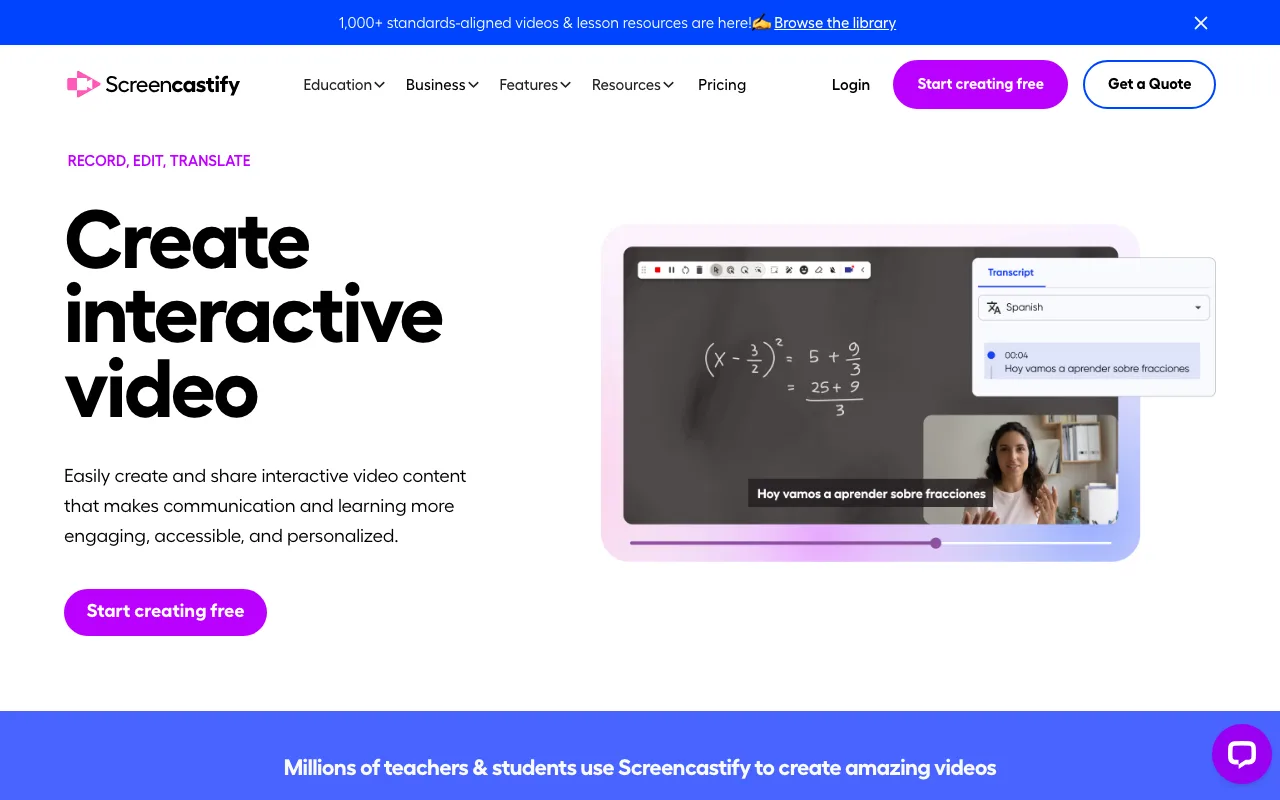
Starter costs $7/user/mo billed annually ($19/mo billed monthly). Pro costs $10/mo billed annually ($25/mo billed monthly). Both tiers sit below Loom's per-seat Business pricing, which matters for agencies that want browser-based recording without moving to a full video-messaging platform.
Because recording and editing live in the same browser extension, an editor can trim a clip and share it without switching between a separate recording app and an editing tool — a workflow advantage for agencies that already run their design and project tools in Chrome tabs.
Because the workflow is tied to the Chrome or Edge extension, it's a constraint for agencies working across mixed browsers or requiring a standalone desktop app — Screencastify does not ship one. An agency with team members on Safari or Firefox, or clients who need a recording opened outside Chrome, should confirm playback compatibility before standardizing on it.
ScreenPipe: Continuous Local Capture for AI-Drafted Notes
ScreenPipe continuously records screen and audio locally and makes that history searchable by AI agents — it is a personal-memory and automation tool, not a way to record and send a client handoff video. Best for: dev-heavy agencies that want captured work turned into internal summaries and SOPs.
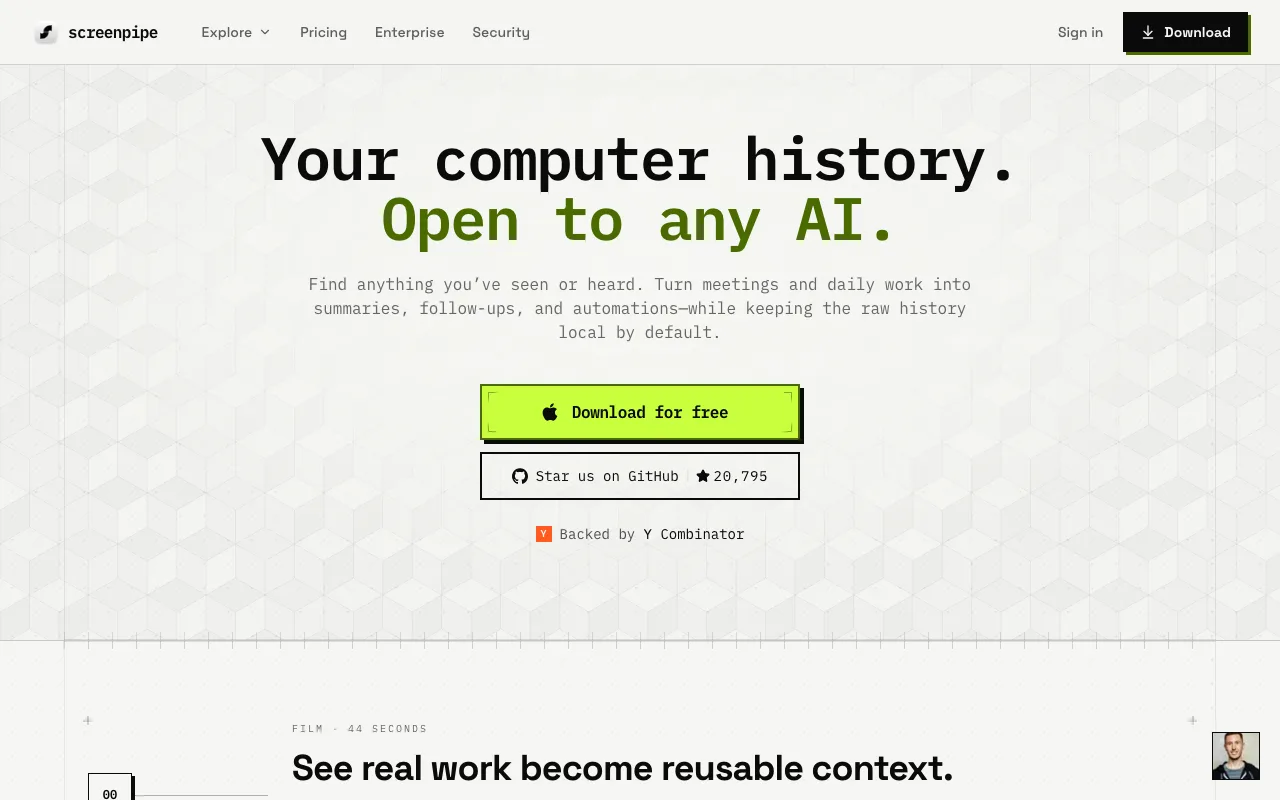
Its own positioning is to find anything you've seen or heard, and to turn meetings and daily work into summaries, follow-ups, and automations while keeping the raw history local by default. It records screen frames with OCR plus system and microphone audio into a local database that AI agents can query, and the site shows it drafting meeting notes, action items, weekly updates, and SOPs. That focus makes it a fit for handoff between developers and technical stakeholders, rather than the polished, narrated walkthroughs agencies send to non-technical clients.
For a recurring workflow — the same type of bug report or deployment step performed repeatedly — turning captured activity into draft notes can cut the time a developer spends writing up what they just did by hand. That makes it a candidate for internal engineering handoff more than client-facing deliverables.
The limits for this use case are structural: there is no hosted share link, and the output is a local searchable history rather than a narrated video a client can open. The desktop app is a free download for macOS, Windows, and Linux and the source is described as source-available, but the site lists no pricing — confirm current plans directly before budgeting for it.
Key Takeaways
- ShareRec creates a shareable handoff link as soon as you stop recording, with 30-day auto-expiry and Pro at $8/mo.
- Zumie costs $39 one-time with no per-seat fees and adds automatic zoom framing, but exports local files — there is no hosted link to send.
- Loom caps its free plan at 5 minutes and 25 videos; transcripts are free on every tier and Business runs $18/user/mo.
- Screencastify caps its free plan at 30 minutes and 10 videos; Starter runs $7/user/mo annually on Chrome or Edge.
- ScreenPipe records continuously on your own machine and drafts summaries and SOPs, but produces no shareable client link.
- Keep handoff recordings under 5 minutes and cover one deliverable per video.
Frequently Asked Questions
What should I record when handing off design work to clients?
Record the specific deliverable on screen — a design mockup with interactive navigation, a development progress demo, a milestone review, or a response to a revision request. Keep each recording focused on one deliverable rather than combining multiple updates into a single video.
How long should a client handoff recording be?
Keep client handoff recordings under 5 minutes and cover one deliverable per video. Shorter, single-topic recordings get watched in full, while longer recordings bundling multiple updates often get skipped or only partially reviewed by busy clients. Prepare talking points before recording to stay inside that window.
What's the best screen recorder for design agencies in 2026?
ShareRec, Zumie, Loom, Screencastify, and ScreenPipe each win a different handoff scenario: ShareRec for fast links that expire on their own, Zumie for one-time pricing if you're willing to send a file, Loom for AI summaries, Screencastify for Chrome or Edge teams, and ScreenPipe for internal AI-drafted notes. Only ShareRec, Loom, and Screencastify host the recording and give you a link a client can open.
How do I structure client feedback videos so they're easy to review?
Prepare talking points before recording, use full-screen capture instead of app-specific windows so clients see full context, add a webcam for a personal touch, and write clear next steps in the video description. This structure lets clients act without a follow-up call.
What's the difference between free and paid screen recorders for agencies?
ShareRec Free caps at 5 minutes, 720p, and the 25 most recent videos. Loom Free caps at 5 minutes and 25 videos across up to 50 workspace members. Screencastify Free caps at 30 minutes per video across 10 videos total. Paid tiers raise duration, resolution, and retention limits.
Can I use the same screen recorder for both internal and client-facing videos?
Most tools here support both use cases, but retention and expiry settings matter for client-facing links. ShareRec's videos expire in 30 days by default unless the owner sets a custom or permanent retention, which suits time-sensitive client links better than long-term internal documentation.
Try it free
Record your first walkthrough free — no install needed
No install, no watermark — share a link instantly.
Start Recording Free