5 Loom Alternatives Without AI in 2026 (No Transcripts, No Bloat)
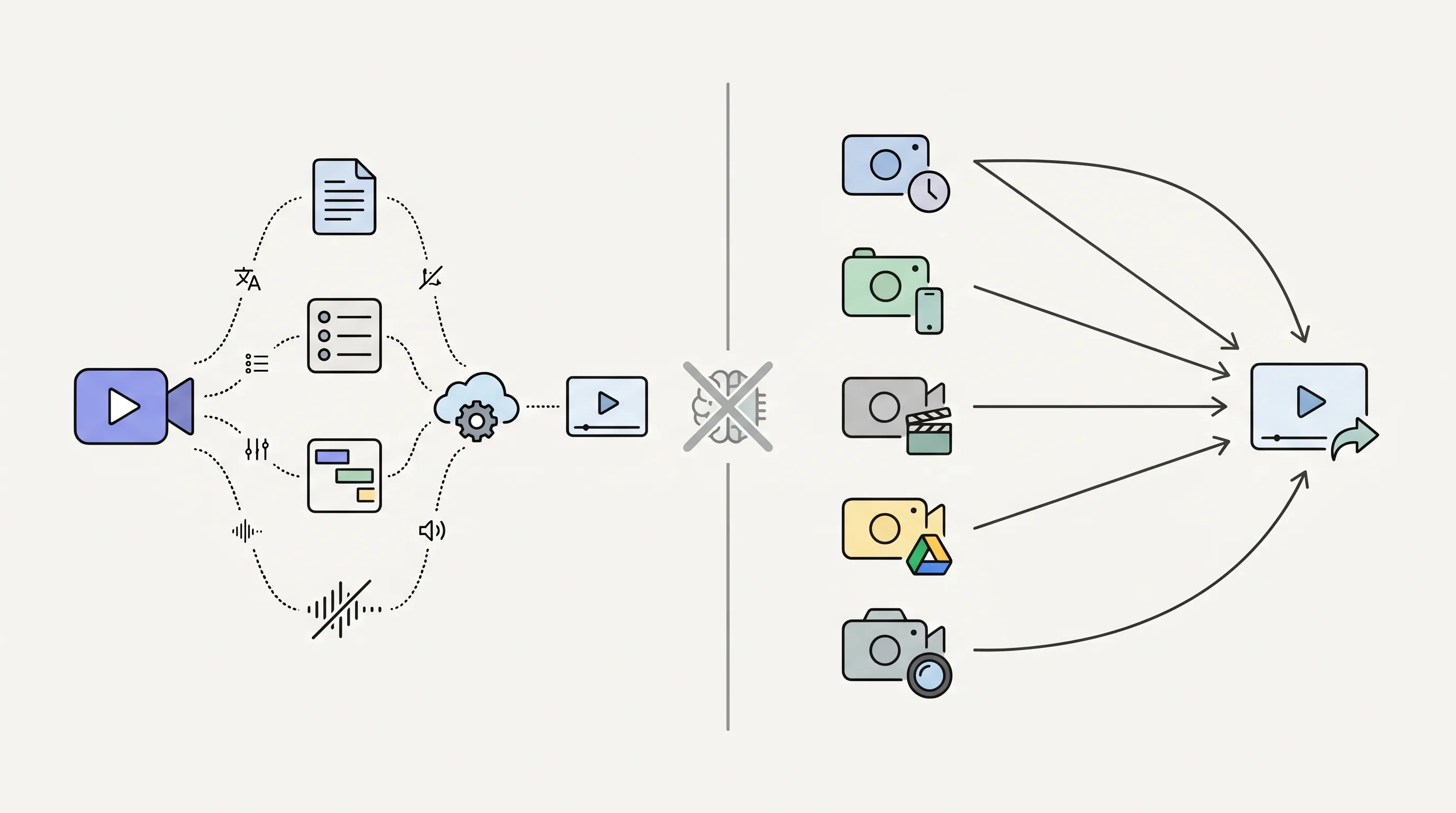
ShareRec, ScreenPal, Tella, Screencastify, and Screen Studio are the five best Loom alternatives without AI in 2026 — none include auto-transcription, video summaries, or AI-generated chapters.
ShareRec (Free / $8/mo Pro / $12/mo Business) leads for sales and async teams: keep any video forever in one click (videos auto-expire in 30 days by default on every tier, with a 3-day warning email before deletion), unlimited videos on Pro and Business (Free keeps your 25 most recent), and a three-step Record → Explain → Send workflow with no AI processing delay. Account required on all tiers including Free.
ScreenPal ($4/mo Solo) is the budget pick with Android and iOS apps — broadest mobile coverage of the five.
Tella ($19/mo Pro) suits content creators who want scene-based recording and custom branded sharing pages.
Screencastify ($6/mo Individual, Chrome-only) handles live annotation during recording and exports directly to Google Drive and Google Classroom.
Screen Studio ($89 one-time, Mac-only) delivers 4K cinematic output with auto-zoom cursor animations and no subscription.
What Loom's AI Features Actually Do
Loom's Business plan ($15+/month) bundles four AI features: auto-transcription, automatic video summaries, AI-generated chapter titles, and filler-word removal. Auto-transcription generates searchable captions from recorded audio. Summaries produce a text overview that appears before a viewer presses play. AI chapter titles segment longer recordings with labeled timestamps. Filler-word removal strips "um" and "uh" from the audio track automatically.
Teams recording short walkthroughs — a sales demo, an onboarding clip, a support reply — rarely interact with any of these features. The "without AI" modifier reflects an informed preference: no processing queue, no generated text to verify, and no subscription tier built around AI infrastructure. All five tools below skip every one of these features by design.
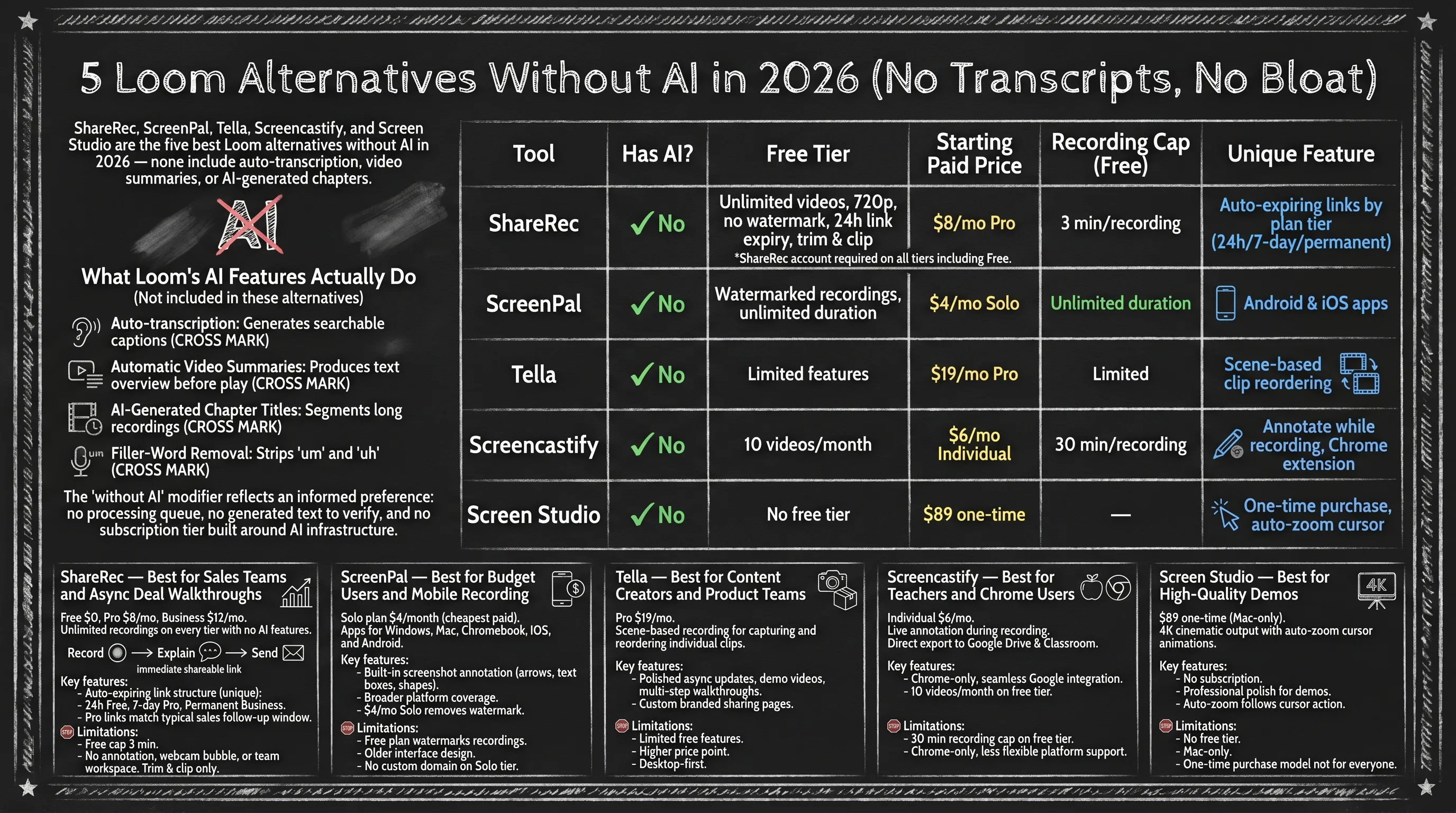
Feature Comparison: 5 Non-AI Screen Recorders
All five tools return Has AI: No — the primary filter for this search.
| Tool | Has AI? | Free Tier | Starting Paid Price | Recording Cap (Free) | Unique Feature |
|---|---|---|---|---|---|
| ShareRec | No | 720p, no watermark, keeps your 25 most recent, 30-day default expiry (keep forever, 1 click), trim & clip | $8/mo Pro | 5 min/recording | One-click keep-forever on every tier, no upload step |
| ScreenPal | No | Watermarked recordings, 15-min cap per recording | $4/mo Solo | 15 min/recording | Android & iOS apps |
| Tella | No | Limited features | $19/mo Pro | Limited | Scene-based clip reordering |
| Screencastify | No | 10 videos/month | $6/mo Individual | 30 min/recording | Annotate while recording, Chrome extension |
| Screen Studio | No | No free tier | $89 one-time | — | One-time purchase, auto-zoom cursor |
ShareRec account required on all tiers including Free.
ShareRec — Best for Sales Teams and Async Deal Walkthroughs
ShareRec charges $0 for Free, $8/month for Pro, and $12/month for Business — with an instant shareable link and one-click keep-forever control on every tier, and no AI features on any plan. Best for: sales teams and async communicators who send deal walkthroughs, product demos, or onboarding clips.
The Free plan includes recordings at 720p with a 5-minute cap per recording, trim and clip editing, and no watermark, and keeps your 25 most recent videos. Expiry is under your control on every tier: videos auto-expire 30 days after recording by default, but you keep any one forever in one click (or set a custom window — Never / 24 hours / 7 days / 30 days), with a countdown and a 3-day warning email before deletion. Pro at $8/month raises the recording cap to 30 minutes, upgrades resolution to 1080p, and adds unlimited videos. Business at $12/month allows recordings up to 2 hours. Account required on all tiers, including Free.
The flexible-expiry workflow is a differentiator in this category: every recording produces an instant link with no upload step, and your library tidies itself after 30 days — while anything you want to keep stays live for good in one click. For sales teams, that means a walkthrough you keep stays reachable through a full follow-up cycle, and the rest clean themselves up without any manual link management.
The three-step workflow — Record → Explain → Send — generates a shareable link immediately after recording with no separate upload step.
Limitations: Free recordings cap at 5 minutes, making it unsuitable for full sales calls or extended walkthroughs. No annotation tools, drawing overlays, webcam bubble, or reactions. No team workspace or shared library. Editing is trim and clip only.
ScreenPal — Best for Budget Users and Mobile Recording
ScreenPal's Solo plan at $4/month is the cheapest paid option of the five tools listed, and its apps cover Windows, Mac, Chromebook, iOS, and Android — broader platform coverage than any other tool here. Best for: budget-conscious users and teams that record on mobile devices.
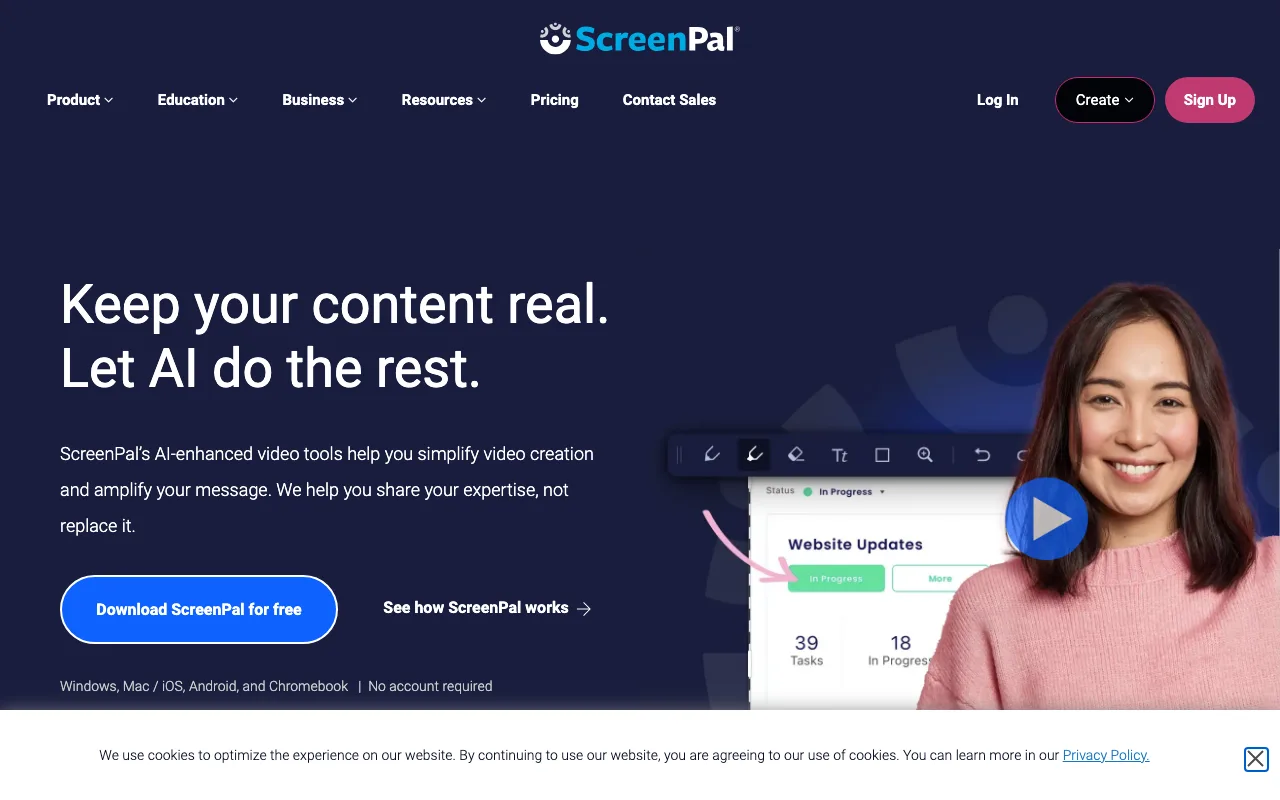
The $4/month Solo tier is routinely cited as the closest current equivalent to Loom's pre-Atlassian pricing — before the October 2023 acquisition reduced Loom's free tier from 25 videos to 5. The $8/month Pro tier adds editing tools, custom thumbnails, and expanded publishing options beyond basic trim.
Screenshot annotation is a built-in capability no other tool in this list offers: ScreenPal captures still images with markup tools (arrows, text boxes, shapes) alongside screen video. Android and iOS app availability gives ScreenPal an advantage over ShareRec, Tella, and Screen Studio, which are all desktop-first.
Free plan recordings are watermarked — a paid plan at $4/month removes it. Cloud sharing is hosted on ScreenPal's platform; the Solo plan does not support custom domains.
Limitations: Free plan watermarks all recordings. Interface design is noticeably older than Tella or Screen Studio. No custom domain on the Solo tier.
Tella — Best for Content Creators and Product Teams
Tella's scene-based recording lets you capture individual clips and reorder them without re-recording the full session — a workflow unavailable in ShareRec, ScreenPal, Screencastify, or Screen Studio. Best for: content creators and product teams who produce polished async updates, demo videos, or multi-step walkthroughs.
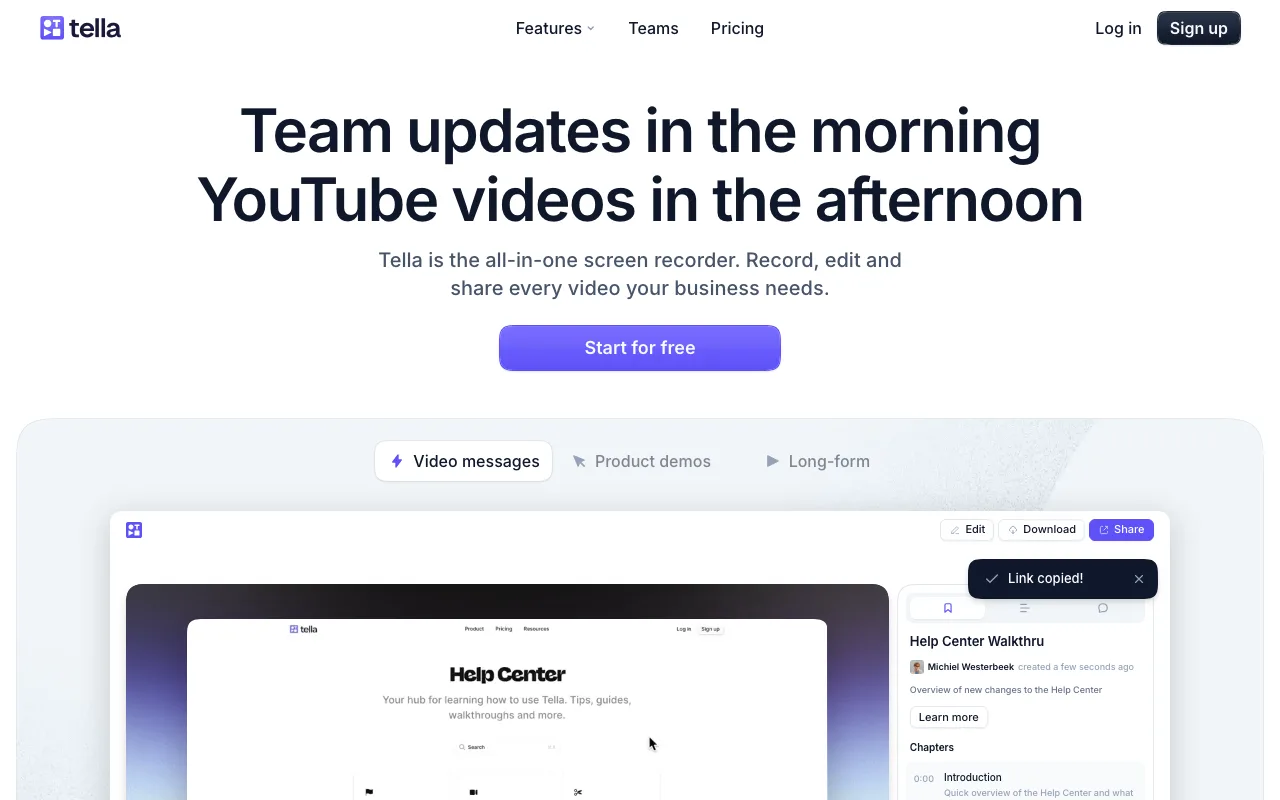
Tella's Pro plan costs $19/month and includes branded sharing pages with a custom domain — recipients see a styled viewer page rather than a plain recorder interface. A free plan is available with limited sharing and branding options.
Scene-based recording is the primary differentiator: record a segment, stop, record the next segment, then arrange the sequence before publishing. If one segment fails, only that clip requires a re-take. Product teams building multi-step demo flows benefit most — recording failures no longer mean starting over from the beginning.
Sharing generates an immediate link after publishing, with no transcript or AI processing at any step.
Limitations: $19/month Pro is the highest monthly subscription price of the five tools. No Android or iOS recording app. Free tier restricts branded pages and custom domain access.
Screencastify — Best for Educators and Google Workspace Users
Screencastify is a Chrome extension with no desktop app download required, and it annotates on-screen during recording — the only tool of the five with live annotation capability. Best for: educators and school IT teams using Google Workspace.
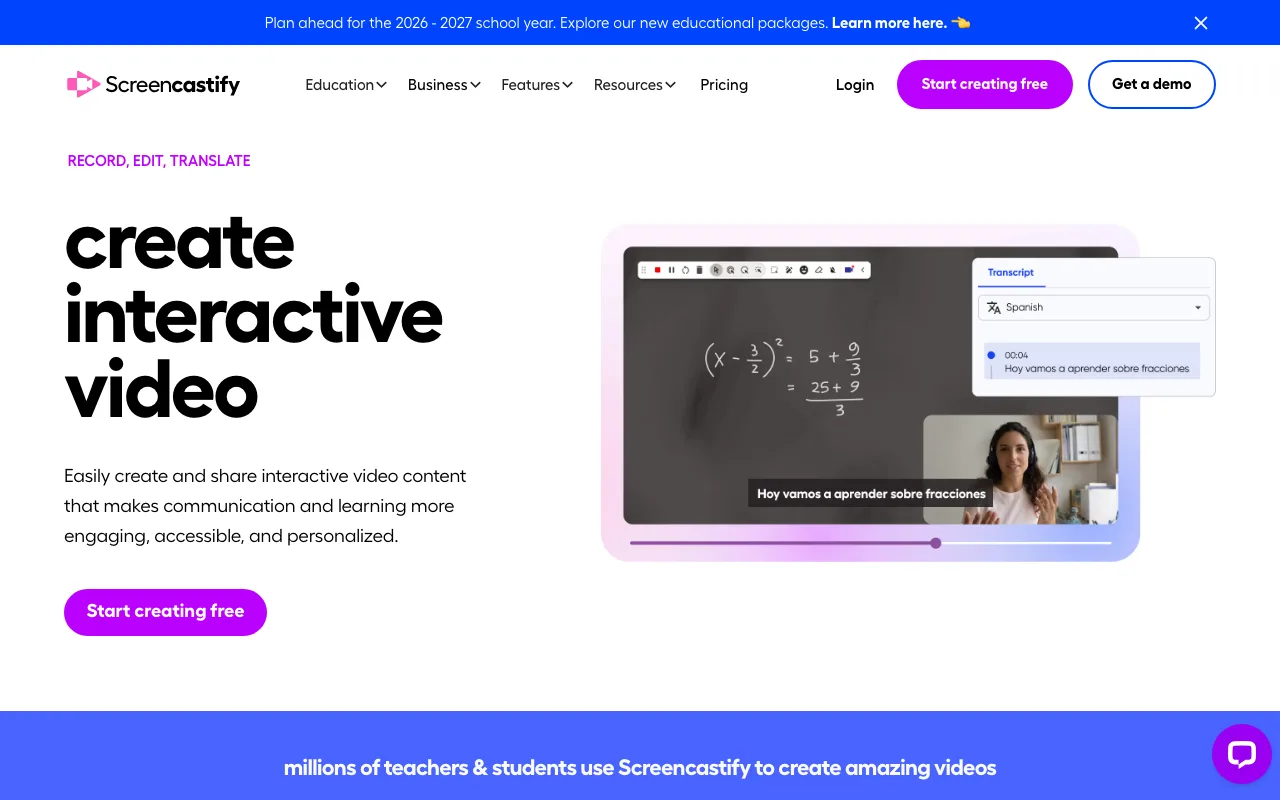
Chrome-only is a hard constraint: Screencastify requires Chrome browser and does not run on Firefox, Safari, Edge, or as a standalone desktop app.
Annotation tools operate while recording is active: pen, shapes, and spotlight pointer are all available during screen capture. Exports go directly to Google Drive and Google Classroom with no extra setup — native Google Workspace integration makes it the default choice for K-12 and higher education environments. No other tool in this list offers that direct export path.
The free plan allows up to 10 videos per month with a 30-minute cap per recording. The Individual plan at $6/month removes the 10-video monthly limit. Sharing is hosted on Screencastify's platform with no custom domain on the Individual tier.
Limitations: Chrome-only — no Firefox, Safari, Edge, or desktop app. Free plan limits to 10 videos per month. No mobile recording.
Screen Studio — Best for Mac Users and Designers
Screen Studio costs $89 as a one-time lifetime license with no subscription, and automatically zooms to follow cursor movement during recording without any post-editing. Best for: Mac users and designers who produce cinematic demo videos, tutorials, or product showcases.
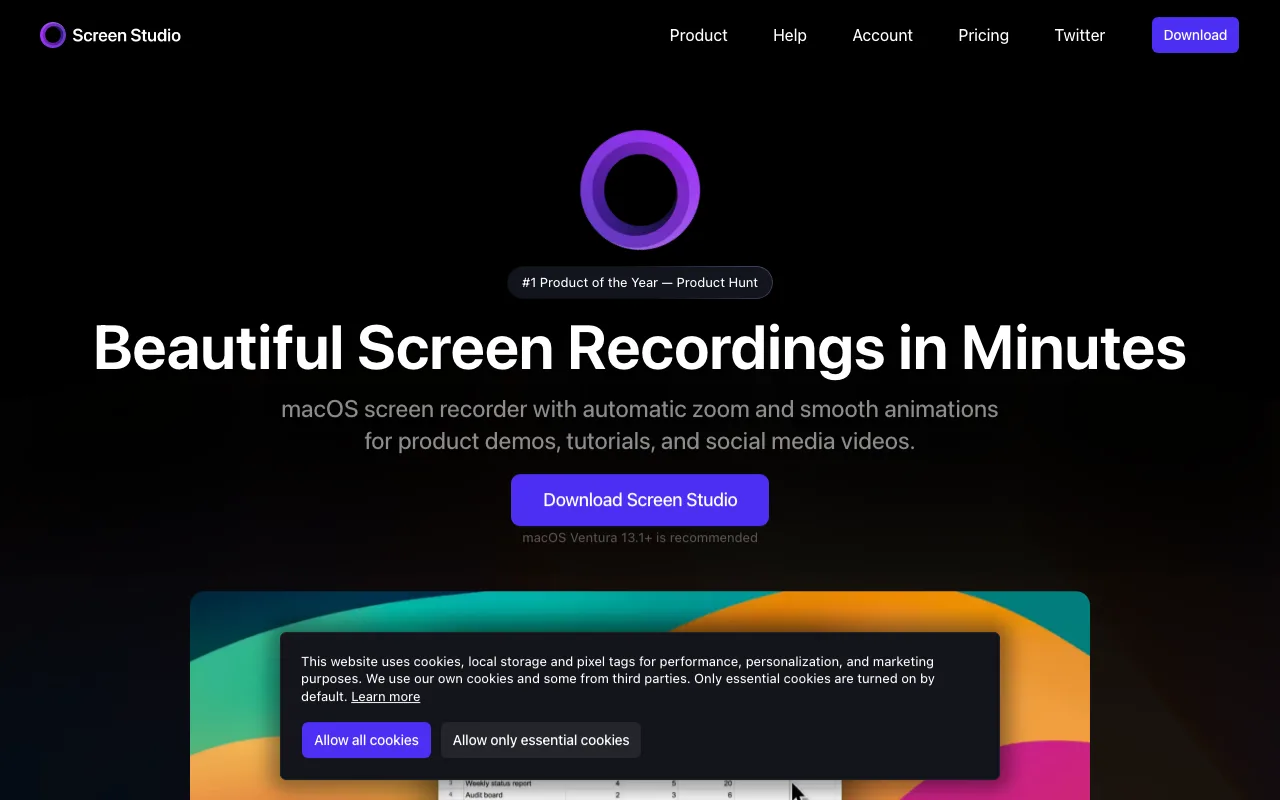
The one-time pricing is Screen Studio's main financial differentiator against the monthly tools: $89 versus ongoing costs of $4/mo (ScreenPal), $8/mo (ShareRec Pro), or $19/mo (Tella Pro). The license breaks even against ShareRec Pro in roughly 11 months.
Auto-zoom follows cursor position automatically — clicks and interactions trigger smooth zoom animations during the recording itself, eliminating manual zoom effects in post-production. iPhone mirroring supports recording a connected iPhone screen directly from a Mac. Output supports Retina and 4K resolution.
Screen Studio saves recordings locally as video files with no built-in cloud hosting or shareable link. Sharing requires uploading to a separate service (YouTube, Google Drive, Dropbox, or similar) — the sharpest contrast with Loom, ShareRec, and Tella, which generate shareable links immediately.
Limitations: Mac-only — no Windows or Linux version. No built-in cloud sharing or link generation. No free tier.
Key Takeaways
- ShareRec instant shareable links with one-click keep-forever on every tier (videos auto-expire in 30 days by default; Free keeps your 25 most recent videos) and no upload step; $8/mo Pro costs roughly half Loom's $15+/mo Business starting price; account required on all tiers including Free.
- ScreenPal Solo at $4/mo is the cheapest paid tier of the five; Android and iOS apps provide the broadest mobile coverage; free plan watermarks all recordings.
- Tella Pro at $19/mo is the highest monthly price of the five; scene-based recording lets you reorder clips without re-recording; no mobile recording app.
- Screencastify runs as a Chrome extension only with no desktop install; annotates while recording; free plan caps at 10 videos/month; exports natively to Google Drive and Google Classroom.
- Screen Studio costs $89 one-time (no subscription, Mac-only); no built-in cloud sharing; auto-zoom and cursor animations require no post-editing.
Frequently Asked Questions
What is the best Loom alternative without AI?
ShareRec suits sales and async teams with an instant shareable link, one-click keep-forever control (30-day default expiry), and $8/month Pro. ScreenPal at $4/month is the budget pick with Android and iOS support. Tella at $19/month Pro delivers scene-based editing and branded sharing pages. All three skip transcription and AI summaries on every plan.
Does Microsoft have something similar to Loom?
Microsoft offers three options without AI by default: Clipchamp (free standalone screen recorder built into Windows 11), Microsoft Stream (organization-level video hosting inside Microsoft 365, integrated with Teams), and PowerPoint's built-in screen recording (Insert tab → Screen Recording). None replicate Loom's instant shareable-link workflow.
What AI features does Loom have?
Loom's Business plan ($15+/month) includes auto-transcription, automatic video summaries, AI-generated chapter titles, and filler-word removal. Auto-transcription generates searchable captions; summaries provide a text overview before viewing. Teams recording short walkthroughs and sending direct links typically do not interact with these features.
Are there open-source Loom alternatives?
OBS Studio is free and open-source with scene management; OpenShot is open-source with full video editing. Neither provides Loom's instant shareable-link workflow — both record locally and require separate file hosting. Cap (cap.so) is an open-source screen recorder with shareable links and self-hosting support, closer to Loom's workflow.
Which Loom alternatives work on Android?
ScreenPal has both Android and iOS apps — the most complete mobile coverage among the five tools listed. ShareRec, Tella, and Screen Studio are desktop-first with no mobile recording apps. Android's native screen recording (Quick Settings panel → Screen Record) captures system audio without any third-party app.
What changed about Loom after Atlassian acquired it?
Atlassian acquired Loom in October 2023. The free tier was cut from 25 videos to 5 videos. Pricing shifted toward enterprise tiers, and many individual users and small teams moved to lower-cost alternatives — ScreenPal ($4/mo Solo), ShareRec ($8/mo Pro), and Tella ($19/mo Pro) — after the reduction.
Try it free
Record your first walkthrough free in 30 seconds
No install, no watermark — share a link instantly.
Start Recording Free