5 Best Loom Alternatives for Windows in 2026 (Tested by Use Case)
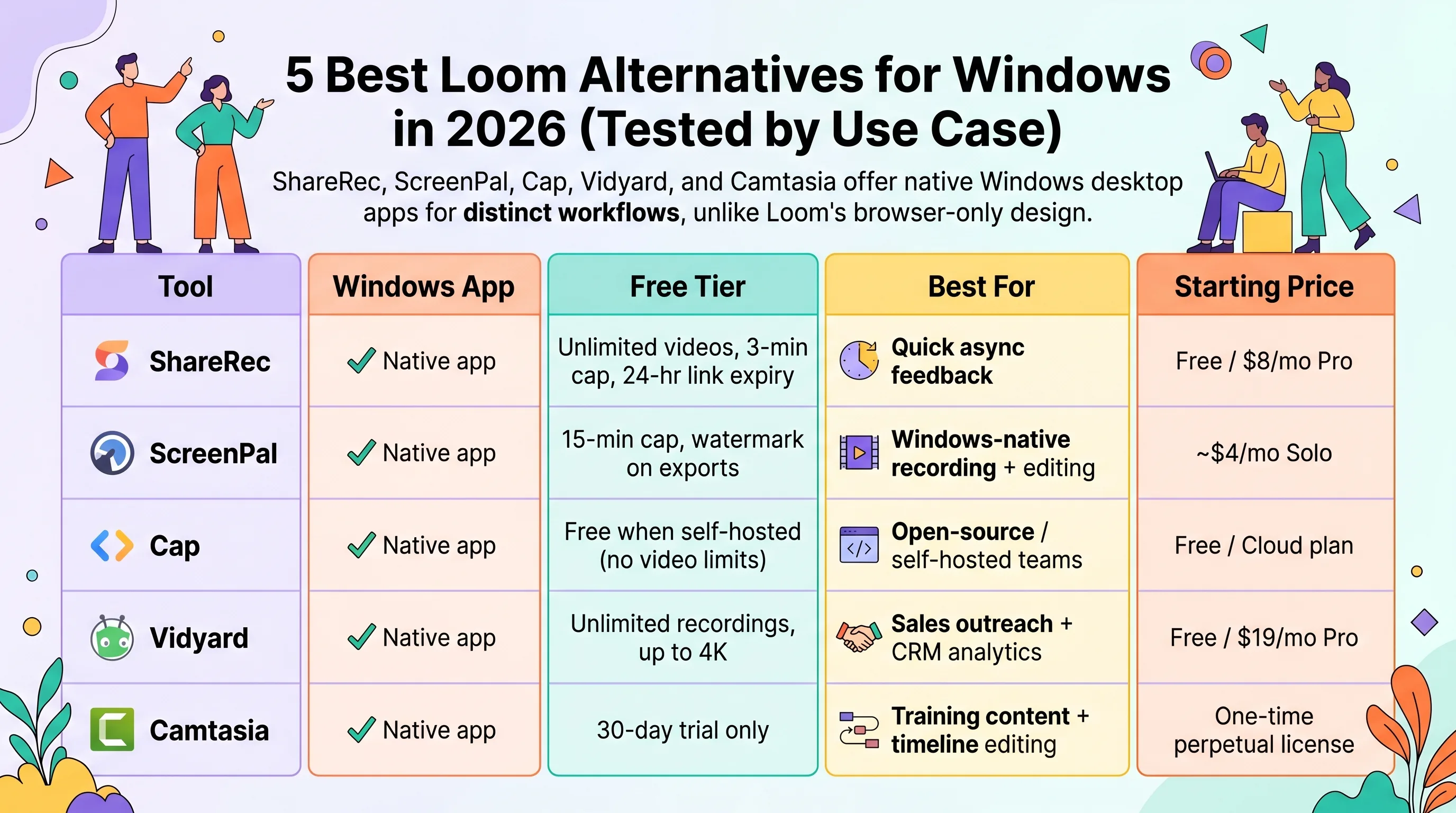
ShareRec, ScreenPal, Cap, Vidyard, and Camtasia are the best Loom alternatives for Windows in 2026 — each wins a distinct workflow that Loom's browser-only design can't serve from a native desktop app. ShareRec (free; $8/mo Pro) generates instant shareable links for quick async feedback. ScreenPal (~$4/mo Solo) is the longest-running Windows-native recorder with built-in captions and callouts. Cap is open-source under MIT license, self-hostable, and imports existing Loom video libraries. Vidyard's free plan covers unlimited 4K recordings with per-viewer analytics and CRM integrations (Salesforce, HubSpot, Gmail) for sales teams. Camtasia uses a one-time perpetual license with full timeline editing for L&D teams building training courses.
Loom has no standalone Windows desktop app — it runs browser-only, with no native system-tray recorder or offline capture. All five tools here ship genuine Windows desktop apps that generate a shareable link the moment recording ends, making each a more native Windows experience than Loom itself.
Loom Alternative for Windows 2026 — Comparison Table
| Tool | Windows App | Free Tier | Best For | Starting Price |
|---|---|---|---|---|
| ShareRec | ✓ Native app | 5-min cap, 720p, keeps your 25 most recent, 30-day default expiry (keep any forever in one click) | Quick async feedback | Free / $8/mo Pro |
| ScreenPal | ✓ Native app | 15-min cap, watermark on exports | Windows-native recording + editing | ~$4/mo Solo |
| Cap | ✓ Native app | Free when self-hosted (no video limits) | Open-source / self-hosted teams | Free / Cloud plan |
| Vidyard | ✓ Native app | Unlimited recordings, up to 4K | Sales outreach + CRM analytics | Free / $19/mo Pro |
| Camtasia | ✓ Native app | 30-day trial only | Training content + timeline editing | One-time perpetual license |
ShareRec — Best for Quick Async Feedback
ShareRec's free tier covers 5-minute recordings and keeps your 25 most recent videos; Pro at $8/mo raises the time cap and unlocks unlimited videos, and the Business plan at $12/mo adds 2-hour recordings. Videos auto-expire in 30 days by default on every tier — keep any video forever in one click.
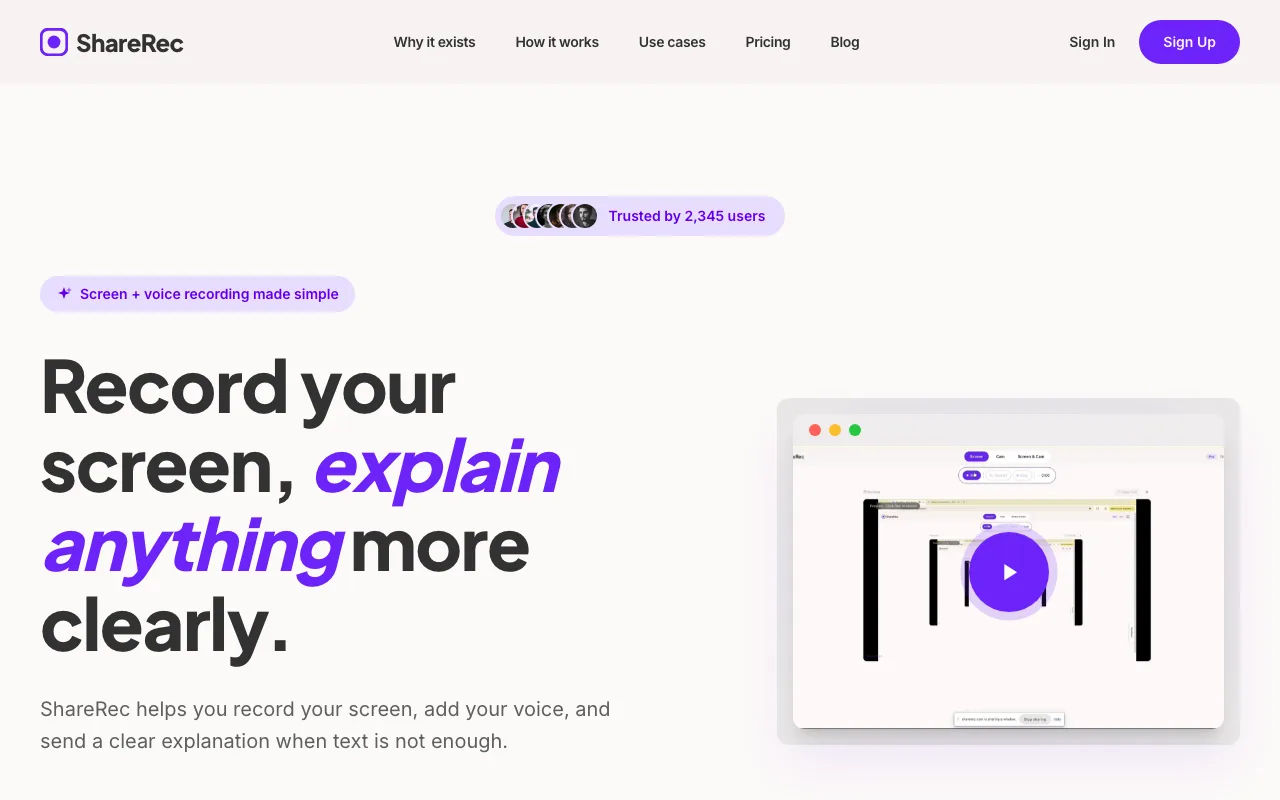
Best for: Teams who need fast async recordings — feedback clips, quick walkthroughs, and client notes, with any video kept forever in one click.
Record screen and voice in one click; a shareable link generates instantly with no manual upload step. The core differentiator is speed to a share link: every recording, on every tier, is ready in under 30 seconds with no upload step. Videos auto-expire 30 days after recording by default, keeping your library tidy — and you keep any video forever in one click, with a 3-day email warning before anything is deleted.
Free accounts include 5-minute recordings and 720p, keep your 25 most recent videos, and use the 30-day default expiry (keep any forever in one click) — an account is required on all tiers including free. Editing is limited to trim and clip. ShareRec has no AI transcripts, no webcam bubble overlay, no annotation tools, and no team shared library. At $8/mo versus Loom's $15+/mo starting price, it delivers async sharing at roughly half the cost for teams that don't need AI extras.
ScreenPal — Best for Windows-Native Recording
ScreenPal's free plan records up to 15 minutes but watermarks every export; the Solo plan at ~$4/mo removes the watermark and includes cloud hosting.

Best for: Windows users who need a native desktop recorder with built-in editing — captions, callouts, and basic trimming — without switching to a separate application.
ScreenPal ships a Windows desktop app alongside a Chrome browser extension, covering both local and browser-based recording scenarios. The built-in editor includes trim, cut, captions, and callout overlays — annotation features that Loom's browser recorder doesn't bundle in the same app. Formerly Screencast-O-Matic before a 2022 rebrand, ScreenPal is the longest-running Windows screen recorder among these five tools.
The free-tier watermark appears on every exported file, making it unsuitable for professional or client-facing sharing. At ~$4/mo, Solo is one of the most affordable plans that bundles Windows recording, editing, and cloud hosting in a single subscription with no third-party editor needed.
Cap — Best for Open-Source Teams
Cap is MIT-licensed open-source software that runs on Windows, Mac, and Linux, with self-hosting so recordings stay on your own servers rather than a vendor's cloud.
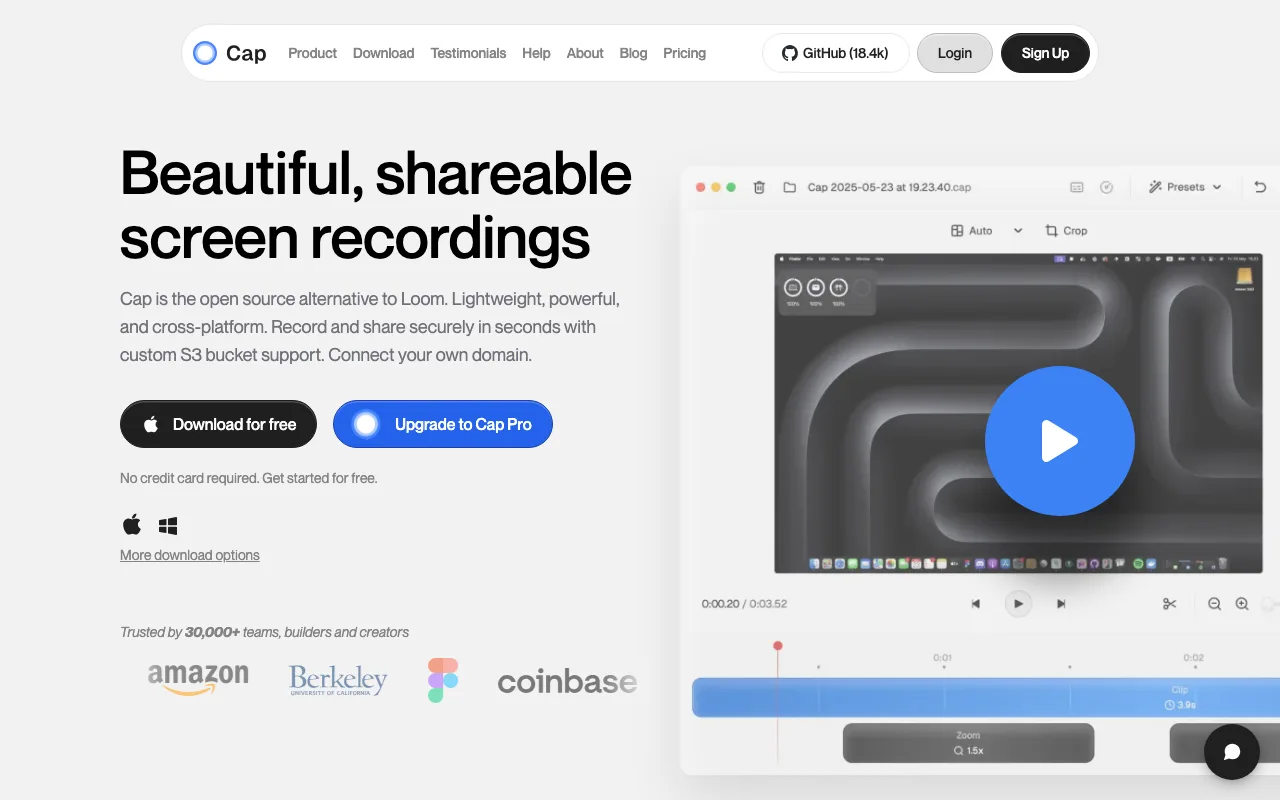
Best for: Developers and privacy-focused teams who want full control over where video data is stored and processed.
The MIT license makes the code publicly auditable and allows modification or redistribution without restriction. A key migration feature: Cap imports existing Loom video libraries, so teams switching from Loom can bring their recorded history without manual re-uploading.
The self-hosted version is free with no video limits; a managed cloud plan is available for teams that don't want to manage their own infrastructure — verify current cloud pricing at cap.so. Self-hosting requires server setup and technical knowledge, making it unsuitable for non-technical teams who want a plug-and-play solution. Cap is the only cross-platform open-source option in this comparison, supported on Windows, Mac, and Linux.
Vidyard — Best for Sales Teams
Vidyard's free plan includes unlimited recordings at up to 4K resolution with per-viewer analytics — watch time, completion rate, and viewer identity — plus CRM integrations with Salesforce, HubSpot, and Gmail.
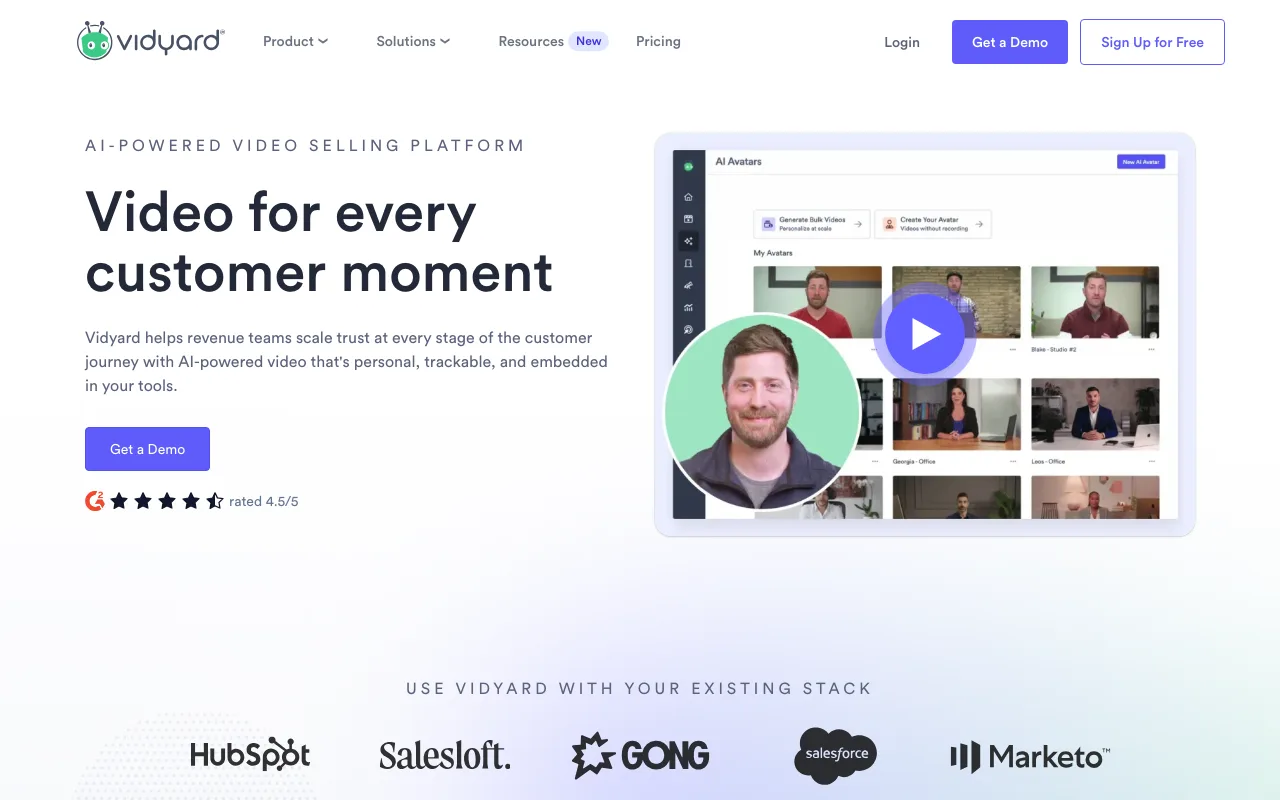
Best for: Sales teams running video prospecting and outbound sequences who need engagement data to prioritize follow-ups.
Record via the Windows desktop app or browser extensions for Chrome and Firefox; links drop directly into email sequences or CRM records. The free plan's unlimited 4K recording is a genuine advantage over Loom, which restricts both resolution and recording count on its free tier.
Per-viewer heatmaps and completion rates let sales reps identify which prospects engaged and for how long before following up. Pro at $19/mo adds advanced analytics dashboards, custom branding, and video hub landing pages. The CRM integrations and viewer analytics are more infrastructure than most teams need for simple internal async updates — simpler tools in this list set up faster for that use case.
Camtasia — Best for Training Content and Courses
Camtasia is a Windows screen recorder with a full timeline editor available on a one-time perpetual license with no monthly subscription fee — verify current pricing at techsmith.com.
Best for: L&D teams and course creators who need multi-track editing, interactive quizzes, and annotation animations for training material.
Camtasia's timeline editor supports multi-track video and audio, callout overlays, zoom-and-pan effects, interactive quizzes, and auto-generated captions — a production depth that no other tool in this comparison offers. Recording and editing run fully offline; no internet connection is required after installation, making it viable in restricted corporate environments.
There is no free tier (30-day trial only), and no built-in shareable-link generation — exports require a separate upload to a hosting platform. Camtasia is purpose-built for polished, long-form training content, not quick async clips or sales outreach.
Key Takeaways
- ShareRec: Free tier keeps your 25 most recent videos with a 5-minute cap and a 30-day default expiry (keep any forever in one click); $8/mo Pro raises the cap and adds unlimited videos — no AI features, webcam bubble, or team shared library on any plan.
- ScreenPal: Free plan adds a watermark to every export; $4/mo Solo removes it and adds cloud hosting — best-priced Windows-native editor in this comparison.
- Cap: Only open-source option with Loom video import; self-host for free under MIT license — non-technical teams should use the managed cloud plan instead.
- Vidyard: Free plan includes unlimited 4K recordings with per-viewer analytics and CRM integrations — built for sales outreach, not simple async team updates.
- Camtasia: Perpetual license (no monthly fee) with full timeline editing, quizzes, and captions — no built-in shareable link; designed for L&D and course creators, not quick clips.
Frequently Asked Questions
Is there a Microsoft equivalent to Loom?
Yes — Clipchamp is Microsoft's built-in screen and webcam recorder for Windows 11, free and pre-installed with no account required beyond a Microsoft account. It exports MP4 and integrates with OneDrive. It has no per-viewer analytics or instant shareable links, making it best for personal use or Microsoft 365 workflows rather than async team communication.
Is there a Loom app for Windows?
Loom is browser-based — there is no standalone Windows desktop app. Windows users who want a native desktop recorder can use ScreenPal, Cap, or Camtasia. For Loom-like instant shareable links on Windows, Cap and ShareRec are the strongest native-app Loom alternatives for Windows, both generating a link immediately after recording ends.
What is the best free Loom alternative for Windows?
Cap is free when self-hosted (open source, MIT license). Vidyard's free plan includes unlimited recordings up to 4K. ScreenPal's free tier records up to 15 minutes but adds a watermark to exports. ShareRec's free tier allows 5-minute recordings and keeps your 25 most recent videos, which auto-expire after 30 days unless you keep them forever in one click — an account is required on all tiers.
What is the best open-source Loom alternative?
Cap (cap.so) is the only major open-source Loom alternative. It runs on Windows, Mac, and Linux, supports self-hosting so recordings stay on your own servers, and includes Loom video import for library migration. The MIT license allows modification and redistribution. A managed cloud plan is available for teams that don't want to self-host.
Try it free
Record your first walkthrough free in 30 seconds
No install, no watermark — share a link instantly.
Start Recording Free