How to Send a Video Message at Work in 2026: 5 Methods and Tools Compared

Quick Answer: The Fastest Ways to Send a Video Message at Work
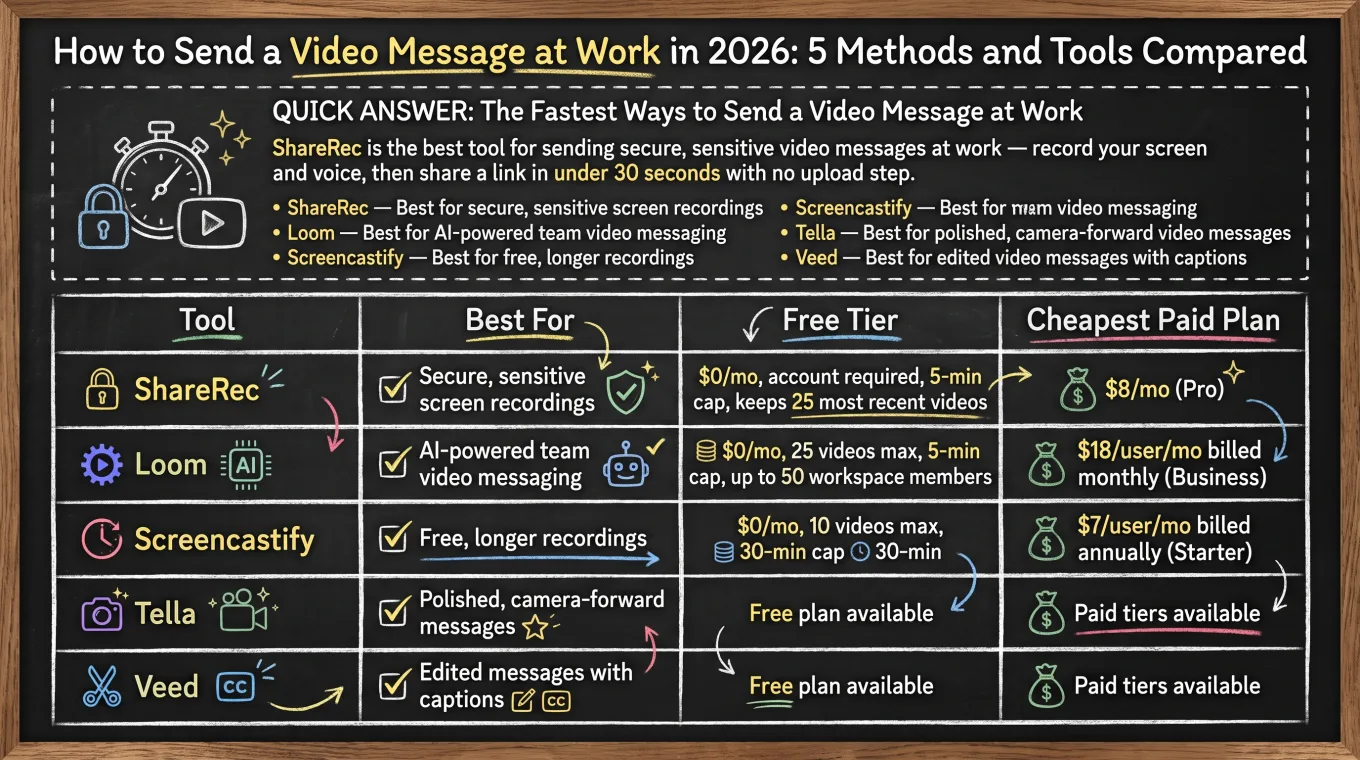
ShareRec is the best tool for sending a video message at work that expires on its own — record your screen and voice, then share a link the moment you stop recording, with no upload step. Loom, Screencastify, Tella, and Veed round out the five fastest ways to send a video message at work in 2026, each suited to a different use case rather than one "best overall" pick. ShareRec suits anyone who wants a quick link that doesn't linger online after the conversation it was meant for is over. For most other workplace video, email and text (MMS) still work: email handles short clips under a provider's roughly 25MB attachment limit, and MMS works but size limits vary by phone and carrier. Loom adds AI transcripts and summaries for team messaging. Screencastify offers the longest free recordings, at 30 minutes, with no subscription. Tella is built for polished, camera-forward messages with custom backgrounds. Veed adds automatic captions for edited, accessible messages.
- ShareRec — Best for links that expire on their own
- Loom — Best for AI-powered team video messaging
- Screencastify — Best for free, longer recordings
- Tella — Best for polished, camera-forward video messages
- Veed — Best for edited video messages with captions
| Tool | Best For | Free Tier | Cheapest Paid Plan |
|---|---|---|---|
| ShareRec | Links that expire on their own | $0/mo, account required, 5-min cap, keeps 25 most recent videos | $8/mo (Pro) |
| Loom | AI-powered team video messaging | $0/mo, 25 videos max, 5-min cap, up to 50 workspace members | $18/user/mo billed monthly (Business) |
| Screencastify | Free, longer recordings | $0/mo, 10 videos max, 30-min cap | $7/user/mo billed annually (Starter) |
| Tella | Polished, camera-forward messages | No free plan — 7-day Pro trial | $13/mo (Pro) |
| Veed | Edited messages with captions | $0/mo (Free) | ~$12/mo (Basic) |
ShareRec: Best for Links That Expire on Their Own
ShareRec is built for quick screen recordings at work that expire on their own, generating a shareable link the moment you stop recording, with no upload step. Best for: anyone who wants a link that disappears automatically instead of living online indefinitely.
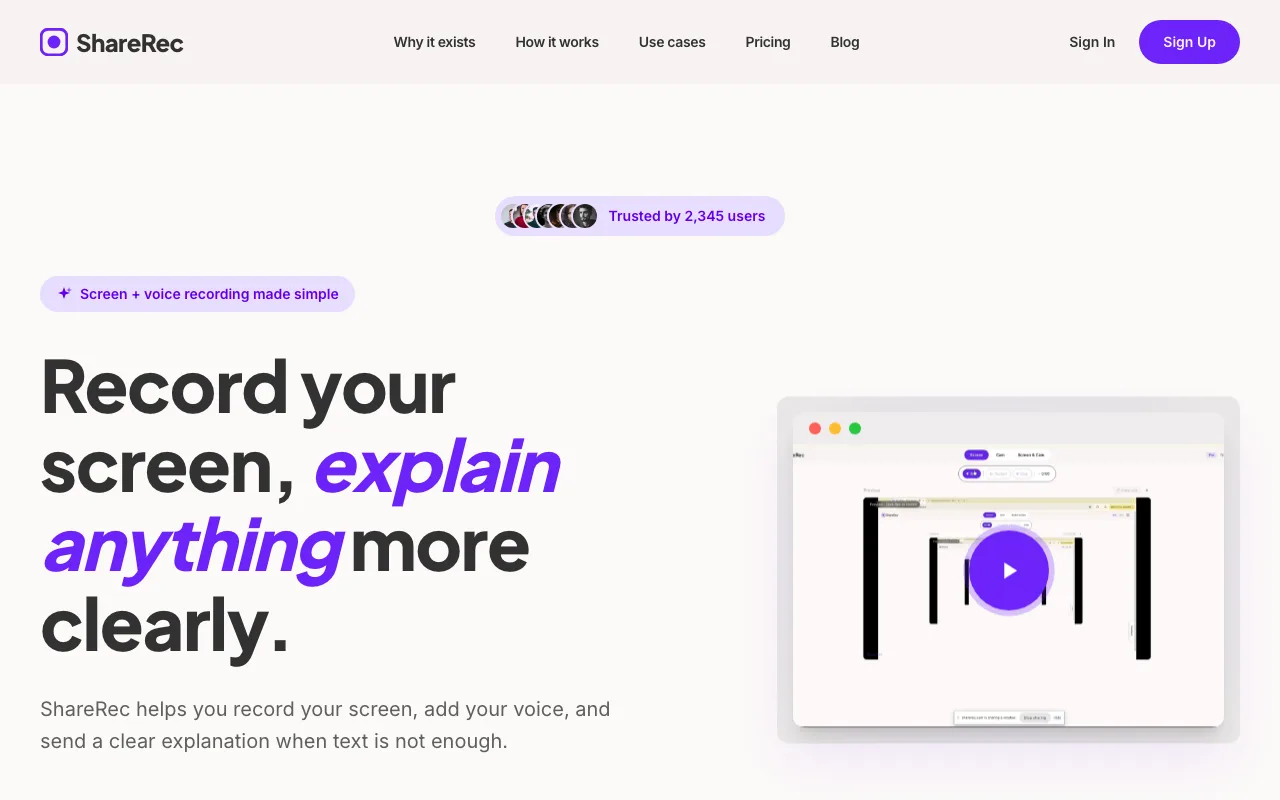
An account is required on every tier, including Free. The Free plan costs $0/mo, caps recordings at 5 minutes in 720p, and keeps the 25 most recent videos with no watermark; trim and clip editing are included. Pro costs $8/mo — less than half of Loom's Business plan ($18/user/mo) — and removes the video-count cap while raising the recording cap from 5 to 30 minutes at 1080p. Business costs $12/mo and raises the cap to 2 hours at 1080p.
ShareRec runs entirely in the browser, so it works on locked-down corporate laptops without an install or IT approval. Every new video auto-expires 30 days after recording by default. The owner can change that to Never, 24h, 7d, or 30d in one click, before or after sharing.
Share links are unlisted, not password-protected: anyone with the link can watch until it expires or you delete it. If you need passwords or viewer restrictions, use a tool that offers them.
ShareRec doesn't include AI transcripts, summaries, or annotations, and editing is limited to trim and clip — there's no team workspace.
Loom: Best for AI-Powered Team Video Messaging
Loom is built for AI-powered team video messaging, and its Free plan supports up to 50 workspace members with automatic transcripts and summaries on every recording. Best for: teams that need a shared workspace and a searchable video library.
Loom's Free plan caps recordings at 25 videos total and 5 minutes each. There's no longer a "Loom Pro" tier — the cheapest paid plan is Business at $18/user/mo billed monthly, with up to 17% off for annual billing. Business+AI runs $24/mo per user and adds AI-generated summaries and chapters (transcripts themselves are already free on every plan).
Loom's AI transcripts and summaries let reviewers skim a recording instead of watching it in full, jumping to a specific moment from the text rather than scrubbing the timeline. Its integrations are also more established than any other tool in this comparison: a recording can post directly into a Slack channel or DM as a playable link, embed inline in a Notion page, and attach to a Jira ticket without leaving the workflow where the request originated.
The tradeoff is cost at scale: a 10-person team on Business pays $180/mo minimum, and there's no free tier that removes the 5-minute recording cap.
Screencastify: Best for Free, Longer Recordings
Screencastify is built for free, longer screen recordings, with a Free plan that allows up to 30 minutes per video. Best for: long-form walkthroughs and training videos recorded without a paid plan.
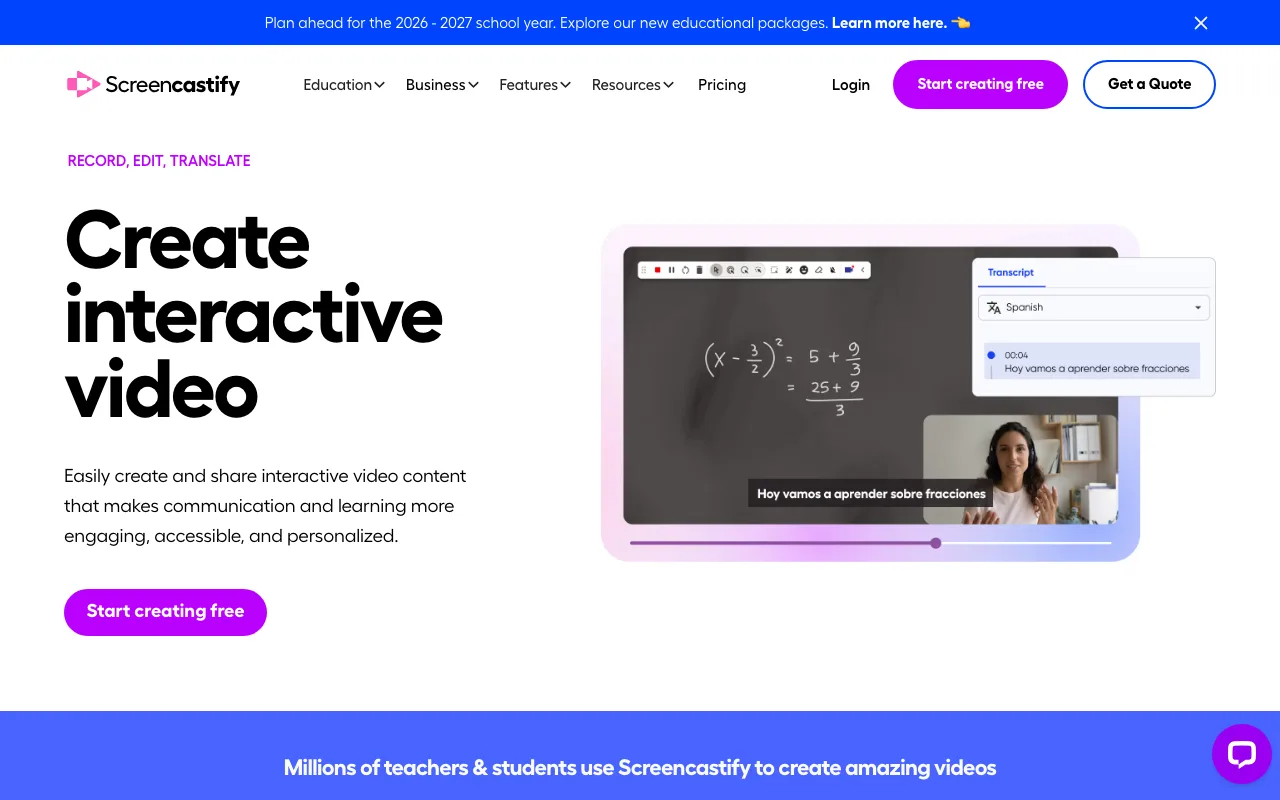
The Free plan caps out at 10 total videos, each up to 30 minutes long — six times ShareRec's 5-minute limit, but capped at 10 saved recordings rather than a rolling library. Starter costs $7/user/mo billed annually ($19/mo billed monthly) and adds unlimited recordings. Pro costs $10/user/mo billed annually ($25/mo billed monthly) and adds advanced editing and analytics.
Screencastify installs from the Chrome Web Store — and is also available as a Microsoft Edge extension — and pins to the browser toolbar, so starting a recording is a single click on the extension icon rather than opening a separate app. From that same icon, a user picks tab, desktop, or webcam-only capture before recording starts, and the finished file saves directly to Google Drive or downloads locally — no separate upload step to share the raw file.
The Free plan's 10-video ceiling means older recordings have to be downloaded and deleted manually to free up space. There's no auto-rotating library like ShareRec's 25-most-recent model.
Tella: Best for Polished, Camera-Forward Video Messages
Tella is built for polished, camera-forward video messages, layering a resizable webcam bubble and custom backgrounds over scene-based editing. Best for: founders and creators who want a produced look without a full video editor.
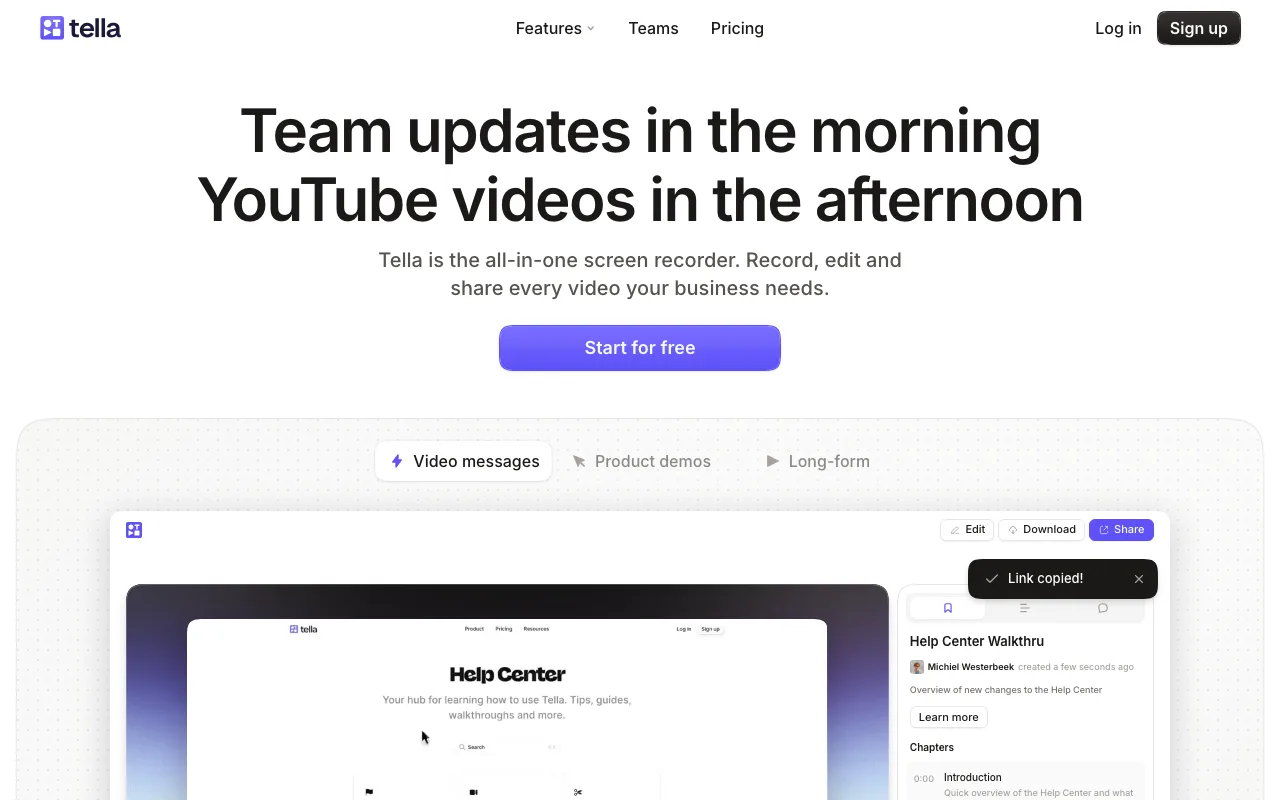
Tella overlays a resizable webcam bubble on screen recordings and lets users swap in custom backgrounds instead of a default desktop view. Scene-based editing lets a presenter break a recording into segments, then rearrange or trim those scenes before sharing, rather than sending a single unedited take. Tella has no free plan — every account starts with a 7-day trial of the full Pro plan (no credit card required), after which Pro is $13/mo and Premium $19/mo billed monthly.
The editing-first workflow means a Tella recording typically takes longer to prepare than a one-click instant link. Presenters usually review and rearrange scenes before sending, rather than recording once and sharing immediately — a tradeoff worth it for a produced look, not for a fast async update.
Veed: Best for Edited Video Messages With Captions
Veed is built for edited video messages with automatic captions, adding multi-language subtitles and on-screen text styling to a recording without manual transcription. Best for: messages that need accessibility compliance or multi-language captions before sending.
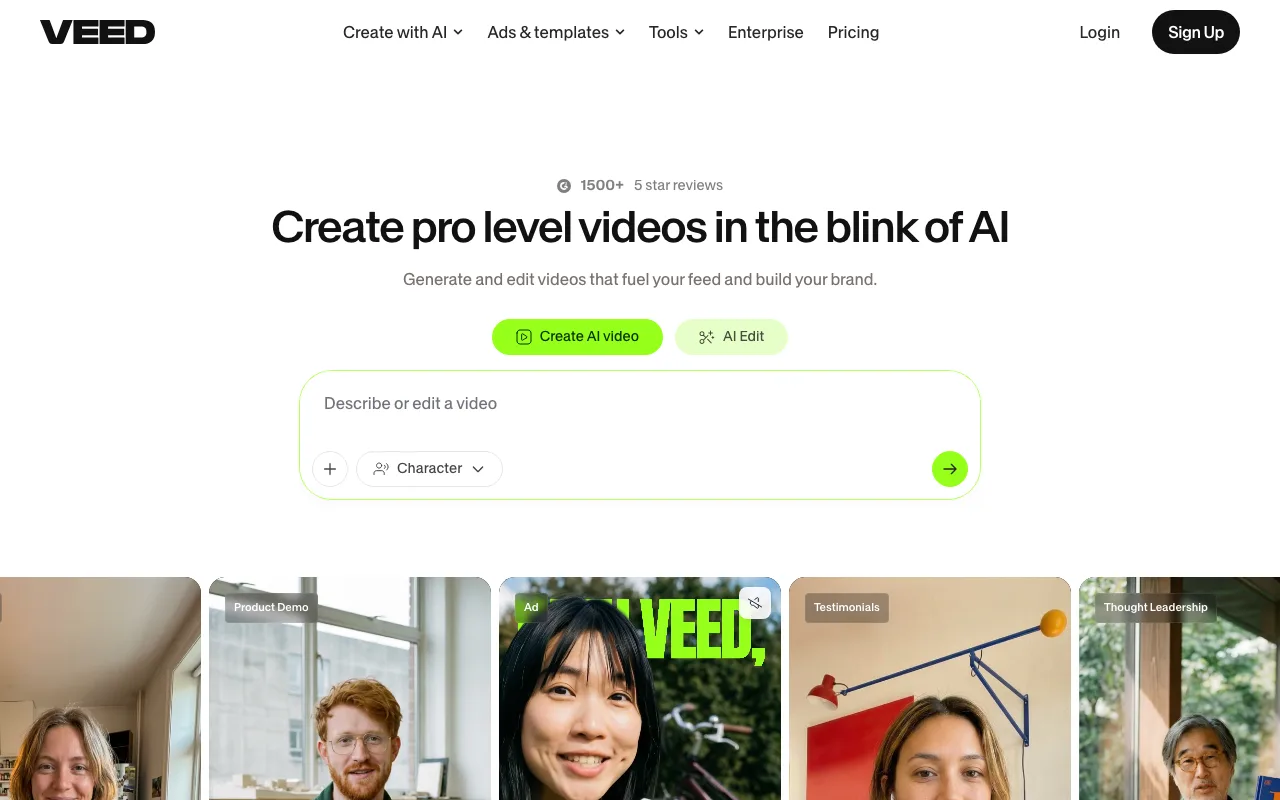
Veed's editor overlays automatic captions directly onto uploaded or recorded video, generating a synced transcript the moment a file finishes processing. Captions can be translated into multiple languages for teams sending the same message to international offices, and on-screen text can be restyled — font, color, size, and placement — without leaving the caption workflow. That combination covers two common workplace needs at once: accessibility compliance for internal broadcasts and localized messaging for distributed teams, without a separate transcription or translation tool. Veed offers a free plan; paid tiers start around $12/mo (Basic, billed annually), with brand-kit and 4K export reserved for the $30/mo Pro tier.
The captioning and styling workflow adds a step that instant-link tools skip entirely. Composing a captioned, edited message takes meaningfully longer than recording and sharing a link, which matters most when the goal is a fast async update rather than a finished, accessible video asset.
Key Takeaways
- ShareRec: Best for links that expire on their own — Pro costs $8/mo and videos auto-expire 30 days by default.
- Loom: Best for AI-powered team video messaging — free plan caps at 25 videos and 5 minutes each.
- Screencastify: Best for free, longer recordings — free tier allows 10 videos up to 30 minutes each.
- Tella: Best for polished, camera-forward messages with a webcam bubble, custom backgrounds, and scene-based editing.
- Veed: Best for edited video messages with automatic captions and multi-language subtitles before sending.
- Email works for clips under 25MB; MMS text works but carrier limits vary widely.
- Browser-based tools like ShareRec skip software installs on locked-down corporate laptops.
Frequently Asked Questions
How do I send someone a video message at work?
The three most reliable methods are: attach the file directly to an email for short clips under your provider's size limit, send it as a text message (MMS) for quick phone-based shares, or generate a shareable link through a recording tool like ShareRec or Loom for longer files.
How do I send a video to a work email if it's too large?
Compress the file to reduce its size, or skip the attachment entirely and share a link instead. Most email providers cap attachments around 25MB, and a shareable link from a cloud service or recording tool like ShareRec bypasses that limit completely.
Can I send a video as a text message?
Yes, via MMS, but size limits vary by phone model and carrier — typically a few megabytes before the carrier compresses the file or rejects it outright. For anything longer than a minute or two, a shareable link is more reliable than MMS.
What's the best way to send a large video file at work?
A shareable link from a cloud storage service or a recording tool bypasses email attachment limits entirely. Recording tools like ShareRec or Loom generate a link the moment recording stops, which skips the separate upload step a generic cloud drive requires.
Is ShareRec free to use for sending video messages at work?
Yes — the Free tier costs $0/mo, requires an account, caps recordings at 5 minutes in 720p, and keeps the 25 most recent videos. Pro removes the length and video-count caps at 1080p for $8/mo, and Business raises the cap further to 2 hours at 1080p for $12/mo.
Do video messages sent via ShareRec expire?
Yes — every new video auto-expires 30 days after recording by default. The owner can change that setting to Never, 24h, 7d, or 30d in one click, which matters when sending a video message at work that needs to stay accessible longer than a month.
Try it free
Record your first walkthrough free — no install needed
No install, no watermark — share a link instantly.
Start Recording Free