How to Record a Sales Follow-Up Video: 5 Best Tools Compared (2026)

ShareRec is the fastest tool for recording and sending a sales follow-up video in 2026. Its Record, Explain, Send workflow creates a shareable link as soon as you stop recording — no upload, no install. Loom includes free transcripts on every tier and shares video across a workspace of up to 50 members, though its AI summaries require the $24 Business+AI plan. Screencastify runs as a Chrome or Microsoft Edge extension, with a 30-minute free recording cap. Vidyard adds viewer analytics so reps can see who opened a sales video, but that tracking starts on its paid Starter tier ($89/seat/mo, $59/seat/mo annual), not the free plan. BombBomb embeds personalized video directly inside sales emails and CRM follow-up sequences instead of functioning as a general screen recorder. ShareRec's Pro plan costs $8 a month, less than half Loom's Business plan ($18/user/mo). Vidyard and BombBomb price around analytics and CRM integration rather than raw recording time.
How to Record a Sales Follow-Up Video
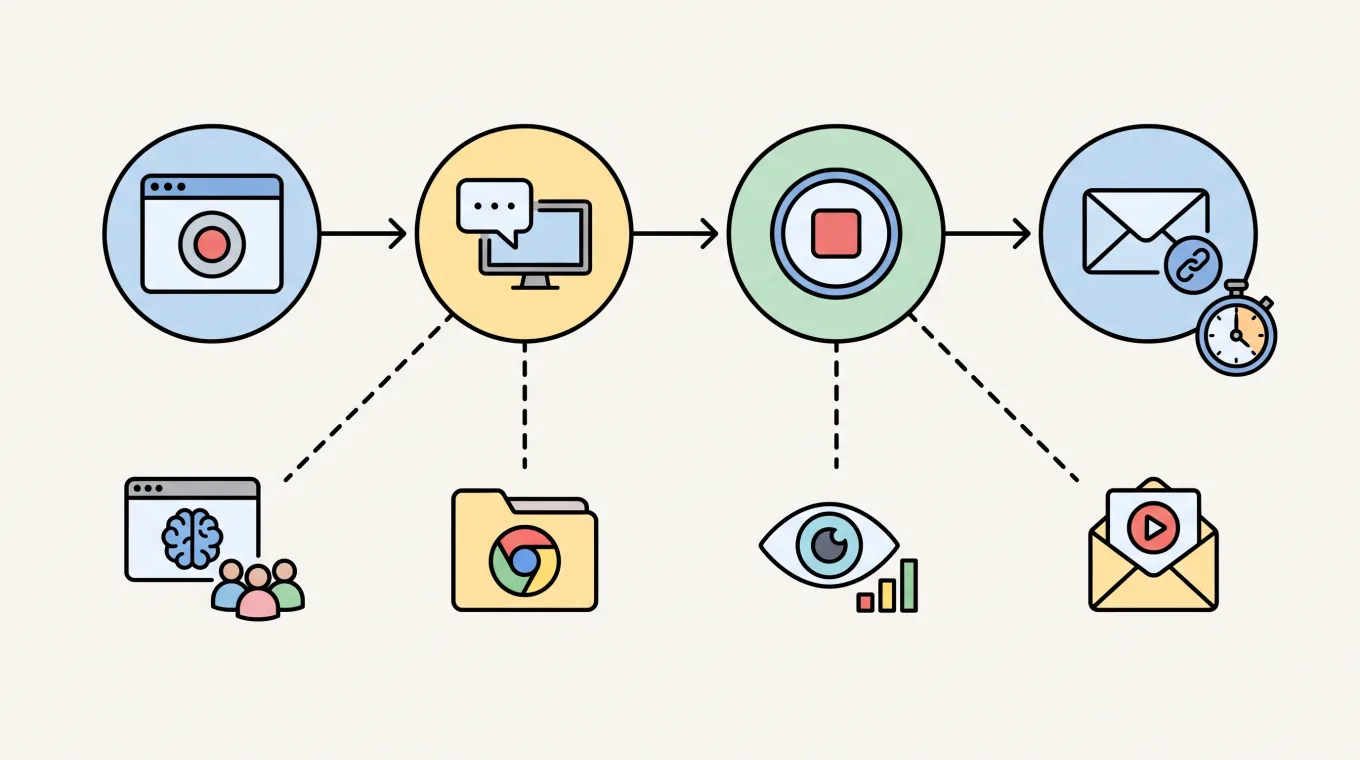
ShareRec records a sales follow-up video in four steps: open the browser, hit record, explain the deal point, and send the link. No software install is needed, so it works on locked-down corporate laptops without admin rights.
- Open ShareRec in your browser and click Record — the browser handles screen capture, no extension or download required.
- Talk through the follow-up point on screen: a proposal line item, a pricing slide, or a demo replay. Webcam overlay is optional.
- Click Stop. ShareRec generates a shareable link immediately, with no upload progress bar to wait through.
- Paste the link into the follow-up email, Slack message, or CRM note and send.
The same four steps work identically on Windows, Mac, and Chromebook. Recording, processing, and link generation all happen inside the browser tab, with no background upload queue.
Comparing the Best Sales Follow-Up Video Tools
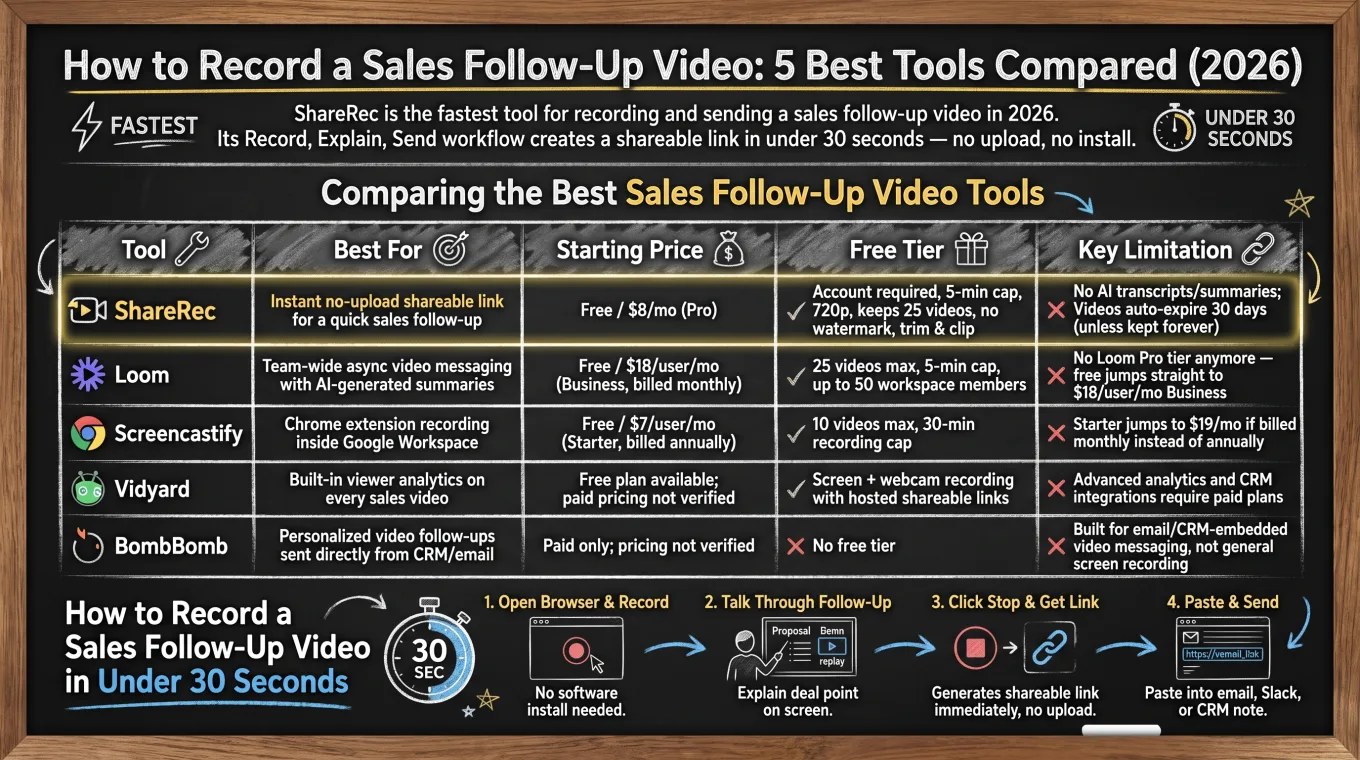
ShareRec, Loom, Screencastify, Vidyard, and BombBomb take five different approaches to the same task, from ShareRec's 30-second no-upload link to BombBomb's CRM-embedded video.
| Tool | Best For | Starting Price | Free Tier | Key Limitation |
|---|---|---|---|---|
| ShareRec | Instant no-upload shareable link for a quick sales follow-up | Free / $8 per month (Pro) / $12 per month (Business) | Account required, 5-minute recording cap, 720p, keeps 25 most recent videos, no watermark, trim & clip editing | No AI transcripts or summaries; every video auto-expires 30 days after recording by default unless kept forever in one click |
| Loom | Team-wide async video messaging with free transcripts on every tier | Free / $18 per user/month (Business, billed monthly) | 25 videos max, 5-minute recording cap, up to 50 workspace members, transcripts included | No Loom Pro tier anymore — free jumps straight to $18/user/mo Business, and AI summaries need Business+AI at $24/user/mo |
| Screencastify | Chrome or Edge extension recording | Free / $7 per user/month (Starter, billed annually) | 10 videos max, 30-minute recording cap | Starter jumps to $19/mo if billed monthly instead of annually |
| Vidyard | Viewer analytics on sales videos, from the Starter tier up | Free / Starter $89/seat/mo ($59/seat/mo annual) | A limited free plan (its own pages disagree on the exact cap), up to 30 minutes each — analytics not included | Viewer analytics start on paid Starter; CRM integrations require the Teams tier |
| BombBomb | Personalized video follow-ups sent directly from CRM/email | $42 per user/month (Core, billed monthly) or $36 billed annually | No free tier — free trial only | CRM integration and AI tools require Core + Copilot at $70/user/mo monthly, $56 annually |
ShareRec: Best Overall for Recording and Sending a Sales Follow-Up Video Fast
ShareRec turns a screen recording into a shareable link through its Record, Explain, Send workflow, as soon as you stop recording — with no upload step. Best for: sales reps who need to send a follow-up video before a prospect's attention moves elsewhere.
The tool runs entirely in the browser, so there's no install and no admin rights needed. That works on locked-down corporate laptops where IT blocks new software installs. Pro costs $8 per month, less than half of Loom's Business plan ($18/user/mo), and lifts recordings to 30 minutes at 1080p. Business at $12 per month raises the cap again to 2 hours.
An account is required on every tier, including Free. The free plan caps recordings at 5 minutes, records at 720p, and keeps only the 25 most recent videos rather than unlimited storage. Older videos drop off automatically as new ones are added past that count.
ShareRec doesn't generate AI transcripts, summaries, or chapters, and editing is limited to trimming and clipping rather than a full editor. Every video auto-expires 30 days after recording by default. The owner can change an individual video's expiry to Never, 24 hours, 7 days, or 30 days in one click. A dashboard countdown shows the time left, and a warning email goes out 3 days before deletion.
Loom: Best for Team-Wide Video Messaging with Free Transcripts
Loom's free plan supports up to 50 workspace members and includes transcripts on every tier, though its AI summaries sit behind the $24 Business+AI plan. Best for: teams that need every rep's follow-up videos searchable across a shared workspace.
Recordings are capped at 25 videos total and 5 minutes each per free account. That ceiling matters for sales teams onboarding a full pod of reps onto one shared library.
There is no more Loom Pro tier. Free jumps straight to Business at $18 per user per month billed monthly, with Loom advertising up to 17% off annual billing. Business+AI, which adds AI summaries and filler-word removal, runs $24 per user per month (auto-generated titles are already free on every plan).
Transcripts themselves are free on every Loom tier, including Starter — a useful detail for reps who just want their follow-up searchable. The AI summary layer is a genuine differentiator for managers reviewing a rep's call recap without watching the full video, but it is a paid add-on, not a free-plan feature. The jump from free straight to an $18-per-user Business tier is a bigger price step than competitors offer. Screencastify and ShareRec both keep a lower-priced tier in between.
Screencastify: Best for Browser-Extension Recording
Screencastify installs as a Chrome or Microsoft Edge extension, with the longest free recording cap in this comparison at 30 minutes per video. Best for: teams already standardized on Chrome or Edge for sales outreach.
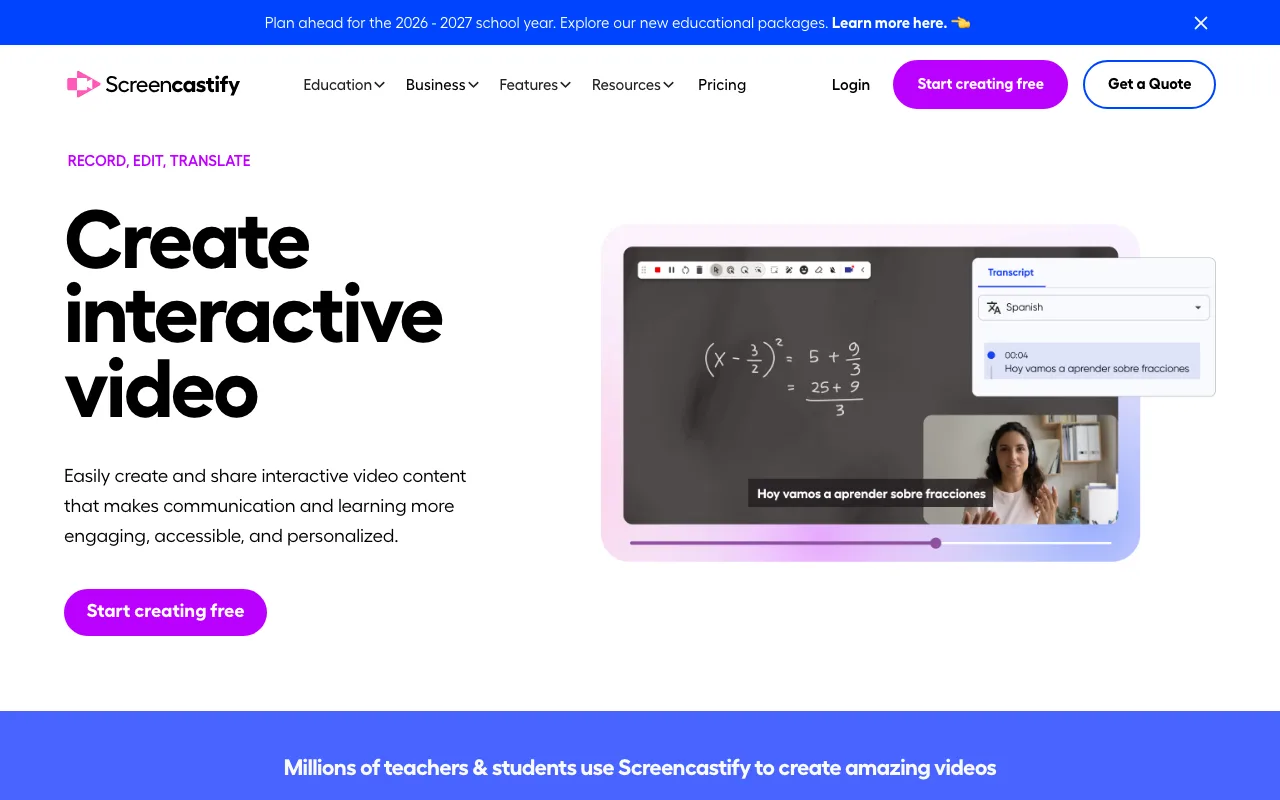
The free plan allows up to 10 videos, each capped at 30 minutes. That's six times longer than ShareRec's or Loom's 5-minute free cap — useful for a longer walkthrough of a proposal or contract redline.
Starter pricing starts at $7 per user per month billed annually, jumping to $19 per month if billed monthly instead. Pro costs $10 per month billed annually, or $25 per month billed monthly.
Screencastify runs as a browser extension rather than a standalone browser tool, so it needs Chrome or Microsoft Edge installed. On managed devices, it also needs admin approval to add the extension — a step ShareRec's tab-based recording skips entirely.
Vidyard: Best for Viewer Analytics on Sales Videos, from Starter Up
Vidyard offers a limited free plan (its own pages disagree on the exact monthly cap), up to 30 minutes each — but viewer analytics start on the paid Starter tier. Best for: sales teams that need to know whether a prospect actually watched a follow-up video before the next call, and are willing to pay for that tracking.
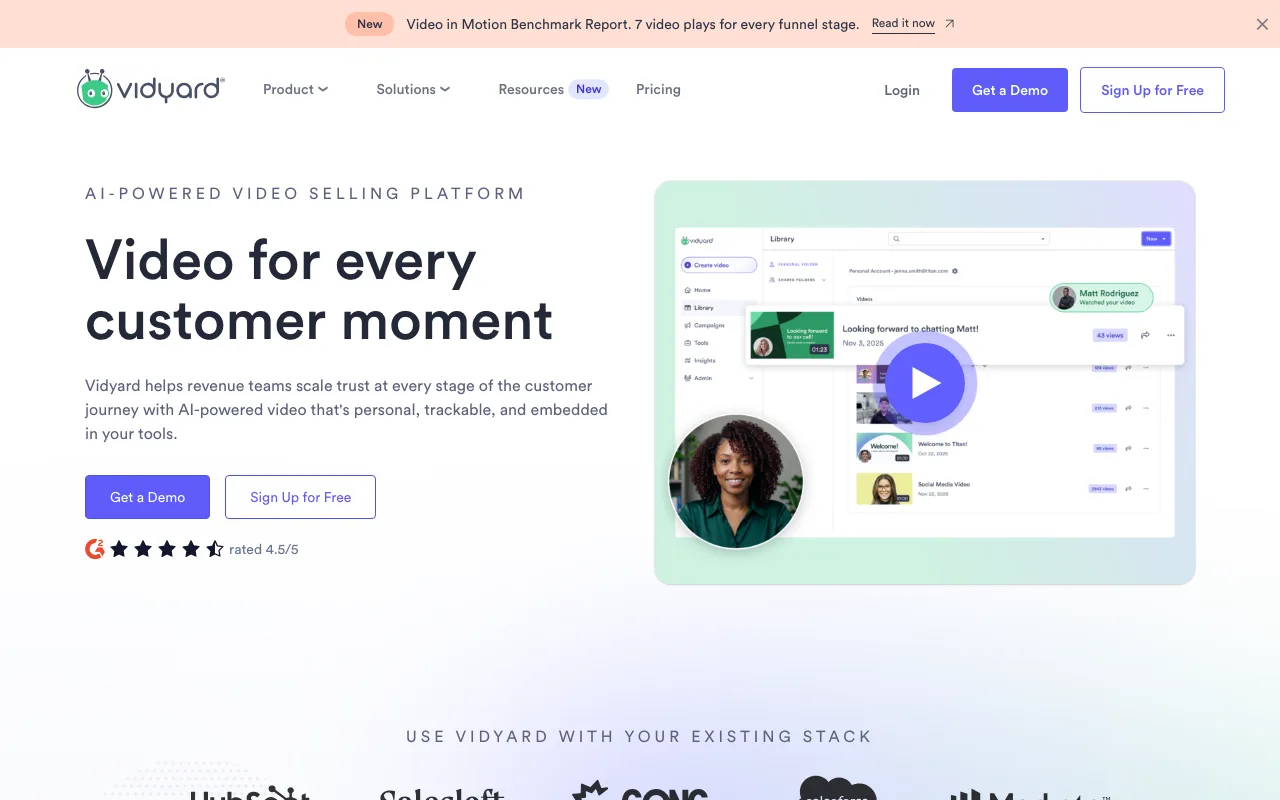
Viewer analytics is the core differentiator here — a rep can see if a link was opened without asking the prospect directly. It is worth being precise about where that sits: Vidyard's free plan lists basic analytics as not included, so view notifications and view counts begin on the paid Starter tier ($89/mo, $59/mo billed annually). CRM and marketing-automation integrations move up again to the Teams tier.
Vidyard fits sales orgs that already prioritize tracking engagement over the fastest possible recording flow — and that have budget for a paid seat, since the tracking is what you are paying for.
BombBomb: Best for CRM and Email-Embedded Personalized Video Follow-Ups
BombBomb embeds personalized video directly inside sales emails and CRM sequences, and unlike the other four tools, it has no free tier. Best for: reps who send video as part of an existing email or CRM workflow instead of sharing a standalone link.
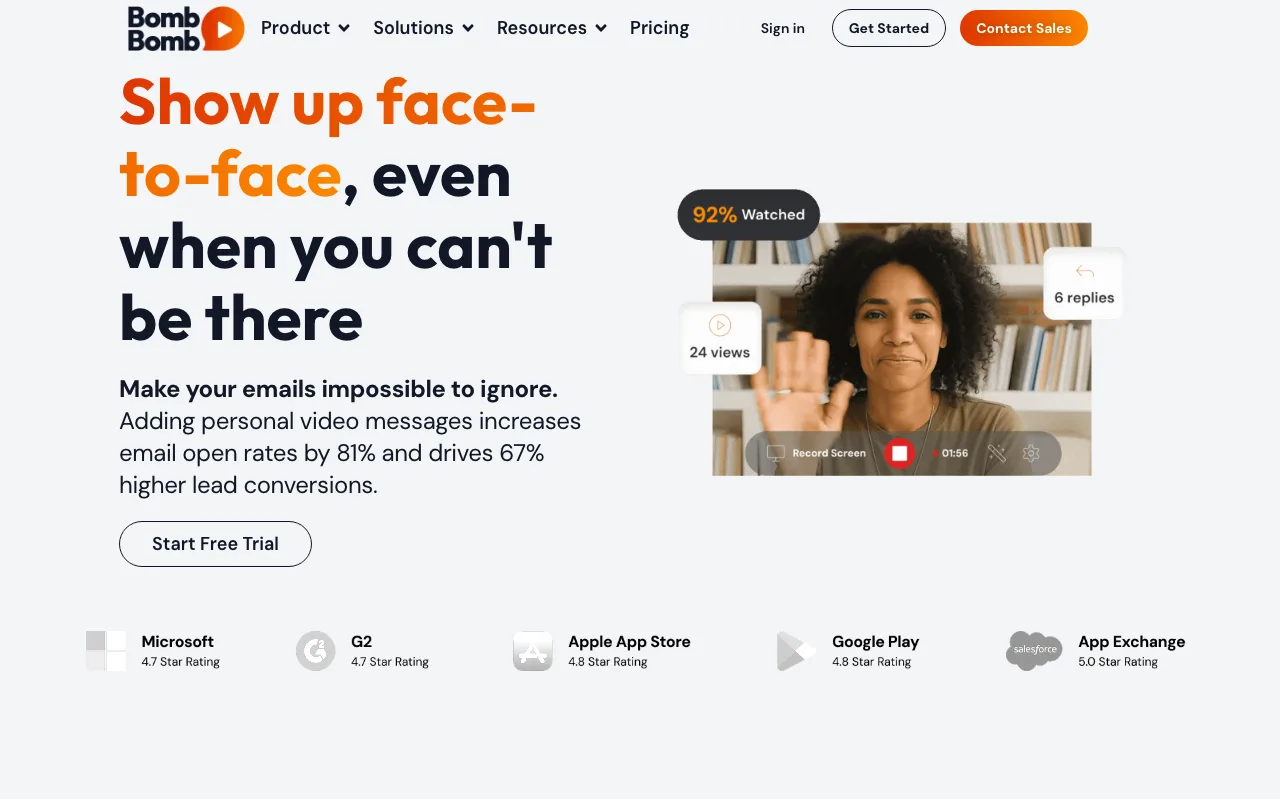
BombBomb is the most expensive option here by a wide margin. Core runs $42 per user per month billed monthly, or $36 per user per month billed annually, and includes unlimited video messages, browser extensions, email integrations, and analytics. Core + Copilot, at $70 per user per month monthly or $56 annually, is the tier that adds CRM integration, automated workflows, and AI tools like summaries and suggested scripts. Enterprise pricing is custom.
The tool's value sits in the email and CRM integration itself. Video thumbnails play inline in an inbox, and sequences trigger automatically from a CRM stage change. That embedded workflow is the opposite of ShareRec's standalone link. It suits teams whose follow-up process already runs through a CRM sequence rather than one-off messages.
Key Takeaways
- ShareRec records and sends a shareable link as soon as you stop recording, with no upload; Pro costs $8/month, Business $12/month.
- Loom's free plan: 25 videos, 5-minute cap, transcripts included; paid plans start at $18/user/month, with no Pro tier, and AI summaries need Business+AI at $24/user/month.
- Screencastify's free plan caps at 30 minutes, the longest here; Starter starts at $7/user/month annually, and it runs on Chrome or Microsoft Edge.
- Vidyard has a limited free plan (its own pages disagree on the exact cap), up to 30 minutes, but viewer analytics begin on the paid Starter tier.
- BombBomb has no free tier and starts at $42/user/month ($36 annually); it is built for CRM and email-embedded video, not general screen recording.
Frequently Asked Questions
What's the fastest way to record a sales follow-up video?
ShareRec's Record, Explain, Send workflow produces a shareable link as soon as you stop recording, with no upload step. The tool runs in the browser with no install required. A rep can record, generate a link, and paste it into an email faster than most screen recorders finish uploading a file.
Do I need to install software to record a sales follow-up video?
No install is required for ShareRec, which runs entirely in the browser — useful on locked-down corporate laptops without admin rights. Screencastify runs as a Chrome or Microsoft Edge extension that needs adding to the browser. Loom offers both a desktop app and browser-based recording, depending on preference.
How long does a sales follow-up video link stay active?
On ShareRec, every new video auto-expires 30 days after recording by default. The owner can change any individual video's expiry to Never, 24 hours, 7 days, or 30 days in one click. A dashboard countdown shows the time left, with a warning email sent 3 days before deletion.
Can I track whether a prospect watched my sales follow-up video?
Vidyard and BombBomb are both built around viewer tracking, and both require a paid plan for it. Vidyard shows when a link was opened, starting on its paid Starter tier — the free plan lists basic analytics as not included. BombBomb includes analytics on its $42-per-user Core plan and integrates that data into CRM and email sequences on Core + Copilot. ShareRec's feature set focuses on instant recording and sharing, not viewer analytics or watch tracking.
Is there a free way to record a sales follow-up video?
Yes. ShareRec's free plan allows 5-minute recordings at 720p with no watermark, keeping the 25 most recent videos, though an account is required. Loom's free plan caps at 25 videos and 5 minutes each, with transcripts included. Screencastify allows 10 free videos with a 30-minute cap. Vidyard has a limited free plan (its own pages disagree on the exact cap), up to 30 minutes each, but without viewer analytics. BombBomb is the one tool here with no free plan at all.
What's the difference between a screen recorder and a video email tool for sales follow-ups?
ShareRec, Loom, and Screencastify are screen recorders that generate a shareable link for any video. BombBomb is built specifically to embed personalized video directly inside a sales email or CRM sequence. It isn't built to record a sales follow-up video from scratch.
Try it free
Record your first walkthrough free — no install needed
No install, no watermark — share a link instantly.
Start Recording Free