How to Record a Sales Demo Video in 2026: 7-Step Guide + 5 Best Tools
ShareRec, Loom, Screen Studio, Screencastify, and Vidyard are the top tools for recording a sales demo video in 2026. Each is suited to a different part of the sales workflow. ShareRec is best for sales demo links that expire on their own. It produces a shareable link the moment recording stops, with no upload step, and runs entirely in the browser, including on locked-down corporate laptops. Loom is best for team collaboration and AI-assisted summaries, with auto-generated transcripts and a workspace that supports up to 50 members on its free plan. Screen Studio is best for macOS-only recording with shareable links built in, at $29/month or $9/month billed annually. Screencastify is best for free, browser-based recording, running as a Chrome or Edge extension with no desktop install. Vidyard is best for CRM-integrated sales enablement, pairing recording with hosted links built for outbound sales tracking. The right pick depends on the recording's needs — a quick one-off demo you don't want to remember to delete, a full team workspace, or a direct CRM pipeline.
How to Record a Sales Demo Video in 7 Steps
Recording a sales demo video takes seven steps: define the buyer's use case, outline talking points, test your screen/webcam/mic setup, record each section in one take, demonstrate only the relevant features, trim the footage and add a call to action, then share via a link matched to the deal's security needs.
- Define the buyer's use case. Identify the specific workflow or pain point this prospect cares about — a generic feature tour loses attention within the first 30 seconds.
- Outline talking points, don't script word-for-word. A bullet outline keeps delivery natural; word-for-word scripts sound rehearsed on camera.
- Test screen, webcam, and mic before recording. Close notification apps, mute chat tools, and check audio levels — background noise is a common reason reps re-record.
- Record each section in one continuous take. Keep segments under 6 minutes; shorter, single-take segments are easier to trim or re-record if one part goes wrong.
- Demonstrate only the features tied to the buyer's pain point. Skip the full product tour — show the 2-3 workflows that solve what this specific prospect flagged in discovery.
- Trim dead air and close with one call to action. End every demo with a single next step — book a call, forward to a colleague, or reply with questions.
- Share via a link matched to the deal's security needs. A public link works for a broad audience; a sensitive or compliance-adjacent deal calls for expiring, account-gated sharing instead.
ShareRec: Best for Links That Expire on Their Own
ShareRec generates a shareable recording link the moment recording stops, with no upload step. Its Pro plan costs $8/month — less than half of Loom's Business plan at $18/user/month. Best for: sales teams who want a demo link that expires on its own instead of sitting online indefinitely, or sessions on locked-down corporate laptops where desktop app installs are blocked.
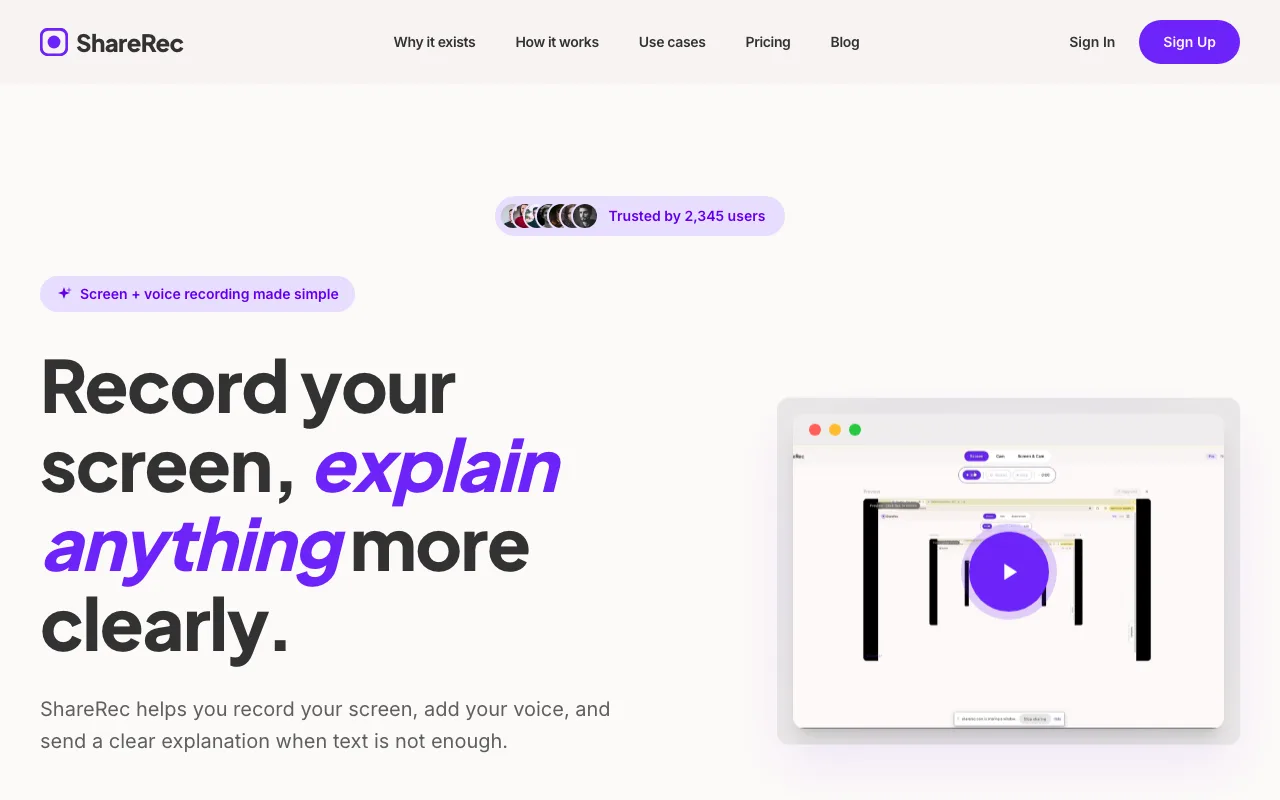
ShareRec runs entirely in the browser, capturing screen, webcam, or screen-plus-webcam with a webcam bubble on every tier, including Free. Recordings expire automatically 30 days after capture by default. The owner can change any video's expiration to Never, 24 hours, 7 days, or 30 days. A dashboard countdown and a 3-day warning email appear before it lapses.
An account is required to record on every tier, including Free. The Free tier caps recordings at 5 minutes and 720p, and retains the 25 most recent videos. Pro ($8/month, or $6/month billed annually) removes the video limit and raises the cap to 30 minutes at 1080p. Business ($12/month, or $10/month billed annually) extends the cap to 2 hours. Editing is trim-and-clip only — there's no annotation tool, AI transcript, or team workspace on any tier. Share links are unlisted, not password-protected: anyone with the link can watch until it expires or you delete it.
Loom: Best for Team Collaboration and AI-Assisted Summaries
Loom's Free plan supports up to 50 workspace members and 25 videos capped at 5 minutes each. Its cheapest paid tier, Business, runs $18/user/month. Best for: sales teams that need shared workspaces, threaded comments, and AI-generated recap content alongside recording.
Every Loom recording gets an auto-generated transcript, and auto titles are free on every plan. Business+AI ($24/month) adds AI summaries that save reps from writing their own recap emails after a demo. Loom no longer sells a "Loom Pro" tier — the current lineup is Free, Business, and Business+AI.
The workspace model is Loom's strength for sales teams. A shared library lets an SDR hand a raw recording to an AE. The AE can comment on a specific timestamp before re-recording the close. That collaboration layer, plus mature transcript and search tooling, is what the higher per-seat price covers compared to single-user recording tools.
Screen Studio: Best for macOS-Only Demo Recording
Screen Studio is a macOS-only recorder at $29/month, or $9/month billed annually, with shareable links on both plans — up to 1080p at 60fps, videos up to 30 minutes. Best for: sales teams standardized on Mac who want a recording-plus-link workflow without a free tier.
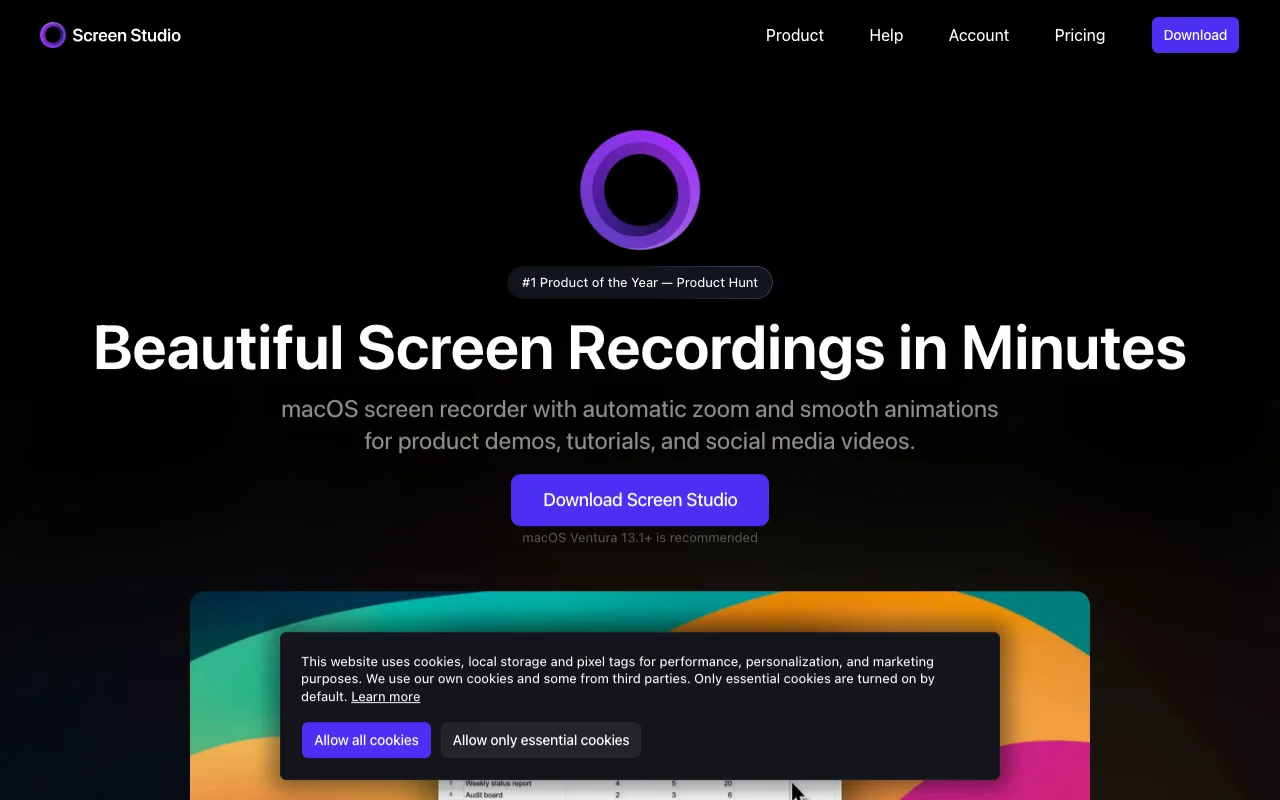
Screen Studio's shareable links can be set private so only people you send them to can open them. Both plans include a cloud transcript of the recording, with local transcription/captions also available via Whisper or Apple's speech tools. Whether pricing is per-seat, per-device, or flat isn't stated on Screen Studio's pricing page.
Screen Studio costs $29/month billed monthly, or $9/month billed annually. Its pricing page lists no free plan, so a team-wide rollout is a paid commitment from the first recording.
Screencastify: Best for Free, Browser-Based Recording
Screencastify's free plan allows up to 10 saved videos with a 30-minute recording cap per video. It runs as a Chrome or Edge extension with no desktop install required. Best for: reps or small teams who want to start recording sales demos immediately without a budget approval process.
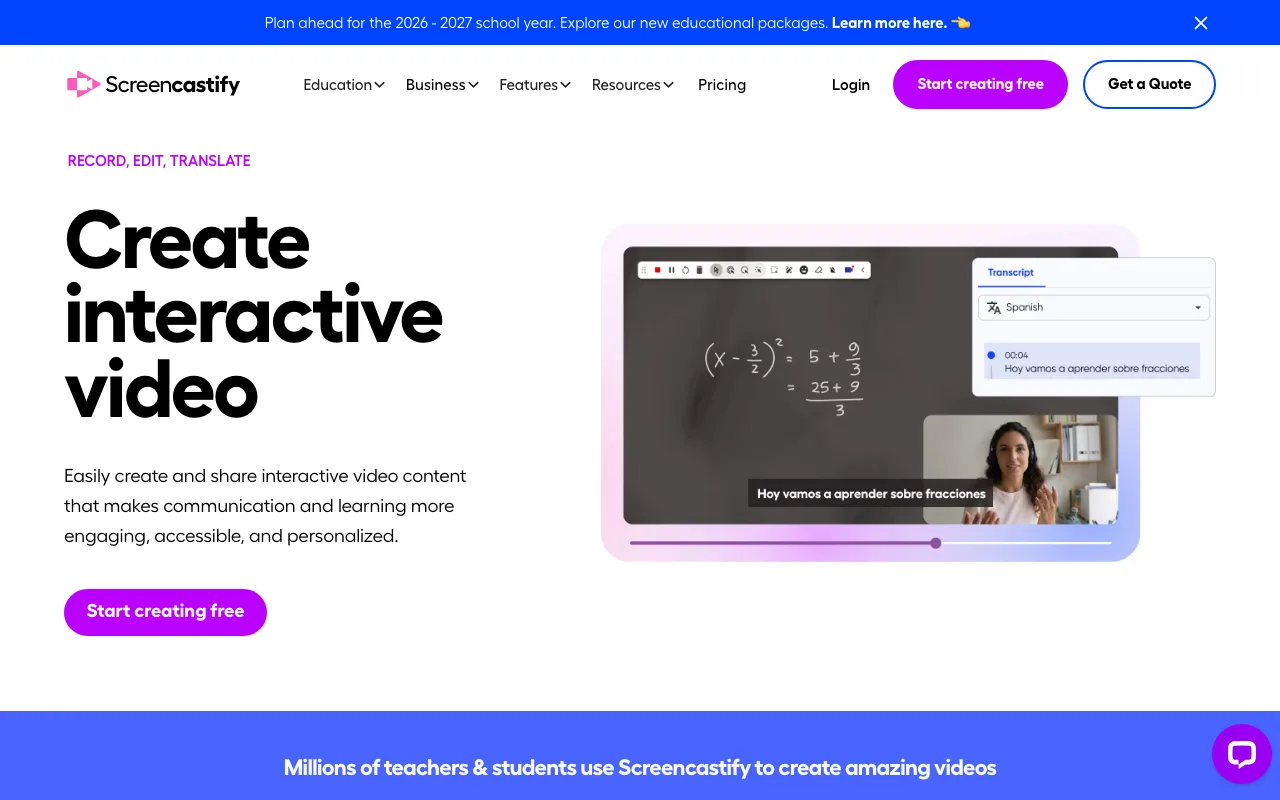
Paid tiers remove the video cap. Starter runs $7/user/month billed annually ($19/user/month billed monthly), and Pro runs $10/user/month billed annually ($25/user/month billed monthly). Screencastify built its reputation in education and training video use cases, which shows in its straightforward trim-and-share workflow.
A sales team testing whether video demos convert can use the full 30-minute cap on the free tier. That's enough to record a complete walkthrough in one take, unlike tools that cap free recordings at 5 minutes.
Vidyard: Best for CRM-Integrated Sales Enablement
Vidyard has a free plan — limited to a small number of videos per month, 30 minutes each — with hosted, shareable links. (Vidyard's own pages don't agree on the exact free-tier video count, so treat it as limited rather than a specific number.) Best for: sales teams that want recorded demos to plug directly into CRM and sales engagement tools rather than living as standalone files.
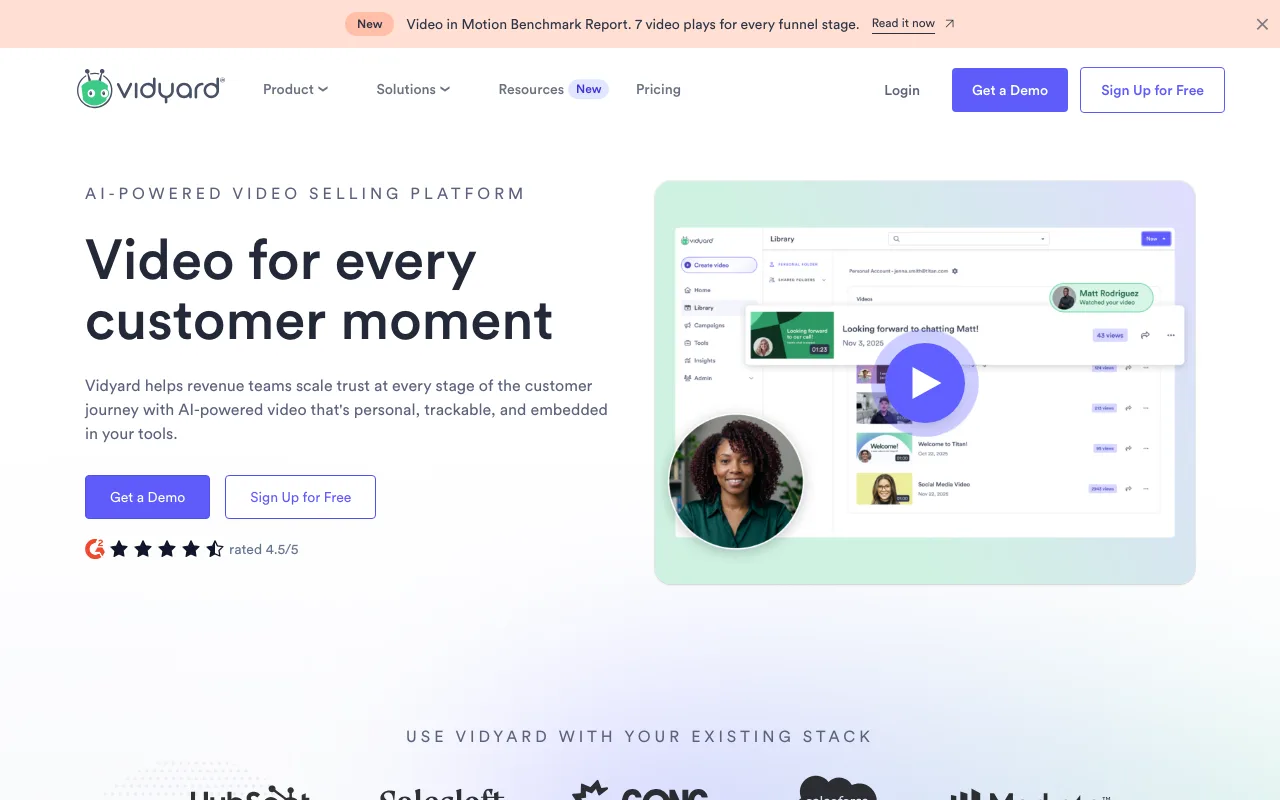
Vidyard built its product around the sales use case specifically, rather than general screen recording. Hosted links are meant to sit inside a CRM record or sales engagement sequence, alongside call notes and email tracking. That sales-specific hosting is the main differentiator from general-purpose recorders built for broader team communication.
Viewer analytics and view notifications are not part of the free plan: they start on the paid Starter tier, and Salesforce or HubSpot integrations start higher still, on the Teams tier. Starter is published at $89/month, or $59/month billed annually.
Best Tools to Record a Sales Demo Video: Side-by-Side Comparison
ShareRec, Loom, Screen Studio, Screencastify, and Vidyard each fit a different sales recording need, from links that expire on their own to CRM-integrated hosting.
| Tool | Best For | Free Tier | Paid Pricing (from) |
|---|---|---|---|
| ShareRec | Links that expire on their own | 5-min cap, 720p, 25 videos retained | $8/mo (Pro), $6/mo billed annually |
| Loom | Team collaboration + AI summaries | 25 videos, 5-min cap, 50 members | $18/user/mo (Business) |
| Screen Studio | macOS-only recording + shareable links | No free plan listed | $29/mo, or $9/mo billed annually (Mac-only) |
| Screencastify | Free, browser-based recording | 10 videos, 30-min cap | $7/user/mo billed annually (Starter) |
| Vidyard | CRM-integrated sales enablement | Limited videos/mo, 30-min cap, no analytics | $89/mo ($59/mo annual, Starter); CRM on Teams tier |
Key Takeaways
- ShareRec's Free tier caps recordings at 5 minutes and 720p, with the link ready the moment recording stops.
- Loom's Business+AI tier costs $24/month and adds AI-generated summaries after recording (auto titles are already free on every plan).
- Screen Studio has no free plan listed: it costs $29/month billed monthly, or $9/month billed annually, and runs on macOS only.
- Screencastify's Starter tier runs $7/user/month billed annually, the cheapest paid upgrade among these five tools.
- Vidyard's free plan is limited (its own pages disagree on the exact video count), capped at 30 minutes per recording; viewer analytics start on the paid Starter tier ($89/mo, $59/mo annual) and CRM integrations on the Teams tier.
- Record demo segments under 6 minutes each, tied to one buyer pain point per video.
- ShareRec's $8/month Pro plan costs less than half of Loom's $18/user/month Business seat.
Frequently Asked Questions
What's the best free tool to record demo videos?
Screencastify's free plan allows the longest single recording at 30 minutes, though it caps storage at 10 saved videos. Loom's free plan allows only 5-minute recordings but adds a 50-member workspace and auto-transcripts. ShareRec's free plan also caps at 5 minutes but skips the upload step entirely.
How long should a sales demo video be?
Keep individual segments under 6 minutes and the full recording under 10-15 minutes for a targeted, single-use-case demo. Longer walkthroughs work only when the buyer explicitly asked for a full platform tour. Most viewers lose attention past the 10-minute mark if the video covers more than one workflow.
Should I record my face or just my screen?
Include a webcam bubble for the opening and closing 30 seconds to build rapport, then switch to screen-only during the product walkthrough itself. Screen-plus-webcam mode is available on every tier of ShareRec, Loom, and Vidyard, so the format choice doesn't require a plan upgrade.
Can I use AI to generate demo videos?
AI tools can generate a voiceover script from talking points, auto-trim dead air, and add captions after recording, though few tools fully automate the screen-capture step itself. Loom's Business+AI tier adds AI-generated summaries after recording (titles are already free on every plan). Treat AI output as a first draft — review it against the buyer's actual pain point before sending.
Which tools integrate with sales CRM platforms?
Vidyard is built specifically for CRM and sales engagement workflows, though its Salesforce and HubSpot integrations sit on the Teams tier rather than on the free or Starter plans. Loom's Business plans add integrations for broader team tools. ShareRec, Screen Studio, and Screencastify function as standalone recorders without native CRM record-attachment built in.
How do I add captions or subtitles to demo videos?
Loom auto-generates a transcript on every recording that can be exported as captions. Screencastify's paid tiers include caption editing tools. ShareRec does not include captioning on any tier — export the video and add captions in a separate editor if this is required.
Try it free
Record your first walkthrough free — no install needed
No install, no watermark — share a link instantly.
Start Recording Free