How to Record a Design Review Video: 5 Tools Compared (2026)
ShareRec is the best pick for fast, auto-expiring async design review shares on locked-down work laptops in 2026, turning a recording into a shareable link as soon as you stop recording, with no upload wait. It runs entirely in the browser, so no install or admin rights are needed. Loom suits narrated async walkthroughs that need a shared team library and AI-generated summaries, though its cheapest paid tier costs more than ShareRec's. Frame.io fits teams that need frame-accurate, timestamped annotation on design and video assets rather than a screen recording. ScreenRec is a free, general-purpose recorder with no length cap once you register a free account (5 minutes without one) for design review calls. OBS Studio is the free, open-source pick for anyone recording on zero budget who doesn't mind handling sharing manually. Match the tool to the workflow: async narrated feedback favors ShareRec or Loom, live synchronous calls favor ScreenRec, frame-level critique favors Frame.io, and DIY setups favor OBS Studio.
Design Review Video Tools at a Glance
ShareRec, Loom, Frame.io, ScreenRec, and OBS Studio range from $0 to $25+/user/month, each solving a different piece of the design review recording workflow, from instant async link-sharing to frame-accurate annotation. The table below lists starting price and the one limitation that matters most for each tool.
| Tool | Best For | Starting Price | Key Limitation |
|---|---|---|---|
| ShareRec | Fast, auto-expiring async shares on locked-down laptops | Free (5-min cap, 720p); Pro $8/mo (30-min cap, 1080p) | No annotation or drawing tool on any tier |
| Loom | Narrated async walkthroughs with team libraries and AI | Free (25 videos, 5-min cap); Business $18/user/mo | Cheapest paid tier costs more than ShareRec Pro |
| Frame.io | Frame-accurate, timestamped video and design review | Free (2 users, 2GB storage); Pro $15/user/mo | Built for reviewing uploaded footage, not live recording |
| ScreenRec | Free recording with no length cap (free account) | Free (2GB storage, personal use only); Pro $8.32/mo billed annually | Free tier is personal-use only; business use requires Pro |
| OBS Studio | Zero-budget recording with full manual control | Free and open-source | No built-in sharing, hosting, or link generation |
ShareRec: Best for Fast, Auto-Expiring Async Design Review Shares on Locked-Down Laptops
ShareRec records screen, webcam, or both, then turns the recording into a shareable link as soon as you stop recording, with no upload step. Best for: teams on IT-locked corporate laptops who need to send async design feedback fast.
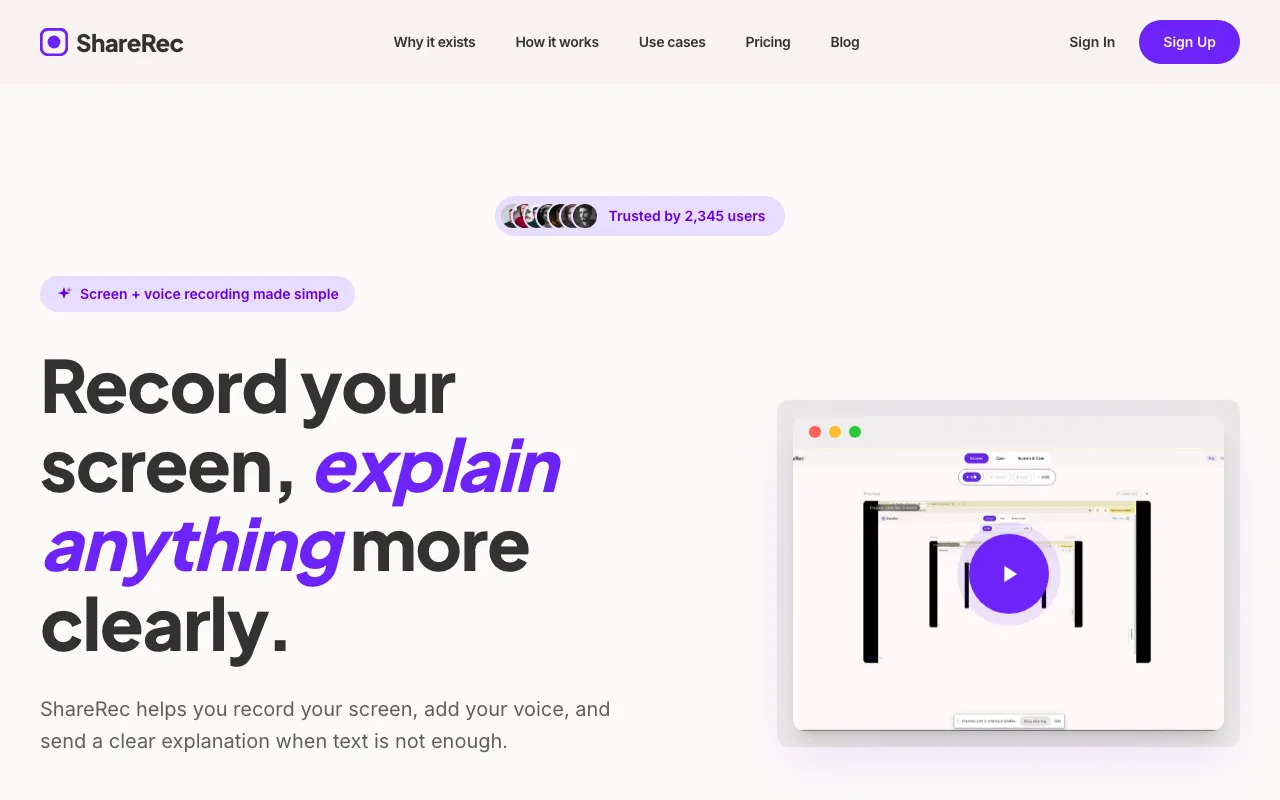
Recording runs entirely in the browser, so it works even where IT blocks installs and admin rights — a common wall for other screen recorders. Every tier, including Free, gets the same one-click record-explain-send flow, with no feature held back for paid plans.
Free costs $0/month for 5-minute recordings at 720p, keeping the 25 most recent videos with trim-and-clip editing included. Pro runs $8/month ($6/month billed annually) for unlimited videos, a 30-minute cap, and 1080p. Business is $12/month ($10/month annually) with a 2-hour cap.
Videos auto-expire 30 days after recording by default, adjustable to Never, 24 hours, 7 days, or 30 days with one click; a dashboard countdown and a 3-day warning email back that up.
An account is required to record on every tier, including Free. ShareRec has no annotation or drawing tool on any tier — trim and clip only — and no AI transcripts, summaries, or team workspace. Free tier retention is count-based (25 most recent videos), not unlimited storage.
Loom: Best for Narrated Async Design Walkthroughs with Team Libraries and AI Features
Loom's Free plan costs $0/month and caps recordings at 25 videos and 5 minutes each, with workspaces for up to 50 members. Best for: teams that want a searchable shared library alongside AI-generated summaries.
Loom pairs screen and webcam capture with a team workspace, so reviews land in a searchable library instead of a one-off link. That matters when a walkthrough needs to stay discoverable weeks after someone records it. Viewers can drop timestamped comments and emoji reactions directly on the video on every tier, including Free. Viewer and engagement insights — who watched, how much, and where they dropped off — are not part of the free plan; they start on Business at $18/user/month.
The cheapest paid tier is Business at $18/user/month billed monthly, with up to 17% off for annual billing — there's no separate "Loom Pro" tier anymore. Business+AI runs $24/user/month and adds AI-generated summaries and chapter markers on top of recordings (auto-generated titles are already free on every plan).
That's roughly 2-3x ShareRec's Pro price per user, but it buys workspace-wide libraries, team permissions, and AI features ShareRec doesn't offer. Loom's screen-recording quality and mature ecosystem remain a genuine strength for teams that have outgrown single-link sharing.
Frame.io: Best for Frame-Accurate Design and Video Review with Timestamped Annotations
Frame.io, owned by Adobe, lets reviewers pin timestamped, frame-accurate comments to an exact moment in a video or design asset, not a vague description. Best for: teams already working in Adobe Creative Cloud who need precise point-in-time critique.
It's built around review and collaboration, not screen capture. Reviewers comment on footage that's already uploaded, marking the exact frame where a change is needed. That makes it a review layer that sits after recording, not a recorder itself.
Native integration with Adobe Creative Cloud apps moves design and video files from an editing tool straight into a reviewable Frame.io project.
Free costs $0/month for up to 2 members, 2GB of storage, and 2 projects — enough to trial the annotation workflow but not to run it as a team. Pro is $15/month per member (up to 5 members, 2TB of storage, unlimited projects) and adds custom-branded shares, passphrase-protected links, and share-link expiration. Team runs $25/month per member (up to 15 members, 3TB of storage) and adds restricted projects and internal-only comment threads separate from client conversations. Enterprise pricing is custom and adds SSO, forensic watermarking, and DRM. All paid plans get a 13% discount billed annually.
ScreenRec: Best for Free Recording With No Length Cap (With a Free Account)
ScreenRec is a general-purpose capture tool with no recording length cap on its free tier once you register a free account (5 minutes without one), generating 10 automatic share links a month on Free (manual links on every plan). Best for: individuals recording personal (non-commercial) design reviews; business use requires Pro.
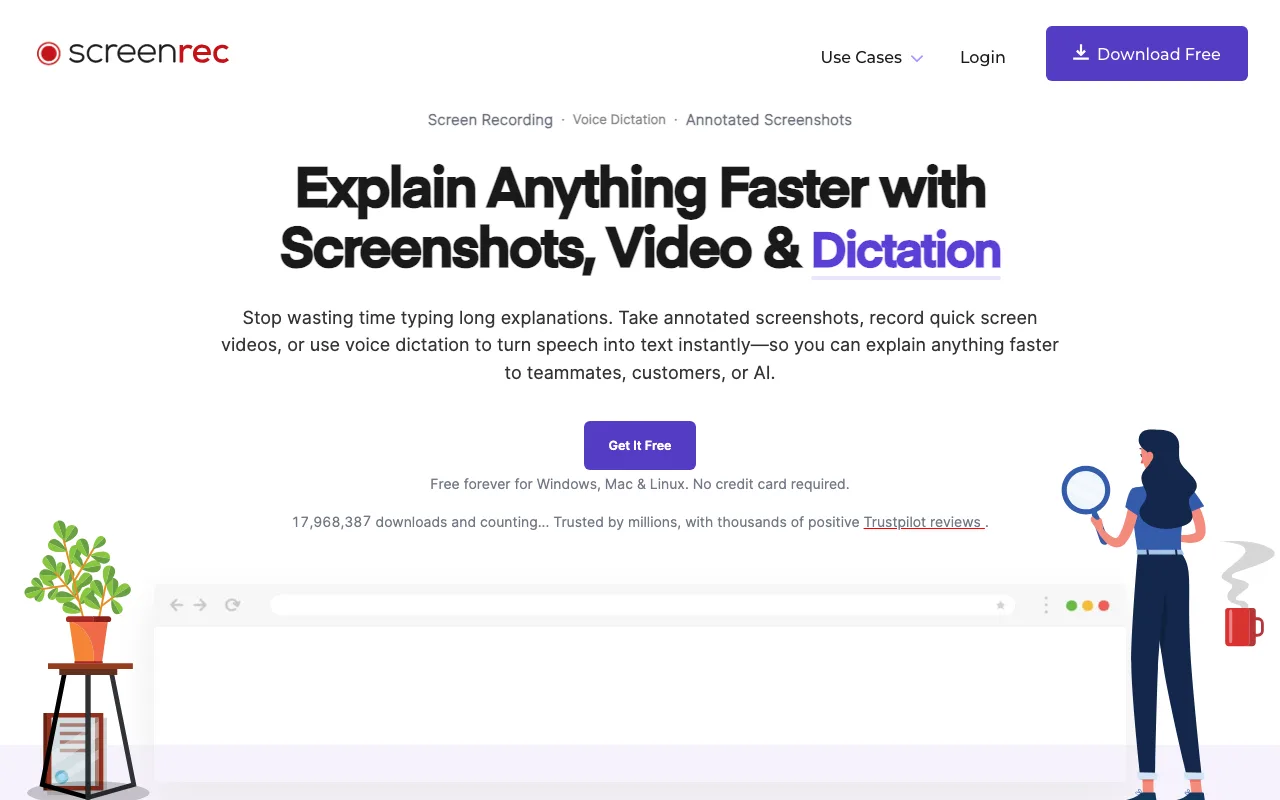
ScreenRec is a general-purpose capture tool rather than a design-specific one: it pitches itself on explaining anything faster with screenshots, video, and voice dictation, and lists customer support, sales, onboarding, and engineering alongside design as use cases. It runs on Windows, macOS, and Linux.
Free costs $0/month for 720p recordings with unlimited length, 2GB of cloud storage, and no watermark, capped at 100 video recordings and 50 screenshots a month — but it's licensed for personal use only, not business use. Pro runs $8.32/month billed annually (or a higher month-to-month rate) for 1080p, 50GB of storage, business-use licensing, 60 FPS recording, and pause/resume. Premium is $81.66/month billed annually for 4K recording, 200GB of storage, and 5 user seats, aimed at teams rather than individuals.
OBS Studio: Best for Zero-Budget Design Review Recording
OBS Studio is completely free, open-source screen recording software with full manual control over sources, scenes, and output settings. Best for: teams or freelancers who need a capable recorder without a subscription.
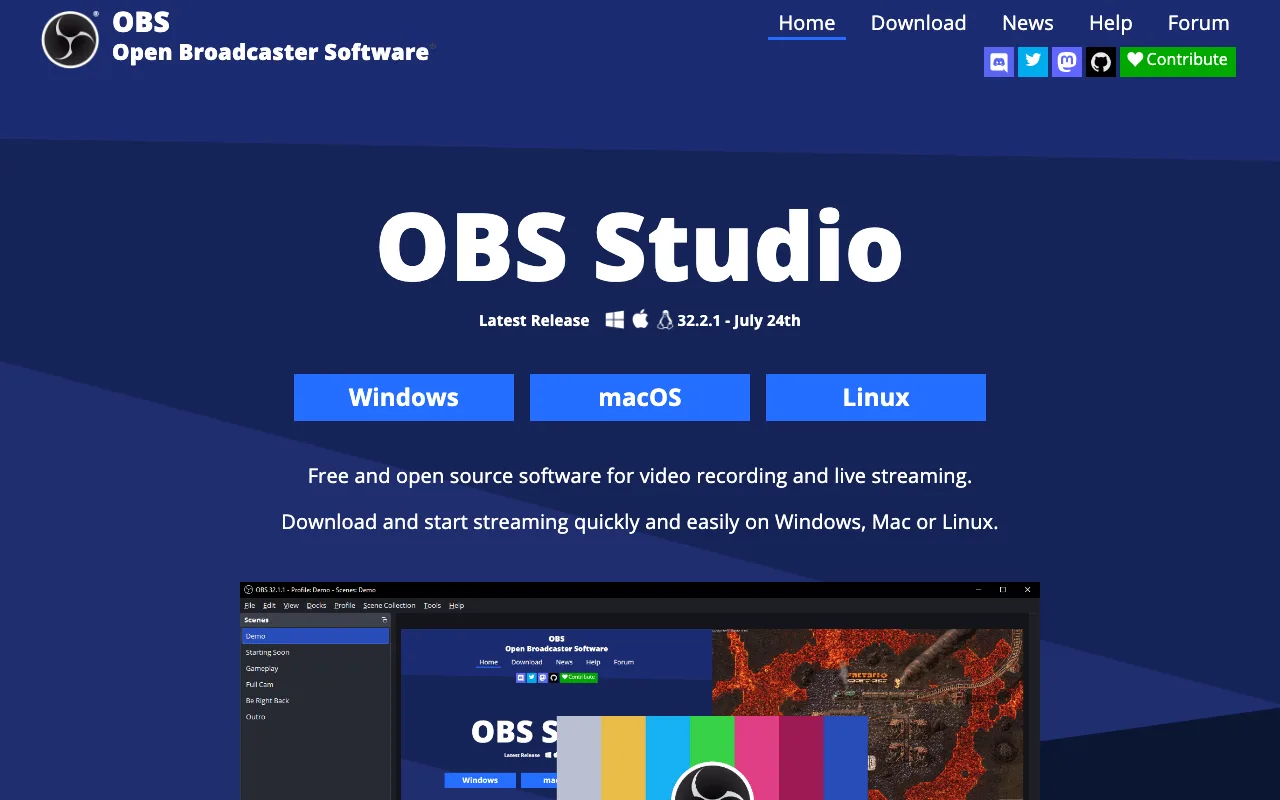
A typical session starts with adding a Display Capture or Window Capture source to a scene, then layering a webcam via Video Capture Device and a mic via Audio Input Capture — each source gets its own position, size, and filters (chroma key, noise suppression, color correction) directly in the scene. Multiple scenes let a presenter switch between "full screen," "webcam only," and "screen + webcam" mid-recording with a single click, which suits a design walkthrough that alternates between a Figma file and a live face-to-camera explanation.
The plugin ecosystem extends that further: obs-websocket enables remote and automated scene control, Advanced Scene Switcher automates transitions based on window focus, Move Transition adds animated scene changes, and StreamFX adds extra filters like blur and 3D transforms. None of that is required for a basic design review recording — the default setup covers it.
That manual control is the tradeoff: OBS records locally with no cloud upload and no link generation. Every recording has to be shared through a separate tool, like Google Drive or Slack, since OBS has no team library or hosting layer. For a single freelancer recording an occasional review, that extra step is minor. For a team sharing walkthroughs daily, a recorder with built-in sharing — like ShareRec or Loom — saves that manual step.
Key Takeaways
- ShareRec delivers a shareable link as soon as you stop recording; Pro runs $8/month, less than half Loom's Business plan ($18/user/mo).
- Loom Free costs $0/month, capped at 25 videos and 5 minutes; Business starts at $18/user/month.
- Frame.io offers frame-accurate, timestamped annotation for creative teams; plans start free and run $15/user/month on Pro.
- ScreenRec has no recording length cap on its free tier once you register a free account (5 minutes without one); the free tier caps at 2GB storage and is personal-use only.
- OBS Studio costs nothing and is open-source, but has no built-in sharing or hosting.
- Recording happens at the browser level for all five tools — none capture from inside Figma itself.
- ShareRec's Free tier tops out at 720p; 1080p requires the Pro tier or higher.
Frequently Asked Questions
What's the best screen recording software for design reviews?
There's no single best tool — it depends on the workflow. ShareRec fits fast, auto-expiring async shares on locked-down laptops; Loom suits narrated async reviews with a team library and AI summaries; Frame.io handles frame-accurate annotation; ScreenRec is a free recorder with no length cap once you sign in to a free account; OBS Studio is the free, DIY option.
How do you record a design review video with multiple people?
Live reviews record a screen-share call in real time, with a tool like ScreenRec capturing the session as everyone talks. Async reviews skip the group call — each person records a separate narrated response with ShareRec or Loom, then shares the link, so reviewers respond on their own schedule.
How long should a design review recording be?
Platform caps set a practical ceiling: ShareRec's free tier stops at 5 minutes, which suits a single-feature walkthrough but not a full critique session. Longer group reviews need a paid tier or a tool without a hard cap, like OBS Studio's unlimited local recording.
Should you edit design review videos before sharing?
Trim and clip editing, available on ShareRec at every tier and on most competitors, removes dead air and false starts before sending an async recording as a deliverable. Live-call recordings are typically shared unedited, since they double as a record of what was discussed.
What resolution do you need for design review recordings?
1080p is the practical baseline for showing interface detail clearly, especially on smaller UI elements like icons or form fields. ShareRec's Free tier records at 720p, with 1080p unlocked on Pro and Business — check whether a recorder gates 1080p behind a paid plan before relying on it.
Can you record Figma design reviews directly?
Any of these five tools can capture a Figma design review, since Figma runs in the browser and screen recorders don't care what's on screen. Recording happens at the browser level — none of the five capture from inside Figma itself. Figma's community plugins run the other direction: they embed an already-recorded video, such as a Loom, into a file, which adds context beside a design rather than recording the review.
Try it free
Record your first walkthrough free — no install needed
No install, no watermark — share a link instantly.
Start Recording Free