Client Onboarding Video: 5 Tools to Record and Send One Fast (2026)
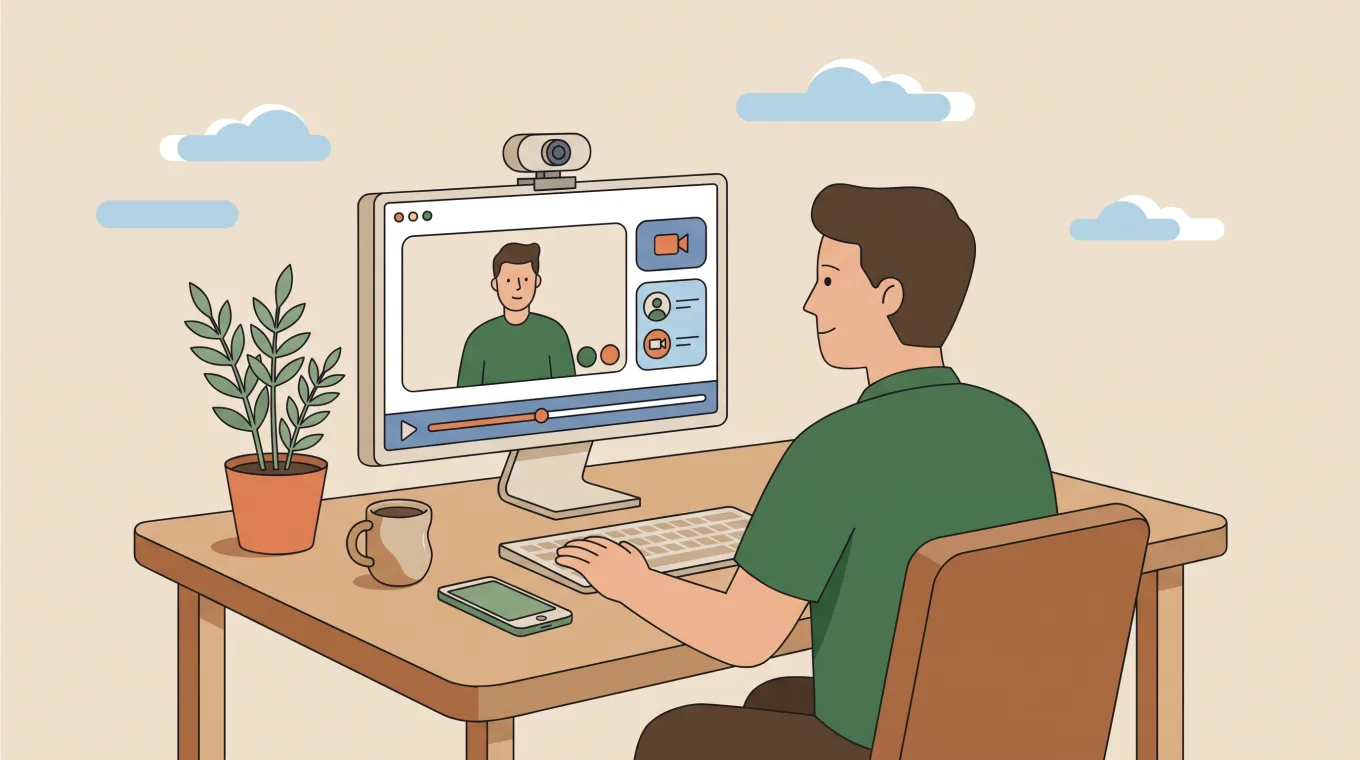
ShareRec is the fastest tool for recording and sending a client onboarding video: it turns a screen recording into a shareable link as soon as you stop recording, with no upload step. Loom fits teams already living in Slack, Gmail, and Notion who want an automatic transcript on each video, plus AI summaries on its paid AI tier. Vidyard fits sales and success teams that need viewer analytics, available from its paid Starter tier. Tella fits teams producing a polished, AI-titled video on a native Mac or Windows recorder. Guidde turns one recording into an auto-written, step-by-step text guide.
A client onboarding video is a short recorded walkthrough that welcomes a new client, shows them a product or process, and points them to their first successful action. Freelancers use one to walk a client through a shared project folder, agencies use one to explain a dashboard after handoff, and consultants use one to record setup steps once instead of repeating them on every call. Speed to send matters most when the client is waiting on the other end of that first call.
ShareRec: Best for Sending a Client an Onboarding Video Fast
ShareRec generates a shareable link the moment you stop recording, for $0 on Free or $8/month on Pro. Best for: freelancers and small agencies who need to send a client a walkthrough within minutes of finishing the call.
Recording happens directly in the browser, with no software to install. ShareRec renders the link on the spot instead of uploading footage to a server first, closing the gap between finishing the take and pasting a link into an email. The Business plan runs $12/month and adds team-level link management.
A consultant wrapping up a client call can record a short recap and paste the link into the same email thread before the call window closes on the client's end.
Editing is limited to trim and clip, with no scene-based layout editor and no AI-generated transcript or summary. The Free plan caps recordings at 5 minutes and retains up to 25 videos; Pro and Business raise both limits. Every video on every tier auto-expires 30 days after recording unless manually marked to keep forever, and an account is required to record on any tier, including Free.
Loom: Best for Teams Already Using Slack and Gmail
Loom's strongest advantage is ecosystem reach: recordings sync directly into Slack, Gmail, and Notion, and every video gets an automatic transcript — with AI-generated summaries on its paid Business + AI tier. Best for: teams whose day-to-day tools are already Slack, Gmail, and Notion, and who want a searchable transcript attached to each send.
On Loom's paid Business + AI tier, an AI summary breaks a longer walkthrough into a bulleted recap, so a client scanning an inbox gets the gist without watching the full recording. Loom's browser extension and desktop app both record, and shared links carry viewer comment threads for async questions. Its Starter tier is free; paid plans start at $18/month, above ShareRec's $8/month Pro plan.
Recordings go through an upload and processing step before the share link becomes active, creating a wait between finishing the take and having a link ready to send.
Vidyard: Best for Seeing Whether a Client Actually Watched
Vidyard's standout feature is viewer analytics, available from its paid Starter tier. Best for: sales and customer success teams tracking engagement across many client sends, not just one video.
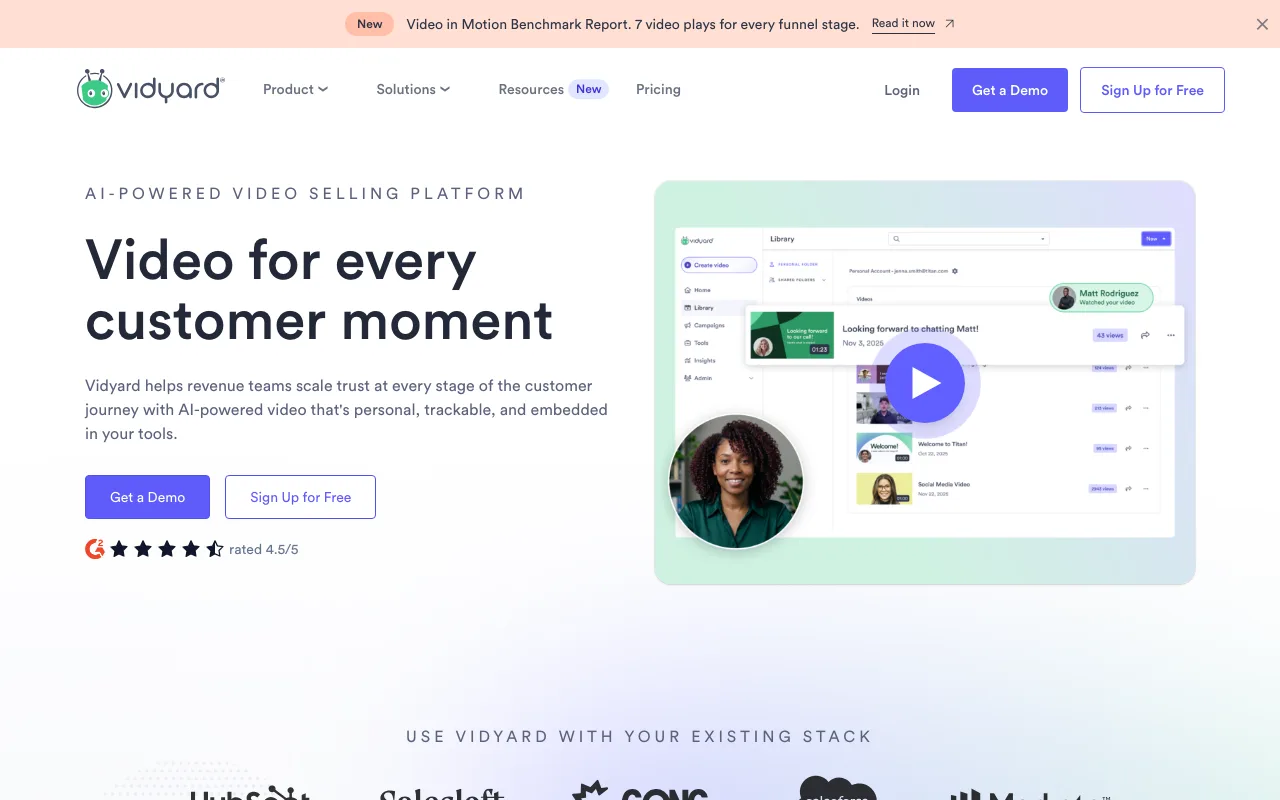
That viewer analytics layer starts on the paid Starter tier. A limited free plan exists; paid plans are per seat.
That analytics layer is built for teams sending videos to dozens of contacts, which adds setup overhead — connecting a CRM, defining engagement thresholds — that a single client send doesn't need.
Tella: Best for a Polished, AI-Assisted Onboarding Video
Tella is a native Mac and Windows recorder that adds AI-generated titles, descriptions, and chapters on its Pro plan. Best for: agencies that reuse one onboarding video across multiple clients and want it polished.
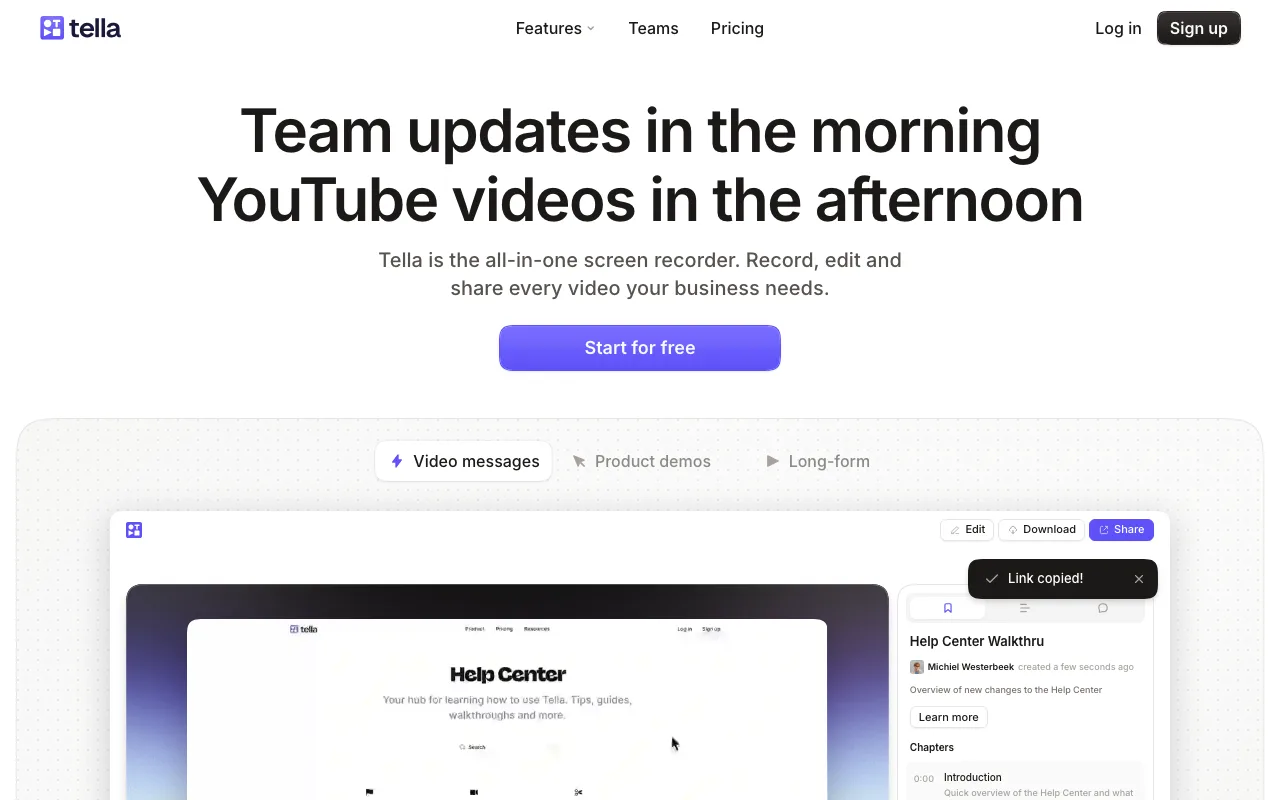
Tella has no permanent free plan — every account starts with a 7-day free trial of the full Pro plan, no credit card required. Pro costs $26/month ($13/month billed annually) and adds transcription (106 languages) plus AI titles, descriptions, and chapters. Premium, at $39/month ($19/month billed annually), adds a custom domain, white-label branding (removes Tella branding), 4K sharing, 60fps export, and advanced analytics.
Recording works at up to 4K and up to 6 hours per clip on every tier, from the native Mac/Windows app, a Chrome extension, or the browser.
Guidde: Best for Turning a Recording into a Written Step-by-Step Guide
Guidde's AI writes a text description for each step captured during recording, turning one screen capture into a formatted how-to document automatically. Best for: teams that need both a video and a written SOP from the same recording session.

As you click through a workflow, Guidde detects each step and generates a caption describing the action, then compiles the steps into a shareable document with screenshots and text side by side. That document works as reference material a client can skim without watching the full video. A free tier covers basic capture and document generation; paid plans add team libraries and branding.
The auto-writing works best for structured, repeatable workflows rather than a conversational walkthrough, and building the document takes longer than a single-take recording meant for a same-day send.
Client Onboarding Video Tools Compared
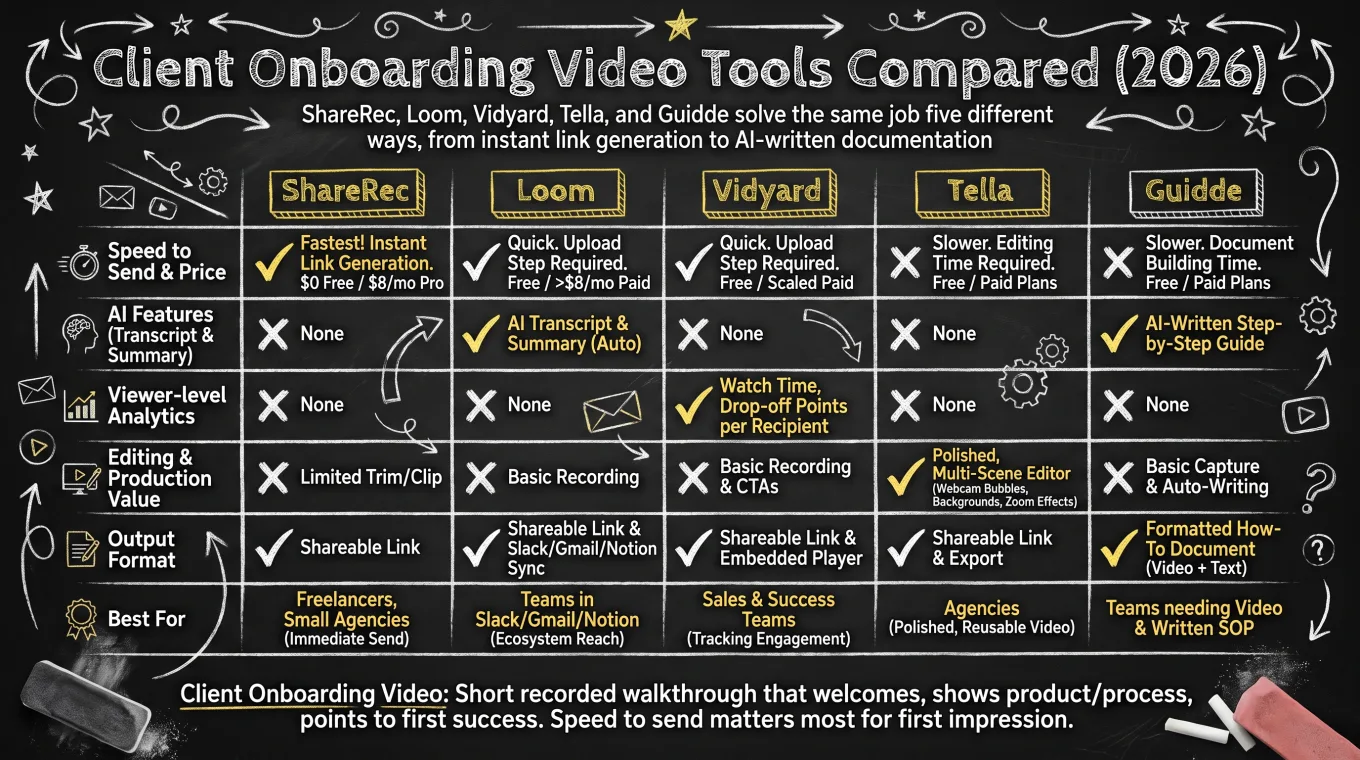
ShareRec, Loom, Vidyard, Tella, and Guidde solve the same job five different ways, from instant link generation to AI-written documentation. Pricing and standout features side by side:
| Tool | Best For | Starting Price | Standout Feature | Key Limitation |
|---|---|---|---|---|
| ShareRec | Sending a client an onboarding walkthrough fast | Free; Pro $8/mo; Business $12/mo | Instant shareable link the moment recording stops — no upload, no render wait | Videos auto-expire after 30 days by default; account required on every tier |
| Loom | Teams already using Slack, Gmail, and Notion | Free Starter tier; paid from $18/mo, above ShareRec's Pro | Automatic transcript on every recording (AI summaries on paid AI tier) | Upload and processing step before the share link is ready |
| Vidyard | Tracking whether a client watched the video | Free tier; paid plans scale by seat count | Viewer analytics from Starter | Analytics setup adds overhead for a single one-off send |
| Tella | A polished, AI-titled onboarding video | 7-day free trial (no free plan); Pro $26/mo ($13/mo annual) | Native Mac/Windows recorder with AI titles, descriptions, chapters | No permanent free plan |
| Guidde | Turning a recording into a written step-by-step guide | Free tier; paid plans add team features | AI auto-writes step-by-step text for each captured action | Built for SOP documentation, not a fast same-day send |
Key Takeaways
- ShareRec turns a finished recording into a shareable link as soon as you stop recording, with no upload step.
- Loom attaches an automatic transcript to every recording and adds AI summaries on its paid Business + AI tier, syncing into Slack and Gmail.
- Vidyard shows viewer analytics from its paid Starter tier, built for tracking engagement at scale.
- Tella is a native Mac/Windows recorder that adds AI titles, descriptions, and chapters on Pro.
- Guidde auto-writes a step-by-step text guide alongside the video from a single recording session.
- ShareRec videos expire 30 days after recording by default, unless manually marked to keep forever.
- Four of the five offer a free tier; Tella is a 7-day trial. ShareRec's paid tier starts at $8/month.
Frequently Asked Questions
What is a client onboarding video?
A client onboarding video is a short recorded walkthrough that welcomes a new client, demonstrates a product or process, and directs them toward their first successful action. Many teams create one by recording their screen once and sharing a link, rather than repeating the same walkthrough live on every new client call.
What are the 5 C's of onboarding?
There's no single industry-standard definition of the "5 C's of onboarding" — as a practical framework for client videos, think of it as Clarity (one clear objective), Capability (show, don't just tell), Communication (plain language), Customization (tailored to that client's setup), and Confirmation (a clear next step to complete).
What makes a good client onboarding video?
A good client onboarding video has a single clear objective, stays under 5 minutes, and reflects that specific client's actual setup rather than a generic template. It ends with one measurable next step — a form to fill out, a feature to try, a call to book — so the client knows what to do next.
How long should a client onboarding video be?
A focused client onboarding walkthrough runs 2 to 5 minutes — long enough to cover one workflow, short enough that a client watches the whole thing. That range lines up with ShareRec's 5-minute recording cap on its Free plan, which forces a single-topic video rather than a sprawling one.
What's the difference between a client onboarding video and an employee onboarding video?
A client onboarding video focuses on how to use a product or service and reach a first successful outcome, aimed at someone outside the company. An employee onboarding video covers internal tools, company policies, and team processes, aimed at a new hire. The audience and goal differ, even when both are recorded the same way.
How do you measure whether a client onboarding video is working?
The clearest signal for a client onboarding video is whether the client completes the first action it shows them, like logging in or finishing a setup step. A drop in setup-related support tickets after sending one is a second signal. Tools with viewer analytics, like Vidyard, add a third: whether the client watched to the end.
Try it free
Record your first walkthrough free — no install needed
No install, no watermark — share a link instantly.
Start Recording Free