5 Best Screen Recorders for Sales Teams in 2026 — Compared by Sales Workflow

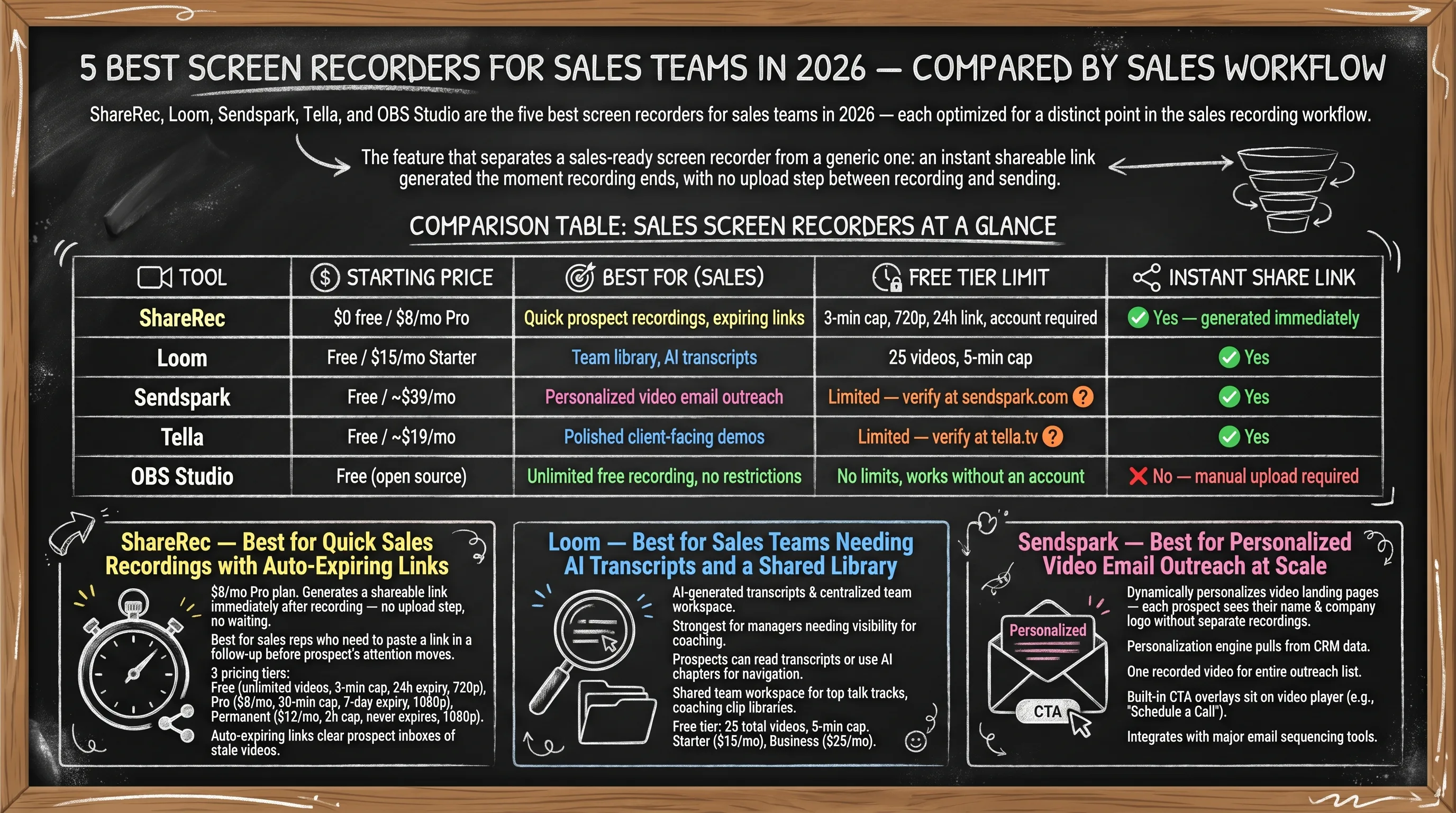
ShareRec, Loom, Sendspark, Tella, and OBS Studio are the five best screen recorders for sales teams in 2026 — each optimized for a distinct point in the sales recording workflow. ShareRec ($8/mo Pro) records a demo and delivers a shareable link in under 30 seconds, making it the top pick for most reps. Loom ($15/mo Starter) adds AI-generated transcripts and a shared team library for rep coaching and pipeline visibility. Sendspark (
$39/mo) personalizes video landing pages with each prospect's name and company logo for SDR outreach at scale. Tella ($19/mo Pro) produces branded demos with scene transitions for enterprise-facing AEs. OBS Studio is free and open source with no recording time limit — but saves locally with no built-in share link, requiring a manual upload before sharing.The feature that separates a sales-ready screen recorder from a generic one: an instant shareable link generated the moment recording ends, with no upload step between recording and sending.
Comparison Table: Sales Screen Recorders at a Glance
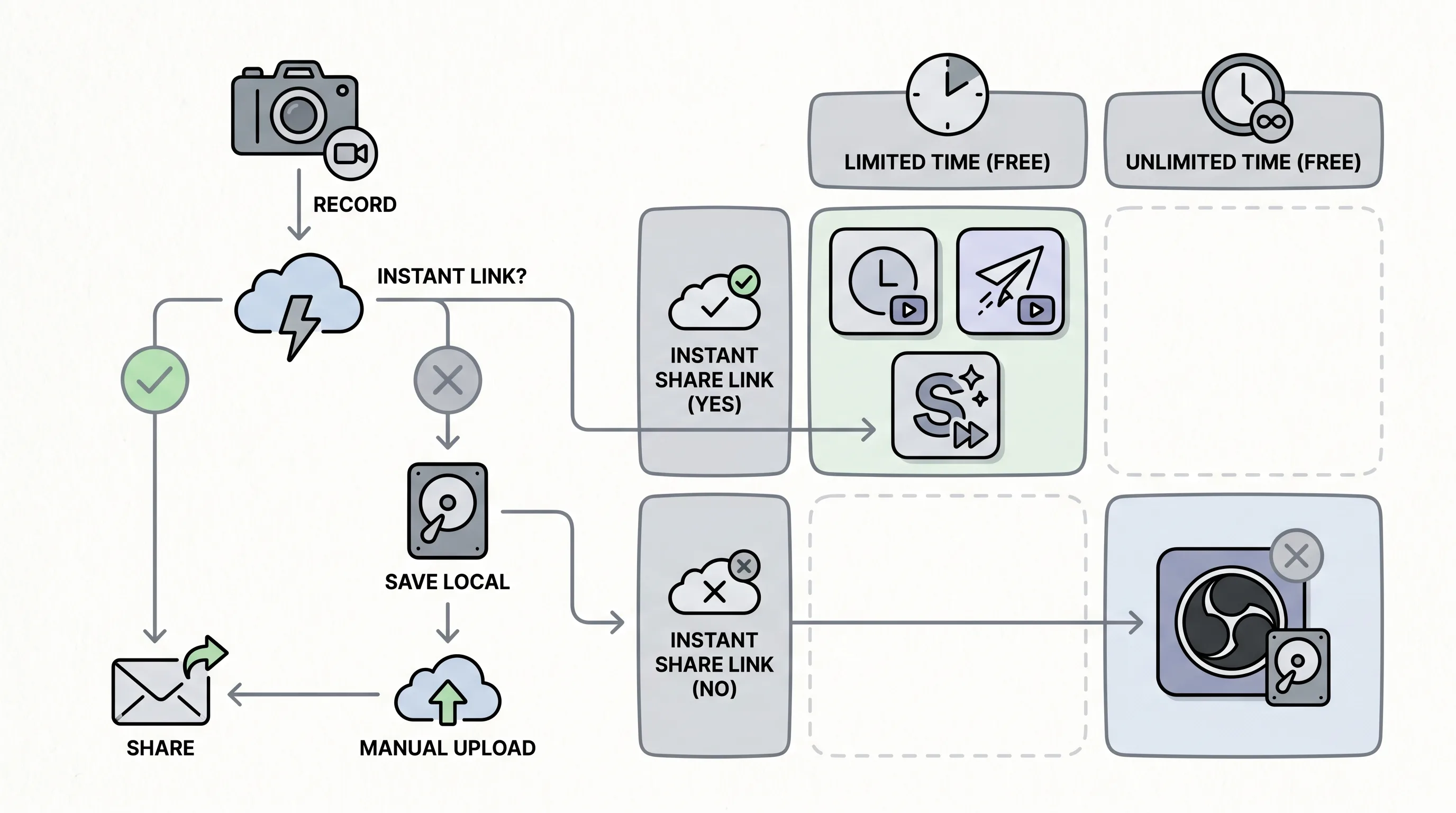
The five tools split most sharply on two sales-critical variables: whether they generate an instant share link and how much free recording time they provide.
| Tool | Starting Price | Best For (Sales) | Free Tier Limit | Instant Share Link |
|---|---|---|---|---|
| ShareRec | $0 free / $8/mo Pro | Quick prospect recordings, instant shareable links | 5-min cap, 720p, keeps 25 most recent, 30-day default expiry (keep any forever in 1 click), account required | Yes — generated immediately |
| Loom | Free / $15/mo Starter | Team library, AI transcripts | 25 videos, 5-min cap | Yes |
| Sendspark | Free / ~$39/mo | Personalized video email outreach | Limited — verify at sendspark.com | Yes |
| Tella | Free / ~$19/mo | Polished client-facing demos | Limited — verify at tella.tv | Yes |
| OBS Studio | Free (open source) | Unlimited free recording, no restrictions | No limits, works without an account | No — manual upload required |
ShareRec — Best for Quick Sales Recordings with Instant Shareable Links
ShareRec charges $8/mo for its Pro plan and generates an instant shareable link immediately after every recording — no upload step, no waiting period between record and send. Best for: sales reps who record quick prospect demos and need to paste a link into a follow-up before the prospect's attention moves elsewhere.
The sales workflow is three steps: record, stop, send the link. ShareRec handles the background upload and delivers a usable URL in under 30 seconds. Three pricing tiers with exact caps: the free plan includes a 5-minute cap per recording, 720p output, and no watermark, and it keeps your 25 most recent videos — account required on all tiers, including free. Videos auto-expire 30 days after recording by default on every tier, and you can keep any single video forever in one click. Pro ($8/mo) extends the cap to 30 minutes, upgrades to 1080p, and adds unlimited videos. Business ($12/mo) raises the cap to 2 hours with 1080p and unlimited videos.
Instant sharing with flexible expiry is a strength in this category. Record, stop, and paste a live link in under 30 seconds with no upload step — and keep any video forever in one click, so a demo you sent months ago still plays when a prospect finally opens it, while videos you don't need tidy themselves after 30 days. A countdown shows on each video and you're emailed 3 days before anything is deleted, so nothing important disappears by surprise. Trim and clip editing is available on all tiers.
Limitations: no AI transcripts or auto-chapters, no webcam bubble overlay, no team workspace or shared library for manager review. Editing is trim-and-clip only — no annotations or drawing tools. At $8/mo, Pro is roughly half the price of Loom's $15/mo Starter for teams that don't need the AI coaching layer.
Loom — Best for Sales Teams Needing AI Transcripts and a Shared Library
Loom's AI-generated transcripts and centralized team workspace make it the strongest screen recorder for sales managers who need visibility across all rep recordings for coaching. Best for: sales teams where managers review recorded demos and prospects prefer reading a transcript over watching a full walkthrough.
Transcripts change how demos land: a prospect can read a recorded product walkthrough instead of watching it — useful for decision-makers evaluating multiple vendors simultaneously. AI chapters automatically segment long demos into timestamped, navigable sections, turning a 25-minute recording into a clickable table of contents. The shared team workspace centralizes every rep's recordings — managers can identify top-performing talk tracks, flag demos that stall deals, and build a coaching clip library for onboarding. Zapier ranks Loom first in their screen recorder roundup, validating it as the mainstream team choice.
Free tier: 25 total videos with a 5-minute cap per recording. Starter is $15/mo; Business is $25/mo — verify both at loom.com before publishing. The 25-video cap makes the free tier impractical for reps recording multiple demos daily.
The AI layer adds meaningful capability but also cost. Reps who only need a quick link for a follow-up email pay $15/mo for features they won't use. For teams where manager coaching tools sit unused, ShareRec Pro covers the recording workflow at $7/mo less per user.
Sendspark — Best for Personalized Video Email Outreach at Scale
Sendspark dynamically personalizes video landing pages — each prospect sees their own name and company logo on the viewing page without the rep recording a separate video for each contact. Best for: SDR teams running high-volume outbound sequences who need prospect-specific personalization without per-recipient recording time.
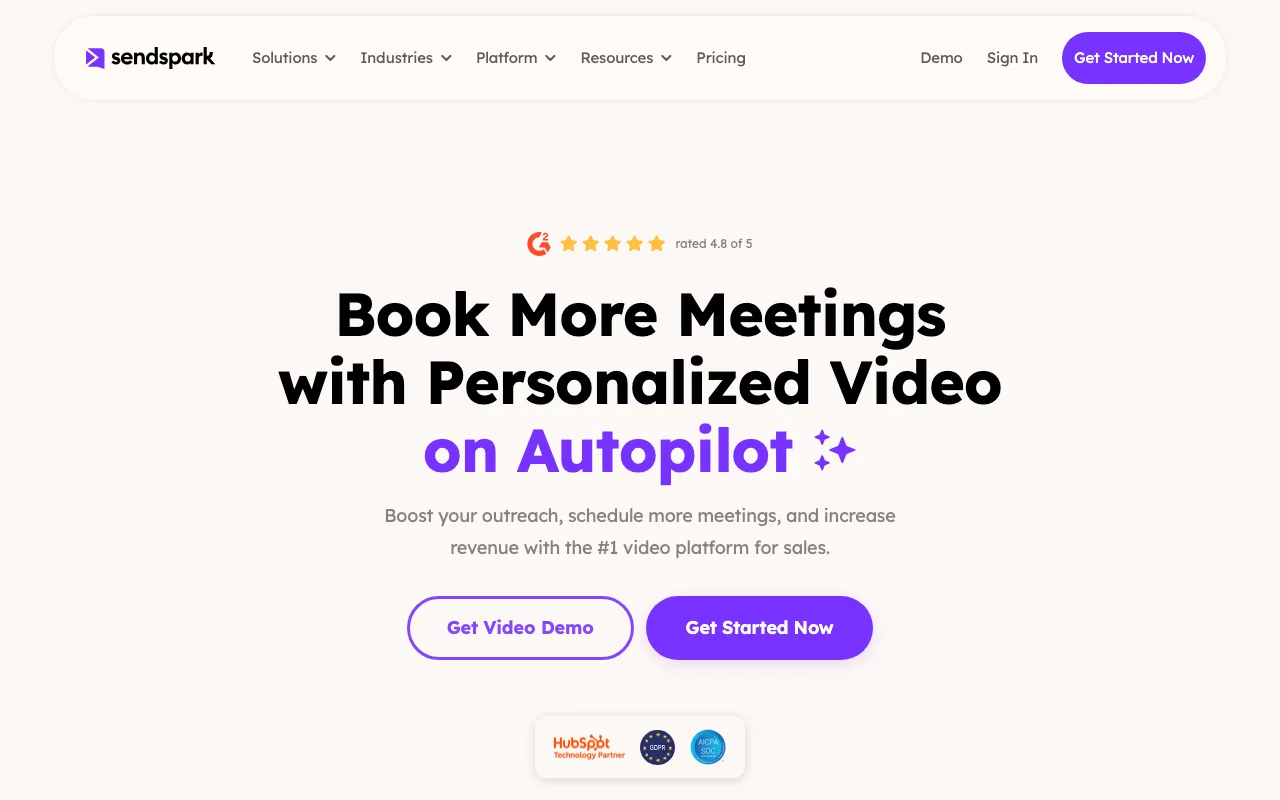
The personalization engine pulls from CRM data and renders a unique landing page for each recipient, inserting name, company name, and logo automatically from sequence data. One recorded video serves an entire outreach list, with each prospect landing on a page that appears customized for them. Built-in CTA overlays sit directly on the video player — a "Schedule a Call" button and reply option reduce the steps between watching and responding. Sendspark integrates with major email sequencing tools, fitting into existing SDR tech stacks. Their blog ranks in search results specifically for sales screen recording use cases, reflecting a genuine product focus on the outbound workflow rather than general-purpose recording with a sales label added later.
Pricing: the free tier is limited; paid plans start around $39/mo — verify current tiers at sendspark.com before publishing. That entry price makes Sendspark expensive for solo AEs doing occasional prospect recordings. Personalization template setup requires upfront CRM field mapping before the first sequence launches.
Tella — Best for Polished Client-Facing Demo Videos
Tella produces presentation-quality recordings with virtual backgrounds, scene transitions, and a branded video player at approximately $19/mo Pro. Best for: AEs recording demos for enterprise prospects where production quality signals company credibility.
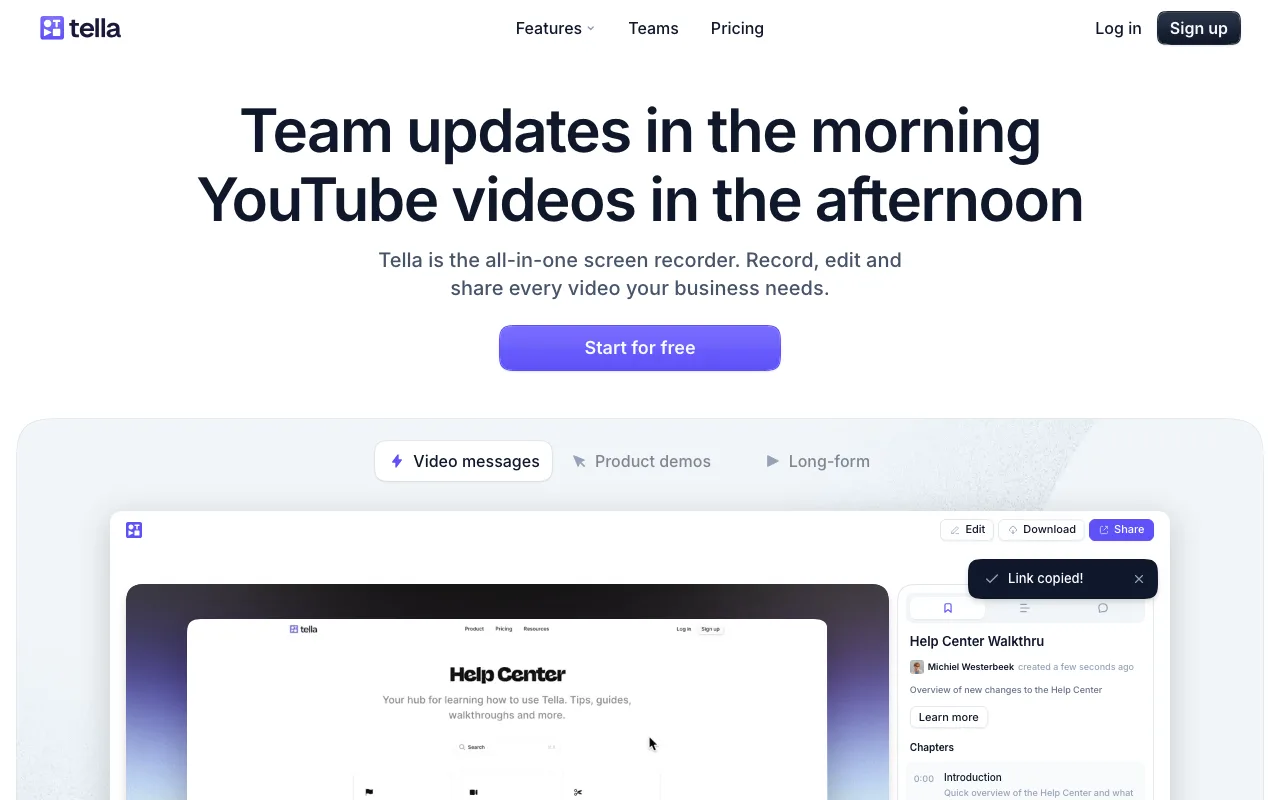
Virtual backgrounds eliminate home office clutter for remote reps. Scene transitions cut cleanly between screen share and face-cam without jump cuts — a visible quality difference from basic capture tools. The branded video player presents recordings under a company logo rather than a generic interface, which matters when enterprise procurement teams evaluate multiple vendors at once.
Tella runs browser-based only with no native desktop app, which can introduce quality issues on slower machines. Each video requires more production setup time than one-click recorders. The free tier carries no watermark; Pro is approximately $19/mo. At ~$19/mo, Tella costs more than ShareRec Pro ($8/mo) and less than Loom Starter ($15/mo) for teams that prioritize production quality over AI coaching tools.
OBS Studio — Best Free Option for Unlimited Recording with No Restrictions
OBS Studio is free, open source, and captures screen, webcam, and system audio simultaneously with no recording time limit, no watermark, and requires no account creation. Best for: sales engineers and technical reps recording long product walkthroughs or architecture demos with zero cost and zero time constraints.
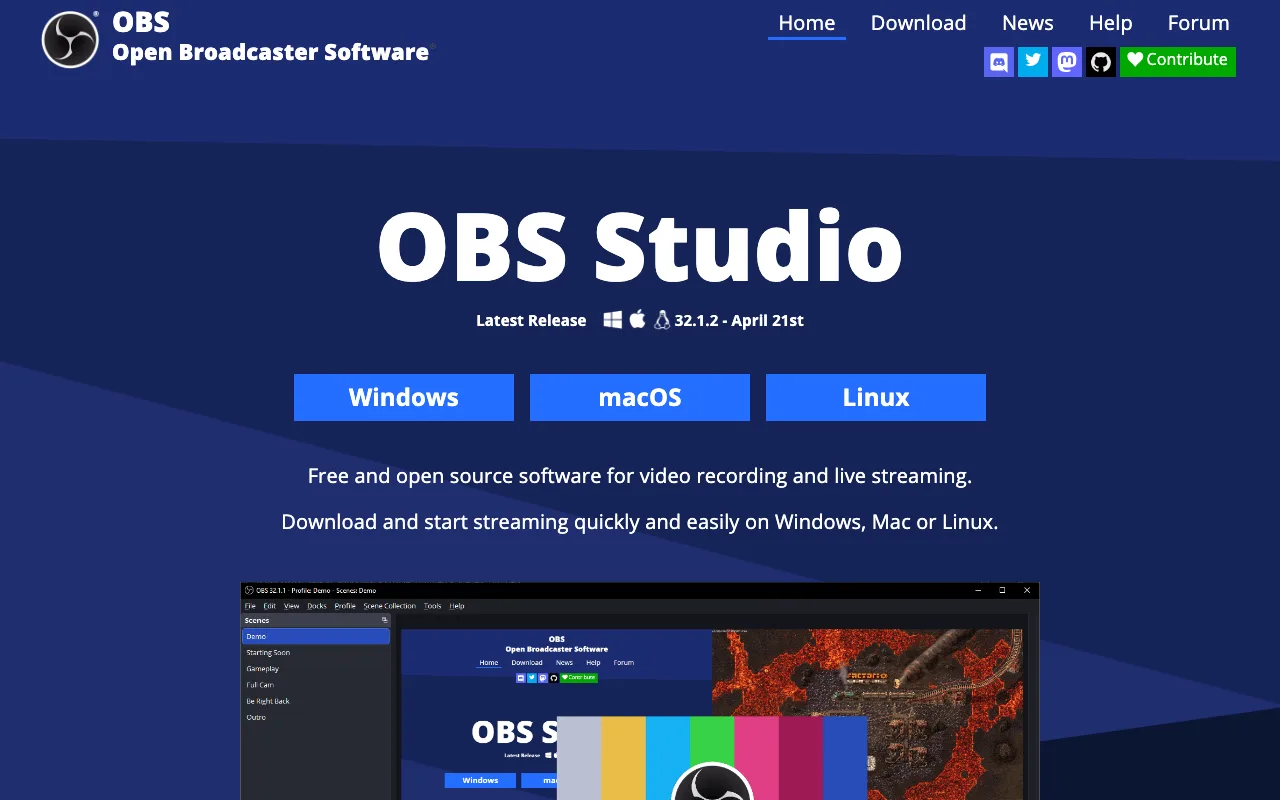
No paid tiers exist — OBS is permanently free with no feature gating. Multi-source capture handles screen, webcam, and system audio in a single recording, essential for technical demos requiring face-cam alongside a complex product walkthrough. Both Zapier and Kommodo.ai rank OBS as the top free pick in their 2026 screen recorder roundups — mainstream validation that its utility extends well beyond the streaming community.
The core limitation for sales: no built-in share link. Every recording saves locally and requires a manual upload to Google Drive, Dropbox, or a hosting service before a link exists to send. That gap between recording and sharing is the direct opposite of fast-moving outreach.
Learning curve is real: scene configuration, audio source routing, and output format settings require initial setup time. No editing beyond basic clip trimming. OBS has zero monetary cost, but the manual upload requirement adds a step between finishing a recording and sending a link to a prospect.
Key Takeaways
The five best screen recorders for sales split on one variable: ShareRec, Loom, Sendspark, and Tella generate a shareable link the moment recording ends — OBS Studio requires a manual upload first.
- ShareRec Pro ($8/mo) generates an instant shareable link — no upload step; videos auto-expire in 30 days by default, or keep any forever in one click.
- Loom Free caps at 25 videos and 5 min/recording; Starter ($15/mo) adds AI transcripts.
- Sendspark (~$39/mo) inserts each prospect's name and logo on a personalized landing page.
- Tella (~$19/mo Pro) adds virtual backgrounds, scene transitions, and a branded video player.
- OBS Studio is free, no time limit, no watermark — requires a manual upload before sharing.
- Loom is the only tool here with native HubSpot, Salesforce, and Slack integrations.
FAQ: Screen Recorders for Sales Teams
The four most common sales team questions about screen recorders center on instant share links, free tier watermarks, upload-free sharing, and CRM integrations — answered below.
What screen recorder features matter most for sales teams?
An instant shareable link — generated immediately when recording ends with no upload step — is the most critical feature. Recording length determines use case: a 5-minute cap handles follow-up messages; a 30-minute cap covers full product demos. One-click keep-forever means a demo still plays whenever a prospect finally opens it, while videos you don't need tidy themselves after 30 days. AI transcripts help managers coach reps but aren't required for basic prospect outreach.
Which free screen recorder works best for sales with no watermark?
Two free options carry no watermark. ShareRec free: 5-minute cap, 720p, instant shareable link, keeps your 25 most recent videos (30-day default expiry, keep any forever in one click), account required. OBS Studio: no time limit, no watermark, requires no account creation — but recordings save locally with no built-in share link. ShareRec wins for instant prospect sharing; OBS wins for unlimited recording length at zero cost.
How do I share a recorded sales video without a separate upload step?
ShareRec, Loom, Sendspark, and Tella all generate a shareable link immediately after recording ends — no manual upload to Google Drive or Dropbox required. OBS Studio saves recordings locally; sharing requires a separate upload step before a link exists to send. Tools with an instant link eliminate the delay between finishing a recording and sending it to a prospect.
Do sales screen recorders integrate with CRM tools like HubSpot or Salesforce?
Loom has native integrations with Salesforce, HubSpot, and Slack. Sendspark integrates with major email sequencing tools for SDR workflows. ShareRec, Tella, and OBS Studio have no native CRM integrations — shareable links can be pasted manually into any CRM record or email. For teams requiring automated CRM logging, Loom is the only tool in this comparison with native connectors.
Try it free
Record your first walkthrough free in 30 seconds
No install, no watermark — share a link instantly.
Start Recording Free