Best Screen Recorder for Freelancers in 2026: Matched to Your Workflow
ShareRec is the top pick for freelancers who need instant async client feedback links in 2026 — alongside OBS Studio, Loom, Screen Studio, and Tella for workflow-specific needs.
ShareRec creates an instant link the moment recording stops — no upload step — the free tier covers 5-minute recordings and keeps your 25 most recent videos; videos auto-expire in 30 days by default on every tier, and you keep any forever in one click; Pro at $8/month. OBS Studio is fully free with unlimited recording length and no watermarks; no built-in sharing link included. Loom generates an instant shareable link with webcam overlay and viewer comments — free tier caps at 25 videos lifetime; Starter at $15/month adds AI transcripts. Screen Studio produces 4K polished demos at $89 one-time on Mac only. Tella adds branded video pages and a built-in teleprompter at $19/month Pro.
Freelancers who need a fast link for same-day client feedback start with ShareRec. Long tutorials need OBS. Mac users building polished client demos choose Screen Studio. Scripted proposals with branded delivery suit Tella.
How to Choose the Right Screen Recorder for Your Freelance Workflow
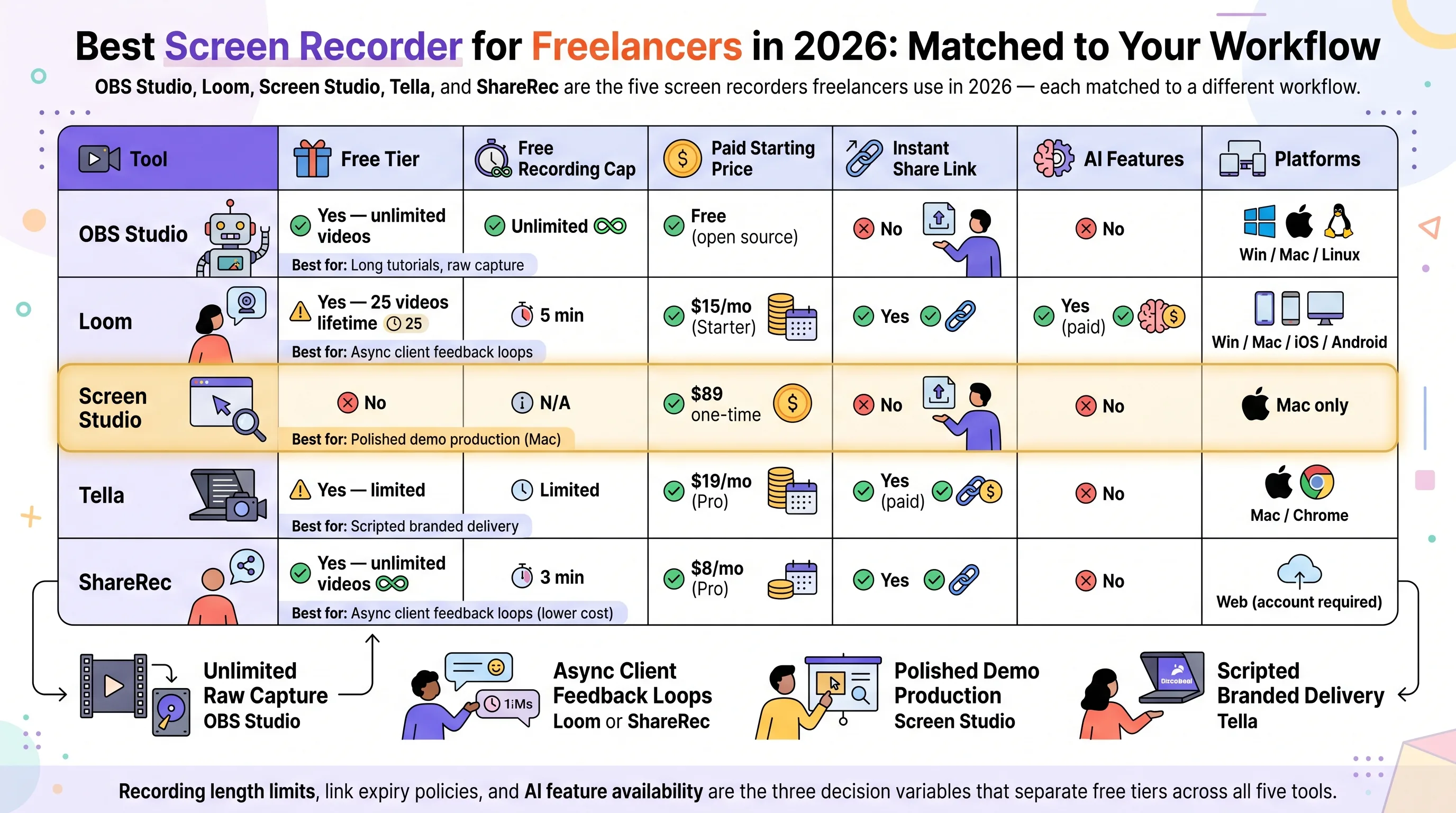
Four distinct workflows separate screen recorders for freelancers: unlimited raw capture, async client feedback with comments, polished demo production, and scripted branded delivery. Each has a different tool winner:
- Unlimited raw capture: OBS Studio — no cost, no length cap, no watermarks; manual export before every client delivery
- Async client feedback loops: Loom (comments + AI transcripts) or ShareRec (instant links, no upload step, keep any video forever in one click, $0–$8/mo)
- Polished demo production: Screen Studio — 4K auto-zoom output on Mac, $89 one-time
- Scripted branded delivery: Tella — teleprompter plus branded video pages, $19/month
Recording length limits, sharing speed, and AI feature availability are the three decision variables that separate free tiers across all five tools.
Screen Recorder Comparison: Free Tiers, Pricing, and Sharing
The five tools below differ most on three dimensions: whether a shareable link is instant, how much the free tier caps, and whether AI features are included.
| Tool | Free Tier | Free Recording Cap | Paid Starting Price | Instant Share Link | AI Features | Platforms |
|---|---|---|---|---|---|---|
| ShareRec | Yes — keeps 25 most recent | 5 min | $8/mo (Pro) | Yes | No | Web (account required) |
| OBS Studio | Yes — unlimited videos | Unlimited | Free (open source) | No | No | Win / Mac / Linux |
| Loom | Yes — 25 videos lifetime | 5 min | $15/mo (Starter) | Yes | Yes (paid) | Win / Mac / iOS / Android |
| Screen Studio | No | N/A | $89 one-time | No | No | Mac only |
| Tella | Yes — limited | Limited | $19/mo (Pro) | Yes (paid) | No | Mac / Chrome |
OBS Studio — Best Free Screen Recorder for Unlimited Capture
OBS Studio is the only fully free, open-source screen recorder in this comparison with no recording length limit, no video cap, and no watermarks — available on Windows, Mac, and Linux. Best for: freelancers recording long tutorials, training videos, or raw footage where post-production editing is planned.
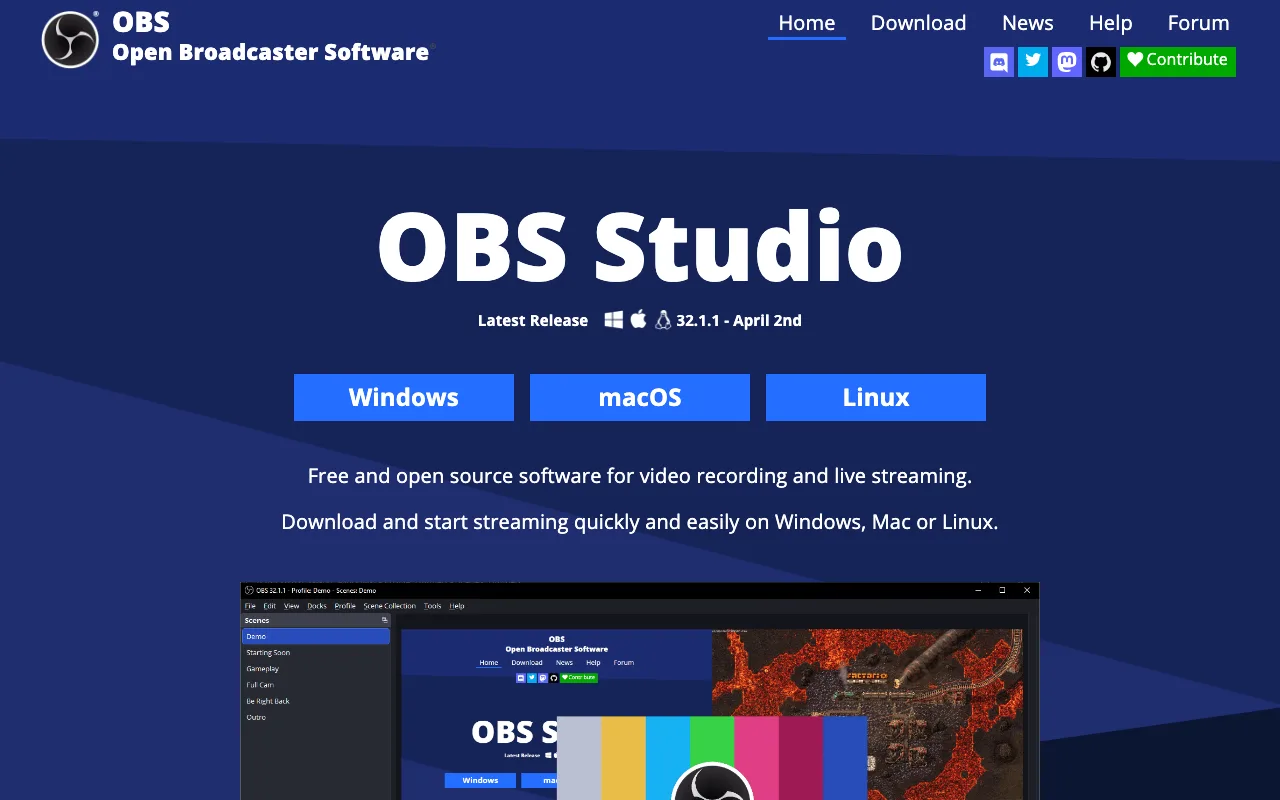
OBS captures screen, webcam, and system audio simultaneously through its scene-switching system. A freelancer configures a scene with screen content, webcam overlay, and microphone input, then records any-length sessions without interruption. Output formats include MKV and MP4, with bitrate and resolution fully configurable.
The setup cost is real: OBS has 30+ configurable settings before the first usable recording. Freelancers new to the software typically spend 20–30 minutes on encoding settings, audio sources, and output paths during initial setup.
Every client delivery requires a manual export followed by an upload to Google Drive, Dropbox, or another hosting platform — OBS has no built-in shareable link. That step adds 5–10 minutes to every delivery.
Loom — Best for Async Client Communication with Video Comments
Loom is the best screen recorder for client-facing async communication, generating a shareable link instantly after recording and enabling viewers to leave emoji reactions and timestamped comments on all plans — including the free tier. Best for: freelancers delivering project walkthroughs, design reviews, and status updates where clients need to respond at specific moments in the video.
Loom records screen with a webcam bubble overlay on all plans. Viewers can react with emoji and leave comments tied to specific timestamps with no Loom account required on the viewer side. AI transcripts and AI-generated summaries are available on Starter plans at $15/month, along with a shared team workspace and video library.
The free tier limitation is strict: 25 total videos lifetime, with a 5-minute cap per recording. Freelancers recording daily check-ins or multiple project walkthroughs per week will exhaust the free tier in under a month. At $15/month, Loom Starter carries the highest monthly entry price among tools in this comparison that include an instant share link — double ShareRec's Pro price of $8/month.
Screen Studio — Best for Polished Client Demos on Mac
Screen Studio is a $89 one-time Mac purchase that produces 4K presentation-quality recordings with auto-zoom on cursor clicks and animated cursor highlighting — no video editor required. Best for: Mac freelancers who deliver polished software walkthroughs, product demos, and agency-quality client presentations.
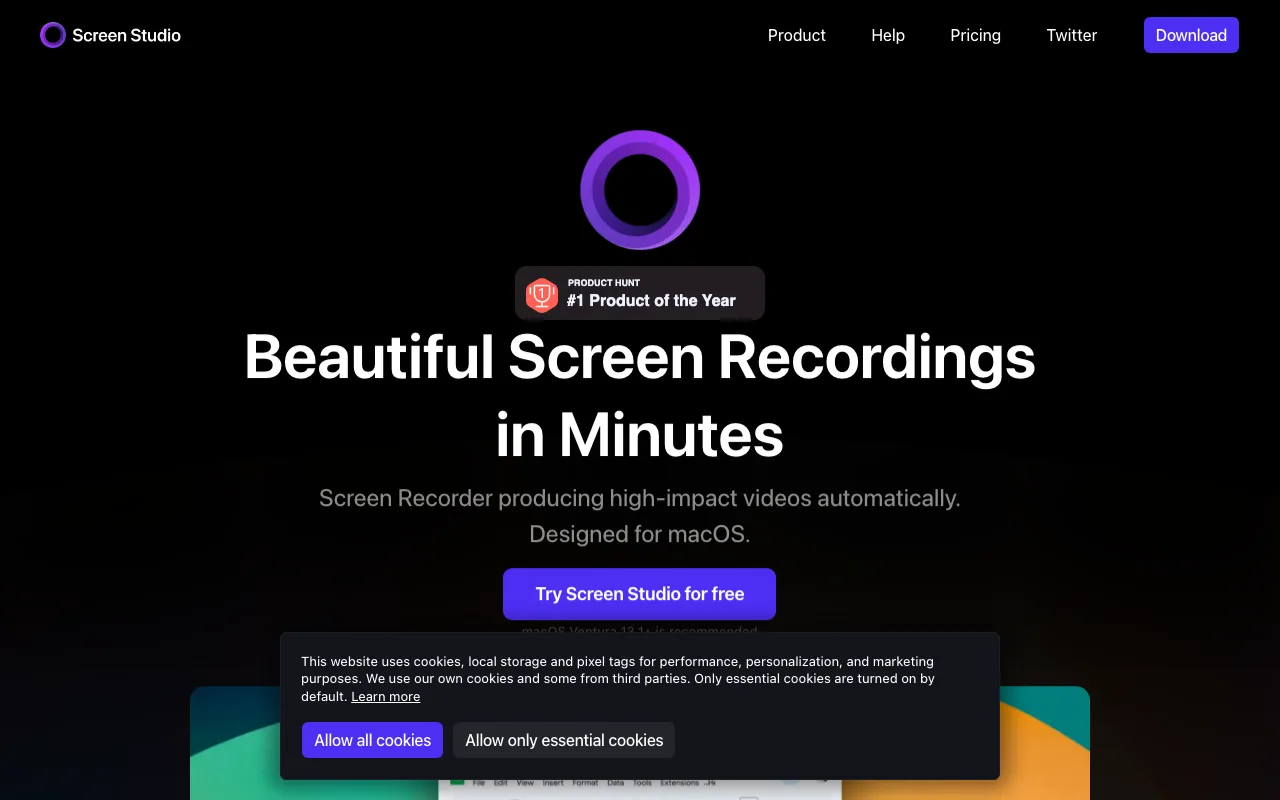
Screen Studio automatically zooms into the area being clicked during recording, creating a professional focus effect that normally requires manual keyframing in post-production. Background blur and window-framing effects apply in real time, and 4K export handles retina displays without quality degradation. The one-time $89 pricing covers all future updates — no subscription.
Screen Studio's constraints: Mac only — Windows users cannot use it. No free tier — $89 is the sole entry point. Output is a video file; delivery requires a manual upload to Google Drive, Dropbox, or a similar hosting platform.
Tella — Best for Scripted Proposals with Branded Video Pages
Tella is a screen recorder at $19/month Pro that publishes recordings to branded video pages with custom logo, brand colors, and CTA buttons — and includes a built-in teleprompter for scripted client-facing delivery. Best for: freelancers delivering sales proposals, onboarding videos, and follow-ups where client-facing presentation quality is part of the pitch.
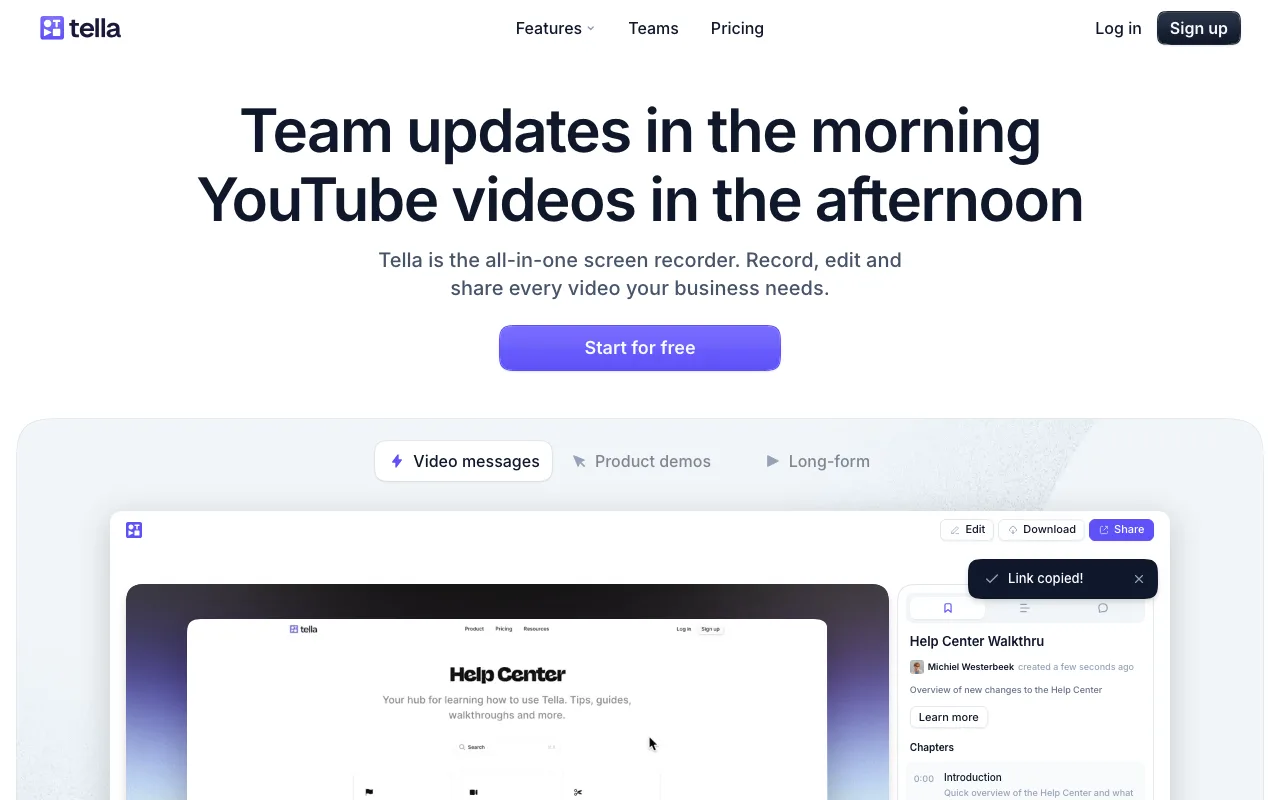
Tella's video page system presents clients with a polished branded page rather than a generic video player link. The built-in teleprompter scrolls script text during recording, removing re-takes in scripted pitches or structured walkthroughs. Chapter markers let freelancers label sections within longer recordings — useful for multi-step onboarding or structured tutorial delivery.
Zapier named Tella "most modern and user-friendly" screen recorder tested in their 2026 review. The free tier is limited — branded pages and chapter markers require the Pro plan at $19/month. Windows support is limited to the Chrome extension; Mac users get the most complete experience. At $19/month, Tella is the highest-priced tool in this comparison.
ShareRec — Best for Instant Async Client Feedback Links
ShareRec generates a shareable link immediately after recording ends — no file export, no upload step — with the free tier covering 5-minute recordings, keeping your 25 most recent videos, and 30-day default expiry you can override to keep any video forever in one click. Best for: freelancers who need a fast link for same-day async client feedback.
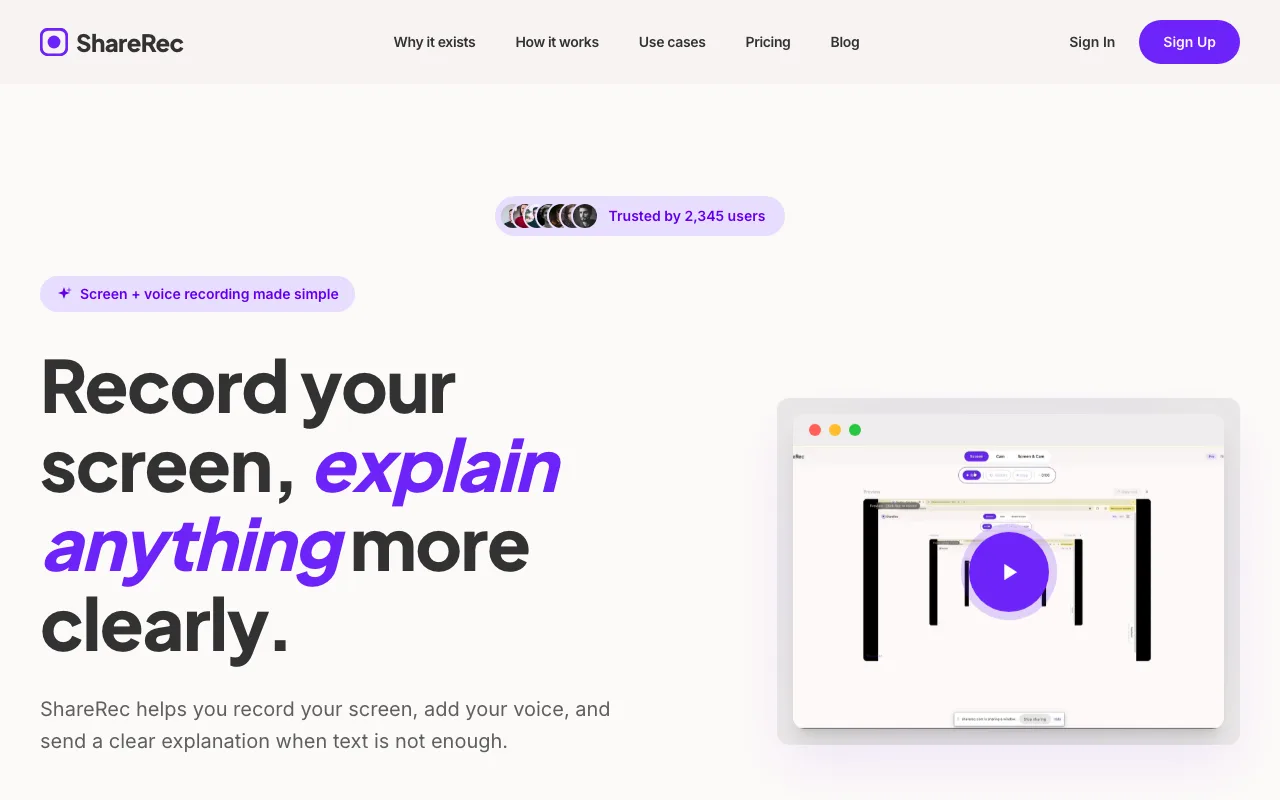
ShareRec is web-based and requires an account on all tiers, including the free plan. Recording starts in one click — screen and voice capture runs in the browser, and the shareable link is available the moment recording stops. Videos auto-expire 30 days after recording by default on every tier, including Free — but you keep any video forever in one click (or set a custom Never / 24 hours / 7 days / 30 days window), a countdown shows on each video, and you're emailed 3 days before anything is deleted, so client feedback you care about stays live while everything else tidies itself. The free plan keeps your 25 most recent videos; older recordings retire as you record new ones.
Pro at $8/month is roughly half the Loom Starter price of $15/month; Business at $12/month adds unlimited videos. Free-tier resolution is 720p; Pro upgrades to 1080p.
Free-tier limits to know: 5-minute recording cap per video, 720p resolution, and it keeps your 25 most recent videos. ShareRec has no AI transcripts, no AI summaries, no webcam bubble overlay, no annotation or drawing tools, and no team workspace or shared video library.
Key Takeaways
- ShareRec — free recordings (5-min cap, keeps your 25 most recent, 30-day default expiry — keep any forever in one click); Pro at $8/mo; no AI or webcam bubble.
- OBS Studio — free, unlimited recording, no watermarks; no built-in sharing link, manual export required every delivery.
- Loom — 25 videos lifetime on free; Starter at $15/mo adds AI transcripts and shared team workspace.
- Screen Studio — $89 one-time; 4K auto-zoom output on Mac only; no built-in sharing link.
- Tella — Pro at $19/mo; branded video pages with logo, CTA buttons, and built-in teleprompter.
- Desktop tools (OBS, Screen Studio) output higher quality; browser tools (Loom, ShareRec) generate instant links, no install.
- Paid plans range from $8/mo (ShareRec) to $19/mo (Tella) to $89 one-time (Screen Studio).
Frequently Asked Questions
Is OBS Studio good for freelancers sending recordings to clients?
OBS suits long tutorials and raw footage with unlimited recording length, no watermarks, and no cost. It has no built-in sharing link — you must export and upload files separately, adding 5–10 minutes per delivery. Freelancers sending frequent short client updates will find Loom or ShareRec faster. OBS is best when post-production editing is planned.
Which screen recorder sends a shareable link to a client instantly?
Loom and ShareRec both generate a shareable link immediately after recording with no upload step. Loom's free plan caps at 25 total videos; ShareRec's free tier covers 5-minute recordings and keeps your 25 most recent videos, which auto-expire after 30 days unless you keep them forever in one click. Both are faster than OBS or Screen Studio for same-day client delivery.
Do freelancers need to pay for a screen recorder, or is a free plan enough?
Free plans cover most freelance use cases. OBS is fully free with no caps. Loom allows 25 total videos at 5 minutes each on the free tier. ShareRec covers 5-minute recordings and keeps your 25 most recent videos, which auto-expire after 30 days unless you keep them forever in one click. Paid plans from $8–$19/month add longer recordings, unlimited videos, and AI transcription.
What is the difference between desktop and browser-based screen recorders for freelancers?
Desktop tools like OBS and Screen Studio install locally, work offline, and handle longer high-resolution recordings with full audio mixing. Browser-based tools like ShareRec and Loom generate instant shareable links with no software installation. Daily async updates favor browser-based screen recorders for freelancers; polished demos and long tutorials favor desktop tools.
Want the fastest path from "record" to "share link"? Try ShareRec free — 5-minute recordings, keeps your 25 most recent videos with a 30-day default expiry (keep any forever in one click), no credit card required.
Try it free
Record your first walkthrough free in 30 seconds
No install, no watermark — share a link instantly.
Start Recording Free