5 Best Free Screen Recorders with Shareable Links in 2026

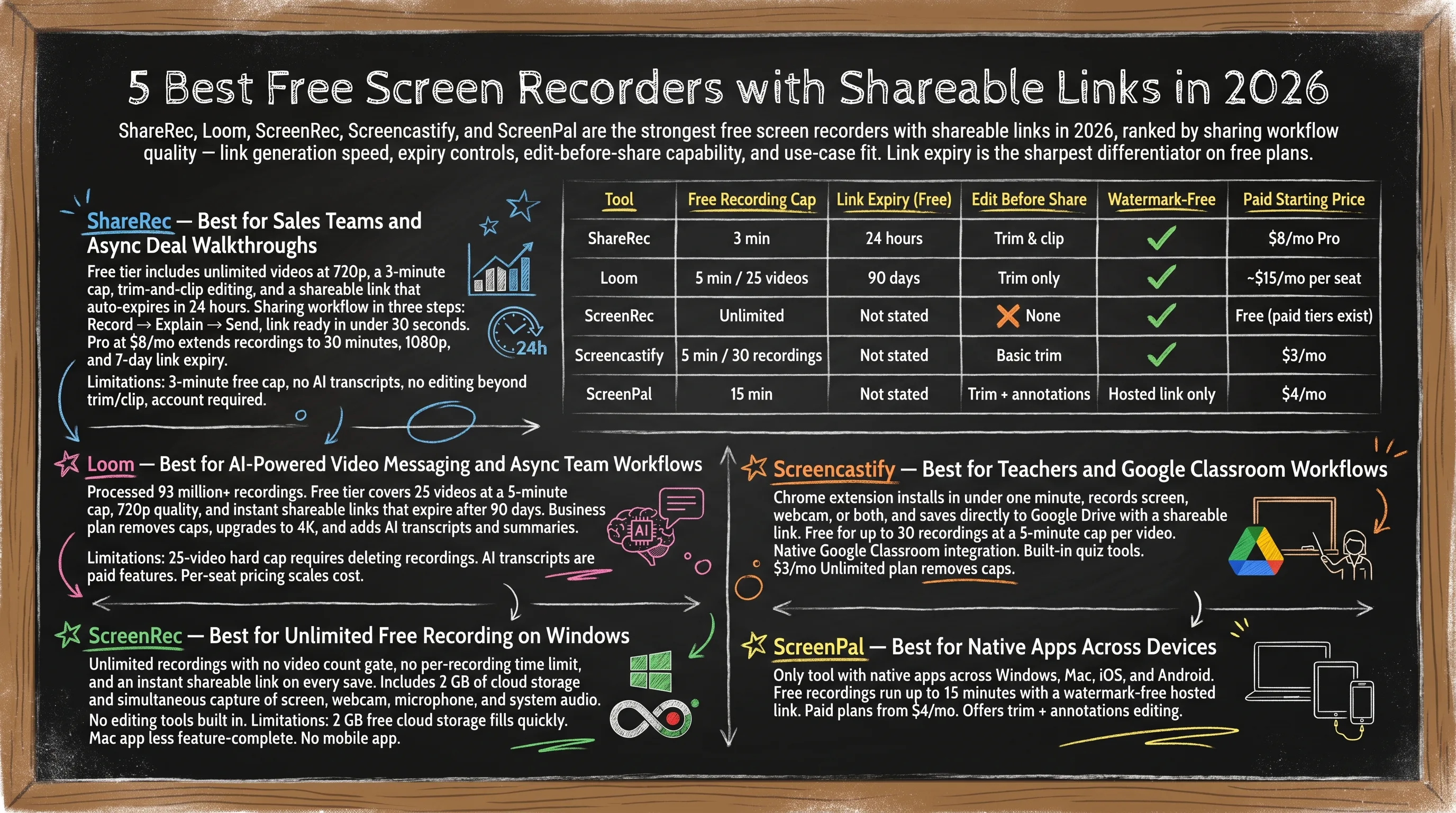
ShareRec, Loom, ScreenRec, Screencastify, and ScreenPal are the strongest free screen recorders with shareable links in 2026, ranked by sharing workflow quality — link generation speed, link permanence, edit-before-share capability, and use-case fit.
ShareRec (free, 5-minute recordings) generates an instant shareable link the moment recording stops — no upload step — on every tier, including Free; videos auto-expire in 30 days by default, and you keep any forever in one click. The free plan keeps your 25 most recent videos. Loom offers a 90-day free link window across its 93 million+ video ecosystem, with AI summaries and transcripts on paid plans. ScreenRec gives Windows users unlimited free recordings with a shareable link generated the moment recording stops.
Screencastify installs as a Chrome extension in under one minute, integrates natively with Google Classroom, and offers paid plans from $3/mo. ScreenPal ($4/mo paid) is the only tool with native apps across Windows, Mac, iOS, and Android — free recordings run up to 15 minutes with a watermark-free hosted link.
Expiry flexibility is a sharp differentiator on free plans: ShareRec videos auto-expire in 30 days by default on every tier — keep any video forever in one click — Loom free links expire after 90 days, and ScreenRec/Screencastify/ScreenPal have no stated expiry on hosted links.
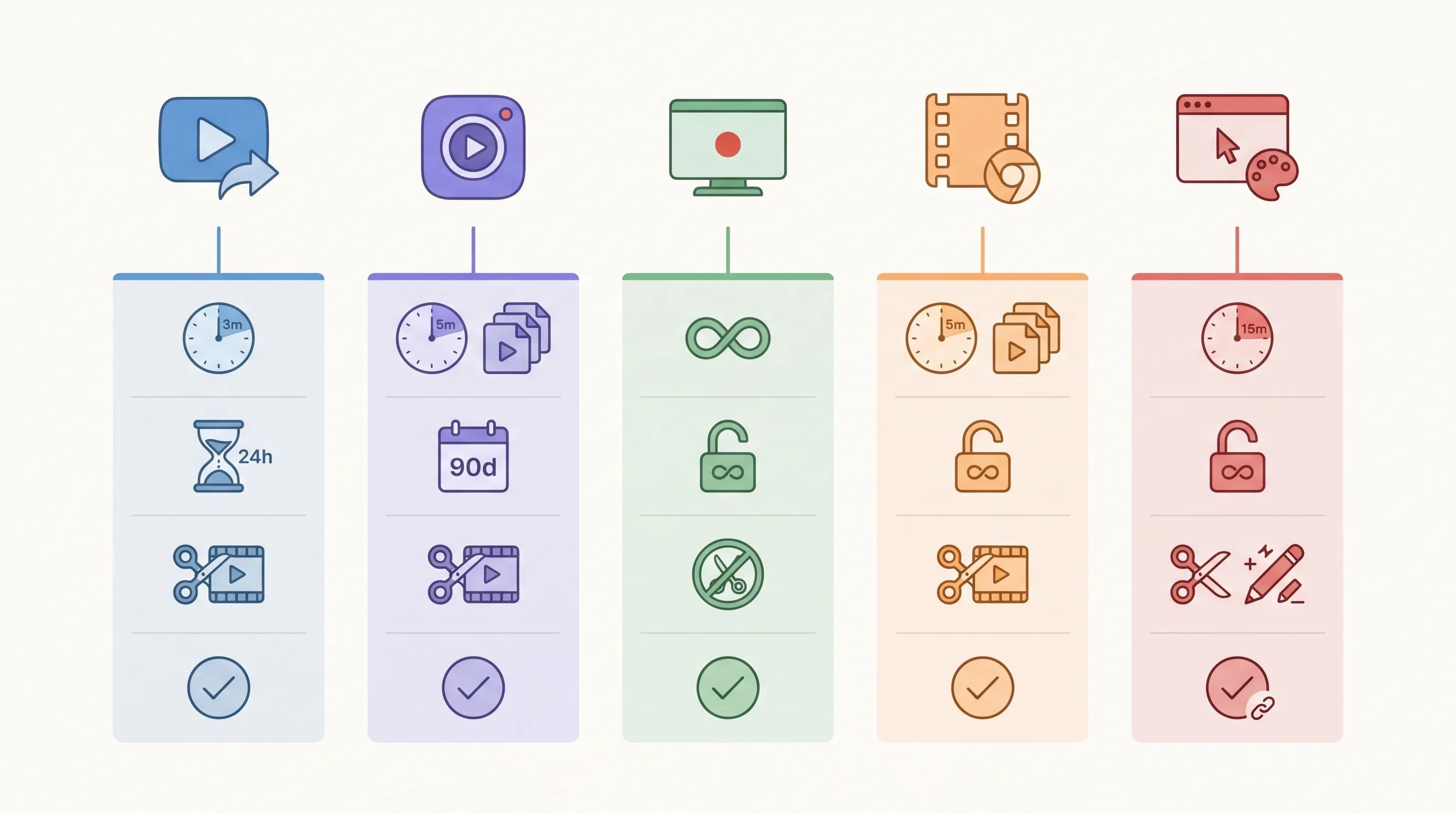
| Tool | Free Recording Cap | Link Expiry (Free) | Edit Before Share | Watermark-Free | Paid Starting Price |
|---|---|---|---|---|---|
| ShareRec | 5 min (keeps 25 most recent) | 30-day default (keep forever, 1 click) | Trim & clip | Yes | $8/mo Pro |
| Loom | 5 min / 25 videos | 90 days | Trim only | Yes | ~$15/mo per seat |
| ScreenRec | Unlimited | Not stated | None | Yes | Free (paid tiers exist) |
| Screencastify | 5 min / 30 recordings | Not stated | Basic trim | Yes | $3/mo |
| ScreenPal | 15 min | Not stated | Trim + annotations | Hosted link only | $4/mo |
ShareRec — Best for Sales Teams and Async Deal Walkthroughs
ShareRec's free tier includes 720p recordings at a 5-minute cap, trim-and-clip editing, and an instant shareable link generated the moment recording stops — no upload step. Videos auto-expire in 30 days by default on every tier, and you keep any video forever in one click. Best for: sales teams sending deal walkthroughs and async demos.
The sharing workflow runs in three steps: Record → Explain → Send, with a link ready in under 30 seconds after stopping. Videos auto-expire 30 days after recording by default on every tier — including Free — and you keep any video forever in one click (or pick a custom Never / 24 hours / 7 days / 30 days window). A countdown shows on each video and you're emailed 3 days before anything is deleted, so nothing you need disappears while the rest of your library tidies itself. Pro at $8/mo extends recordings to 30 minutes, upgrades resolution to 1080p, and adds unlimited videos. Business at $12/mo allows 2-hour recordings at 1080p with unlimited videos. The free plan keeps your 25 most recent videos.
Limitations: The 5-minute free cap rules out full sales discovery calls or product walkthroughs. The free plan keeps only your 25 most recent videos — older recordings retire. No AI transcripts, auto-chapters, or video summaries on any tier. No webcam bubble or reactions overlay during playback. Editing is limited to trim and clip — no annotations, drawing, or text overlay. Account required on all tiers including Free — no anonymous recording.
Loom — Best for AI-Powered Video Messaging and Async Team Workflows
Loom has processed 93 million+ recordings — the largest installed base in async screen recording — with a free tier covering 25 videos at a 5-minute cap, 720p quality, and instant shareable links that expire after 90 days. Best for: teams that need AI-powered transcripts, chapter summaries, and a mature async video messaging ecosystem.
The 90-day free link window suits ongoing project communication without constant link renewal. Business (~$15/mo per seat) removes the video and time caps, upgrades to 4K, and adds AI-generated transcripts, chapter markers, and action item extraction. Viewer engagement analytics and in-video comment threads are also gated to paid plans.
Limitations: The 25-video hard cap on Free requires deleting recordings to continue without upgrading. Free links expire at 90 days — not viable for permanent documentation. AI transcripts and chapter summaries are paid features. Per-seat pricing at ~$15/mo scales cost quickly for teams larger than 3–4 people.
ScreenRec — Best for Unlimited Free Recording on Windows
ScreenRec's free plan offers unlimited recordings with no video count gate, no published per-recording time limit, and an instant shareable link on every save — with 2 GB of cloud storage and simultaneous capture of screen, webcam, microphone, and system audio. Best for: Windows users who need zero-cost recording with no usage restrictions.
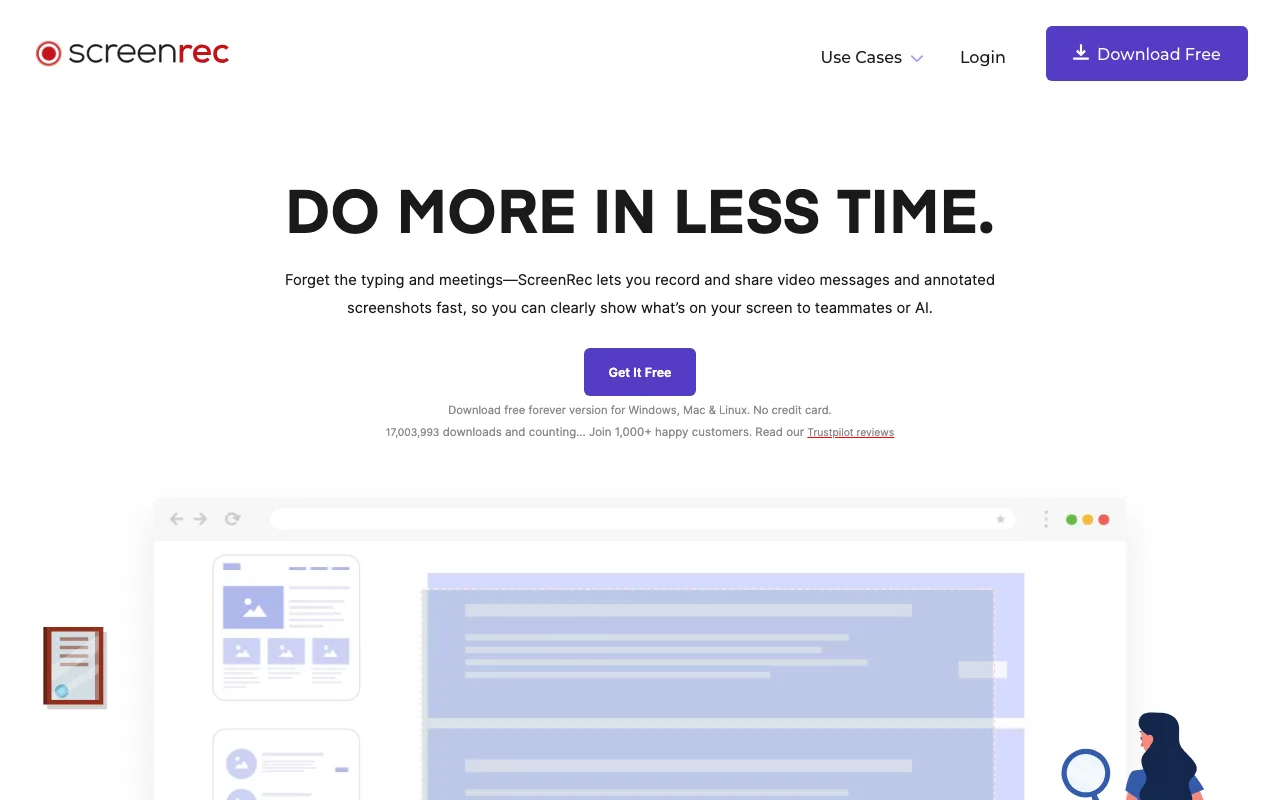
The link is generated the moment recording stops — no manual upload or hosting configuration required. ScreenRec captures full-screen or region video alongside front-facing camera, microphone, and internal system audio in one pass, covering technical walkthroughs that require all four inputs.
No editing tools are built in, which suits use cases — bug reports, dev walkthroughs, quick support clips — where the raw recording is the complete deliverable.
Limitations: 2 GB of free cloud storage fills quickly for users recording multiple long sessions per week. The Mac app is available but less feature-complete than the Windows version. No mobile app exists. The absence of editing means a full re-record is required for any mistake.
Screencastify — Best for Teachers and Google Classroom Workflows
Screencastify is a Chrome extension that installs in under one minute, records screen, webcam, or both, and saves directly to Google Drive with a shareable link — free for up to 30 recordings at a 5-minute cap per video. Best for: teachers and students building assignment-based video workflows inside Google Classroom.
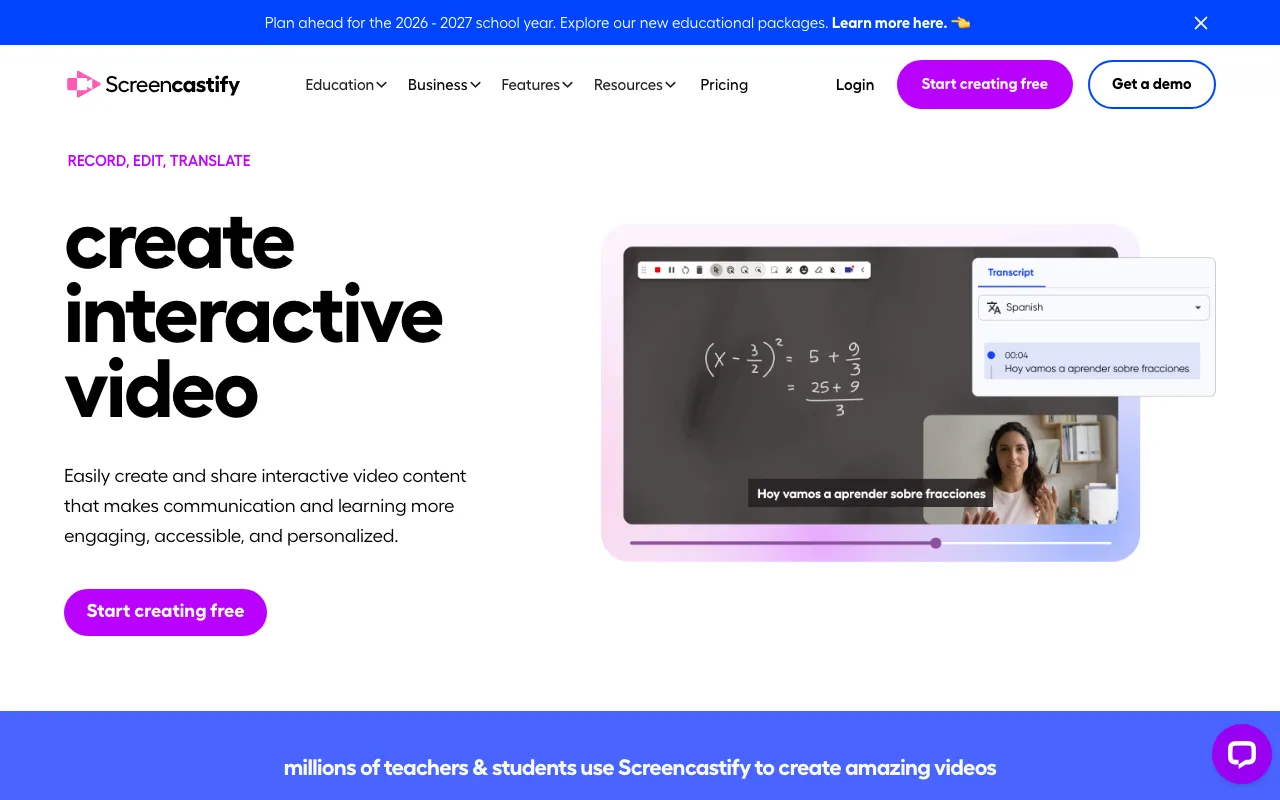
Native Google Classroom integration lets teachers post recordings as assignments and receive video responses from students without leaving the browser. The $3/mo Unlimited plan removes the recording count and time caps, adds MP4 export, and unlocks viewer analytics — the lowest paid entry point in this comparison.
Built-in quiz tools let teachers embed questions directly into recordings, with student responses tracked from the same dashboard. No system-level permissions or desktop download are required to start recording.
Limitations: Screencastify runs in Chrome only — Firefox, Safari, Edge, and standalone desktop use are unsupported. The 30-recording free cap requires active management to stay under the limit. No offline recording mode is available. Webcam capture quality is lower than dedicated desktop or native screen capture apps.
ScreenPal — Best for Cross-Platform Teams (Windows, Mac, iOS, Android)
ScreenPal provides native apps on Windows, Mac, iOS, and Android — the only tool in this comparison with full mobile recording support — with a free tier offering 15-minute recordings and a watermark-free hosted shareable link. Best for: cross-platform teams who record across desktop and mobile on a single subscription.
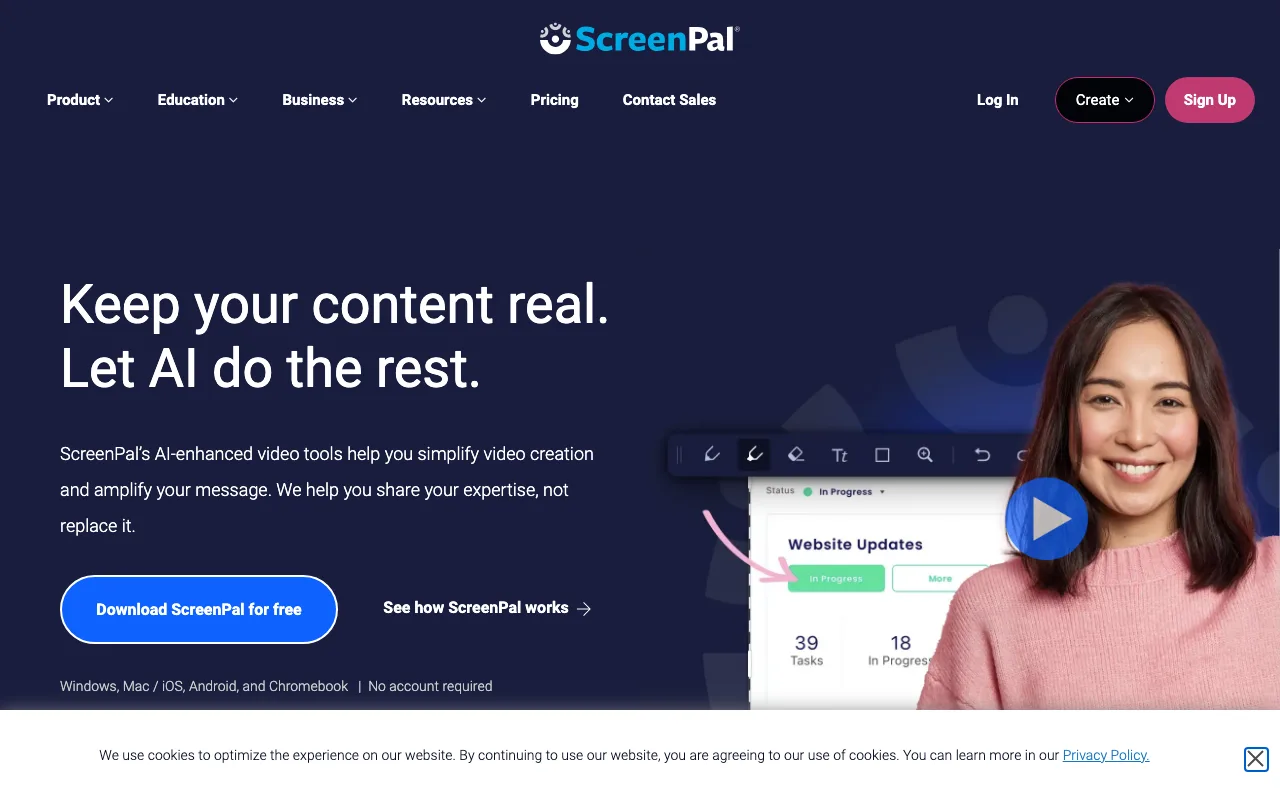
The free-plan watermark applies to locally downloaded video files only; the hosted shareable link is watermark-free at no cost. Solo at $4/mo removes the watermark from exported files, adds 4K recording, auto-generated captions that sync with recording audio, and a stock footage library for post-production.
The Android app supports full screen recording with voiceover, reaching mobile-first workflows that no other tool in this comparison covers. Caption generation on paid plans processes audio automatically after recording — no manual transcript editing required.
Limitations: Downloaded free-tier files carry a watermark — share via hosted link to avoid it. The 15-minute cap affects longer training or walkthrough recordings. The interface includes more configuration options than simpler tools, requiring more initial setup time. Mobile app functionality is more limited than the desktop version.
Key Takeaways
- ShareRec ($8/mo Pro): instant shareable links on every tier with no upload step — videos auto-expire in 30 days by default, keep any forever in one click; free plan keeps your 25 most recent videos; Pro/Business add unlimited videos.
- Loom (~$15/mo/seat): 93M+ recordings processed; AI transcripts and chapter markers on paid plans.
- ScreenRec (Free): unlimited recordings, 2 GB cloud storage, instant shareable link — best zero-cost option for Windows.
- Screencastify ($3/mo): Chrome-only, 30 free recordings, native Google Classroom integration — lowest paid entry point.
- ScreenPal ($4/mo): native apps on Windows, Mac, iOS, and Android — only tool with full mobile recording support.
- Free expiry flexibility: ShareRec videos auto-expire in 30 days by default on every tier — keep any forever in one click; Loom free links expire after 90 days — ScreenRec, Screencastify, and ScreenPal have no stated expiry.
- Edit-before-share: available on all tools except ScreenRec, which shares recordings as captured.
Frequently Asked Questions
What is the best free screen recorder with a shareable link?
ShareRec suits sales teams and async demos — a 5-minute free cap, an instant shareable link with no upload step, trim and clip editing, and account required on all tiers; videos auto-expire in 30 days by default (keep any forever in one click), and the free plan keeps your 25 most recent videos. Loom is best for AI-powered team messaging with a 25-video free cap and 90-day link expiry. ScreenRec offers unlimited free recordings for Windows users with a link generated instantly on save.
How long do free shareable recording links stay active?
ShareRec videos auto-expire 30 days after recording by default on every tier — Free, Pro ($8/mo), and Business ($12/mo) — and you can keep any video forever in one click, set a custom window (Never / 24 hours / 7 days / 30 days), and you're emailed 3 days before anything is deleted. Loom free links expire after 90 days. ScreenRec, Screencastify, and ScreenPal do not publish a stated expiry period for hosted links on their free plans.
Can I edit a screen recording before sharing the link?
ShareRec offers trim and clip on all tiers including Free. Loom provides basic trim on its free plan. ScreenPal adds trim and annotations on paid plans ($4/mo Solo). Screencastify includes basic trim at no cost. ScreenRec has no editing tools — recordings share exactly as captured.
Which free screen recorders add a watermark to the video?
ShareRec, Loom, ScreenRec, and Screencastify apply no watermark on free-tier recordings. ScreenPal adds a watermark to locally downloaded video files on the free plan; the hosted shareable link itself is watermark-free. Teams can share ScreenPal recordings via hosted link at no cost without a visible watermark.
Does a free screen recorder work on both Windows and Mac without downloading software?
Screencastify is a Chrome extension — no separate install required, runs on any OS with Chrome. ShareRec and Loom use lightweight browser clients. ScreenRec has a Windows-first desktop app with Mac support available. ScreenPal provides native desktop apps for both Windows and Mac, plus iOS and Android apps.
Try it free
Record your first walkthrough free in 30 seconds
No install, no watermark — share a link instantly.
Start Recording Free