Best Async Video Messaging Tools: 5 Top Picks (2026)
Quick Answer
ShareRec is the top pick for quick share links that expire on their own among async video messaging tools, alongside Loom, Berrycast, Vidyard, and Emovid. Async video messaging means recording a video once and sharing a link so the recipient watches on their own schedule, with no live call required. ShareRec delivers a no-upload shareable link the moment recording stops and works entirely in the browser — best for sales demos, support walkthroughs, and one-off recordings you don't want living online forever. Loom is best for all-in-one async video messaging, pairing free transcripts on every tier with a mobile app and AI summaries on its top plan. Berrycast is best for remote team screen and video communication, combining a screen recorder with async messaging in one Windows/Mac tool. Vidyard is best for sales video prospecting and follow-ups, built for reps sending personalized clips with viewer-level tracking on its paid tiers. Emovid is best for AI-assisted personalized video messaging, built to replace email threads and meetings with individual video messages across sales, support, and internal comms.
What Is Asynchronous Video Messaging?
Asynchronous video messaging means recording a video once and sharing a link, so the recipient watches, replies, or acts whenever it fits their schedule — no calendar invite, no shared time zone. A sales rep records a two-minute product walkthrough after a demo call; the prospect watches it that evening and replies the next morning.
This differs from synchronous meetings, which require both people online at the same moment, and from async text messaging, which loses tone, facial expression, and on-screen context. Video adds a face, a voice, and a live view of a screen; text only adds words. Teams use async video to replace routine status meetings and repetitive pitches with a recording watched on the viewer's own time.
Async Video Messaging Tools Compared
ShareRec, Loom, Berrycast, Vidyard, and Emovid each solve a different async video messaging job, from links that expire on their own to sales prospecting to AI-assisted personalized messaging. Pricing runs from free tiers up through Loom's $18/user/mo Business plan and Emovid's seat-based Business pricing, and platform, free-tier limits, and key features for each tool sit in the table below.
| Tool | Best For | Key Feature | Pricing | Free Tier | Platform |
|---|---|---|---|---|---|
| ShareRec | Links that expire on their own | No-upload shareable link, ready the moment recording stops | Free / Pro $8/mo ($6/mo annual) / Business $12/mo ($10/mo annual) | Yes — account required, 5-min cap, 720p, keeps 25 most recent videos, no watermark | Browser-based, no install |
| Loom | All-in-one async video messaging with AI features | Transcripts free on every tier; AI summaries on Business+AI | Free / Business $18/user/mo (save up to 17% billed annually) / Business+AI $24/mo | Yes — 25 videos max, 5-min cap, up to 50 workspace members | Desktop app, browser extension, mobile app |
| Berrycast | Remote team screen + video communication | Combined screen recorder and async video messaging in one tool | Free / Pro $9.99/user/mo | Yes — up to 10 videos/month, includes annotation and trimming | Windows and Mac desktop app, plus a Chrome extension |
| Vidyard | Sales video prospecting and follow-ups | Personalized sales videos with viewer-level watch analytics (paid tiers) | Free / Starter $89/seat/mo ($59/seat/mo annual) / Teams & Enterprise custom-quoted | Yes — a limited free plan (its own pages disagree on the exact cap), 30-min cap, no analytics | Chrome/Edge extension or Mac/Windows app, email/CRM integrations |
| Emovid | AI-assisted personalized video messaging | AI summaries, transcripts, and translation on personalized video messages | Seat-priced Business plan published on emovid.com — check for the current rate | Free trial offered; confirm current free-plan availability | Web-based, record and share from any device |
ShareRec: Best for Links That Expire on Their Own
ShareRec generates a no-upload shareable link the moment recording stops, directly from the browser. Best for: sales demos, support walkthroughs, and one-off recordings that need a link that expires by default instead of living online forever.
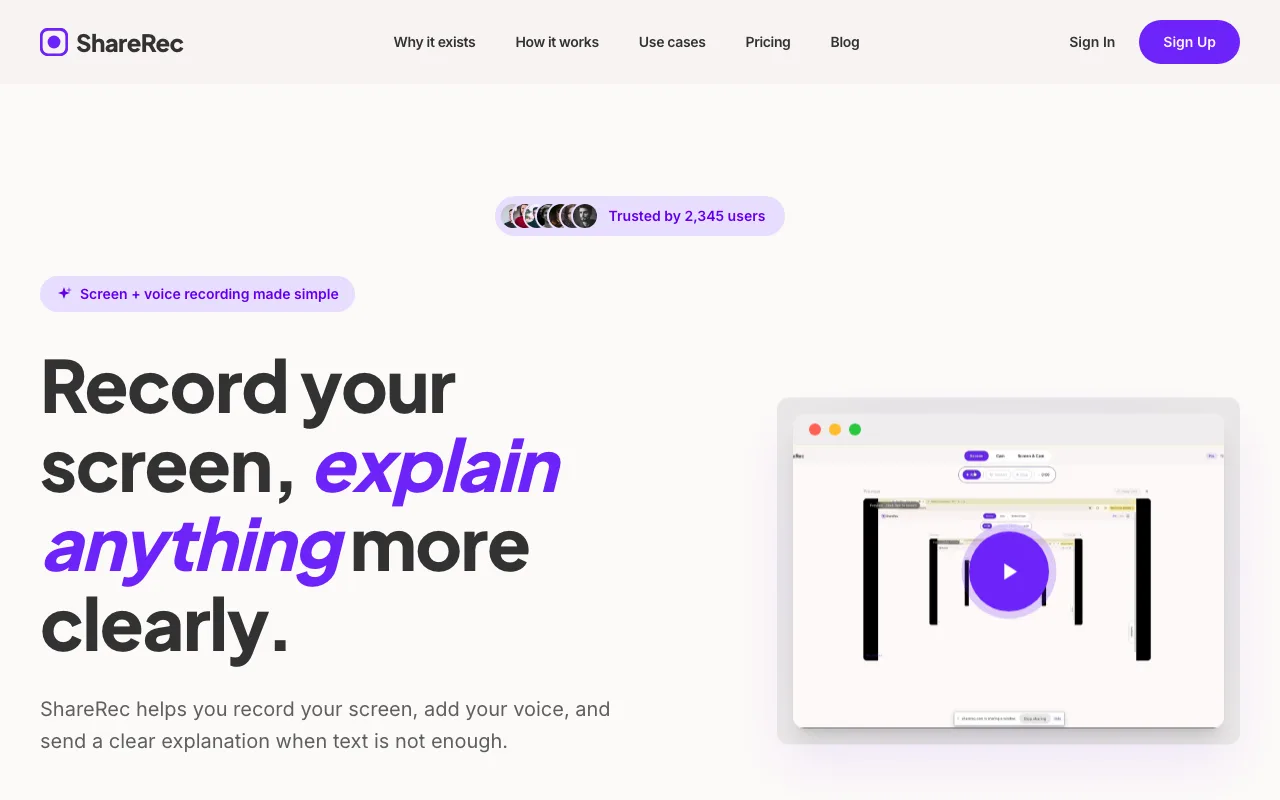
Recording starts with no software install, which matters on locked-down corporate laptops where IT blocks new app installs. All three recording modes — screen, webcam, and combined screen-plus-webcam bubble — are available on every tier, including Free. Every plan requires an account; there's no link-and-record without signing in.
Link expiry is flexible per video: links expire after 30 days by default, and a one-click action switches any video to Never, 24 hours, or 7 days instead. That default keeps a one-off recording from sitting online indefinitely by accident.
Share links are unlisted, not password-protected: anyone with the link can watch until it expires or you delete it. If you need passwords or viewer restrictions, use a tool that offers them.
Editing is trim and clip only — ShareRec has no annotation or drawing tool and no AI transcripts, summaries, or chapters on any tier. Teams that need transcripts or AI summaries get them from Loom instead.
The Free tier caps recordings at 5 minutes, records at 720p, and keeps the 25 most recent videos with no watermark. Pro runs $8/mo ($6/mo billed annually) — less than half of Loom's Business plan ($18/user/mo) — and Business runs $12/mo ($10/mo billed annually).
Loom: Best for All-in-One Async Video Messaging
Loom pairs transcripts on every tier with a mobile app and AI summaries on its top plan, making it the most complete all-in-one async video messaging tool. Best for: teams that want recording, AI-assisted editing, and cross-platform access in one product.
The Free plan supports up to 25 videos, a 5-minute cap per recording, and up to 50 workspace members — enough for a small team to trial async video across several people. Loom records via desktop app, browser extension, or mobile app, so a message can be sent from a phone as easily as a laptop.
Transcription and auto titles are included on every plan, including Free, in 50+ languages — so every recording becomes searchable text without paying extra. The deeper AI layer is gated: auto summaries and auto chapters require the Business+AI plan. That combination, plus Loom's broad ecosystem of integrations, is a genuine advantage over lighter recorders that only capture video.
There is no "Loom Pro" tier — the cheapest paid plan is Business, at $18/user/mo billed monthly (with up to 17% off for annual billing). Business+AI adds deeper AI features for $24/mo. Both paid tiers remove the Free plan's 25-video cap and 5-minute recording limit.
Berrycast: Best for Remote Team Screen and Video Communication
Berrycast combines a screen recorder and async video messaging in a single Windows and Mac app built for remote team communication. Best for: distributed teams that want one tool for both screen capture and video messages instead of separate recording and sharing apps.
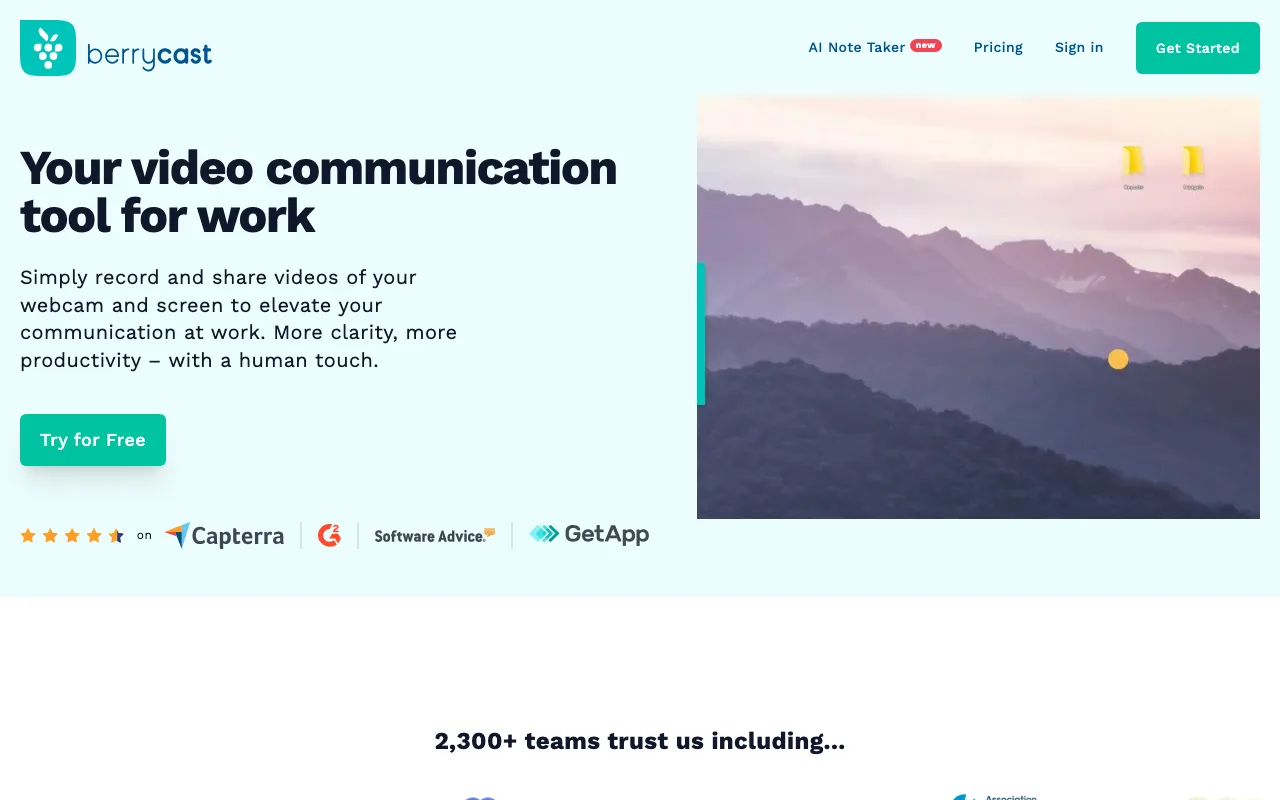
Recording and sharing live in the same interface, so a teammate captures a screen walkthrough and sends the link without switching between a separate recorder and an upload step. That combined workflow targets remote teams replacing daily standups and short status updates with recorded video instead of a live call.
Berrycast positions itself around team communication rather than sales prospecting, which puts it closest to Loom in use case. It runs as a desktop app on Windows and Mac, with a Chrome extension alongside it.
The free plan covers up to 10 videos per month and includes annotation and trimming — notably, annotation is something ShareRec does not offer on any tier. Pro runs $9.99 per user per month and adds unlimited recordings, custom branding, a custom URL, password-protected videos, and file uploads. There's also a 14-day full-feature trial for teams that want to test the paid tier first.
Vidyard: Best for Sales Video Prospecting and Follow-Ups
Vidyard is built for sales teams recording personalized async video messages for prospecting and follow-ups, with viewer-level watch analytics on its paid tiers. Best for: outbound reps who need to know whether a prospect opened and watched a video, not just whether an email was opened.
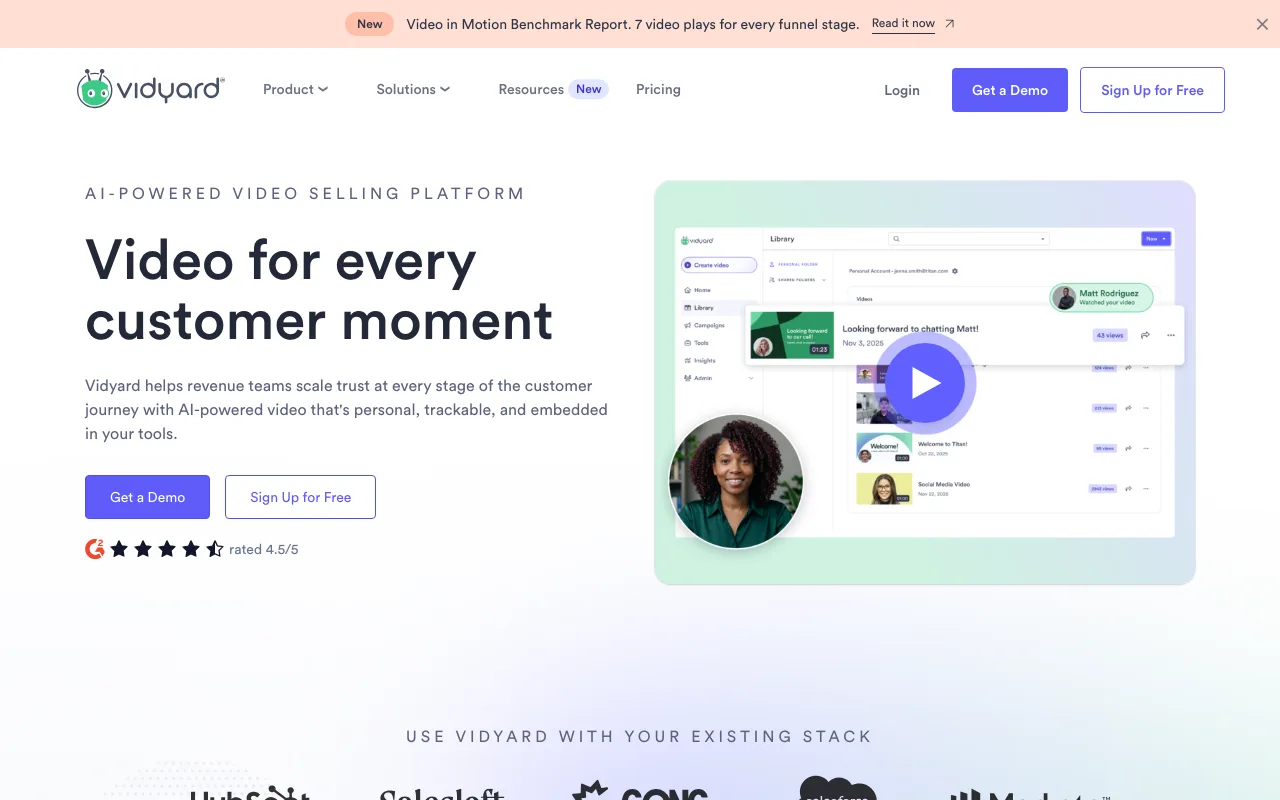
Reps record a short, personalized clip referencing a prospect's name, company, or specific pain point, and send it in place of a cold email or LinkedIn message. On a paid plan, Vidyard tracks watch behavior per viewer, so a rep can see whether a prospect watched the first ten seconds and dropped off or watched to the end.
Read the tiers carefully before committing, because the analytics are the reason to buy and they are not on the free plan. Free is a limited plan (its own pages disagree on the exact monthly video cap) with a 30-minute recording cap and lists Basic Analytics — view notifications and view counts — as not included. Paid Starter, published at $89/seat/month ($59/seat/month billed annually), adds full video analytics, password-protected videos, and a branded sharing page, with a 14-day trial. Salesforce and HubSpot integrations start higher up, on the custom-quoted Teams plan.
Recording with email and CRM integrations lets a rep record and insert a video link without leaving their inbox. That workflow fit is why sales teams choose Vidyard over general-purpose recorders: the analytics are built specifically around a follow-up sequence, not general team messaging.
Emovid: Best for AI-Assisted Personalized Video Messaging
Emovid is an AI-enhanced async video messaging platform built to replace email threads and meetings with personalized, individual video messages. Best for: teams that want AI summaries, transcripts, and translation layered on top of one-to-one video messages across sales, support, and internal communication.
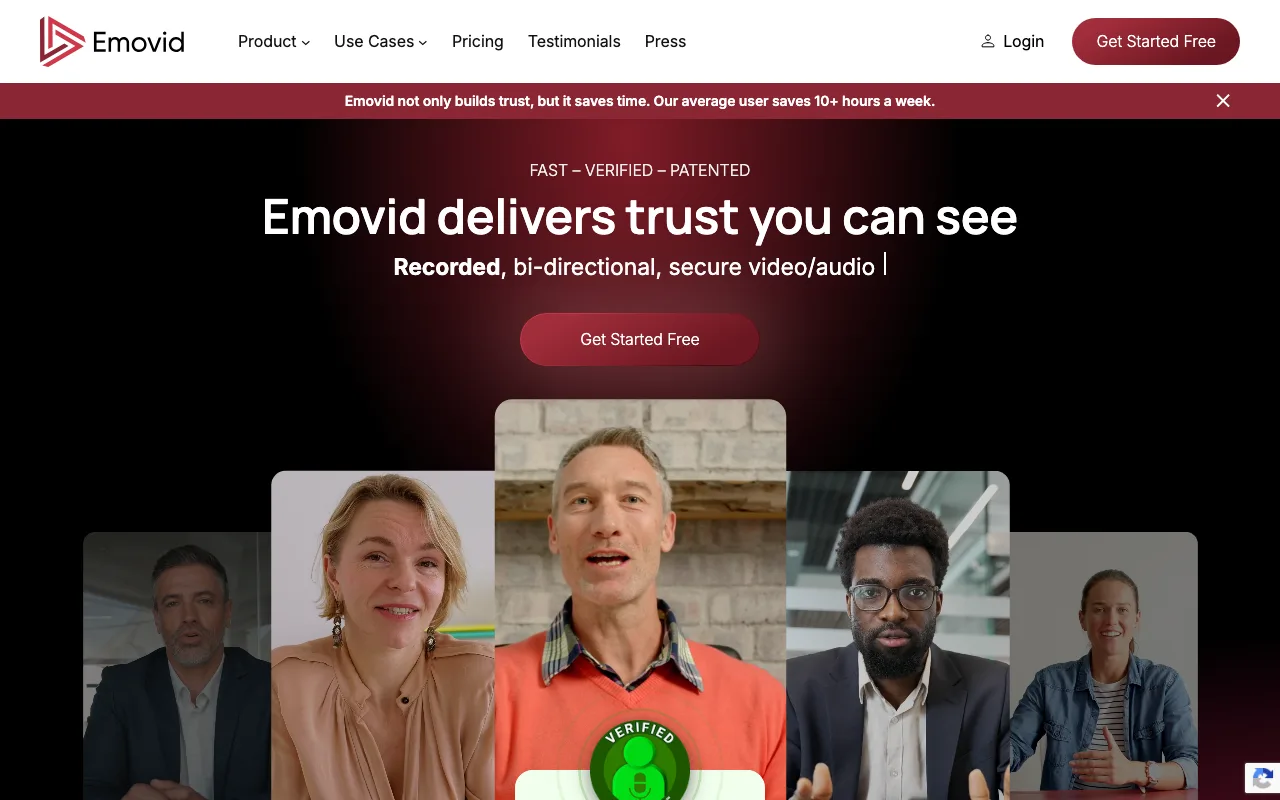
The platform is built around personalized individual messages rather than mass broadcast — a rep, support agent, or manager records a message for a specific person, and Emovid layers AI on top of it. Its own positioning is cutting down on emails and meetings through those one-to-one messages, and it spans sales outreach, customer support, internal communication, and marketing.
The AI layer is the differentiator against a plain recorder: summaries, transcripts, and translation across 60+ languages, so a message sent to a colleague in another language arrives readable in theirs. Emovid also markets itself to regulated teams, with dedicated healthcare and government offerings.
It's used across company sizes, from freelancers and startups through to large enterprises, and runs on the web so a message can be recorded and shared from any device. Emovid publishes seat-based pricing for its Business plan on its own site, and offers a free trial — check emovid.com/pricing for the current rate and to confirm what the free tier includes, since the published figures move.
Key Takeaways
- ShareRec delivers a no-upload shareable link the moment recording stops, with a 30-day default expiry and one-click keep-forever.
- Loom includes transcripts on every tier and adds AI summaries on Business+AI; Free plan caps at 25 videos, 5 minutes each.
- Berrycast combines a screen recorder and async video messaging in one Windows/Mac app; Free covers 10 videos a month, Pro is $9.99/user/mo.
- Vidyard tracks viewer-level watch analytics for outbound prospecting, but those analytics start on its paid tiers, not the free plan.
- Emovid layers AI summaries, transcripts, and 60+ language translation onto personalized one-to-one video messages.
- ShareRec is browser-based with no install; Vidyard, Loom, and Berrycast record via a desktop app or extension.
- ShareRec, Loom, Berrycast, and Vidyard all offer a free plan; paid tiers unlock longer recordings, AI features, or team-scale analytics.
Frequently Asked Questions
What is asynchronous video messaging?
Asynchronous video messaging means recording a video once and sharing a link, so the recipient watches, replies, or acts on their own schedule instead of joining a live call. It replaces meetings and cold emails with a recorded message the viewer opens whenever it's convenient.
What is the best app for sending video messages?
The best app depends on the job: Loom for all-in-one messaging with transcripts on every tier and a mobile app, ShareRec for a quick no-upload link that expires on its own, and Vidyard for sales prospecting with viewer-level watch analytics on its paid plans.
How do I record and share a video message?
Open a browser-based recorder like ShareRec, choose screen, webcam, or both, and record. Most tools generate a shareable link within seconds of finishing — ShareRec's link is ready the moment recording stops — that gets pasted into an email, chat, or CRM.
Are there free async video messaging tools?
Yes. ShareRec, Loom, Berrycast, and Vidyard all offer free plans, though each requires creating an account. ShareRec's free tier caps recordings at 5 minutes and keeps 25 videos; Loom's caps at 25 videos and 5 minutes; Berrycast's covers 10 videos a month; Vidyard has a limited free plan (its own pages disagree on the exact cap) without analytics.
Which async video tool is best for sales teams?
Vidyard is built specifically for sales video prospecting and follow-ups, tracking viewer-level watch analytics so reps know whether a prospect watched — though those analytics require a paid plan, not the free tier. ShareRec suits sales demos that need a link that expires by default instead of an uploaded file or a generic screen recorder.
Do async video tools integrate with Slack and Teams?
Loom's browser extension and desktop app fit directly into Slack and Teams workflows through link sharing. ShareRec, Berrycast, Vidyard, and Emovid all produce shareable links that paste into any chat tool, so the right async video messaging tool depends more on recording features than the integration itself.
Try it free
Record your first walkthrough free — no install needed
No install, no watermark — share a link instantly.
Start Recording Free